Kling Motion Control: Plan a Controlled Dance or Character Clip
Kling motion control is easier to evaluate when you treat it as a reference-matching problem, not a promise of a perfect dance reproduction. The reference supplies the motion idea; the image or character supplies the subject; your job is to keep the scene simple enough that the movement remains readable. For a repeatable social format, start with an AI dance video template. For a custom source image, begin in the AI video generator.
Last updated: July 15, 2026 - about 7 min read
What motion control needs from you
Motion control tries to transfer the rhythm, pose changes, or general movement pattern from a reference to a target subject. It has less room to succeed when the target image has a crowded background, hidden limbs, transparent clothing, fast cuts, or very tiny details that must stay exact.
Prepare three things before a test:
- A target image with a visible, fully clothed subject and clear body outline.
- A short reference motion that has one dominant action rather than several cuts.
- A sentence describing what must remain stable: identity, outfit, setting, camera, or product.
This turns a vague request such as "make this person dance" into a reviewable test.
Keep the reference short and readable
A good reference does not need to be dramatic. A weight shift, two arm movements, a turn, or a simple step is enough for a first pass. Avoid chaining a spin, floor move, whip pan, jump, crowd interaction, and outfit change in one reference. If you cannot explain the move in one sentence, split it into separate clips.
Try a controlled brief:
Use the target image as the visual identity. Follow the reference's simple upper-body rhythm and side step. Keep the person's face, fully clothed outfit, lighting, background, and camera framing stable. Use smooth natural motion. Avoid new people, readable text, logos, sudden scene changes, and rapid camera movement.
The prompt does not replace the reference. It tells the system which elements should not be sacrificed to make the movement more dramatic.
| Review point | What to watch | What to change if it fails |
|---|---|---|
| Body outline | Arms and legs remain readable | Use a less occluded target image |
| Identity | Face and hair stay stable | Shorten the motion and simplify the scene |
| Rhythm | The main beat stays recognizable | Use a shorter reference segment |
| Camera | The view does not invent a new shot | Ask for a fixed or gentle camera |
| Ending | The final frame gives a clean edit point | Reduce the final action |
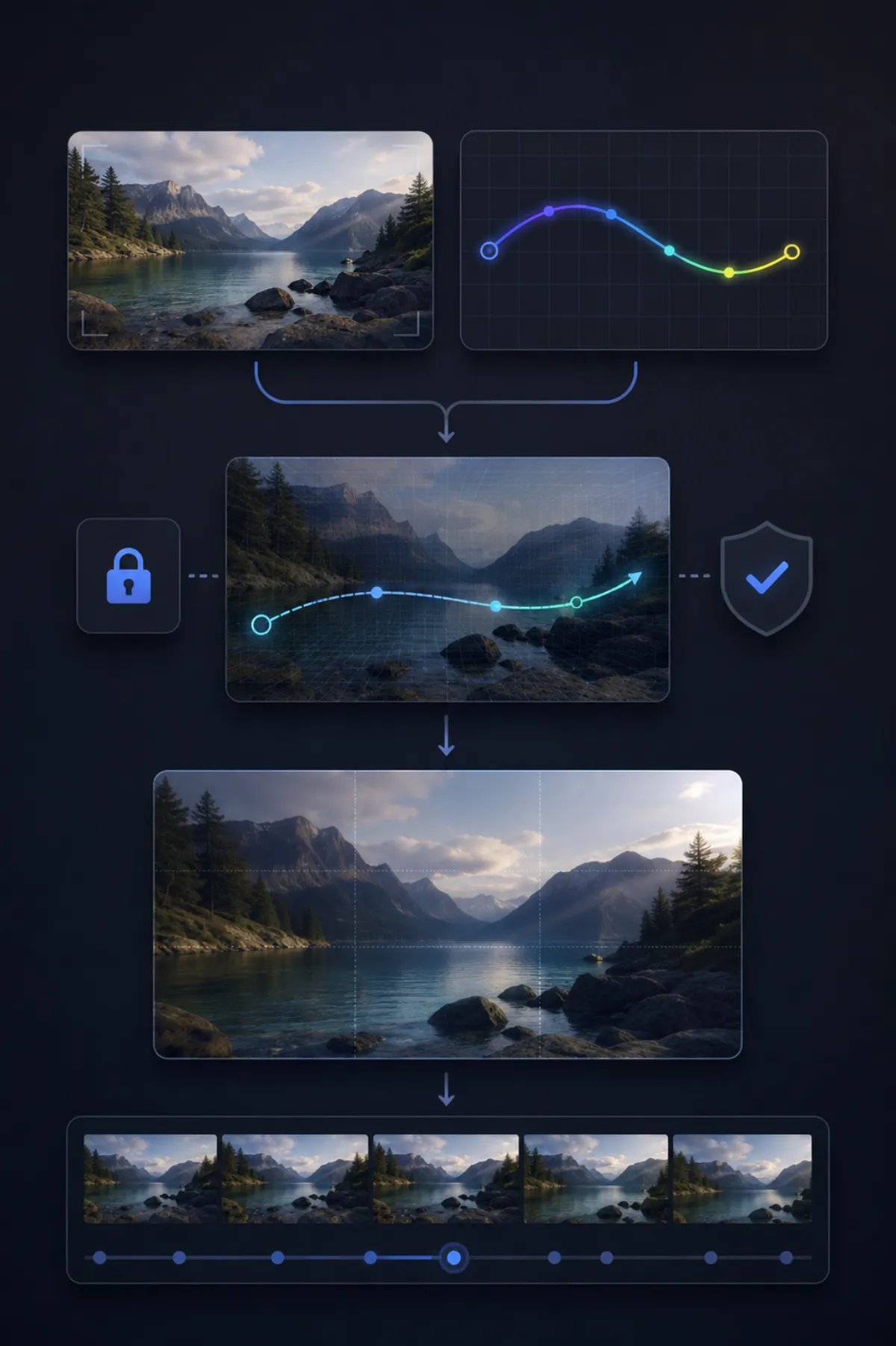
This AI-generated workflow visual explains the planning process. It is not a claimed Kling result and it deliberately uses a different information layout from the cover.
Know when a template is the faster choice
If the result needs to land in a known social format, a template is often more efficient than a custom motion-control run. The template already has timing and framing; you personalize the source. Choose a custom workflow when the target image, setting, or movement is genuinely your own and the visual identity matters more than reproducing a trend.
For more options, explore AI video templates and character swap. Keep permissions in mind: use reference clips and target images you are allowed to use, and do not use a person's likeness without their consent.
Do a stability pass before you keep a clip
Replay the test slowly. Look for hands, face, neckline, edges of the subject, and the background. Then watch at normal speed to see whether the movement feels intentional. A controlled result is one that makes a clean clip, not one that copies every reference frame perfectly.
For related source-photo guidance, see how to make realistic AI videos. Access and controls can change across model versions, so verify the current product options before you commit a large batch.
Frequently asked questions
What is Kling motion control?
It refers to a reference-led AI video workflow where a target subject follows a motion pattern from another clip. The useful goal is controlled, readable movement rather than a frame-perfect copy.
What makes a good motion reference?
Use a short clip with one dominant action, clear limbs, and few cuts. A simple step, turn, or arm rhythm is a better first reference than a crowded or fast-moving sequence.
Can I use any person's image or dance clip?
Use only images and references you have permission to use. Obtain consent for a person's likeness, and review the applicable platform terms before publishing or commercial use.
Start with one movement you can describe
Open the AI video generator, pair a clear source with a short reference, and keep the first render small enough to review honestly.