Is AI Video Generation Free? What It Really Costs in 2026
Yes and no. Most AI video tools have a free tier, but "free" usually means watermarks, lower resolution, short clips, slower queues, and daily caps. You can make real clips without paying, and ClipTrend.ai gives you free credits to try image-to-video. What you won't find anywhere in 2026 is generous, unlimited, full-quality output for $0.
Last updated: June 23, 2026
What does "free" actually mean for AI video?
A tool that says "free" almost never means "make whatever you want, forever, at full quality." Generating video chews through compute, so platforms cap the free tier to protect their costs. Free usually arrives with some mix of strings attached:
- Watermarks stamped on every clip
- Lower resolution (often 480p or 720p instead of 1080p)
- Short clip limits (commonly 3-6 seconds per generation)
- Slower queues, so paying users render first
- Daily or monthly caps on how many clips you can make
- Fewer models or styles than the paid plans unlock
None of that makes free tiers useless. They are genuinely good for testing a tool, animating a single photo, or making one clip for fun. The trick is knowing the limits before you build a workflow around them.
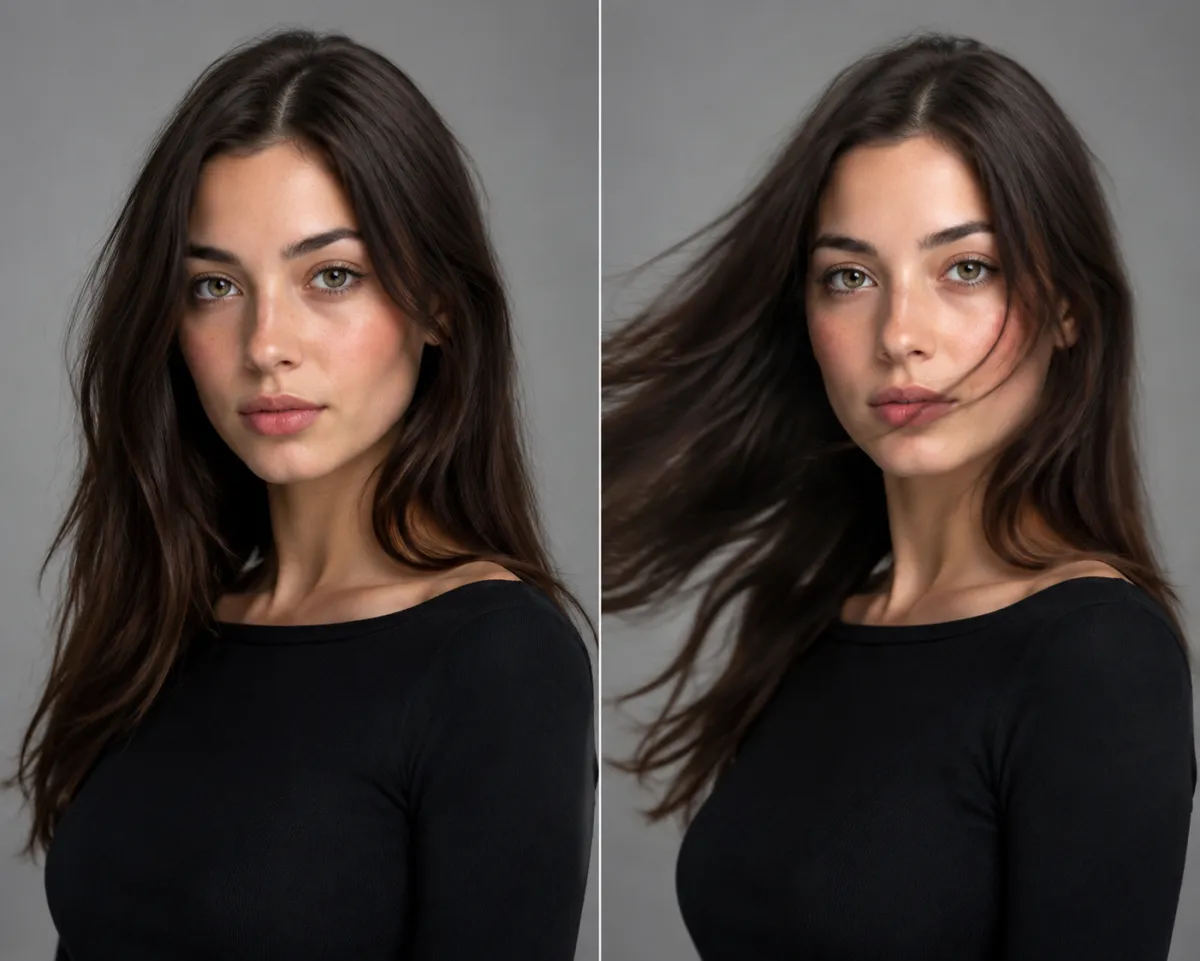
A free tier is usually enough to turn one photo into a short clip and see if the quality is what you need.
How do AI video credits work?
Almost every modern tool runs on a credit system rather than charging per video. You get a balance, and each generation spends some of it. That's why the same tool can charge wildly different amounts for two clips that look nearly identical.
A single video costs more credits when it is:
- Longer — a 10-second clip burns more than a 3-second one.
- Higher resolution — 1080p costs more than 720p.
- Made with a heavier model — premium or real-face models eat more compute than basic ones.
Frame rate, motion intensity, and audio can nudge the price up too. So "one video" is never a fixed cost. It's really "this length, at this resolution, on this model," and the credits adjust to match. Once that clicks, pricing on most tools stops feeling random. You can see exactly how it plays out on the ClipTrend.ai pricing page, where credit costs scale with the options you pick.
Free vs. paid: an honest breakdown
Here's roughly how free and paid tiers compare across the AI video tools most people reach for in 2026. Exact numbers vary by platform, so treat the ranges as general guidance, not a promise.
| Feature | Typical free tier | Typical paid tier |
|---|---|---|
| Watermark | Usually present | Removed |
| Max resolution | 480p-720p | 720p-1080p+ |
| Clip length | ~3-6 seconds | Longer clips supported |
| Queue priority | Slower / shared | Faster / priority |
| Daily limit | Capped | Higher or none |
| Model choice | Basic models only | Premium models unlocked |
| Commercial use | Often restricted | Usually allowed |
The honest takeaway: free is great for trying things and making the occasional clip. The moment you need clean 1080p, no watermark, longer videos, or commercial rights, you'll want a paid plan or a credit pack.
So what does a few seconds of video really cost?
In raw compute terms, generating a few seconds of image-to-video is cheap for the platform but not free. Most tools price a short clip somewhere between a few cents and a couple of dollars once you convert credits to real money, depending on resolution and the model. A quick 720p clip from one photo sits near the low end. A longer 1080p clip on a premium model sits near the high end.
That's the whole reason credit systems exist. Instead of charging per video and hitting you with surprises, the tool hands you a balance to spend as you go. Make a handful of clips and a free grant or the smallest pack often covers it. Produce content regularly and a subscription almost always works out cheaper per clip than buying packs one at a time.
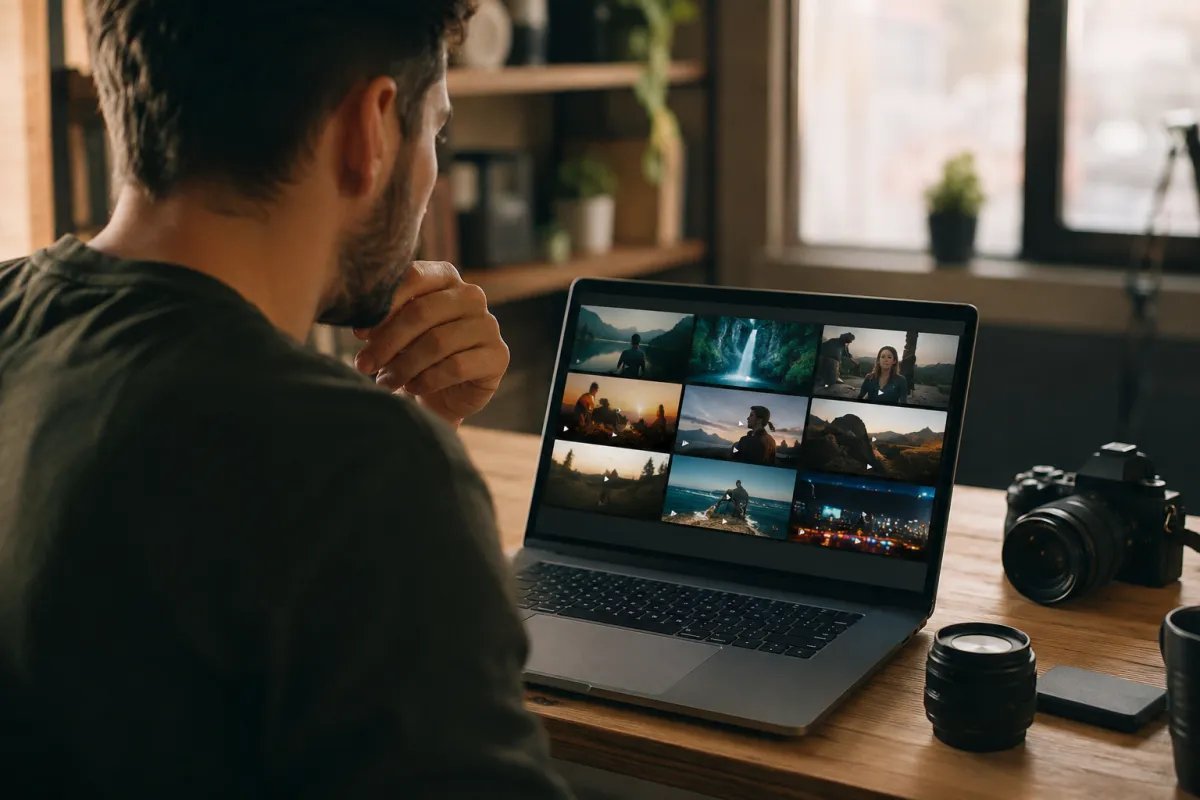
Credits let you spend your balance where it matters: a few test clips, then your final keeper.
How to get the most out of a free tier
Be deliberate and you can stretch a free tier surprisingly far:
- Test the idea cheaply first. Run a quick low-res version to check the motion before spending credits on a polished render.
- Start from a strong photo. A sharp, well-lit, well-composed image gives the model less to fight with, so you waste fewer attempts. Our guide on how to turn a photo into a video with AI walks through picking the right source image.
- Write a clear, specific prompt. Vague prompts mean more retries, and retries cost credits. Describe the motion you actually want.
- Batch your work on capped days. If there's a daily limit, plan which clips matter most so you don't blow your allowance on throwaways.
- Compare tools before you commit. Free tiers are the perfect way to see which model handles your style best. Our roundup of the best AI image-to-video tools helps you narrow it down.
How ClipTrend.ai handles free credits
ClipTrend.ai gives you free credits at signup, so you can turn a real photo into a moving clip without entering a card. That's enough to test the image-to-video quality, see how the motion looks on your own photos, and decide whether it fits what you're making. There's no trick where the free clips look broken on purpose. When you need more volume, higher resolution, or longer clips, you top up with credits or a plan, and the cost scales with the options you choose. Same honest credit logic described above, applied to your account.
Frequently asked questions
Is any AI video generator completely free with no limits?
No. Every tool that says "free" applies some limit, whether that's a watermark, a daily cap, lower resolution, or shorter clips. Unlimited, full-quality video generation for $0 doesn't exist in 2026, because the compute genuinely costs the platform money.
Why does one AI video cost more credits than another?
Because credits track compute, not clip count. Length, resolution, model weight, motion, and added audio all push the cost up. Two clips that look similar can spend very different amounts if one is 1080p on a premium model and the other is 720p on a basic one.
Can I make AI videos without entering a credit card?
Often yes. Many tools, including ClipTrend.ai, give you free starter credits so you can generate without payment details. You only add a card when you want more credits, longer clips, or higher resolution than the free tier allows.
How long are clips on a free AI video tier?
Usually around 3 to 6 seconds per generation, though it varies by platform. Free tiers favor short clips to keep compute costs down. Paid plans typically unlock longer durations.
Are free AI videos watermarked?
Most are. Watermarks are the most common free-tier limitation, because they let platforms ship real output while still nudging you toward an upgrade. Paid plans almost always remove the watermark.
Is free AI video good enough for real projects?
For testing, social posts, and personal clips, often yes. For client work, ads, or anything that needs clean 1080p with no watermark and commercial rights, you'll usually want a paid plan or a credit pack.
Try it for yourself
The fastest way to learn what AI video actually costs is to make one. Try ClipTrend.ai free with your starter credits, animate a photo, and see the quality and the credit cost for yourself before you ever decide to pay.