Best Free AI Video Generators in 2026
The best free AI video generators in 2026 are the few that actually let you finish a clip without paying. Most hand you a sliver of credits, stamp a watermark on the output, or cap you at a few seconds. Our AI video generator gives real sign-up credits so you can judge a full image-to-video clip first.
Last updated: June 21, 2026 · ~7 min read
We test these tools so you don't burn an afternoon finding out the "free" plan was a 4-second teaser. Below is an honest breakdown of which AI video generators have a genuine no-cost tier in 2026 — how many credits you get, whether there's a watermark, how long your clip can be, and what happens the moment it runs out. No affiliate spin, just the limits.
What "free" actually means in AI video (and the "free forever" lie)
One warning before the list, because it saves everyone time: a "free" AI video tool rarely means free video. It usually means one of these:
- A trial: a one-time pile of credits that vanish once spent (Runway, Kling, Veo via Google).
- A daily allowance: a small refill each day, almost always watermarked (Pika, consumer apps).
- A "free forever" tier: real, but throttled — low resolution, watermark, last in the queue, and a hard monthly cap.
The honest callout: if a tool promises "free forever" with no watermark, no sign-up, and unlimited HD video, it's either burning investor money (and will change) or it's not really generating video — it's a slideshow maker. Real AI video costs real GPU time. The fair question isn't "is it free?" but "does the tier let me finish one good clip?"
That's the lens for everything below.
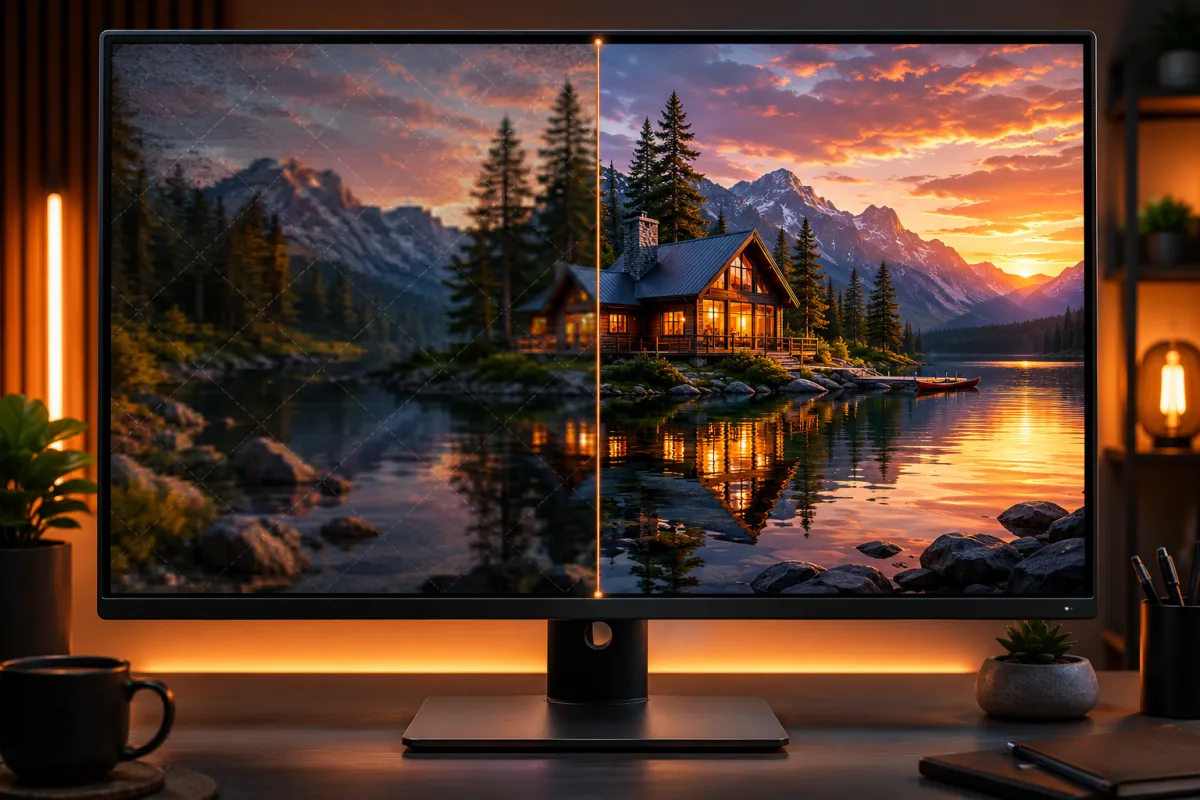
Left: what most no-cost tiers actually output — watermarked and downscaled. Right: the same clip clean, which is usually paywalled.
The best free AI video generators in 2026, compared
Start with the quick comparison. "Free clip" means the most useful thing you can realistically produce without paying. Limits shift constantly, so re-check the current plan before you rely on it.
| Tool | Free credits / allowance | Watermark? | Free clip length | Sign-up needed? | After it runs out |
|---|---|---|---|---|---|
| ClipTrend.ai | Credits on sign-up | No watermark on those credits | Short image/text-to-video clip | Yes (email/Google) | Buy credits or subscribe — see pricing |
| Runway | One-time trial credits | Yes on the plan | A few short Gen-style clips | Yes | Paid monthly plans |
| Pika | Small daily allowance | Yes on the plan | A few seconds per clip | Yes | Paid tiers for HD + no watermark |
| Kling | Daily credits (varies by region) | Yes on the plan | ~5s standard clips | Yes | Paid credit packs / membership |
| Google Veo (via Gemini) | Limited trial inside Google plans | Yes (SynthID + visible) | Short clips, gated by plan | Yes (Google account) | Bundled into paid Google AI plans |
| Luma Dream Machine | Small monthly allotment | Yes on the plan | Short clips | Yes | Paid subscription for more + HD |
A few honest notes on that table:
- None of the big models are truly "no sign-up." Real video generation needs an account to meter GPU usage and enforce safety. When you see "no sign up AI video generator," it's almost always a basic template or slideshow tool, not a true image-to-video model.
- Watermarks are the standard tax on no-cost output. Removing the watermark is the single most common reason people upgrade.
- Budgetable credits beat a one-shot trial. A trial empties once and you're done. Credits you can spread across small test clips.
Six real options, six different definitions of "free." Match the limit to your actual use and you're set.
A closer look at each tier
ClipTrend.ai — free credits, no watermark on the first run
We'll be straight about our own tool. ClipTrend.ai gives you free credits when you sign up, and clips made with them aren't watermarked. Point it at a photo (image-to-video) or write a prompt (text-to-video) and you get a real clip back — enough to judge quality before you commit. When the credits run out, you either buy a credit pack or subscribe. There's no surprise "your video is locked behind a watermark" moment. The honest limit: those credits are finite, so a full multi-clip project will need a plan.
Runway
Runway's starter plan gives you one-time trial credits and watermarked exports. It's a strong, well-known model and great for a first taste, but those credits don't refill. Once you've spent them, you're choosing a monthly plan. Use it to evaluate quality, not to ship a finished series at no cost.
Pika
Pika runs on a small daily allowance, which is genuinely nice for casual experimentation — you get a little every day. The catch is the watermark and the short clip length. If you make one short clip now and then, the daily refill can keep you going indefinitely at no cost. For anything serious, you'll hit the wall fast.
Kling
Kling typically offers daily credits (the exact amount varies by region and promotion) with watermarked output. It's one of the more generous daily allowances and produces solid ~5-second clips. As with the others, HD and watermark removal sit behind paid credit packs or membership.
Google Veo (via Gemini / Google AI plans)
Veo is excellent, but the no-cost path is limited trial access bundled inside Google's plans, often with a visible watermark plus invisible SynthID provenance marking on the output. There's no standalone "Veo free forever" — your access depends on which Google AI tier you're on. Great quality, narrow trial window.
Luma Dream Machine
Luma gives a small number of generations per month, watermarked. The interface is clean and the motion is good, but the monthly count is low, so it's a testing tool rather than a production pipeline.
How to actually finish a free clip (3 steps)
You don't need a paid plan to get one good video out the door. Here's the workflow that wastes the fewest credits:
- Pick one tool and read its real limit first. Decide up front whether you want a trial (one big test) or a daily allowance (small ongoing use). Don't sign up for all six, or you'll spend the day comparing dashboards instead of making a clip.
- Test short before you commit credits. Generate a 3–5 second clip first to check that the motion and identity hold. Credits evaporate on long renders, so prove the prompt works small, then scale up.
- Export, then decide if the watermark matters. If the output is fine for drafts, internal review, or social tests, you're done at no cost. If you need it clean and HD, that's the upgrade decision — and now you're upgrading because the quality earned it, not on a guess.
Credit-saving tip: one sharp input photo or a tight, specific prompt beats a vague one every time. Re-rolling a bad prompt is how people burn a whole allowance in ten minutes. Spend the thinking up front, not the credits.
So which free tool should you pick?
It comes down to the limit you can live with:
- Want sign-up credits with no watermark to judge quality? Start with ClipTrend.ai — you can run a full image-to-video or text-to-video test clip and actually see the clean result.
- Want a small daily refill for casual play? Pika or Kling's daily allowance suits occasional one-off clips (watermarked).
- Want top-tier model quality for one big test? Runway or Veo, knowing the trial window is one-time, not an ongoing tap.
There's no single winner for everyone — only the one whose limit matches what you're trying to make. For testing real image-to-video quality without a watermark in the way, that's where we point people to ClipTrend.ai's sign-up credits.
Frequently asked questions
What is the best free AI video generator in 2026?
There's no universal winner — it depends on whether you want a one-time trial (Runway, Veo), a daily allowance (Pika, Kling), or real sign-up credits you can budget (ClipTrend.ai). For testing image-to-video quality without a watermark on the first run, ClipTrend.ai's sign-up credits are a clean starting point. Always re-check current limits, since these tiers change often.
Is there a free AI video generator with no watermark?
Mostly no — watermarks are the standard "tax" on no-cost tiers because they push you to upgrade. ClipTrend.ai doesn't watermark clips made with your sign-up credits, which is the exception rather than the rule. Most other plans (Runway, Pika, Kling, Luma, Veo) apply a visible watermark until you pay.
Is there an AI video generator that's free with no sign up?
Not for real AI video. Genuine image-to-video and text-to-video models need an account to meter GPU usage and enforce safety policies, so a sign-up is standard. Tools advertising "no sign up" are usually template or slideshow makers, not true AI video generators. Expect a quick email or Google sign-up everywhere worth using.
Are free AI video generators really free, or is it a trial?
Both exist, and the difference matters. A trial gives you a one-time pile of credits that don't come back. A daily allowance refills a little each day. A free tier is ongoing but throttled (watermark, low resolution, caps). "Free forever, no watermark, unlimited HD" is the line to watch for — real video generation costs GPU time, so unlimited-and-clean almost never stays that way.
How long can a free AI video clip be?
Usually short — a few seconds, up to roughly five on most no-cost tiers, because longer renders cost more compute. These plans cap duration to control cost. If you need longer clips, that's typically a paid feature. Test your idea in a short clip first, then extend once you know the prompt works.
What happens when my free credits run out?
You stop generating until you either buy a credit pack or subscribe to a plan. On ClipTrend.ai you can check pricing and pick a credit pack or subscription — there's no forced watermark-lock on your earlier clips. On most other tools, you'll be prompted to upgrade to remove watermarks and unlock HD too.
Can I make a YouTube or TikTok video for free with these?
For short clips and tests, yes — daily allowances and sign-up credits are enough to produce social-length content. The catch is the watermark on most no-cost tiers, which looks unprofessional on a public post. If you're publishing seriously, you'll likely want a paid tier (or ClipTrend.ai's non-watermarked credits) so the final clip is clean.
Which free AI video generator is best for image-to-video?
If your goal is animating a photo, you want a tool with a strong image-to-video path and a first run that doesn't watermark the result while you're judging quality. ClipTrend.ai supports image-to-video on its sign-up credits, so you can upload a photo, animate it, and see the clean output before deciding on a plan.
Related guides
- Best AI Image to Video Generators in 2026 (Tested) — our full tested ranking of image-to-video tools.
- How to Turn a Photo into a Video with AI — the step-by-step image-to-video tutorial.
- AI Image-to-Video Mistakes & Fixes — avoid the errors that waste your credits.
- Image-to-video generator — animate a photo on your sign-up credits.
- Pricing & credits — see exactly what each clip and render tier costs.
Ready to test a real free clip?
Stop guessing whether a "free" plan actually delivers. Grab your sign-up credits, run one real image-to-video or text-to-video clip with no watermark in the way, and decide from there — start with our AI video generator.