How Brands Should Choose AI Video Templates
The best AI video template for a brand is the one that keeps the product, claim, and first-second message easy to understand. A dramatic effect is only useful when the source can support it and the final clip can be edited into an accurate ad. Use AI video templates to test a clear visual structure, then keep verified copy, prices, logos, and product details in the normal editing stage.
Last updated: July 17, 2026 - about 10 min read
Brands often arrive at template libraries with the wrong question: “Which one looks viral?” A better question is: “Which structure helps a viewer understand this product or message before the motion takes over?” A short template can be a good creative accelerator. It can turn a clean product photo into a small reveal, give a founder portrait a repeatable social beat, or help a team test two hooks before paying for a larger shoot.
It cannot prove that a product performs as shown, recreate exact packaging text, provide legal clearance, or turn an unclear strategy into a campaign. AI video ads work best when the brand supplies a real source asset, one honest message, and a plan for how the render will be reviewed and finished.
Match the template to the job
Start with one job for one clip. A product reveal, a feature close-up, a seasonal mood, a founder-led introduction, or a before-and-after explanation may each need a different structure. The template should support that job rather than force every idea through the same effect.
| Brand job | Template direction | What the source must show | What belongs in editing, not generation |
|---|---|---|---|
| Introduce one product | Slow reveal, light sweep, or camera push | Clear silhouette, stable color, room around edges | Product name, price, and exact benefit claim |
| Show a material or detail | Close-up motion or restrained texture reveal | The detail large enough to inspect | Verified material wording and comparison claims |
| Create a seasonal mood | Simple environmental motion around a real product | Product remains the main subject | Offer dates, campaign copy, and legal terms |
| Explain a service | Clear before state and honest visual transition | A real, permitted source and a legible change | Exact instructions, results claims, and disclaimers |
| Build a founder or creator series | Portrait-led template with modest motion | A clear face, consent, and a stable crop | Captions, names, and context for the post |
The table makes a useful distinction: the generator makes a visual beat; the brand owns the factual communication. When the two are separated, AI video ads are easier to revise and less likely to mislead.
Begin with a source asset that can survive motion
A template cannot rescue a product that is tiny, blurry, hidden by props, or covered with must-be-perfect lettering. Use a source image with clear edges, controlled light, and enough empty space for a slight push, reveal, or crop. If the package label must be read, make a verified packshot available for the final edit instead of asking the generated scene to carry the exact text.
For people, use a photo you have permission to animate and make sure the pose suits the expected movement. A close crop of a face may work for a subtle expression or a gentle camera move, but not for a full-body dance template. A product photo may work for a light sweep, but not for a template that depends on hands performing a complicated action.
AI video templates work best when the source and motion agree. That is a creative choice, not a technical limitation to hide with more prompt words.
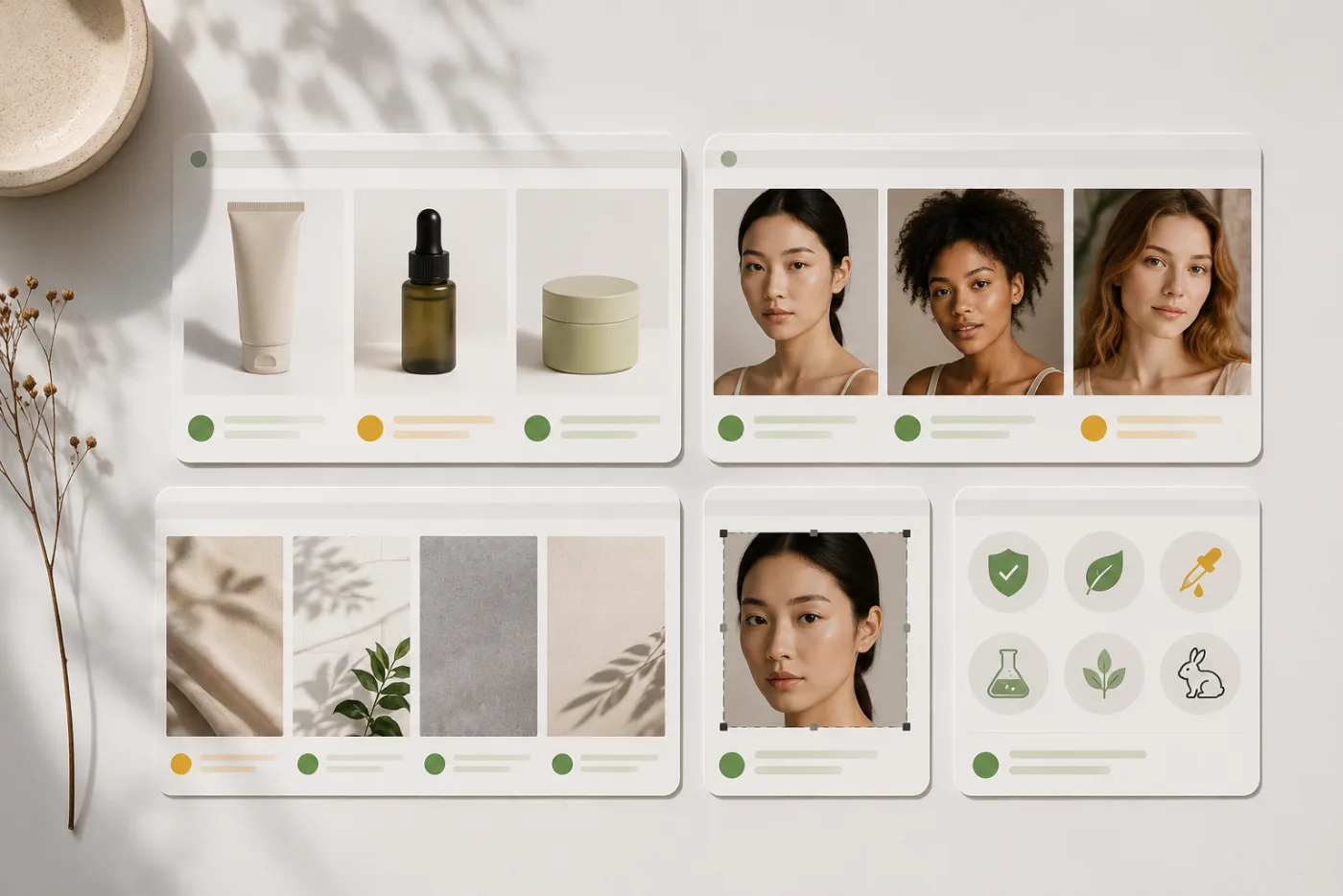
The second image is a quality review structure, deliberately different from the hero’s product-in-frame composition.
Choose the first-second message before the effect
Watch a template with the sound off and imagine your own source inside it. What should a viewer understand before the reveal happens? If the answer is “there is a clean skin-care bottle on a bright shelf,” the source and template need to show that bottle immediately. If the answer is “this person is about to demonstrate a real workflow,” the before state needs to be visible and accurate.
Avoid choosing a format solely because its motion is impressive. Fast scene changes, heavy transformations, and face-driven effects can hide a product or create an accidental claim. The strongest AI video ads often use one modest move: a push-in, a light change, a reveal, a slow turn, or a background shift that leaves the actual subject readable.
If your message needs a precise sequence, start with image to video and a custom prompt rather than forcing it into a template. Templates are efficient when the format is already the idea. They are not a substitute for a story that needs specific steps.
Give the clip a brand-safe review
Before you post, review the render through three lenses: accuracy, rights, and placement. Accuracy means the product’s shape, color, and intended claim are not distorted. Rights means the inputs, people, music, characters, and references can be used for the intended purpose. Placement means the important detail remains visible after crop, captions, UI overlays, and any platform-specific layout.
Ask practical questions:
- Is the product still recognizable during the usable frames?
- Does any generated detail imply a capability or result we have not verified?
- Is a person’s likeness used with permission and in the intended context?
- Does the crop leave room for captions without covering the product?
- Are exact labels, prices, and mandatory copy added outside the generated footage?
- Would a customer misunderstand what is real versus stylistic motion?
If any answer is unclear, the right next step may be a different source image or a normal edit, not another random render. The product launch video template guide gives a related workflow for keeping the product central.
Test variations like a brand, not a slot machine
Run a small controlled experiment. Keep the product source and intended message stable, then change one variable: template rhythm, first frame, camera direction, or crop. Compare the versions on the measure that matters: product recognition, click-through intent, message recall, completion, or the quality of feedback from a client or internal reviewer.
Do not generate a dozen variations with no hypothesis. That creates visual noise and makes it hard to learn why a clip worked. A simple record is enough: purpose, source, template, first-second message, change made, and review result. Over time, that record is more valuable than a library full of unexamined effects.
For a small brand, two versions are often enough for a first decision. One might use a quiet product reveal. The other might use a slightly faster opening with the same product and same message. If both make the product harder to identify, the template family is wrong for the job.
Know when not to use a template
Use real footage, photography, or a standard editor when the project requires exact product demonstration, legible small text, regulated claims, a specific person’s performance, or a factually precise sequence. A generated video can be beautiful and still be the wrong evidence for an instruction or a promise.
That does not make the template useless. It can still create an atmospheric opener, a transition, a concept storyboard, or a quick internal mockup. The important thing is to label and use it according to what it actually is. Do not let a stylish treatment turn into an accidental representation of a real feature.
A practical selection workflow
- Name the single job the clip must do.
- Choose a clear, permitted source asset.
- Check whether the template’s first frame supports the message.
- Generate one restrained version with the product or person readable.
- Make one controlled variation.
- Add verified text, logos, pricing, and claims in an editor.
- Complete an accuracy, rights, and crop review before publishing.
This workflow is deliberately modest. It helps a brand use AI video templates for speed without assigning them responsibilities they cannot meet.
FAQ
Are AI video templates safe for brand marketing?
They can be useful for a controlled creative workflow, but the brand still needs to verify inputs, rights, product representation, and final claims. Treat the template as a visual production tool, not automatic approval for every asset or message.
Can an AI video ad show an exact product label?
Generated video is not reliable for small, exact text or packaging details. Use a verified packshot or normal editor for labels, pricing, legal copy, and any factual wording customers need to read.
How many template versions should a brand test?
Start with one clear version and one variation that changes a named element. Add more only when the result answers a specific question about the hook, crop, source, or motion.
What makes a template a bad fit for a brand?
It is a bad fit when it hides the subject, creates an unverified claim, requires a source you do not have permission to use, or leaves no room for the accurate copy and crop your placement requires.
Make the format serve the message
AI video templates can give brands a fast, repeatable starting point for short creative tests. Choose a structure that makes the source and message clearer, test one controlled alternative, and finish the factual brand work outside the generator. Browse AI video templates once you know the job the clip needs to do.