
How the Tropical Vacation AI preset works
A beach portrait in warm afternoon light
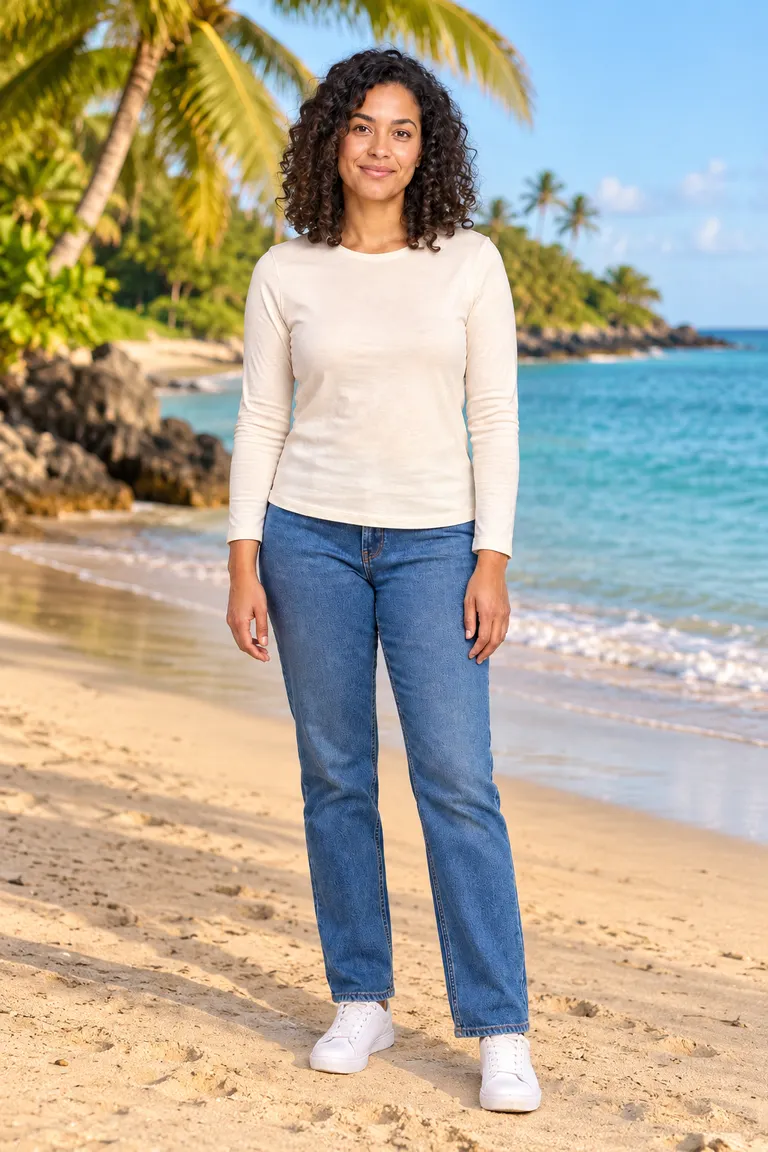
The Tropical Vacation AI preset places you beside a calm tropical shore. Turquoise water and palms establish the setting, while soft light on the face and clothing helps the subject fit the scene. A pale shirt can pick up a little warmth from the sun. The distant water and palms stay soft so the person remains the focus. The output is a vertical still that works well for a story, a mood board, or a travel-themed invitation. The tropical backdrop is generated, so the shape of the shore and the placement of the palms can look different from one edit to the next.
Choose a portrait where you look like yourself
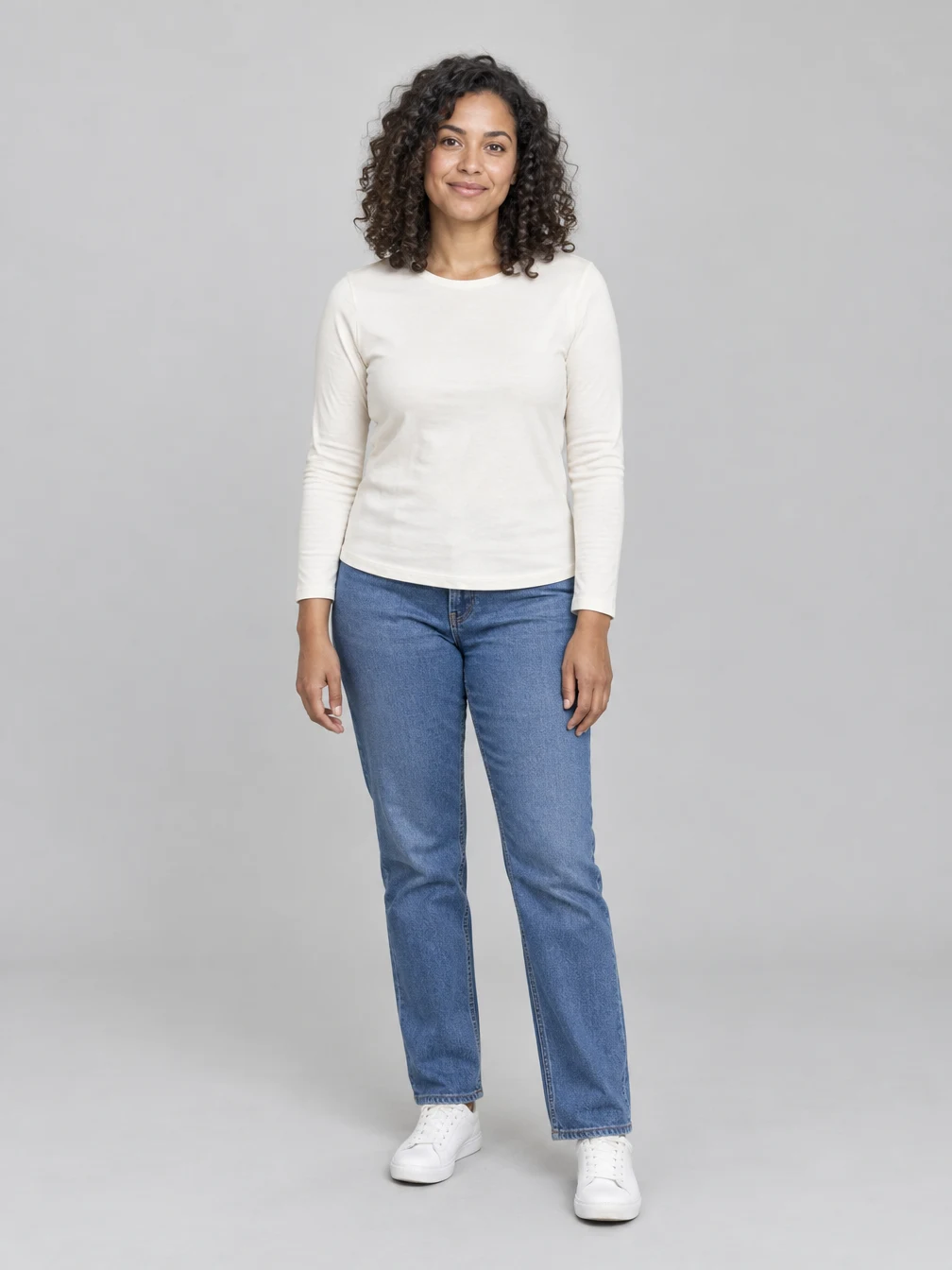
A head-and-shoulders shot in even light gives the Tropical Vacation AI preset a clear view of your face, hair and expression. For a tropical vacation portrait, leave a little room above your head and around your shoulders so the shoreline stays visible. A casual shirt or light layer fits the scene and gives you a recognizable detail to compare afterward. Choose a picture of yourself with your eyes visible. Dark sunglasses, heavy beauty filters, or a phone covering part of your face leave the editor with less to work from. The tropical preset frames one person. If your source is a group shot, choose one where you appear alone.
Compare your face with the original
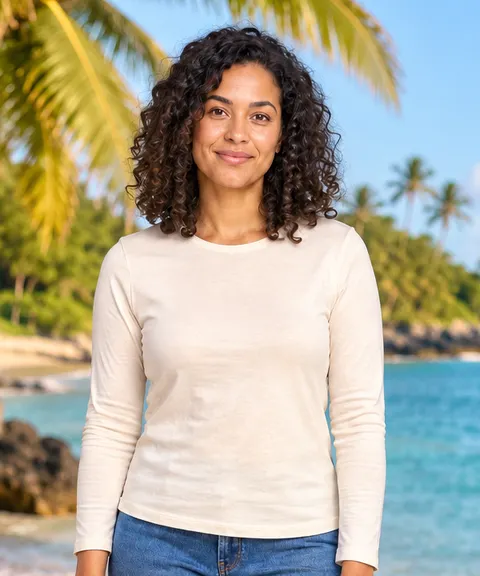
Open the tropical edit at full size and check the eyes, the shape of the smile and the edge of the hair against your upload. Tropical Vacation AI uses the original face as its reference. The tropical daylight can make highlights and skin tones appear warmer. Small features can also shift during an edit. Take a quick look at the neck and shoulders too. The light on the person should agree with the light on the shore, and the hairline should blend naturally into the background. This close crop shows which details to compare before you save or share the full portrait.
Save the edit with room for your crop
Preview the full Tropical Vacation AI image before cropping. For a story or a vertical post, keep some of the palms and water visible so the setting reads immediately. For a small profile image, center the face and leave a margin around the hair. Download the finished image or return to it from My Creations. Downloading an existing result does not start another generation. Keep the source picture if you plan to compare edits later. If a caption could make viewers think you actually went to the location, describe the photo as an AI edit.
Your portrait and the beach edit
The upload sets the subject. The preset supplies the shore and afternoon light.
One source portrait
Your photo
When to use it
Choose a picture you like where your face and outfit are both easy to see.
What it produces
A reference for your face, posture and clothing.
- ✓One adult subject
- ✓Face and hair visible
- ✓Room around the head
One shoreline photo
Tropical Vacation AI
When to use it
Use the preset for a sunny coastal setting with no prompt to write.
What it produces
A vertical still with palms, turquoise water and soft background detail.
- ✓Warm afternoon light
- ✓Vertical export
- ✓Review before sharing
Angel Wings
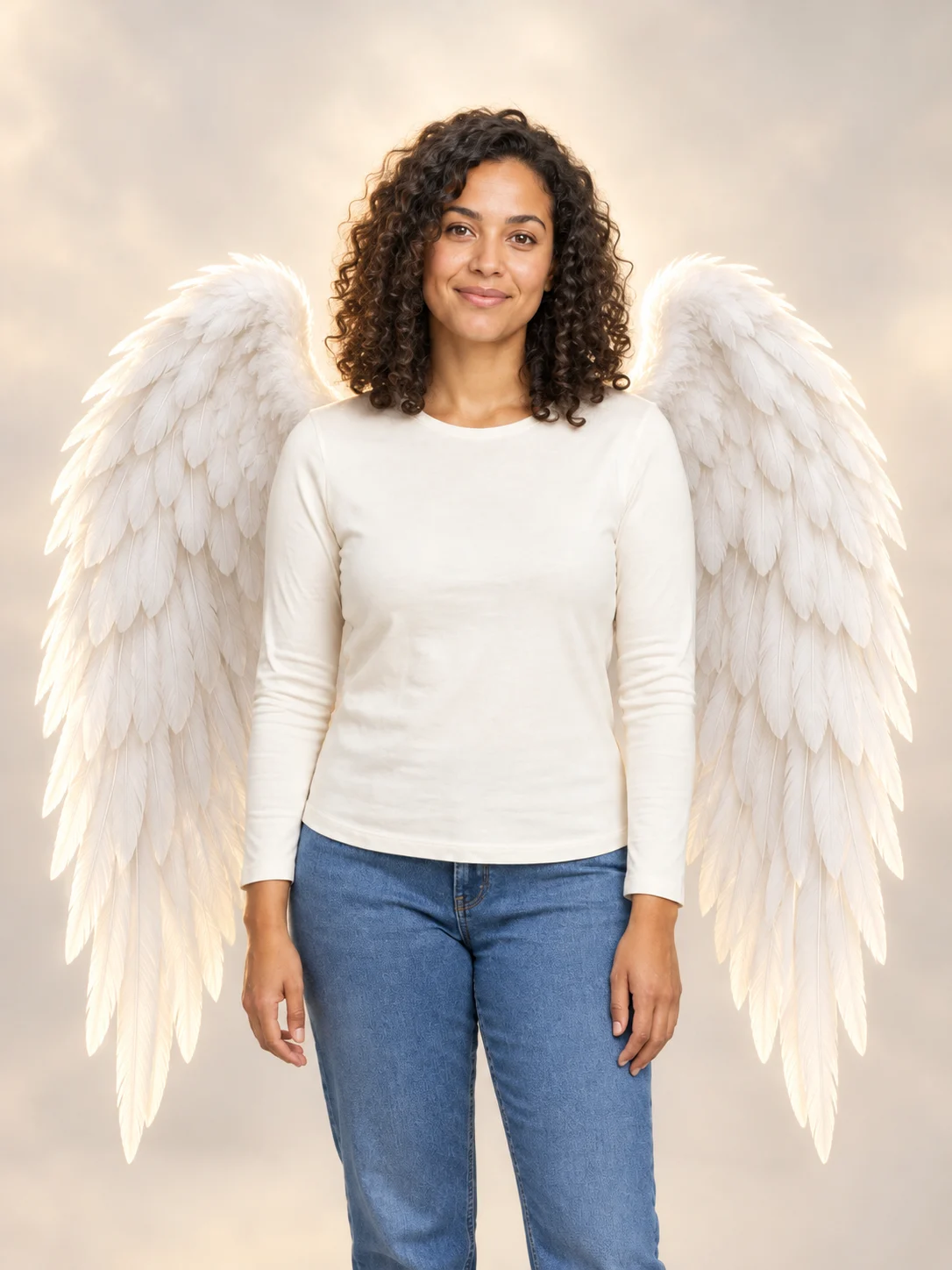
Add large feathered angel wings to your photo while keeping your own outfit.
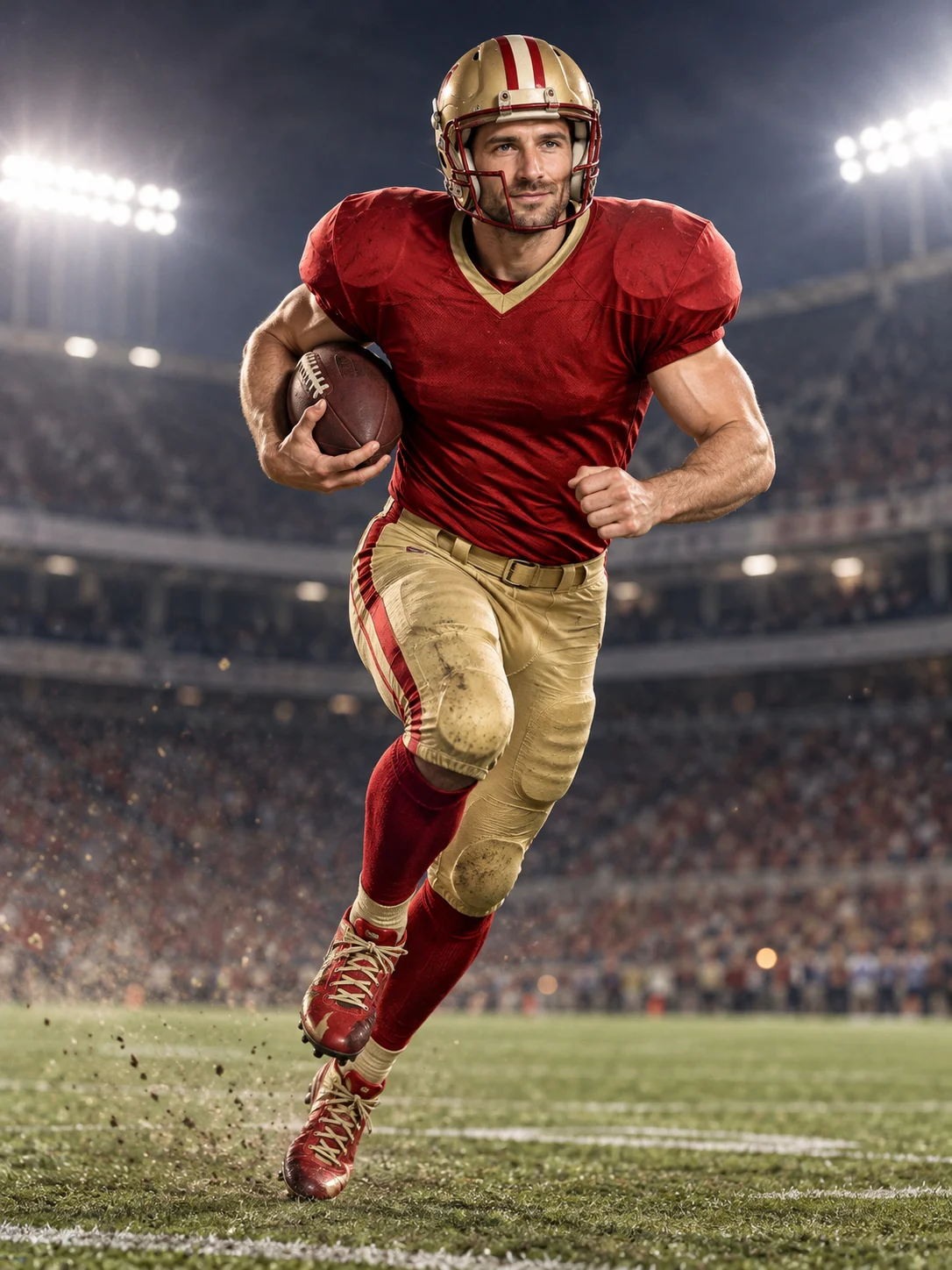
Football Champion
Turn your portrait into an American football action picture with a helmet and a football.
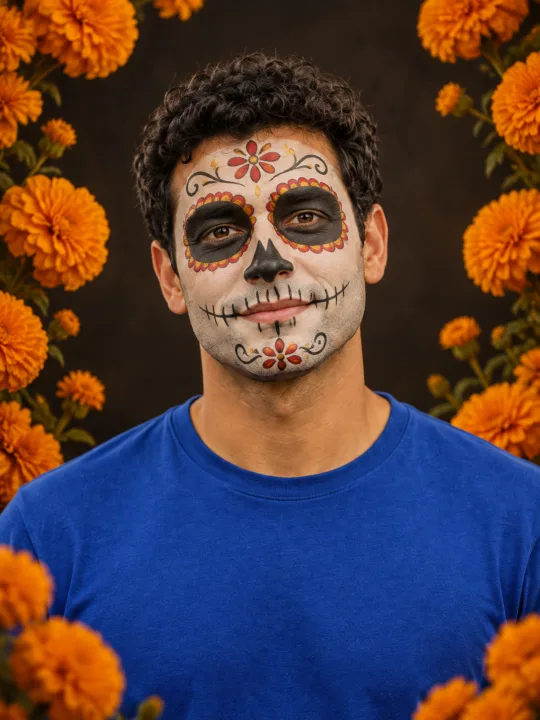
Catrina Makeup
Preview floral Day of the Dead face paint and marigolds on your own portrait.
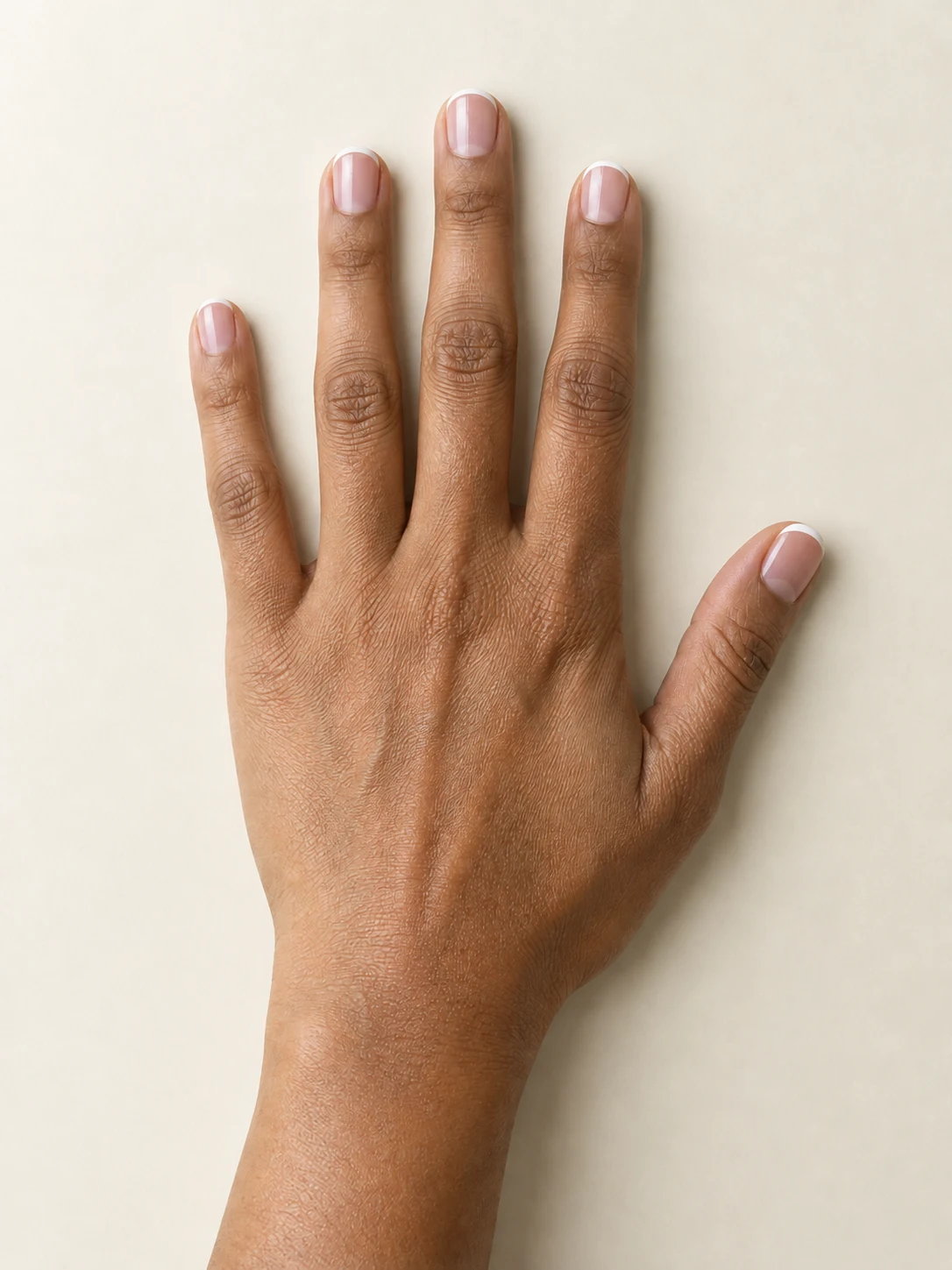
AI Nail
Preview French tips, Burgundy gloss or Pearl shimmer on your hand.
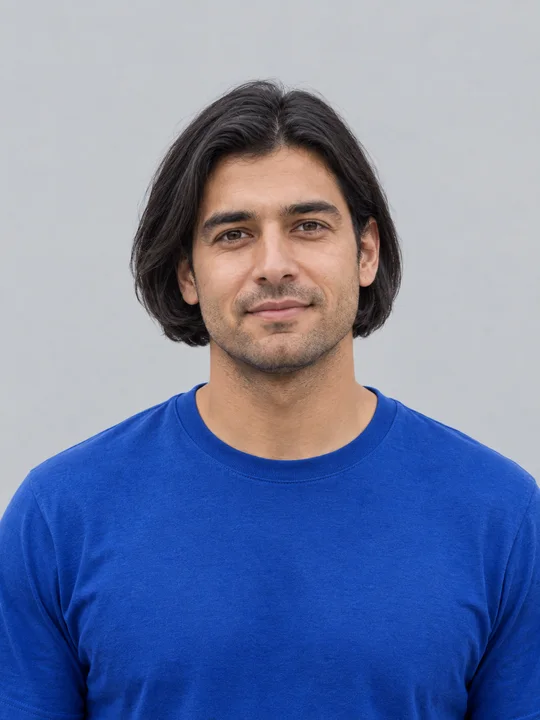
AI Bob Haircut
Preview a chin-length bob on one adult portrait.
Filtro Catrina IA
Add floral Day of the Dead makeup and marigolds to your portrait.
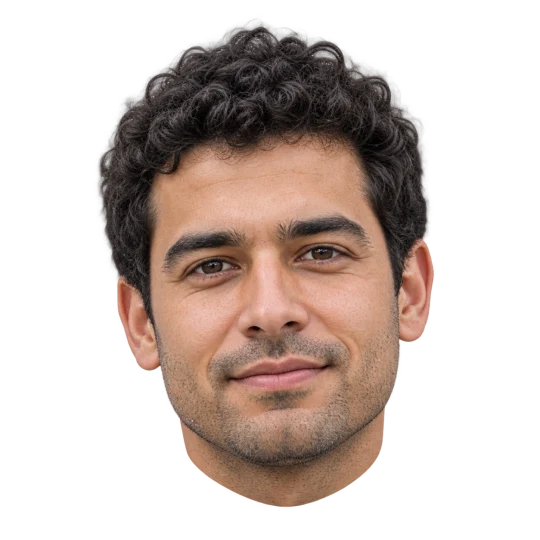
Head Cutout
Create a head-only transparent PNG from one adult portrait.
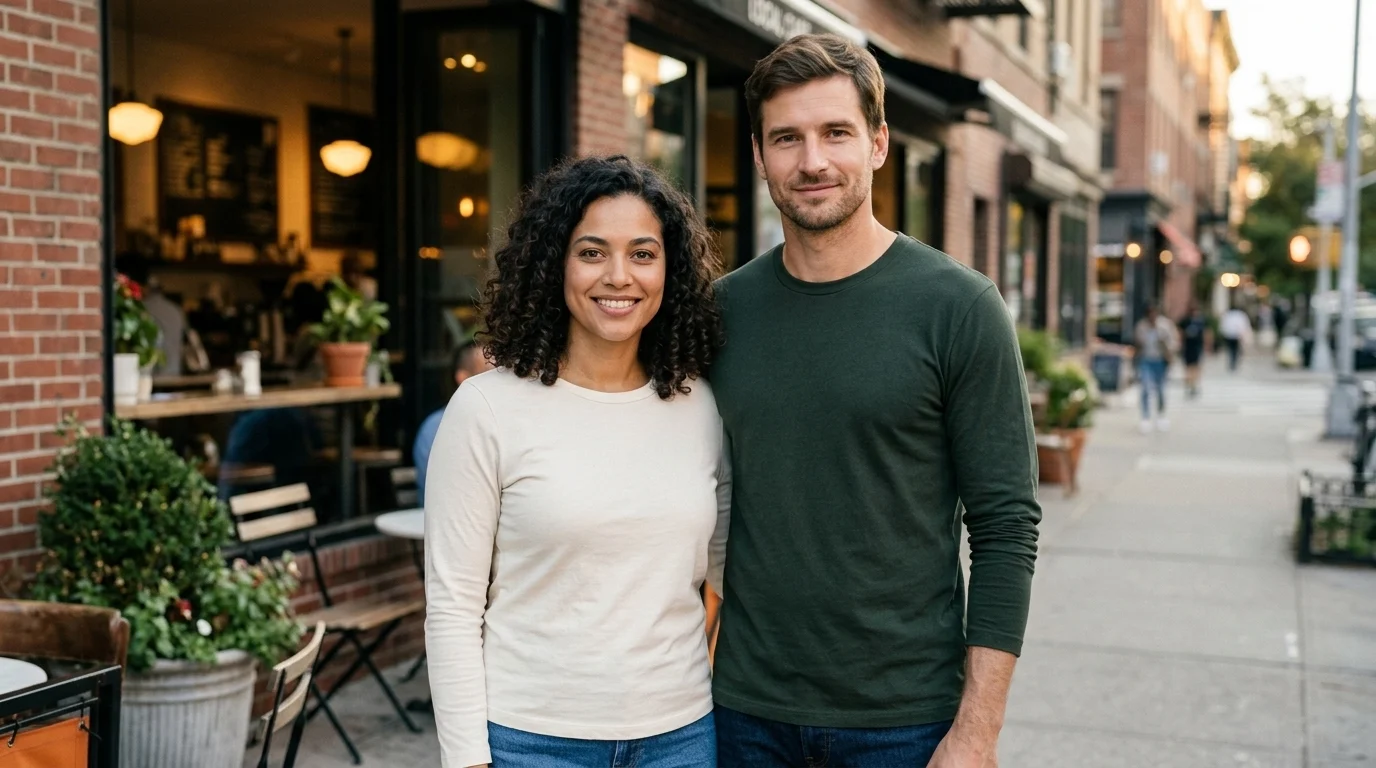
Side by Side AI
Create one natural photo of two people standing together.
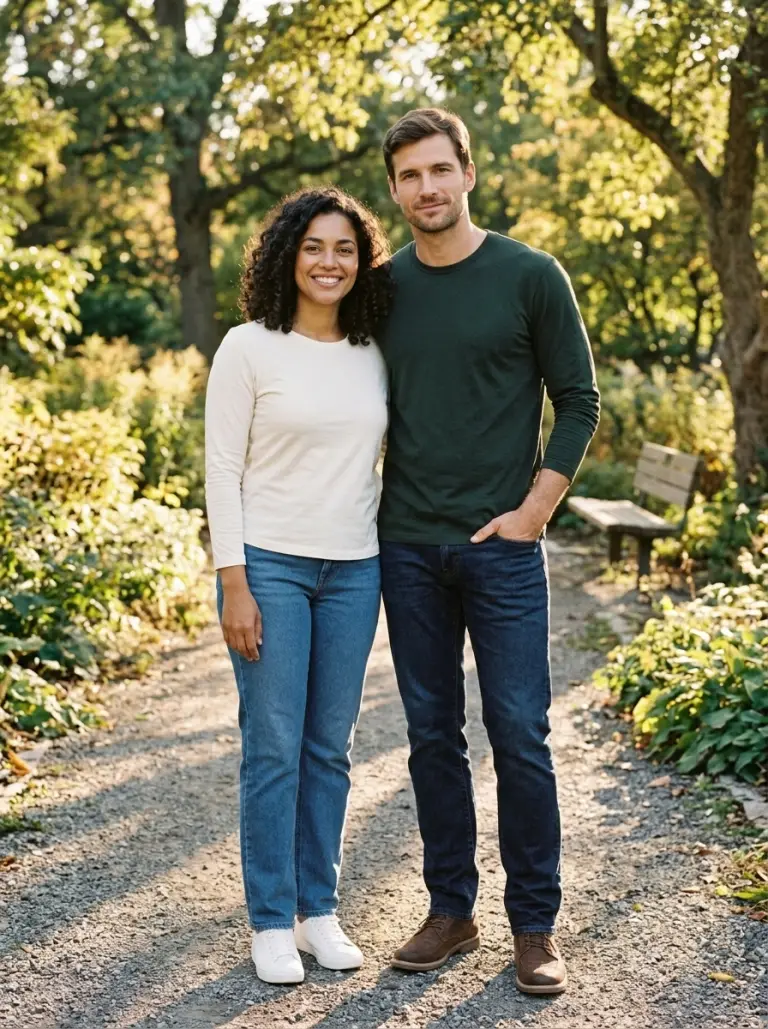
Group AI
Combine two portraits into one group photo.
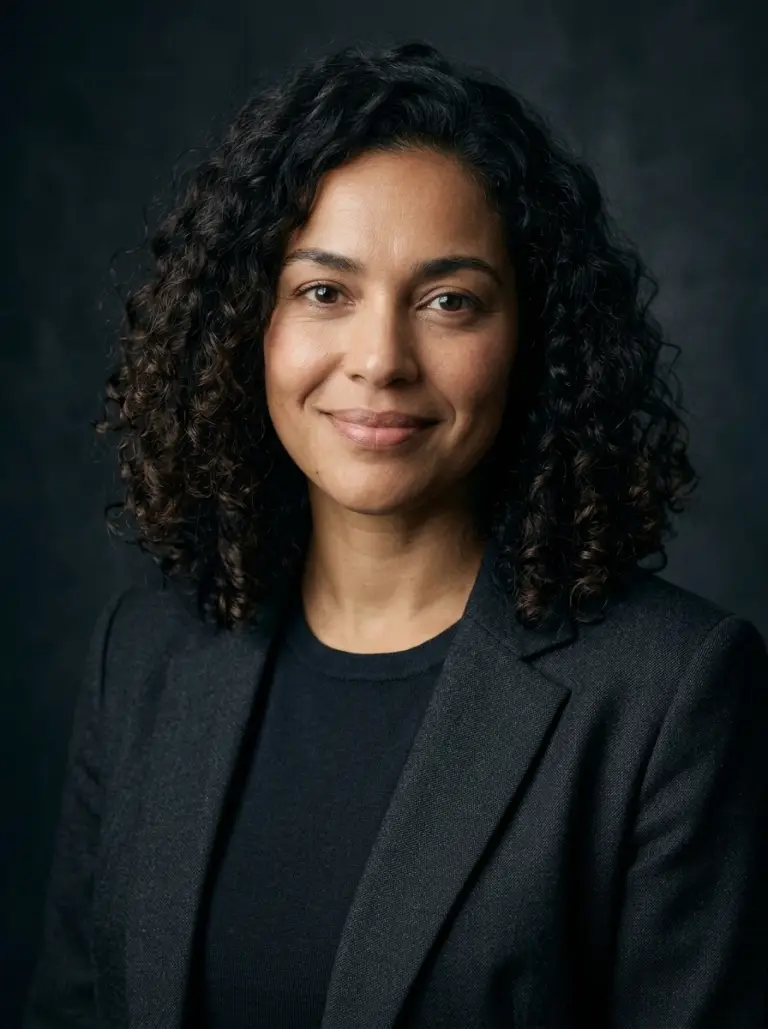
Portrait Photography AI
Create a studio portrait from your photo.
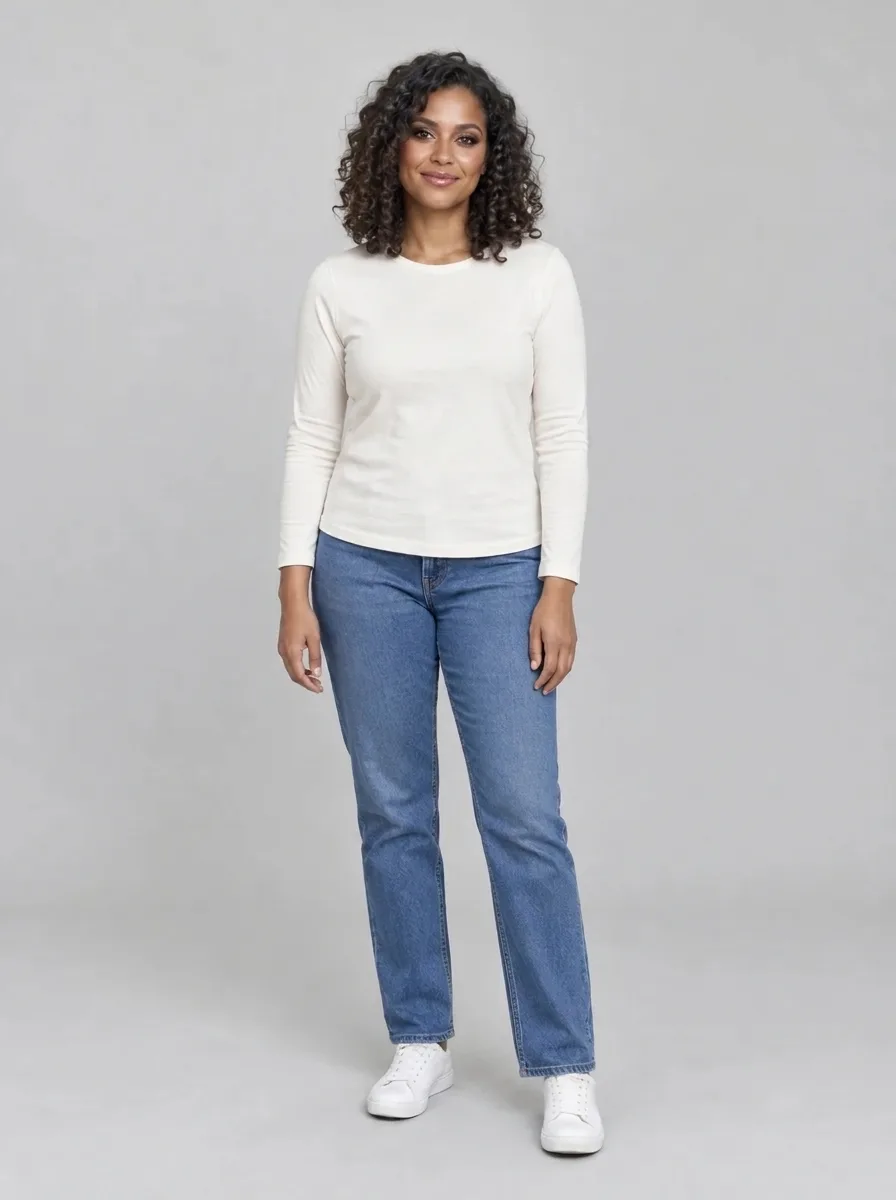
Bold Glamour AI
Give your selfie a bold, camera-ready makeup look.
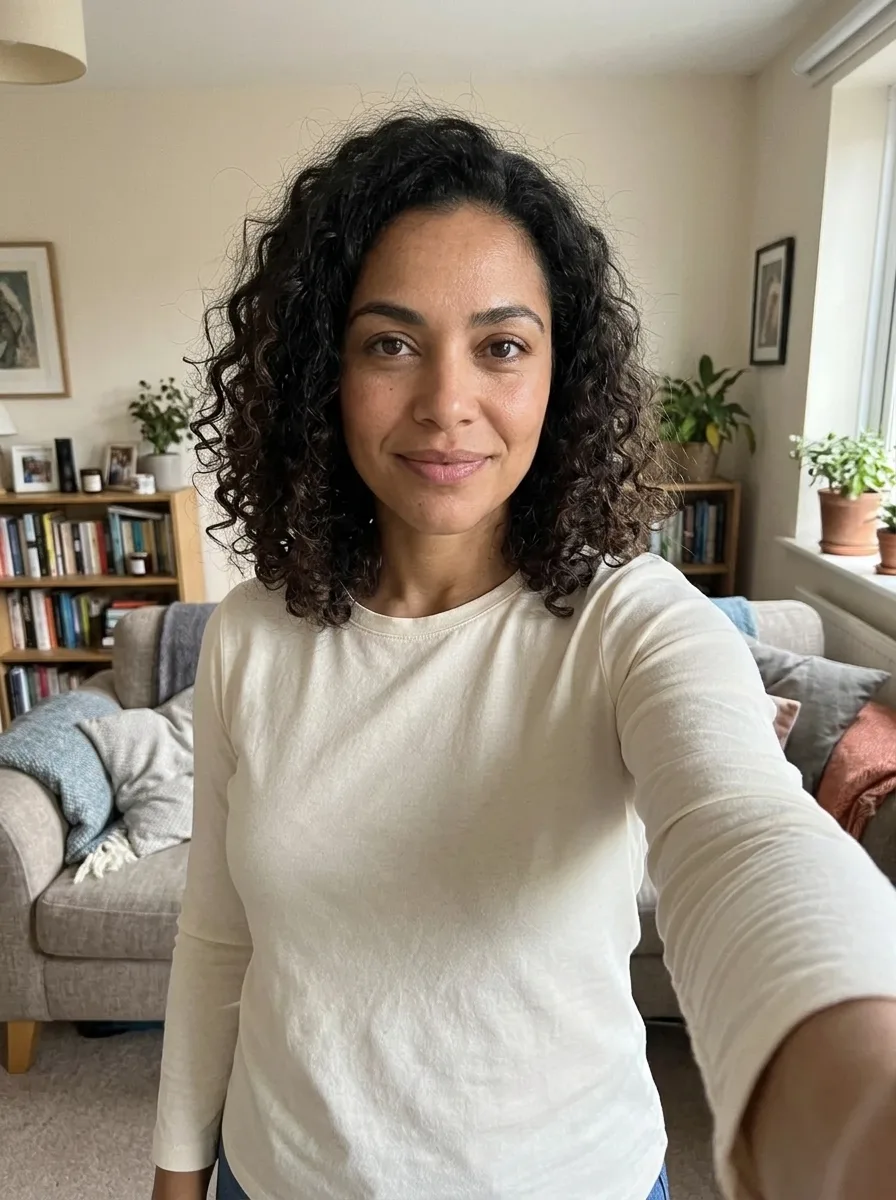
Realistic Selfie AI
Turn your photo into a natural-looking phone selfie.
Related models

Frequently asked questions
What does Tropical Vacation AI make?⌄
Tropical Vacation AI edits one portrait into a vertical vacation photo with a tropical shoreline, palms and warm afternoon light. It uses your uploaded photo as the reference for your face, expression and outfit.
Will the beach photo keep my face?⌄
Your uploaded face guides the edit. A clear portrait gives the model more detail to work with. Compare the finished face with your upload because small features can shift.
Does my original need to be a vacation picture?⌄
A well-lit picture taken at home works. The editor uses the person from the upload and adds the tropical scenery around them.
Do I need to write a prompt?⌄
Just upload a photo and generate. The Tropical Vacation AI preset supplies the setting and lighting. Use AI Photo Editor if you want to describe a different beach, pick the time of day, or change the season.
How much does a Tropical Vacation AI edit cost?⌄
One image uses 3 ClipTrend credits. Eligible new accounts can use welcome credits for the edit. Check the price and balance shown before you generate.
How should I crop the tropical result for a story or profile?⌄
Download the vertical still for a story. For a profile picture, preview the circular crop and make sure your full face fits. The sky or tropical foliage can make a clean edge around your hair.
Create your tropical portrait
Upload a picture of yourself to see it on a tropical beach.
Choose your photo