
Plan your photoshoot from one upload
Start with a studio photoshoot
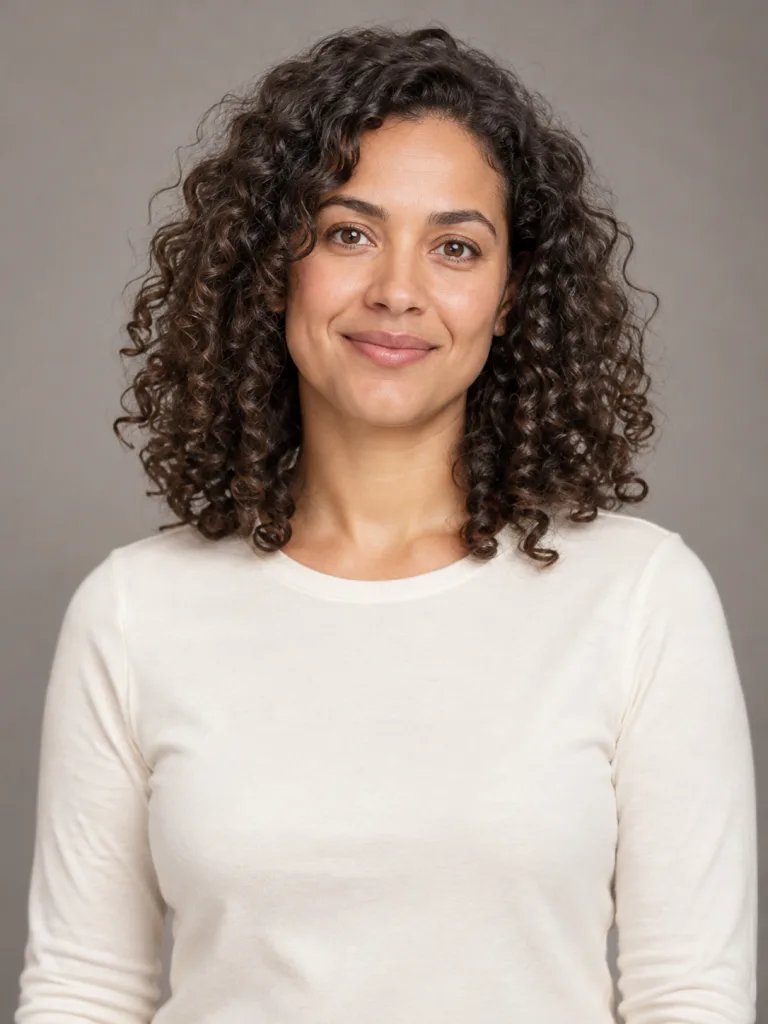
Studio uses a muted backdrop and soft directional light to keep attention on your expression. Use it for a headshot, a cast list, or a profile where you want as little detail behind you as possible. Window Light gives your photoshoot a more relaxed indoor setting with daylight coming from the side. Editorial uses stronger shadows and a simple architectural backdrop, so the pose matters as much as the setting. Of the Photoshoot AI styles, Studio suits a tight crop when the face needs to read at thumbnail size. For a fashion photoshoot, try Editorial and leave room around your shoulders. Pick the best match for your first use, then switch to create a second picture from the same upload.
Choose a clear reference for your photoshoot
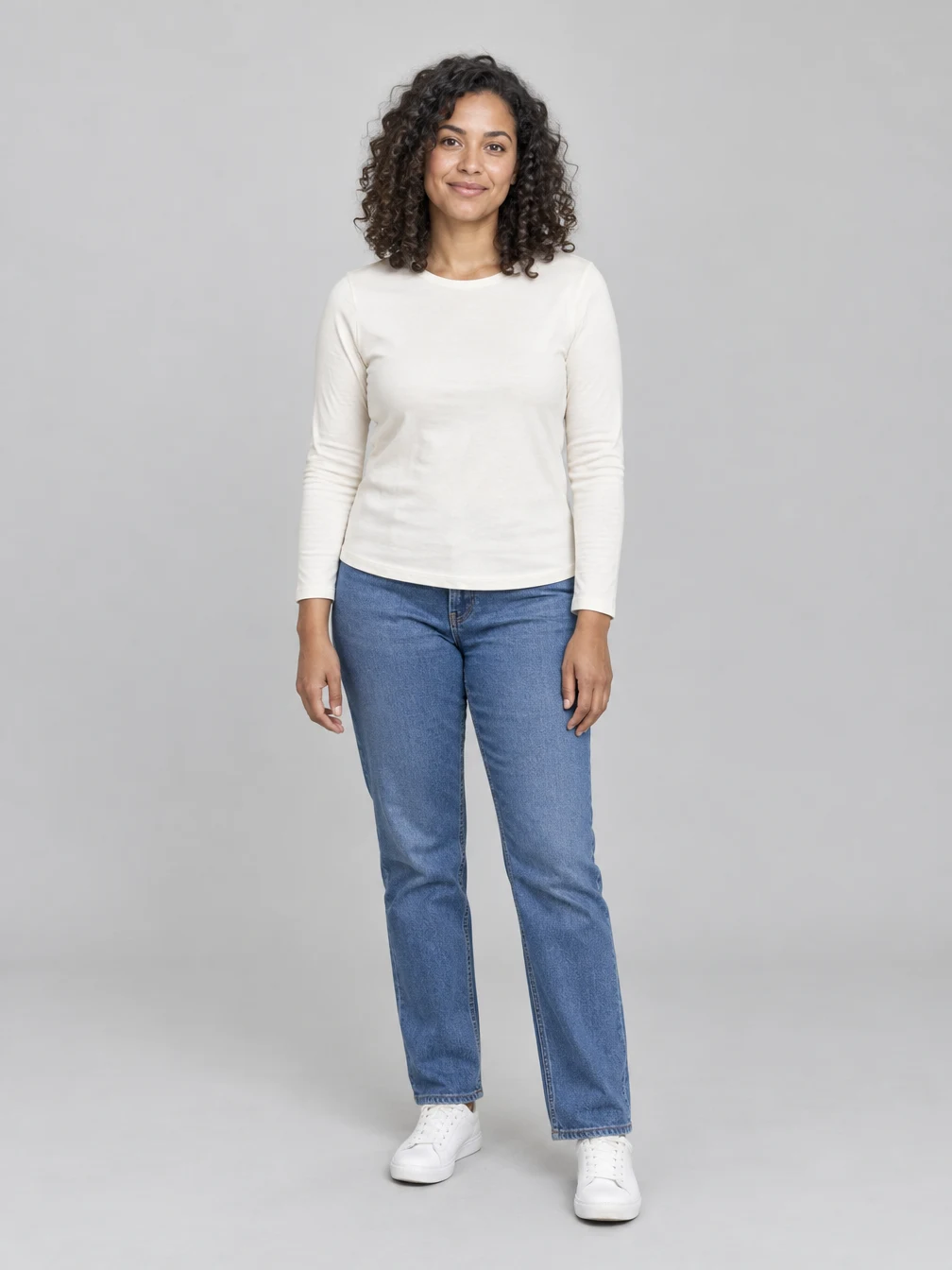
Choose a recent selfie where your eyes, nose, and mouth are easy to see. A sharp head-and-shoulders image in even light gives Photoshoot AI a better view of your face than a distant full-body shot. Leave room around your hair and shoulders so the editor can adjust the framing. Avoid strong beauty filters, dark glasses, and anything that cuts across the face. A group shot makes the reference ambiguous, so choose a picture where you appear alone. Pick clothing you are happy to wear in the photoshoot. The same outfit gives you a visual anchor when you compare the lighting across different settings.
Check your face before sharing the result
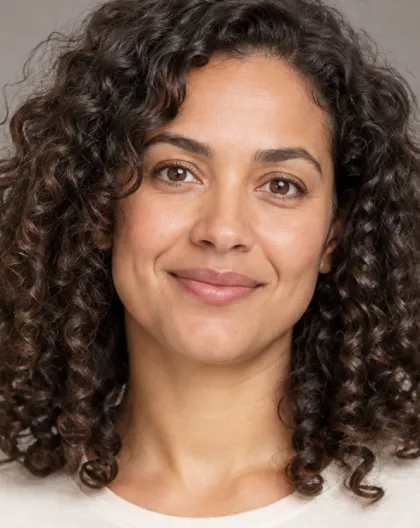
Photoshoot AI uses the person in your upload as its identity reference. Open the result at full size and compare the eyes, hairline, mouth, and skin tone with the source. Look for small changes around glasses, curls, or the edge of a collar where the new lighting meets the original features. An editorial photoshoot can have stronger shadows than a studio headshot, and even a good edit can change small details. Keep a result only if the face still looks like you and the pose looks natural. Treat the finished image as a creative edit when you share it, especially if the background suggests a place you have never visited.
Compare the Photoshoot AI styles
Keep the same upload while you try a second look so you can judge the difference in background, posture, and light. Each photoshoot run creates one 3:4 still image. Start with Studio for a neutral reference, make a Window Light version for a more informal setting, then try Editorial for a stronger crop. Each click starts a new request at the displayed credit price. Compare the results at both full size and thumbnail size. A tight headshot can work well on a profile, while the wider Editorial composition gives a portfolio or mood board more context. Save the photoshoot results you like from your creations. Starting with the original each time gives the editor a direct view of your face instead of carrying changes from one generated result into the next.
Choose from the Photoshoot AI styles
Each photoshoot style starts with one clear selfie.
Studio
A clean headshot
When to use it
Choose Studio when you want the focus on your face, with a neutral backdrop and controlled light.
What it produces
One vertical portrait with a warm-grey studio backdrop.
- ✓Soft directional light
- ✓Head-and-shoulders framing
Window Light
An informal look
When to use it
Choose Window Light for a softer picture with the feel of a bright room and a more relaxed pose.
What it produces
One indoor picture with gentle side lighting.
- ✓Soft daylight
- ✓Simple indoor setting
Editorial
A sculpted look
When to use it
Choose Editorial when the pose, shadows, and background are part of the look you want.
What it produces
One fashion image with a muted architectural backdrop.
- ✓Stronger shadows
- ✓Three-quarter pose
Angel Wings
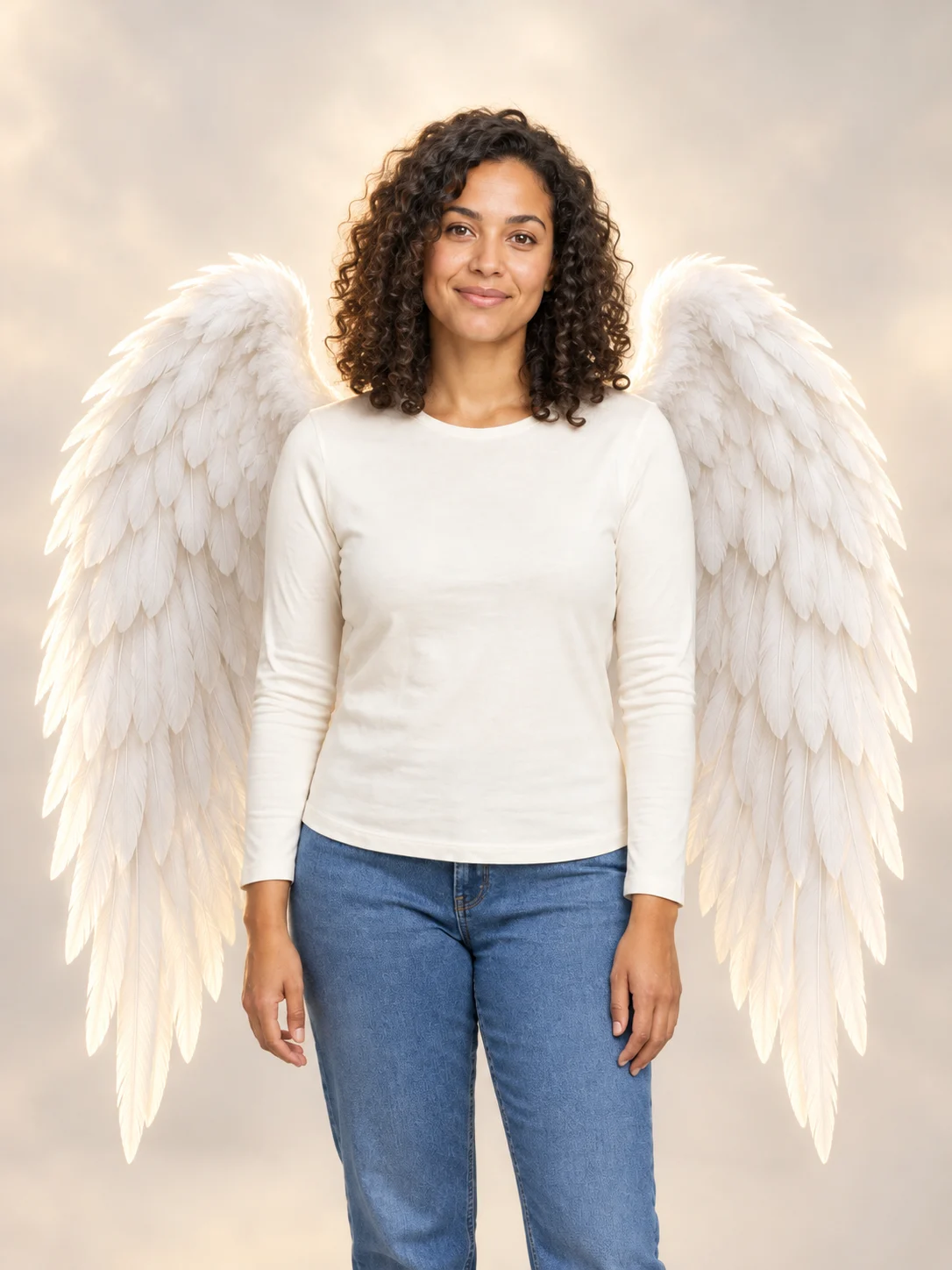
Add large feathered angel wings to your photo while keeping your own outfit.
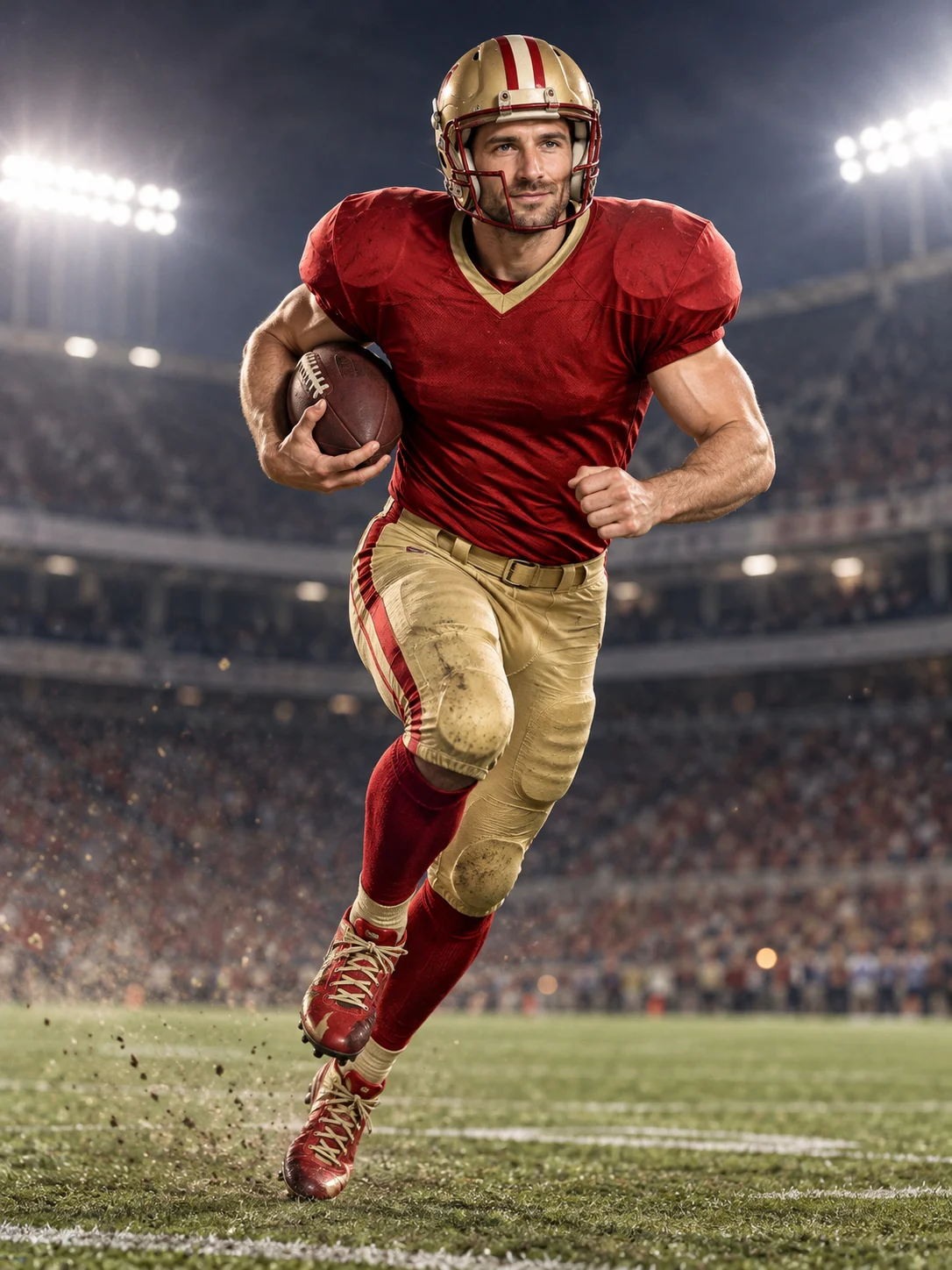
Football Champion
Turn your portrait into an American football action picture with a helmet and a football.
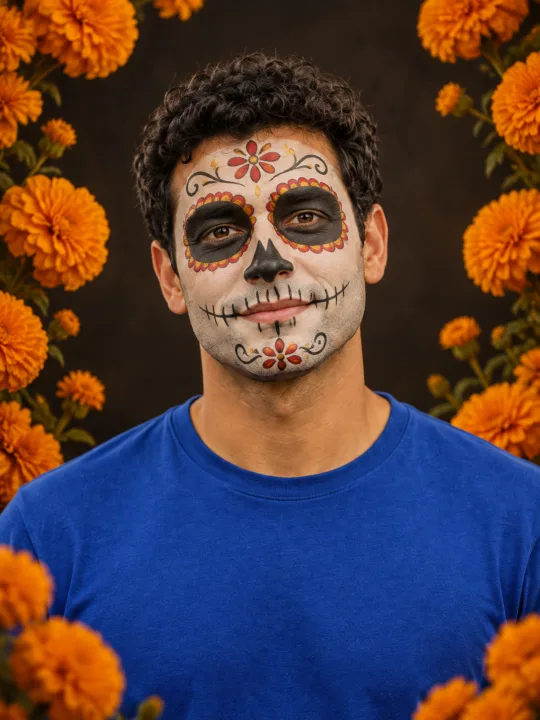
Catrina Makeup
Preview floral Day of the Dead face paint and marigolds on your own portrait.
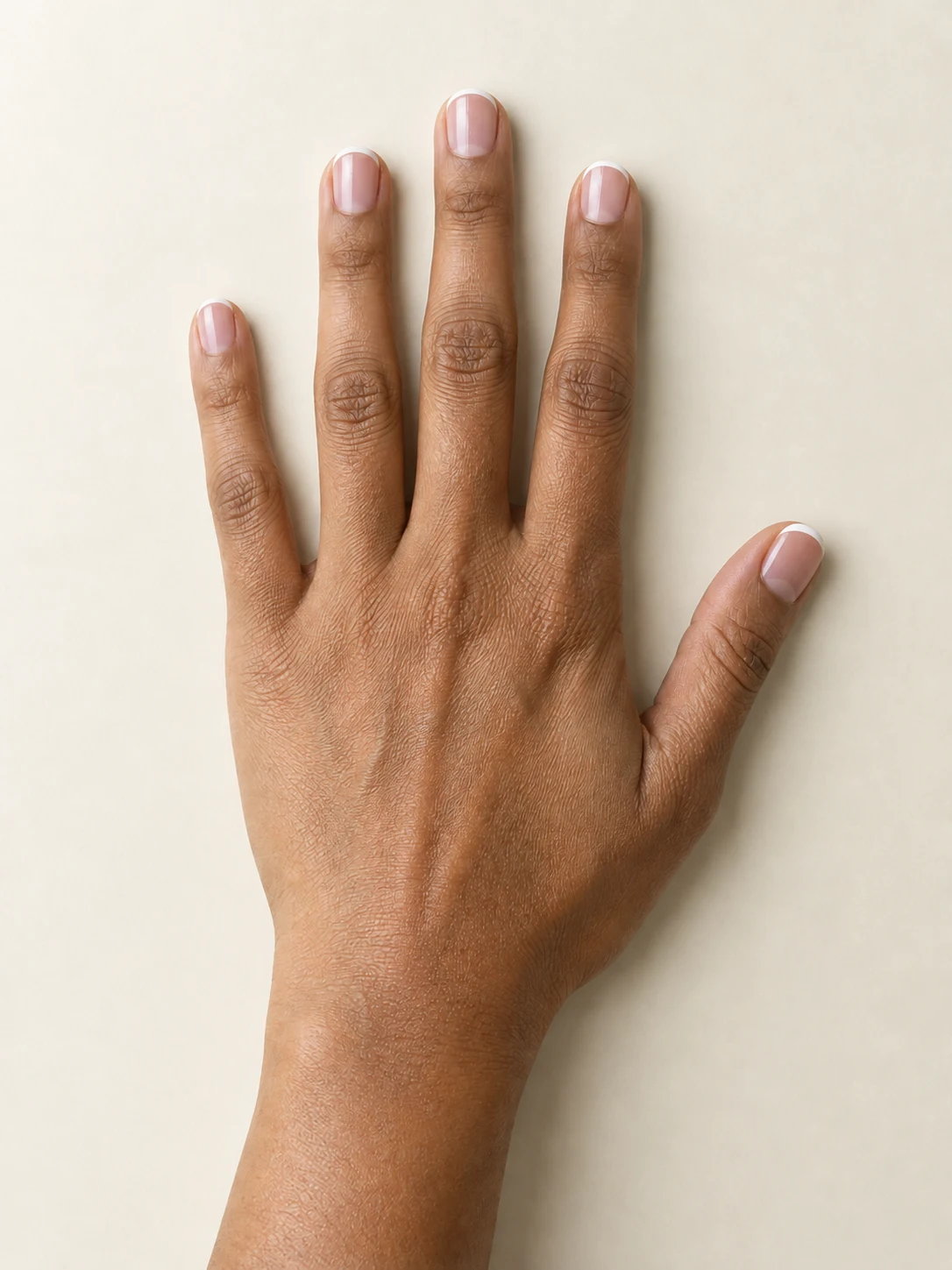
AI Nail
Preview French tips, Burgundy gloss or Pearl shimmer on your hand.
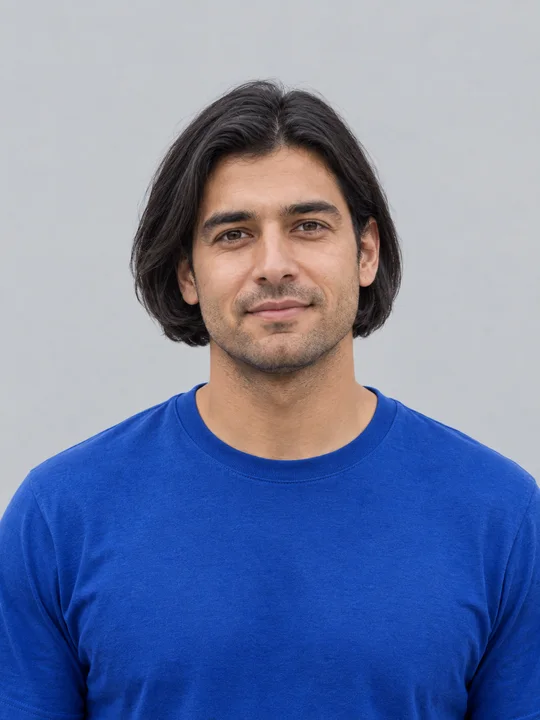
AI Bob Haircut
Preview a chin-length bob on one adult portrait.
Filtro Catrina IA
Add floral Day of the Dead makeup and marigolds to your portrait.
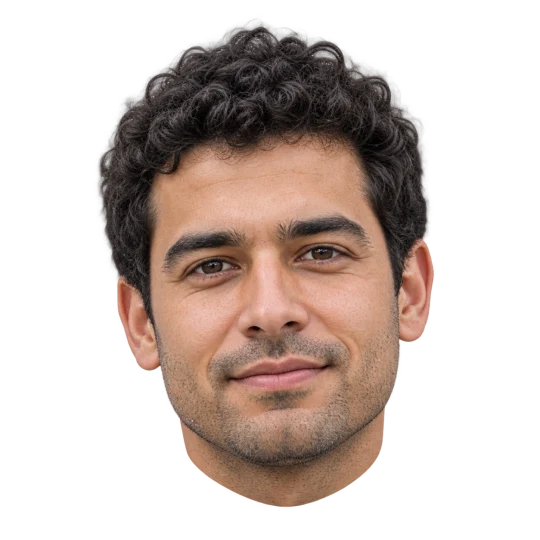
Head Cutout
Create a head-only transparent PNG from one adult portrait.
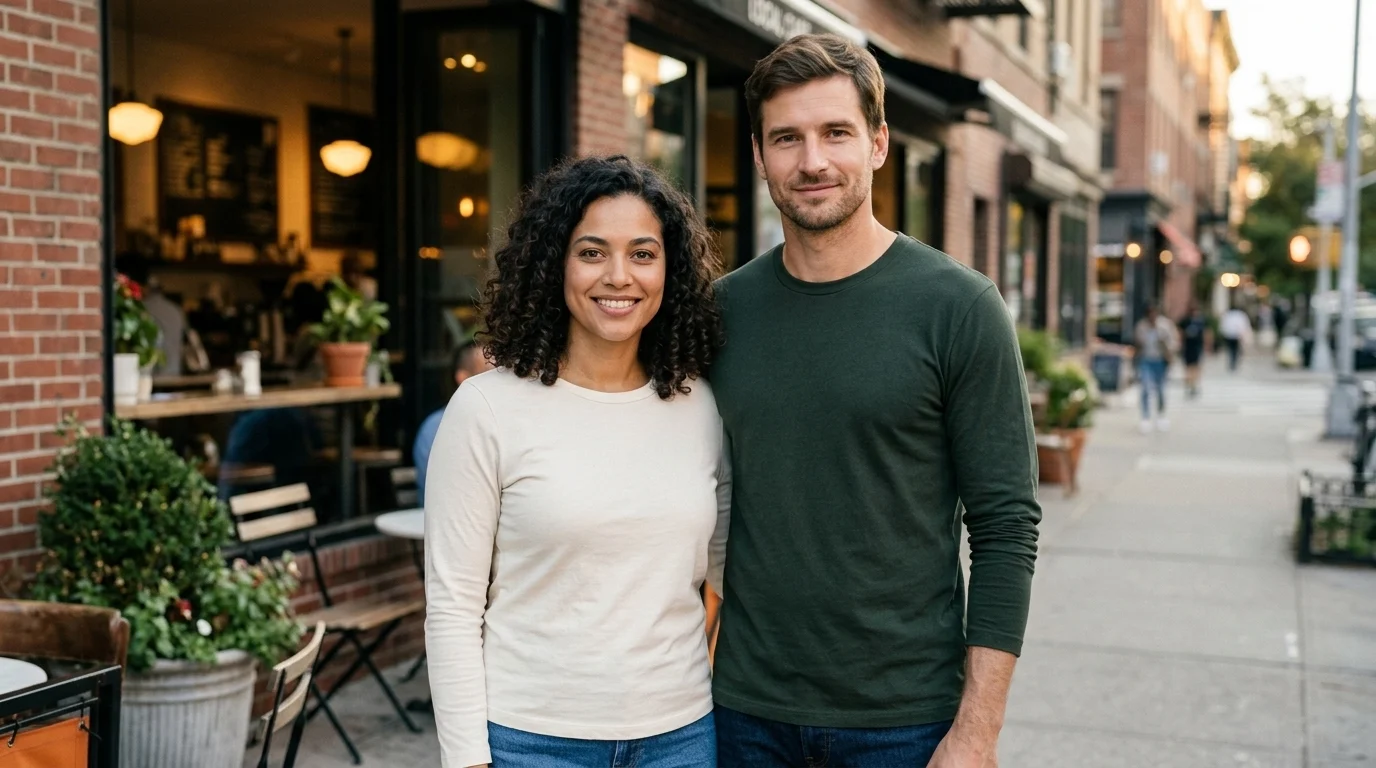
Side by Side AI
Create one natural photo of two people standing together.
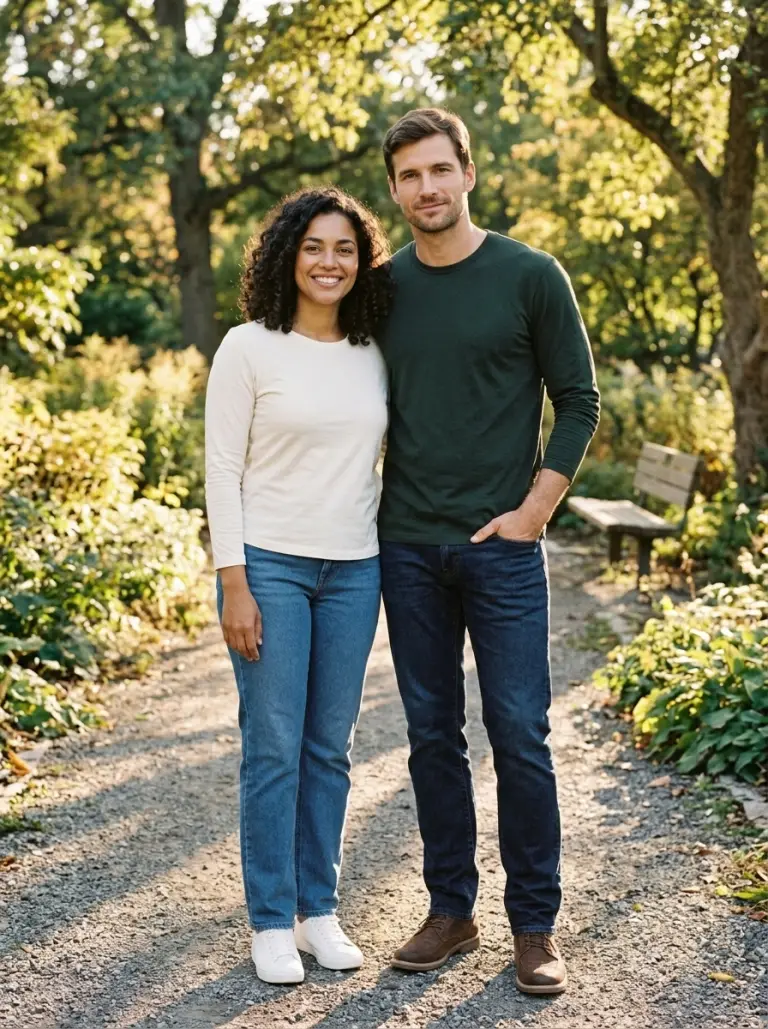
Group AI
Combine two portraits into one group photo.
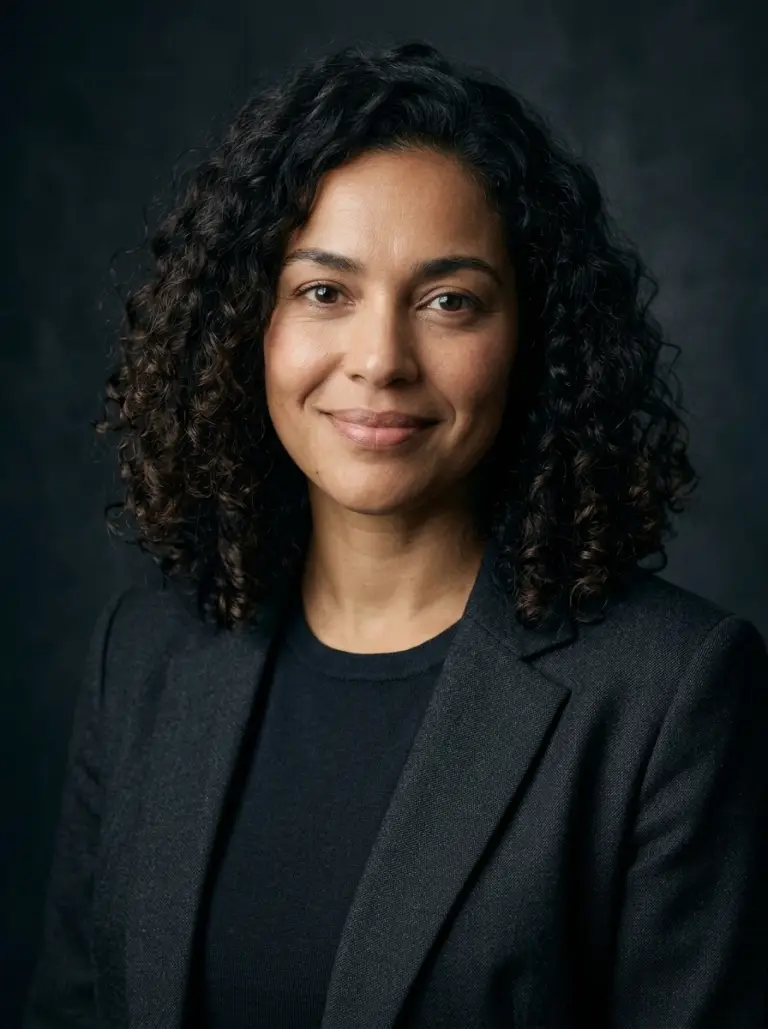
Portrait Photography AI
Create a studio portrait from your photo.
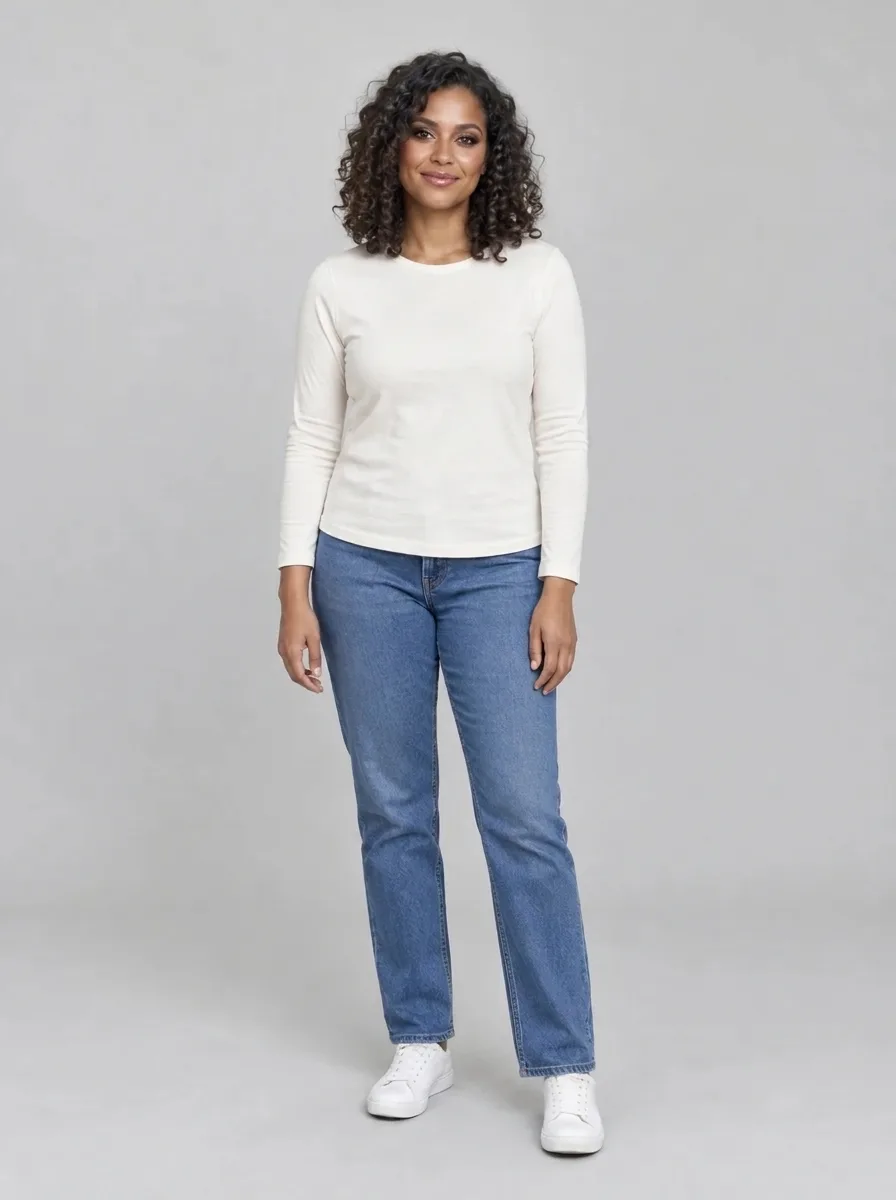
Bold Glamour AI
Give your selfie a bold, camera-ready makeup look.
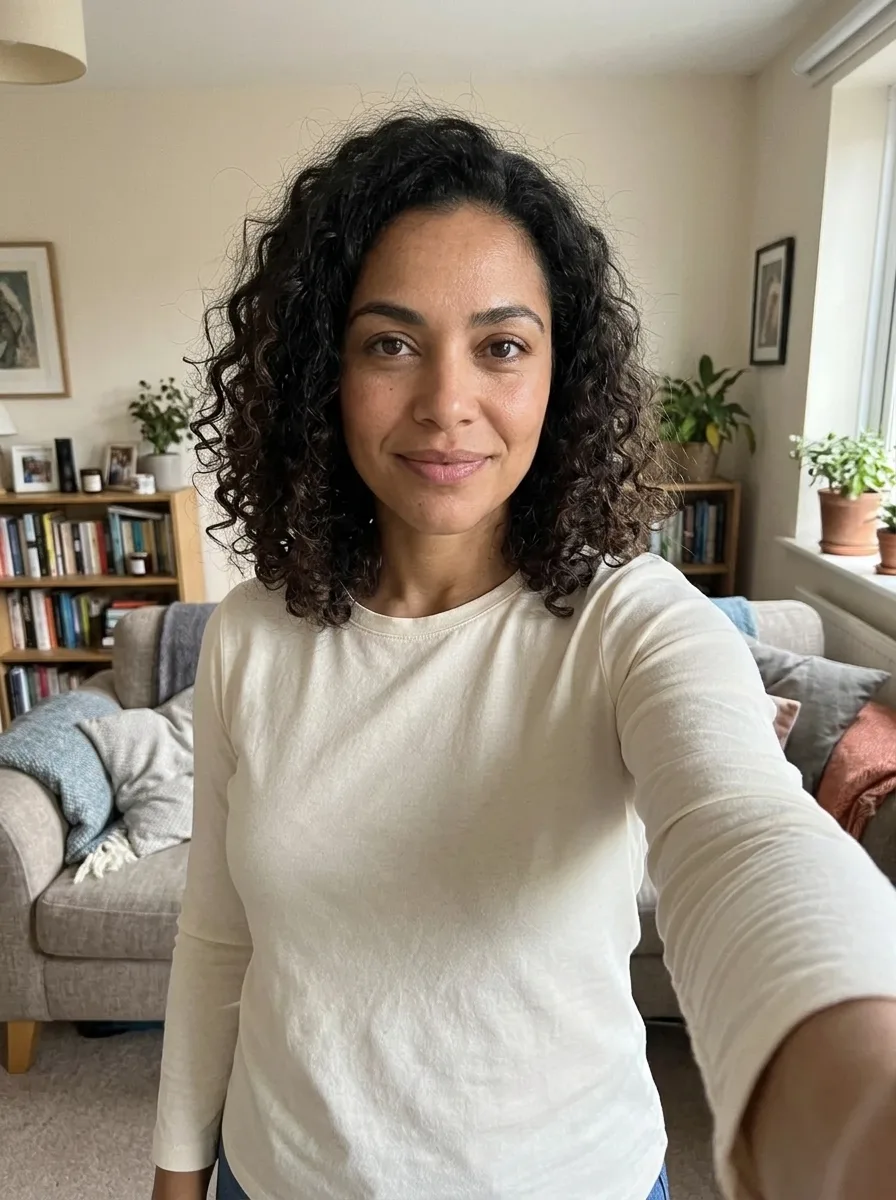
Realistic Selfie AI
Turn your photo into a natural-looking phone selfie.
Related models

Frequently asked questions
How does Photoshoot AI make different photos from one portrait?⌄
Upload your portrait, pick Studio, Window Light, or Editorial, then generate one vertical photo. Switch styles and generate again to build a set. Each run uses your original upload as the reference for your face.
How many credits does one photoshoot image cost?⌄
Each new image costs 3 credits. Compare the price shown by Generate with your balance before you submit.
Will Photoshoot AI keep my face exactly the same?⌄
Your upload supplies the identity reference for each style. Small facial details can vary, so compare the result with your source photo before sharing it.
What kind of image can I download?⌄
Each run creates a vertical 3:4 still image at 1K. Download the result once it finishes, or return to it in your creations.
Start your photoshoot with one upload
Choose the setting and light for your first photo.
Choose a photoshoot style