
How Furry Art AI turns a prompt into a character
Describe the furry design you want to see
Start with the species and silhouette. A red fox usually has pointed ears, a narrow muzzle and a long bushy tail. An otter has a rounder head and a heavier tail. A sheep has a soft woolly outline and can wear a different shape of coat around the shoulders. Give the furry design one defining visual feature so it is easy to spot even in a small image. A cream muzzle, one white ear tip or a band of blue across a sleeve will do more work than a long list of unrelated colors.
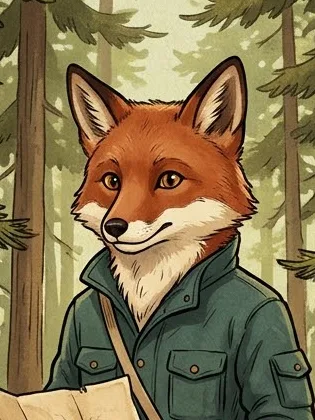
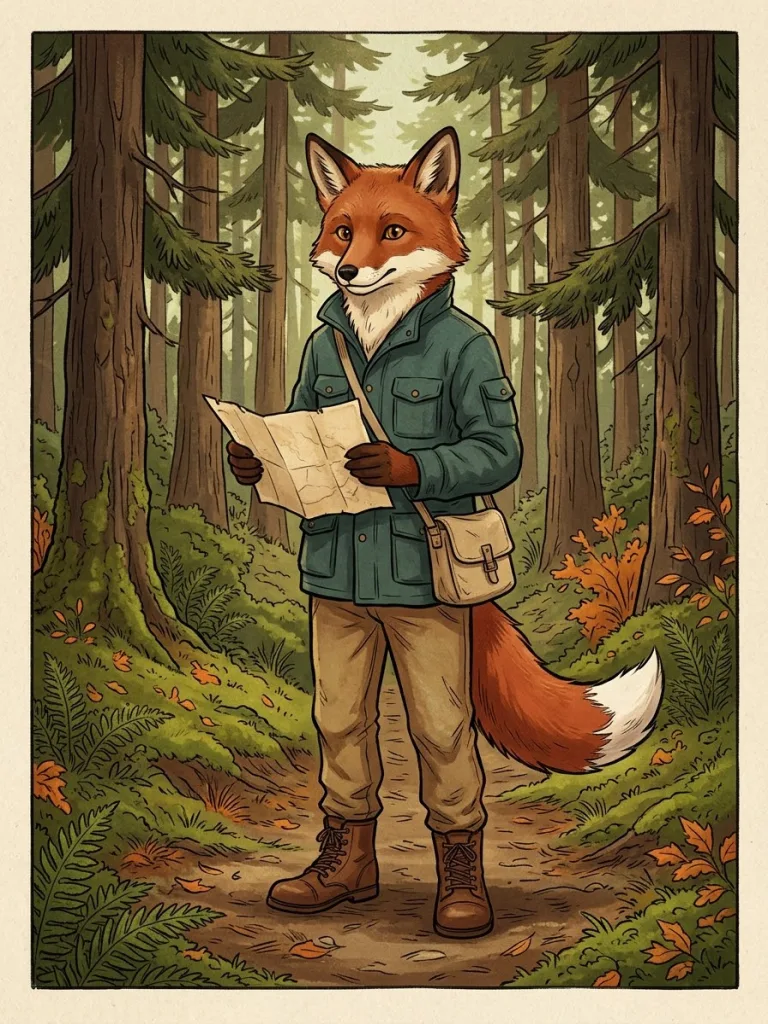
- ✓Describe the clothing and gesture. Use plain visual words for the outfit. A raincoat, a messenger bag and brown boots identify a furry subject more clearly than a label like adventurous. Put the personality into the gesture or expression. Ask for one raised eyebrow, a confident stance or both hands wrapped around a sketchbook. If the fur and clothing share a color, use a different shade for the jacket so the arms remain visible. The fox example combines rust-red fur with a teal jacket and a cream muzzle.
Give the image one clear job
Choose a furry portrait if the face, expression and head markings are what you want to settle first. In a small avatar, a simple background and a visible ear shape make the face easier to recognize. Ask for a head-and-shoulders composition with breathing room around the ears. The result is rectangular. You can crop it for a square or circular profile picture after downloading.
- ✓Show the whole silhouette. Choose a full-body pose when the outfit, feet, tail and proportions matter. Mention whether the character is standing front-on or in a three-quarter view. Leave room below the boots and above the ears. A furry subject with long ears needs extra height. A bushy tail may need some space on one side. A full-body illustration is a good place to begin if you plan to draw the same design from different angles later. Give the pose only one action so it does not hide the details you want to see.
Keep the prompt short enough to assess
Start with a simple sentence that establishes the furry species. Then describe markings, clothes and the camera angle. Finish with a visual treatment such as clean ink outlines, flat cartoon colors or warm gouache shading. A pine trail, a bookshop window or a plain paper background can place the figure without competing for attention. For the fox cartographer, a folded map makes the role visible and a single trail establishes where the scene takes place.
- ✓Change one detail at a time. If the first drawing misses a detail, change the phrase closest to it. For example, replace “silver details” with “a narrow stripe of silver fur from the forehead to the nose.” Ask for the white tail tip to stay visible if it was hidden by a satchel. When the clothing is the part you like, keep the outfit description and change one other part at a time. Save the wording beside the drawing so you can see what changed between runs.
Check the character before you save your furry illustration
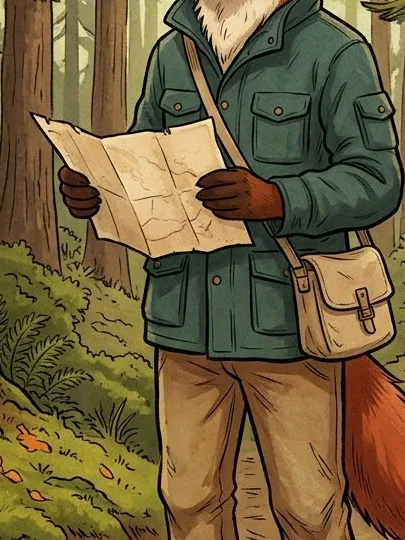
Look at the full silhouette first and then zoom into the parts you specified. Furry Art AI can follow the description while interpreting details differently, such as the size of a stripe or the shape of a boot. Check the number of ears and tails, whether the hands are readable and whether accessories are attached in a way that makes sense. If the image is part of a costume or illustration brief, write down the colors and proportions you want to carry forward.
- ✓Save your prompt beside the image. A downloaded still works for a furry avatar, an introduction or a mood board. If you want to share it as a brief, give the recipient the original description as well. The art gives them the expression, color and overall shape. The text can explain which small details should stay consistent. For a story scene, start a separate furry illustration with the same description and check whether the markings match before you use the two pictures together.
Plan your illustration
Set the focus in your description before you generate.
Character portrait
Focus on expression
When to use it
Use a close view if you are deciding on the ears, face shape or markings.
What it produces
A finished still you can crop around the face for a profile icon.
- ✓Show the eyes
- ✓Simplify the background
- ✓Keep the ears in frame
Full-body illustration
Show pose and clothing
When to use it
Describe the pose, outfit and tail when you need an overall character design.
What it produces
One vertical illustration with room for the silhouette.
- ✓Choose one gesture
- ✓Leave a margin above ears
- ✓Check clothes and accessories
RPG Character
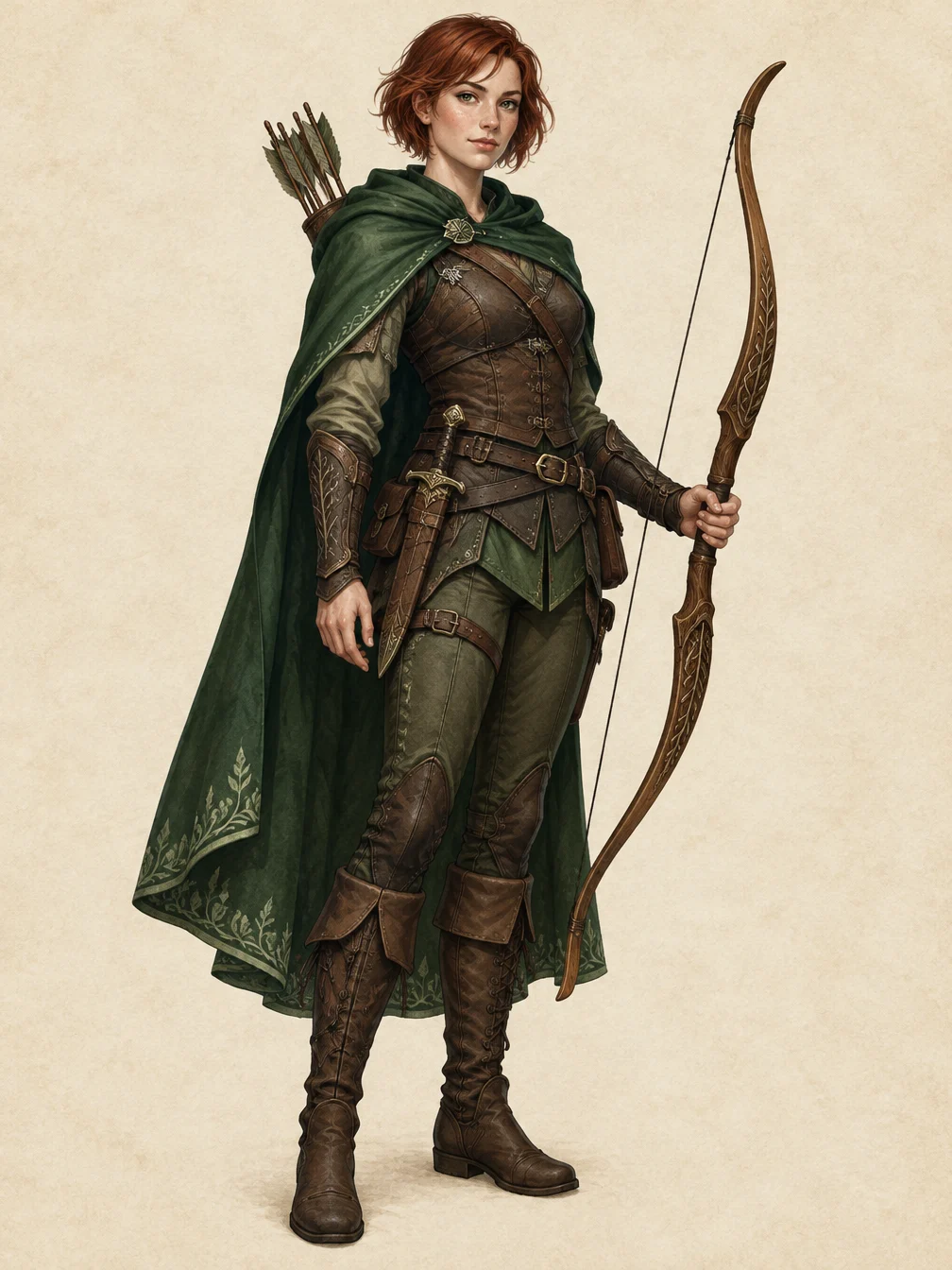
Describe an original fantasy adventurer and create a full-body RPG character illustration.
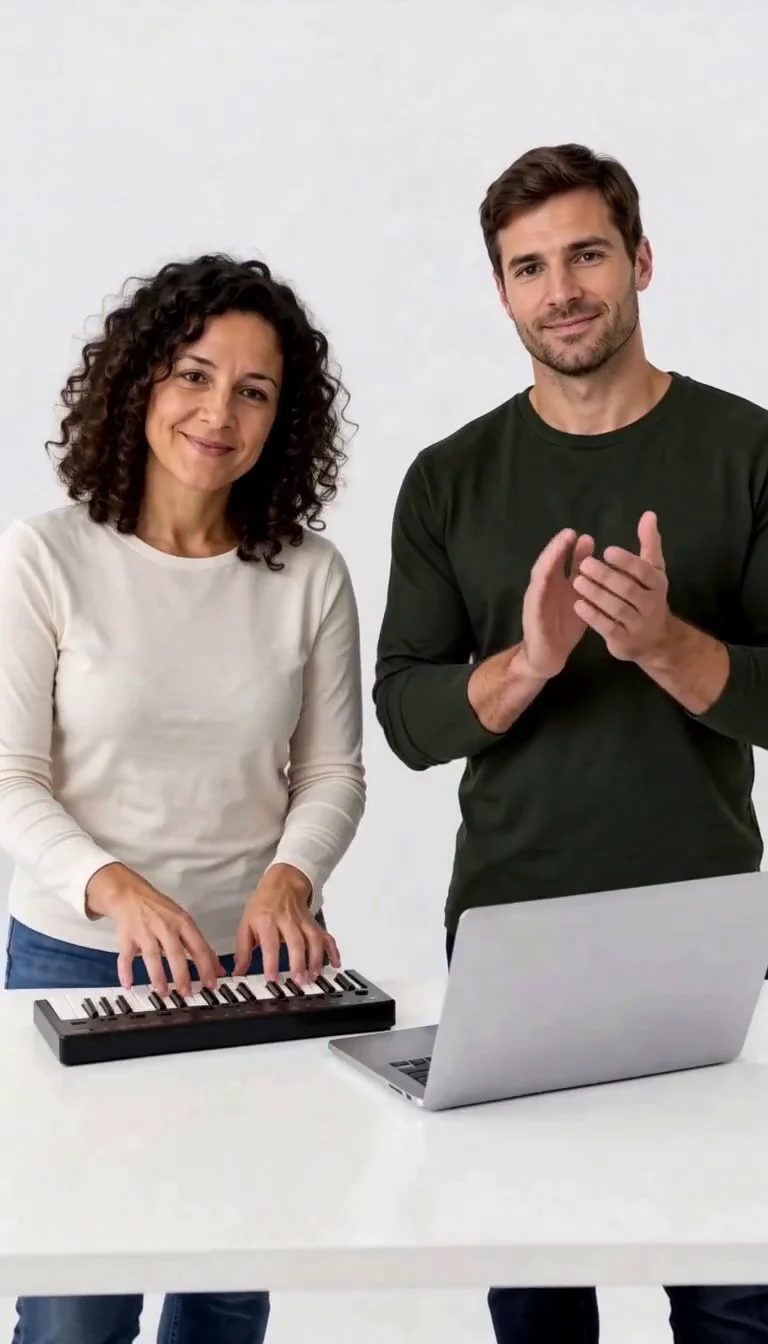
Keyboard Duo
Put two adults in a keyboard-and-clapping studio sketch.
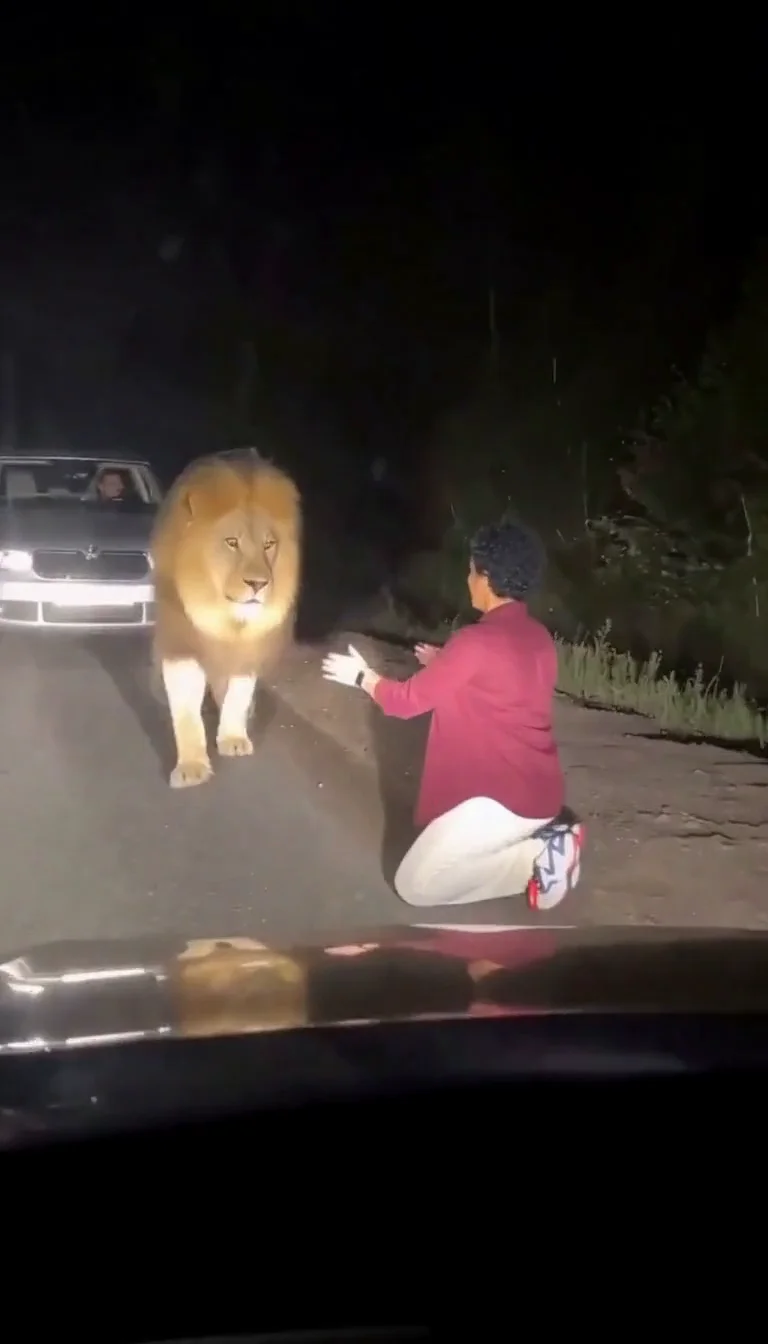
Lion Friend
Meet a calm lion on a nighttime road, stroke its mane and share a fictional embrace.
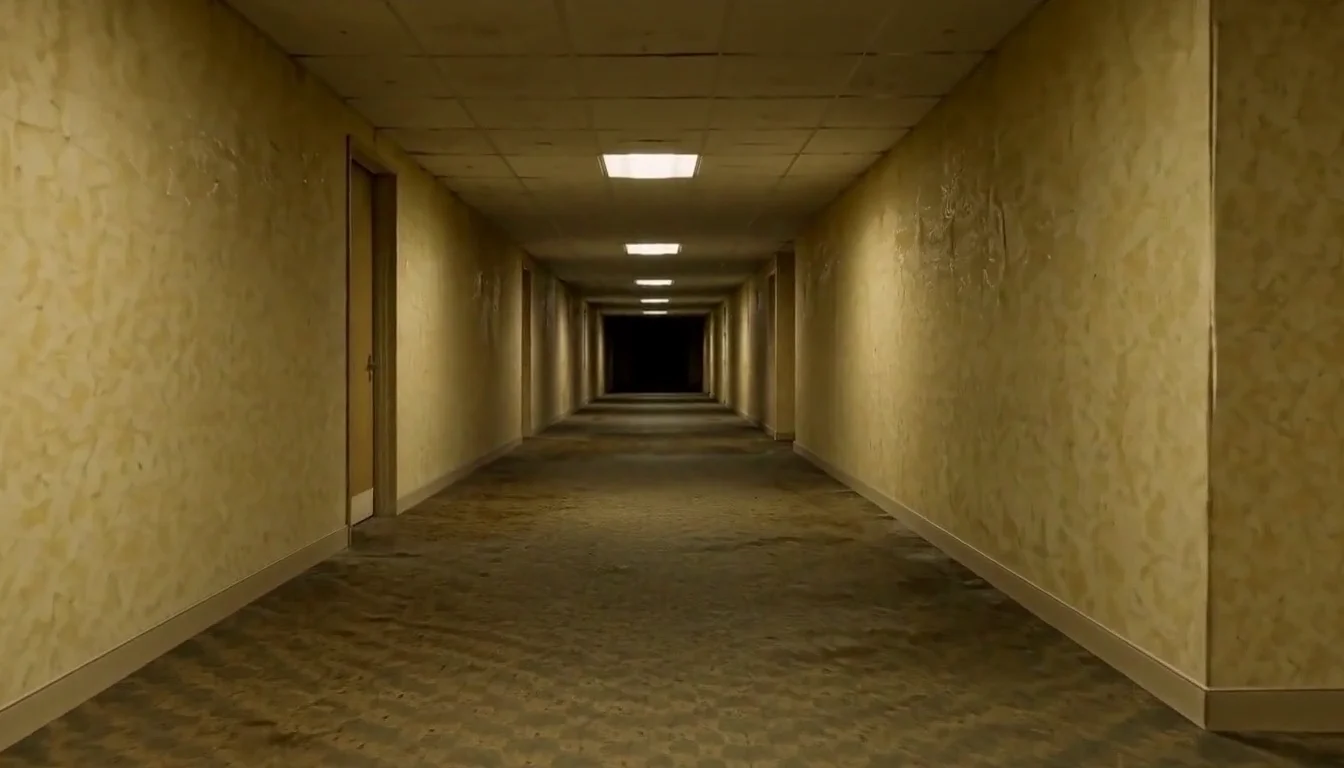
AI Backrooms
Animate your empty corridor with a slow camera push and flickering fluorescent lights.

Basketball Poster
Turn your portrait into a basketball poster in arena, retro-card or neon-court style.
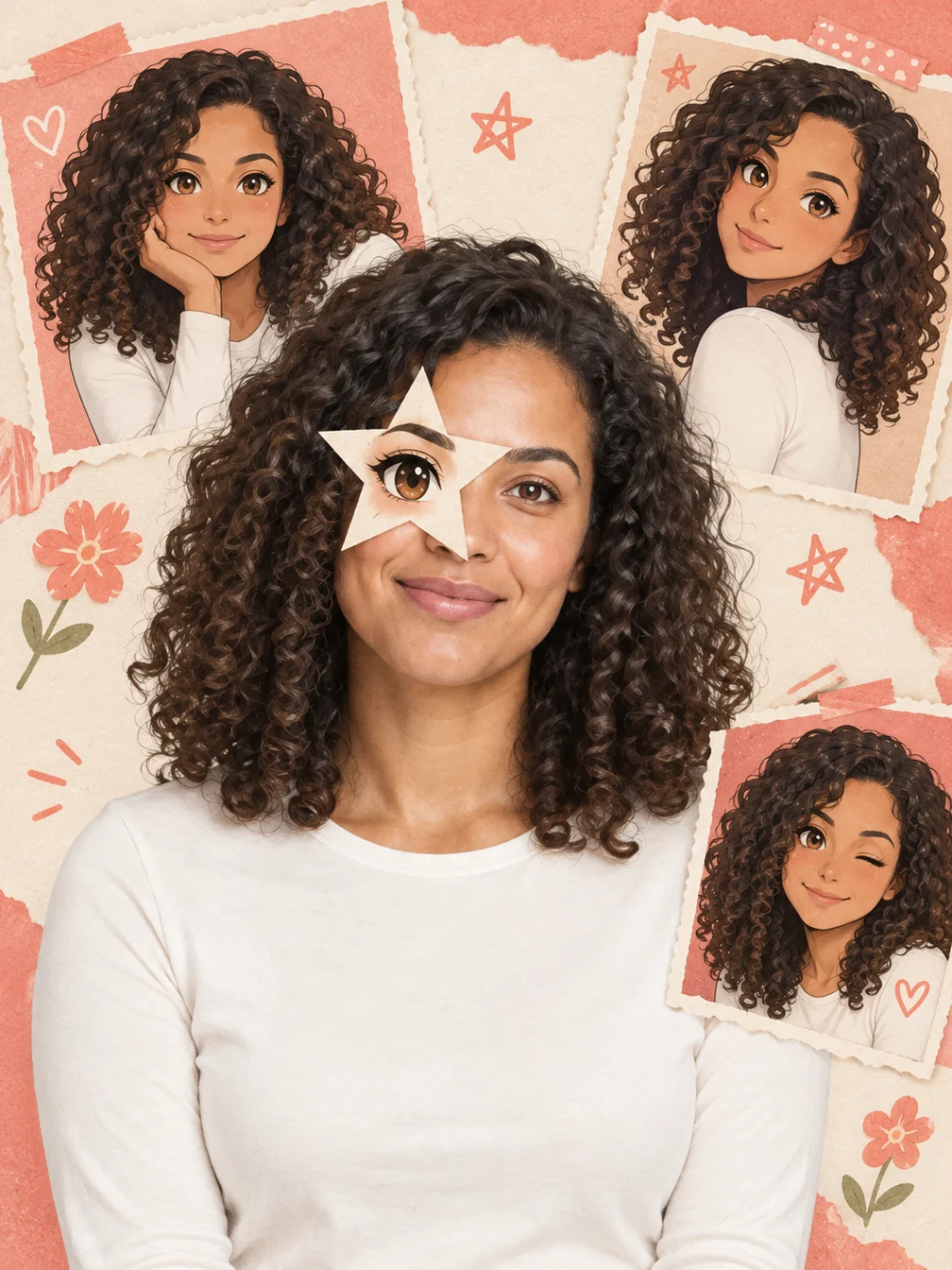
Anime Eye
Add one illustrated eye cutout and matching original anime-twin panels to your selfie.
I Love the Smiths
Put two portraits into the elevator scene.
Money Flex
Put your portrait into a cash-fanning video.
Push In AI
Add a slow forward camera move to your photo.
Baby Dancing
Turn a baby photo into a playful dance.
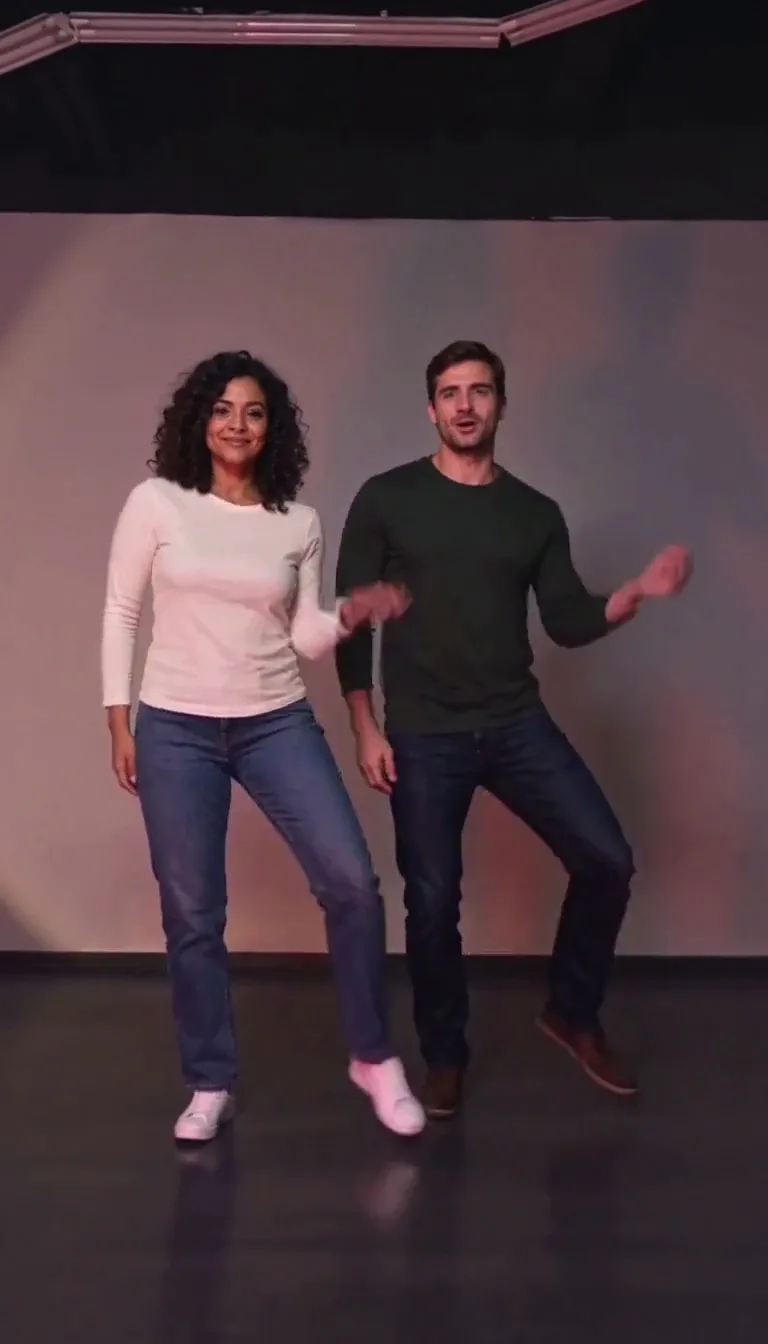
Trouble AI
Two portraits become a reference-guided duet dance.
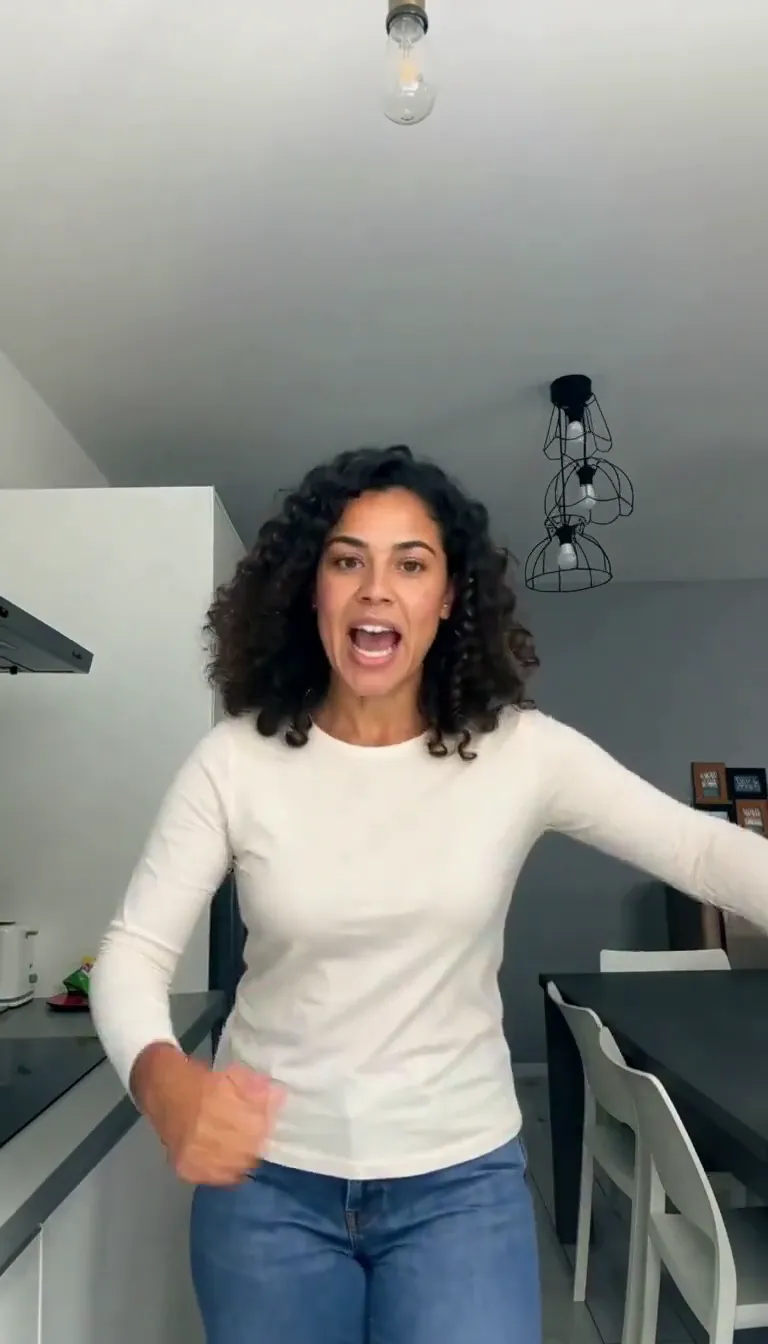
Bad Times AI
Put your portrait in the kitchen argument meme.
Related models


Related effects
Frequently asked questions
What does Furry Art AI create?⌄
Furry Art AI can draw one original, all-ages anthropomorphic animal illustration from a written description. Describe a species, fur markings, clothing, expression and pose to guide the design. You can ask for a close furry portrait or a full-body pose in the same text box.
Can I make a fursona from a description?⌄
Yes. Write the features that distinguish your fursona, such as a cream muzzle, amber eyes and a white tail tip. Add an outfit, a pose and a style. You can start with a short description and add one missing detail after comparing the result.
Do I need a reference image?⌄
This preset takes a written prompt. You can describe what you remember from a sketch or a previous furry design. Start with the color and outline, then name one or two markings that should appear in the final image.
Can I use the same design in another pose?⌄
You can reuse the description and change the pose, but each generation draws the furry design again. A spot pattern or an outfit seam may shift. Use one approved drawing as your main visual record and keep the written details nearby when you compare later images.
What can I download?⌄
You get one vertical 1K-class still. Use it as artwork or as a starting point for a drawing. To make a chat icon, download the full image and make your own crop around the face and ears.
How much does a generation cost?⌄
One result costs 3 credits. Eligible new Gmail users who sign in with Google can receive welcome credits, enough for one result. Country and IP rules apply. Your balance appears before you generate.
Draw your original furry design
Choose a furry species, give the design a distinctive feature and describe the pose you want. Start with one illustration and save your wording beside it.
Describe your character