
How Add Santa Hat to AI works
Add Santa Hat to Photo
Pick the original file if you have it. A profile screenshot often has less headroom and more compression than the full-size shot. Open the image at a normal size and make sure you can see both eyes, a clear hairline and the full crown. A photo taken slightly off-center can still work when the subject’s face and hair are clear. Leave room to add the pom-pom above the crown.
- ✓Apply the edit. The preset asks the editor to add red fabric, a soft white brim and a pom-pom. It uses the subject’s head angle and the existing light as guides for placement. Check the credit amount shown in the editor before you generate. Keep the original handy so you can compare the background and framing after the edit.
- ✓Review the picture. Start with the eyes and eyebrows, then look where the white brim meets the hair. Make sure the pom-pom fits inside the top edge. Zoom in once to check the face, glasses and any details that matter in the final photo. View it at the intended size as well. A hat that looks balanced full screen can sit too close to the edge of a small profile icon. Add the icon crop only after checking the full-size result.
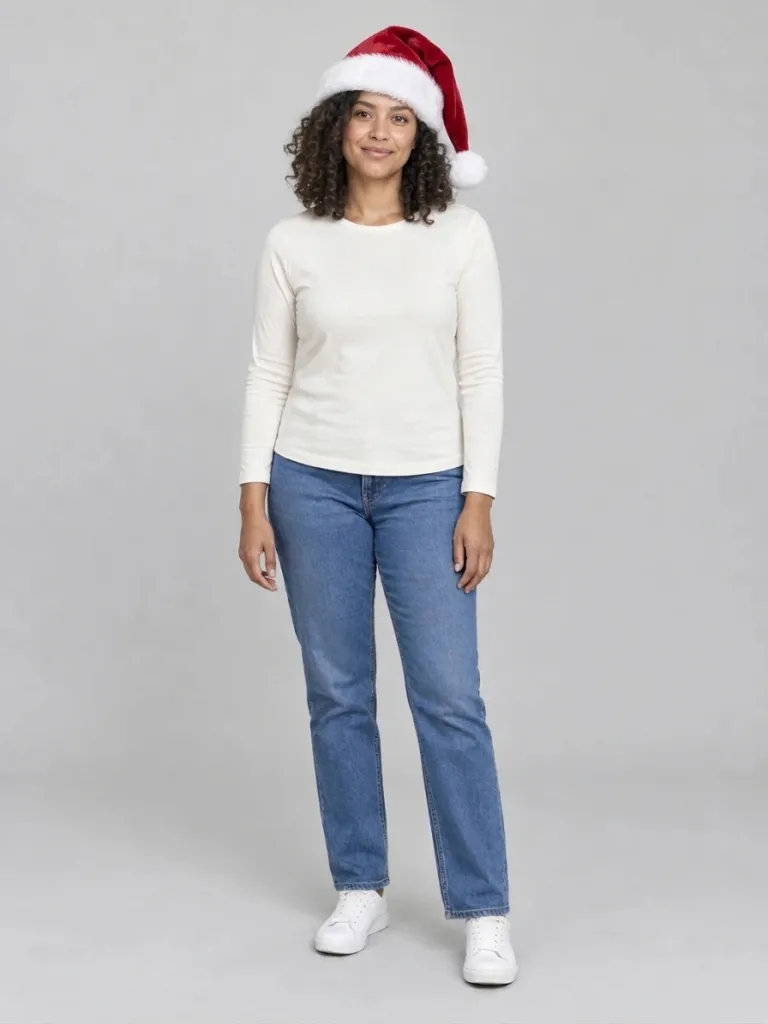
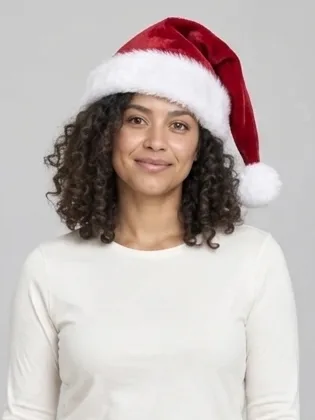
Keep the setting and expression you already like
Add Santa Hat to AI is designed for a snapshot that already has the right pose, expression and setting. A holiday message works with the kitchen, hallway or winter street behind the subject. The cap can add a seasonal detail while the original framing and setting guide the edit. Leave empty space in the frame wherever you want to add a greeting in a separate app. If you want to add a name or date, lay it out once you have the edit. Existing signs are worth checking because nearby detail can be redrawn.
- ✓Check how the brim follows the head. When you add Santa-style trim, look for a hat that rests on the head. In a front-facing shot, the white brim usually reads clearly just above the eyebrows. In a three-quarter view, the brim should narrow on the far side as it wraps around the hair. A good match also picks up the original color temperature. If you add Santa-style color to a warm indoor snapshot, the cap should pick up that warmth. A frame lit by a cloudy window calls for softer shadows. Compare those edges if you’re choosing between the edit and the original for a card.
Choose a frame with headroom
Use a source with a little background above the hair, roughly enough to picture where a folded pom-pom could sit. A seated shot near a plain wall or window gives you an easy place to start. A full-body frame can work when the face still occupies enough of the frame to inspect. For a group crop, choose a frame with one subject first so you can judge which person the edit should follow.
- ✓Use a well-lit outline. Very dark hair against a dark wall can make the outline hard to see. Try a brighter frame from the same shoot or one with a slight light edge around the hair. If another hat already covers the forehead, choose an uncovered image for a cleaner starting point. When the crop cuts through the top of the head, use a wider original. Stretching the same close crop leaves the model with little information about where the brim should sit.
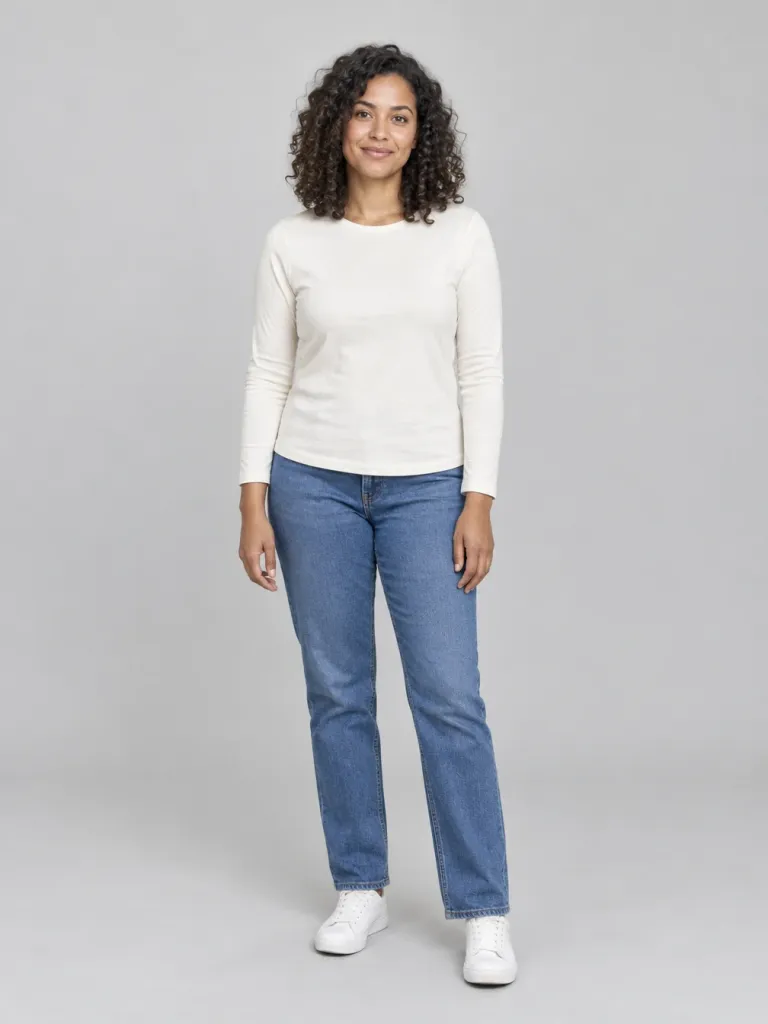
Compare the source and the finished edit
Use the full frame to check the framing before you inspect the details.
The original file
Choose your input
When to use it
Pick a clear snapshot with hair, eyes and some space above the head visible.
What it produces
The reference for the hat placement, clothing and lighting.
- ✓One consenting adult
- ✓Head fully visible
- ✓Upload the uncropped original if possible
The edited result
Review your result
When to use it
Look for the fit of the hat and any changes around the face or scene.
What it produces
One downloadable still image with the cap in place.
- ✓Check brim placement
- ✓Inspect the background
- ✓Save the full image before cropping
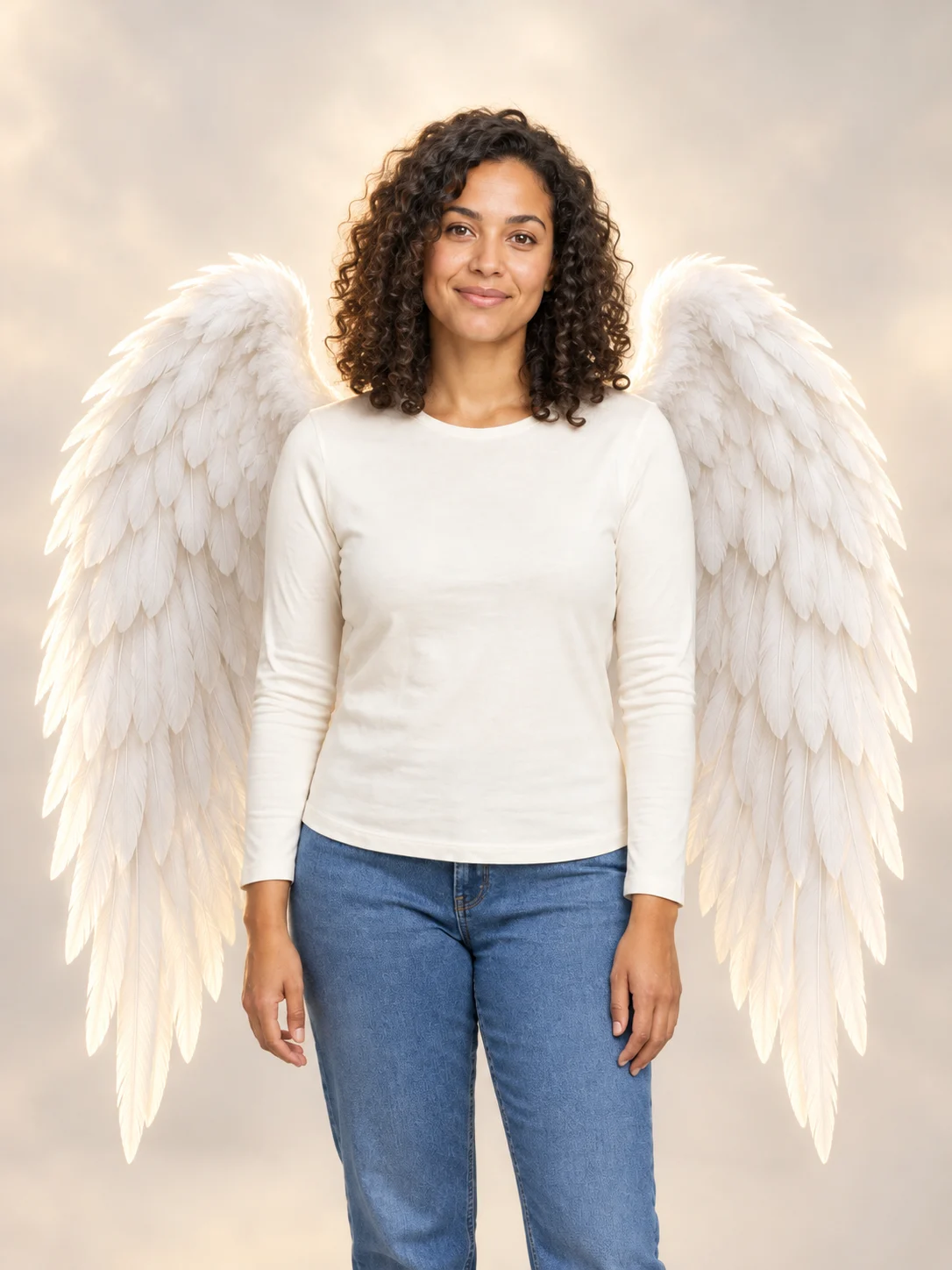
Angel Wings
Add large feathered angel wings to your photo while keeping your own outfit.

Football Champion
Turn your portrait into an American football action picture with a helmet and a football.
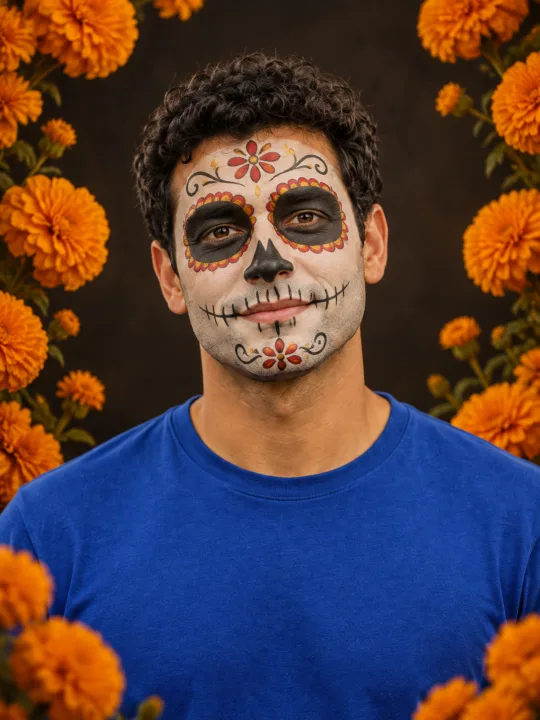
Catrina Makeup
Preview floral Day of the Dead face paint and marigolds on your own portrait.
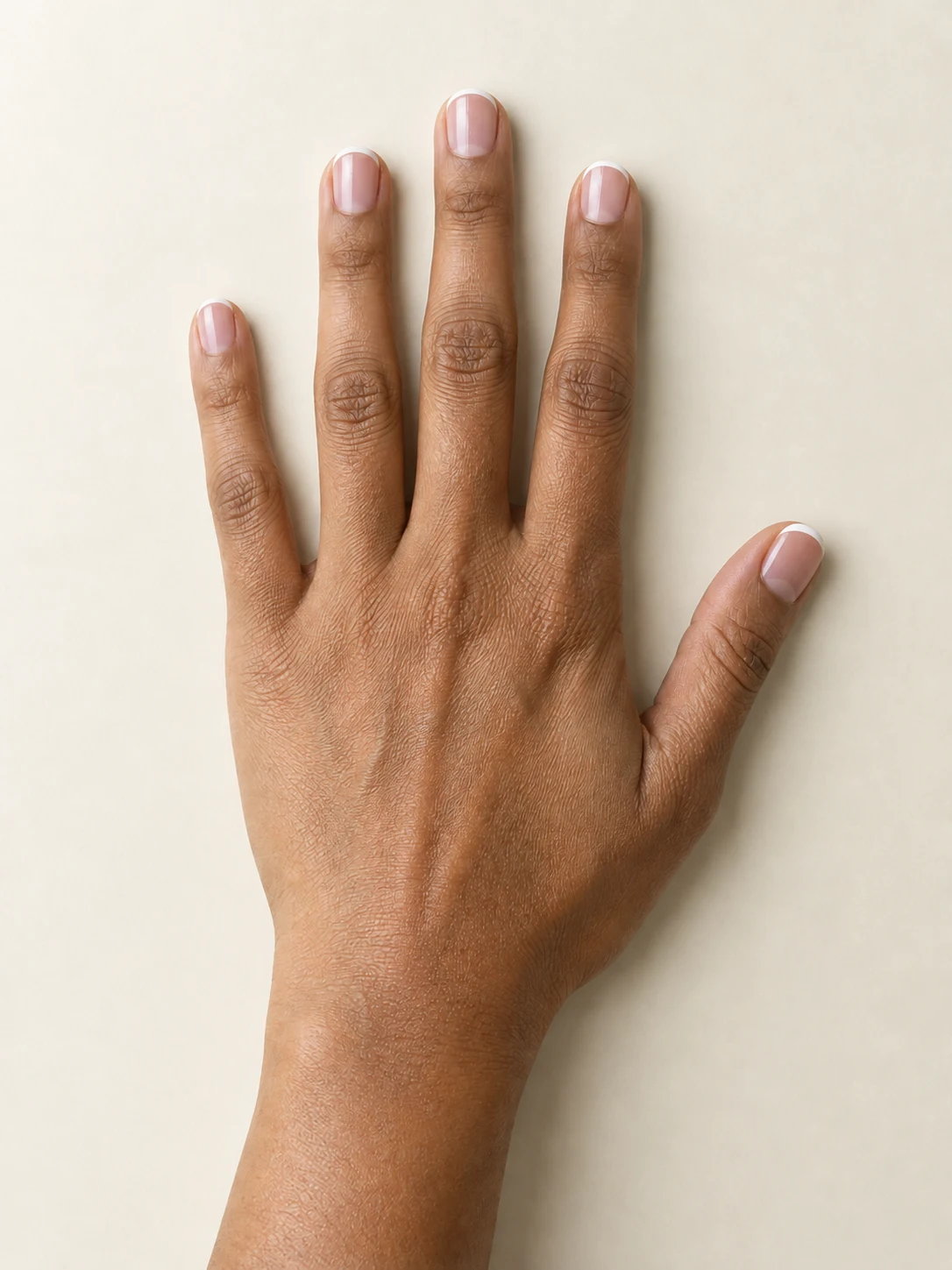
AI Nail
Preview French tips, Burgundy gloss or Pearl shimmer on your hand.
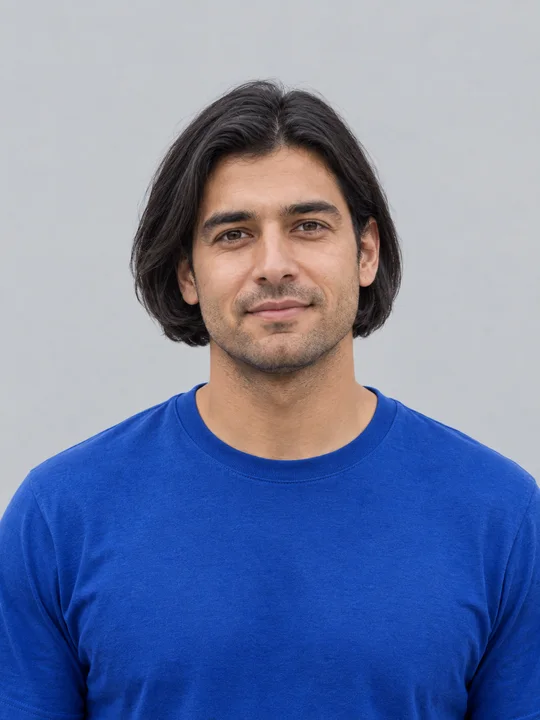
AI Bob Haircut
Preview a chin-length bob on one adult portrait.
Filtro Catrina IA
Add floral Day of the Dead makeup and marigolds to your portrait.
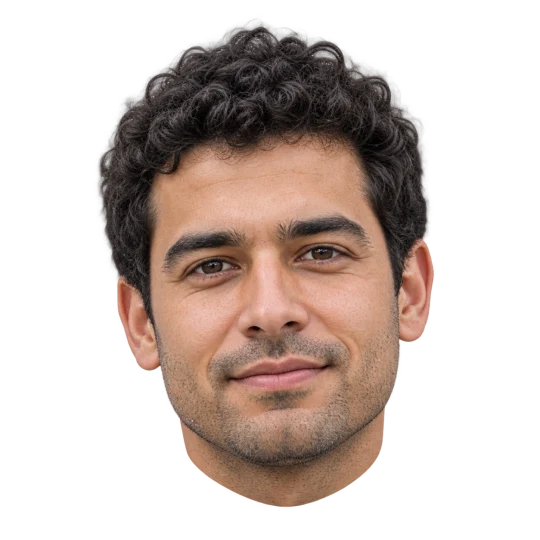
Head Cutout
Create a head-only transparent PNG from one adult portrait.
Side by Side AI
Create one natural photo of two people standing together.
Group AI
Combine two portraits into one group photo.
Portrait Photography AI
Create a studio portrait from your photo.
Bold Glamour AI
Give your selfie a bold, camera-ready makeup look.
Realistic Selfie AI
Turn your photo into a natural-looking phone selfie.
Related models



Frequently asked questions
How do I add the hat to a picture?⌄
Add Santa Hat to AI adds the red cap to one upload. Start with a clear frame with space above the head, apply the edit and review the result before downloading. The original lighting and head angle help guide the placement.
Will the original background stay the same?⌄
The edit is instructed to keep the original background, framing and clothing. It creates a new image, so small changes can occur around fine texture, hair and edges. Compare the original and the edit if you need a familiar room, a patterned shirt or a sign in the background to look the same.
What if the top of my head is near the edge?⌄
Start with a wider version of the photo and leave room above the hair. The editor needs space to add the brim and pom-pom. A close headshot might not leave enough. You can crop the finished picture later. Start with the wider frame if you want to add a short holiday greeting around the cap.
Can I use a side-profile portrait?⌄
A three-quarter view with a clear forehead and visible hair can work. A strong side profile can make the far side of the brim harder to place. Check that the brim follows the angle of the head and that it leaves your eye and eyebrow clear.
Do I need to paint or place the hat myself?⌄
The preset places the hat during the image edit. Choose a shot with one clear subject, then evaluate the position after it finishes. If the brim sits oddly or the hat looks tall, try a frame with more headroom and a more visible hairline.
How much does an edit cost?⌄
One result costs 3 credits. Eligible new Gmail users who sign in with Google can receive welcome credits, enough for one result. Country and IP rules apply. Your balance appears before you generate.
Make a holiday version of one portrait
Choose an uncropped snapshot with a little room above the head. Add Santa-style trim and check how the white brim meets the hair. Check the brim and the face in the finished image before you use it on a card or share it.
Choose your upload