

Pick from the classic Halloween characters
Characters with their own page open it, with more examples. The rest are picked in the tool above with one tap.
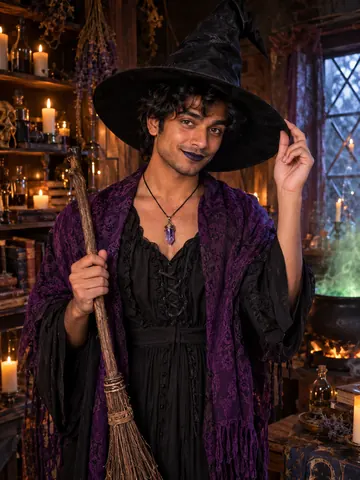
Witch
Tall hat, broom and a bubbling cauldron.
Open page →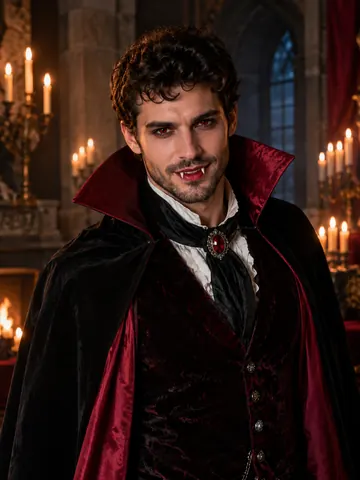
Vampire
Cape, fangs and a cold candlelit stare.
Open page →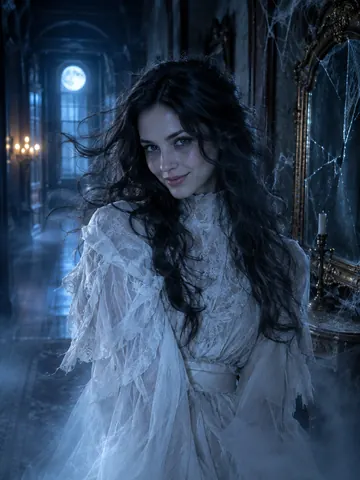
Ghost
A pale Victorian ghost fading into mist.
Open page →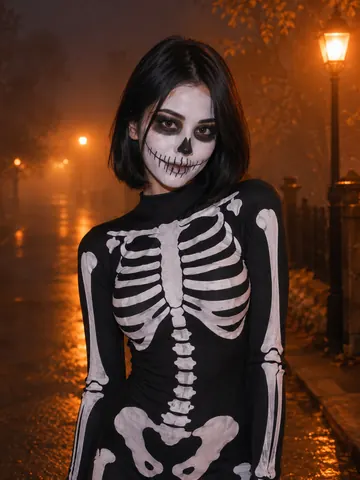
Skeleton
Crisp skull face paint and bones.
Open page →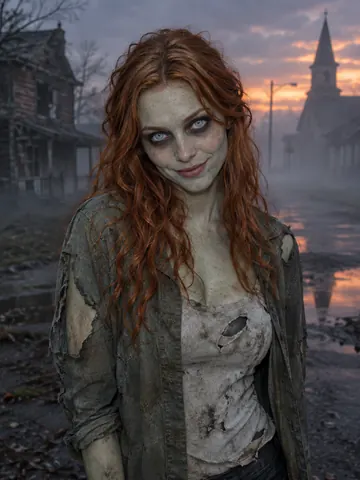
Zombie
Grey-green movie makeup, no blood.
Open page →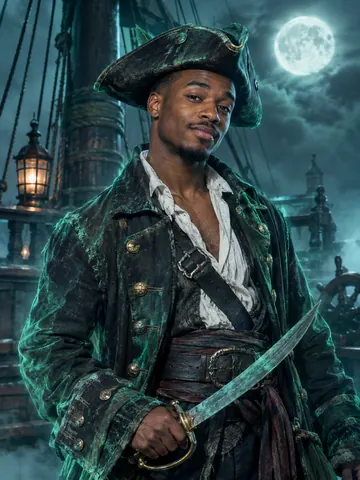
Pirate
Captain of a foggy ghost ship.
Open page →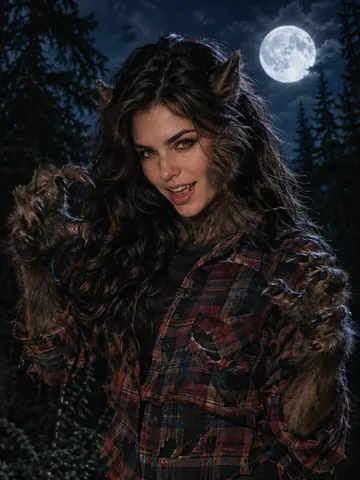
Werewolf
Fur, pointed ears and amber eyes.
Pick ↑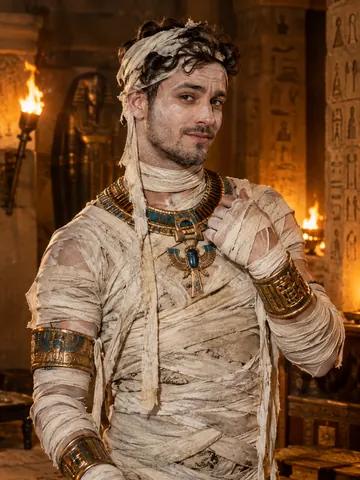
Mummy
Old linen bandages and gold, face uncovered.
Pick ↑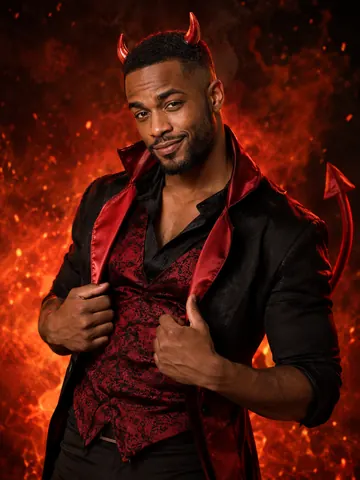
Devil
Small red horns, a tail and a smirk.
Pick ↑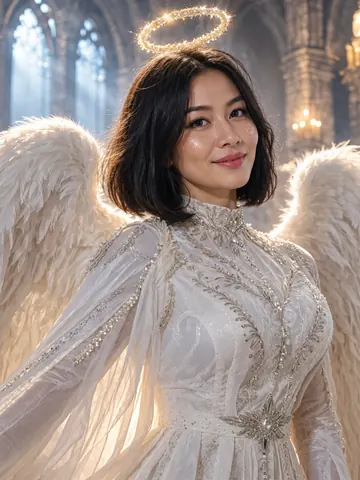
Fallen angel
Feathered wings, a halo and cathedral light.
Pick ↑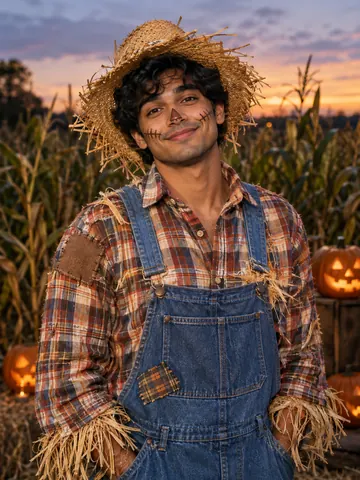
Scarecrow
Straw, patches and stitched-cheek paint.
Pick ↑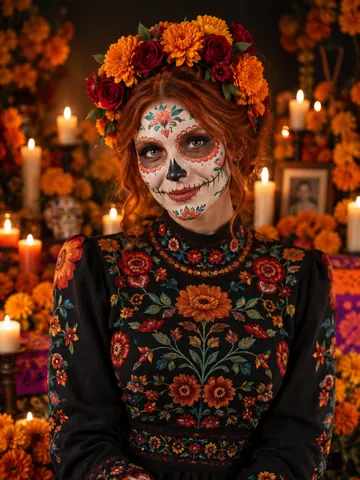
Day of the Dead
Sugar-skull paint and a marigold crown.
Pick ↑
How a selfie becomes one of the Halloween characters
More than a costume: makeup, creature details and a scene
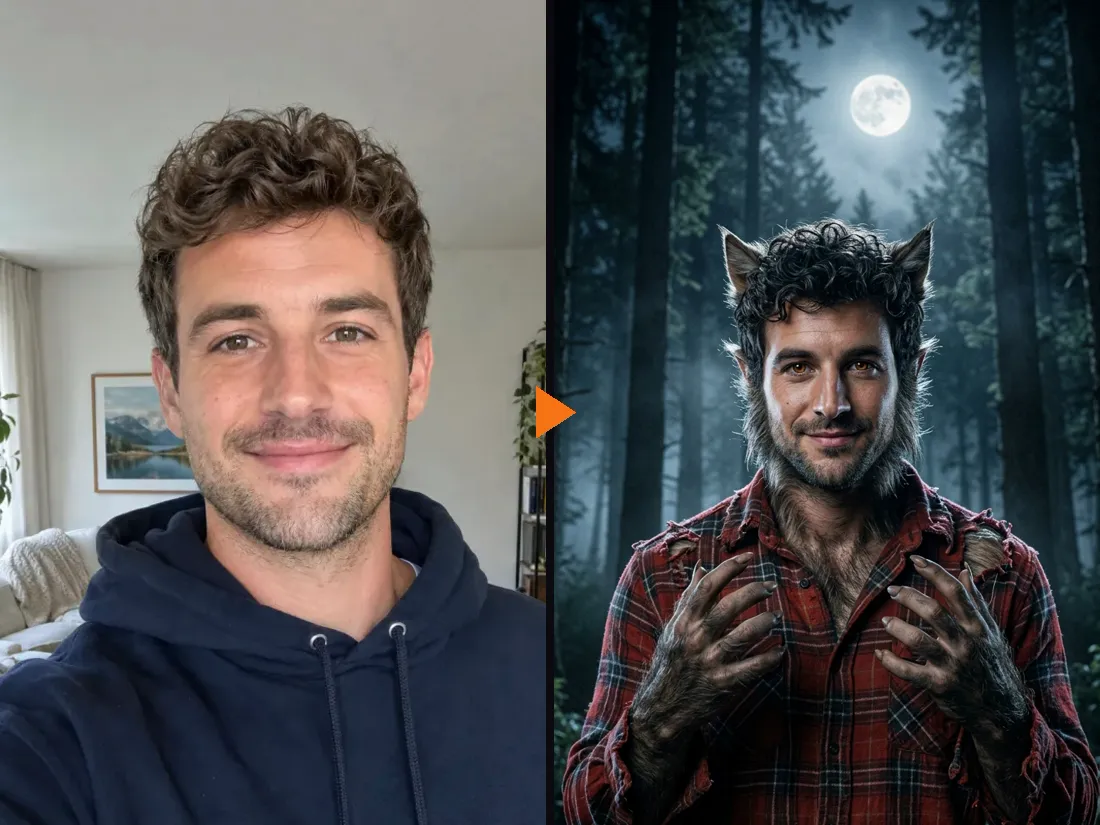
Of all the classic Halloween characters, the werewolf needs the most detail, and a flannel shirt alone will not do it. The AI adds thick fur on the sideburns, neck and hands, pointed furry ears and amber eyes, rips the shirt, and moves you into a dark pine forest under a full moon. Your face shape, smile and hair stay, so friends still know it is you.
- ✓Makeup and creature details — fur, wings, bandages, face paint
- ✓A scene for each character — forest, tomb, cathedral, cornfield
One tool for all the classic Halloween characters
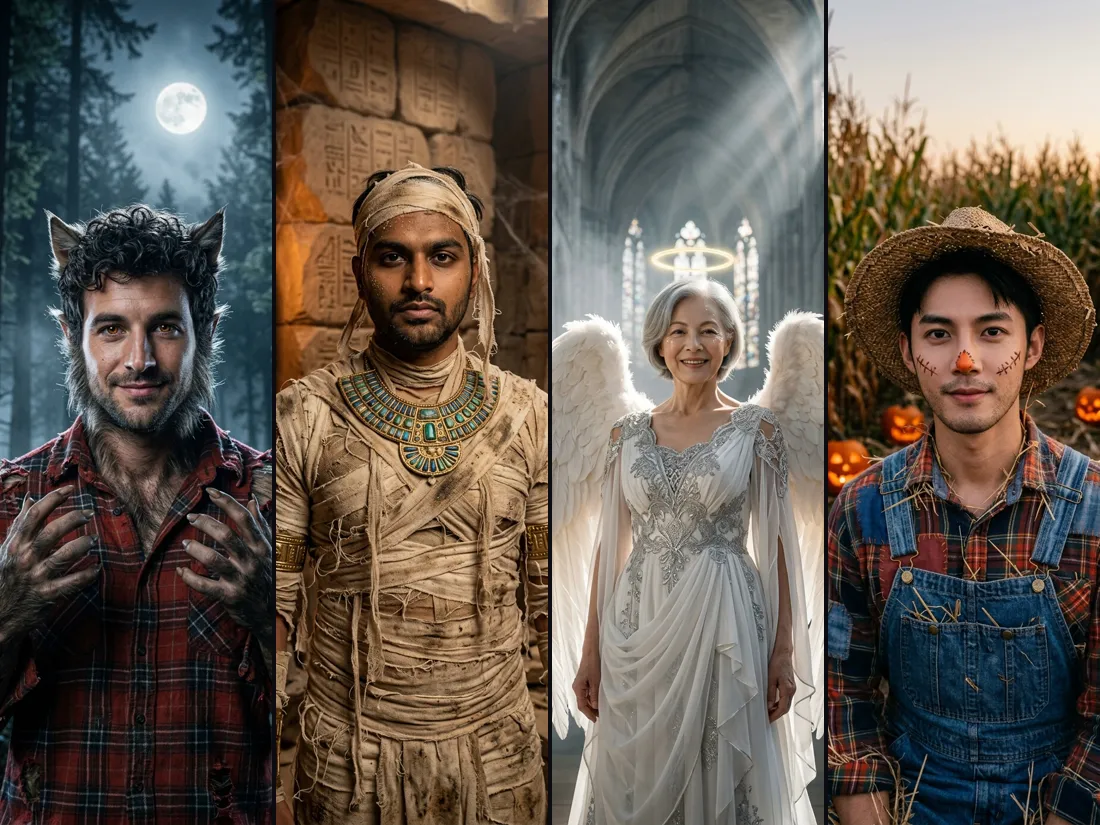
Werewolf, mummy, fallen angel and scarecrow here; witch, vampire, ghost, skeleton, zombie, pirate, devil and Day of the Dead too. All are generic, classic characters, so nothing breaks a copyright. Tap a character in the guide above and the tool switches to it.
- ✓Four different people — each one still looks like themselves
- ✓Your own idea — describe a character in a few words
Settle who goes as which character
Planning a group theme? Run each friend’s selfie through a different character and drop the results in the group chat. It is a quick way to pick roles for a monster party before anyone buys face paint, and a fun invite in itself.
- ✓One selfie per friend — about a minute each
- ✓Two people at once — 12 character pairs, like witch and warlock
Bring your Halloween character to life
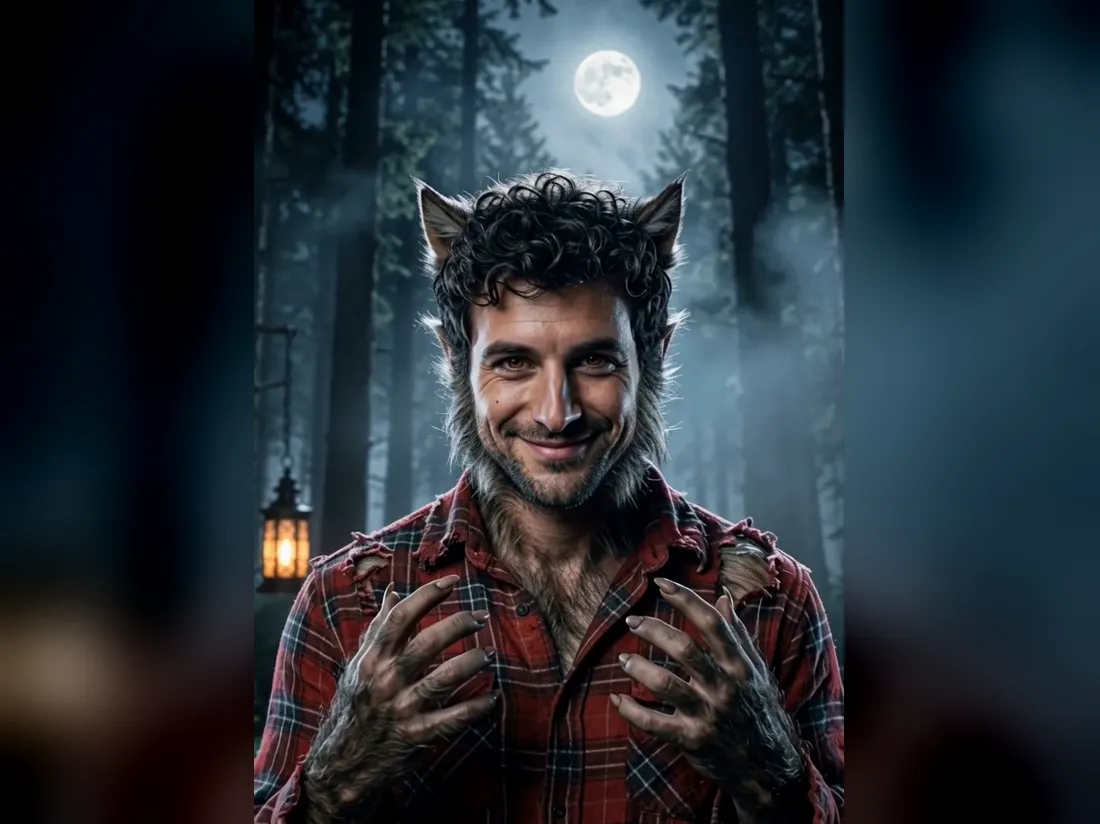
Turn the picture into a 5-second vertical clip: the werewolf grins at the camera while fog drifts between the pines and the light flickers. Choose Standard at 480p for 10 credits or HD at 768p with sound for 50 credits. The character photo itself costs 20 credits.
- ✓Vertical clip — ready for Reels, TikTok and Stories
- ✓No watermark — download the photo and the video
One character or a pair?
Become one of the Halloween characters on your own, or bring someone along. Pick the mode at the top of the tool.
1 Person — one character
Just your selfie.
When to use it
For a profile picture, a party invite or picking your own character.
What it produces
A picture of you as the character in its own scene, then an optional 5-second video.
- ✓12 classic characters
- ✓Makeup and creature details included
- ✓Face stays recognizable
- ✓Or describe your own character
- ✓Optional video
2 People — a character pair
A selfie each.
When to use it
For couples and friends going as a matching pair.
What it produces
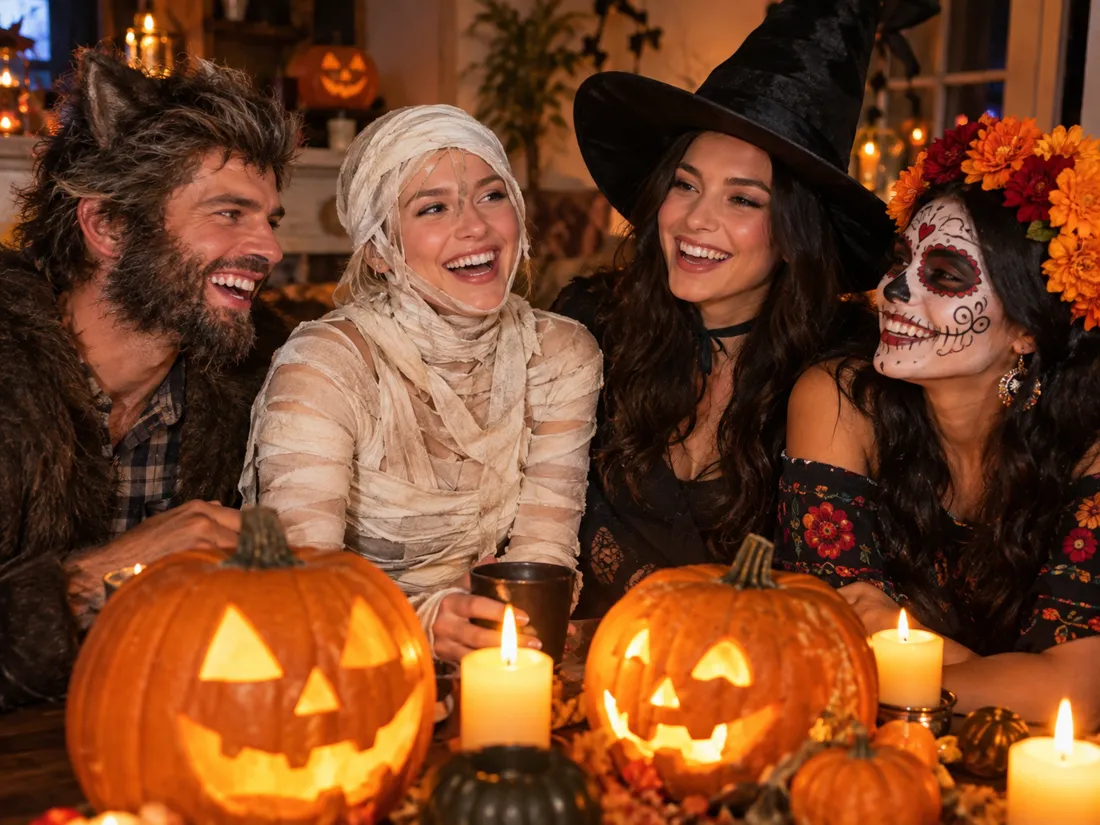
One picture of you both as a pair of characters, then an optional 5-second video.
- ✓Witch and warlock, vampire couple and more
- ✓Both faces kept
- ✓Person 1 stands on the left
- ✓12 pairs to choose from
- ✓Same price as one person
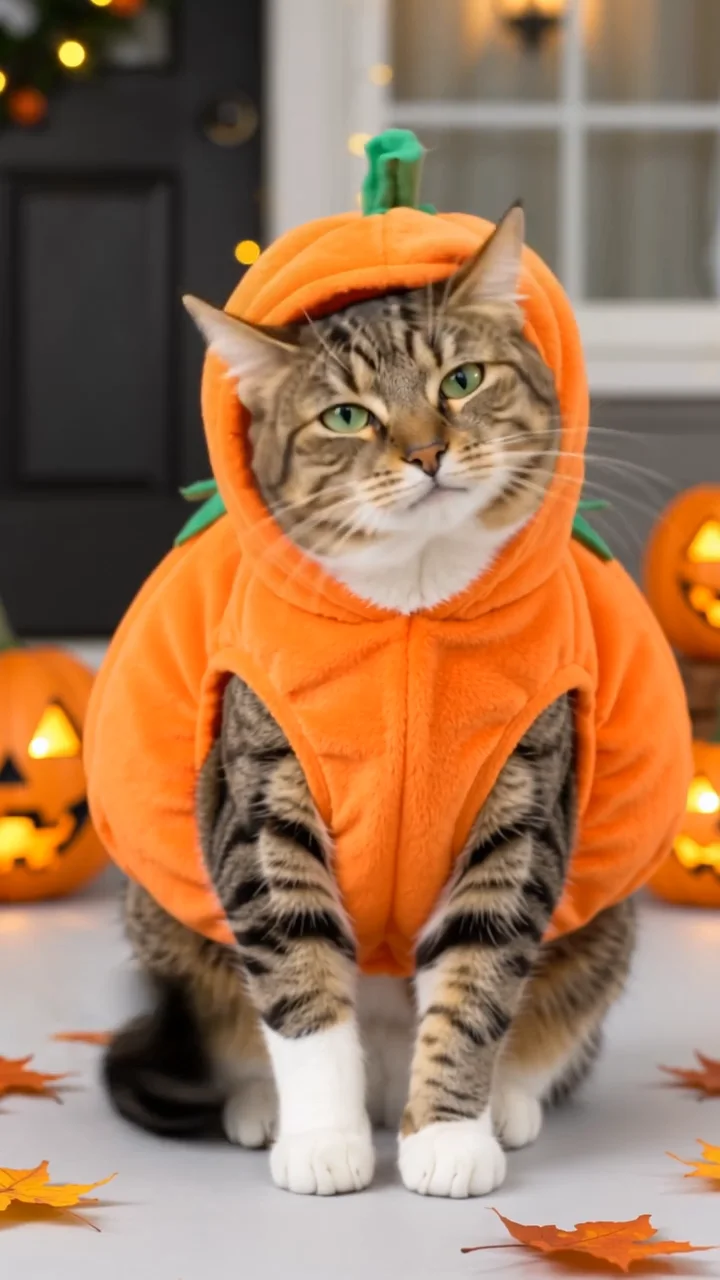
Pumpkin Pet
Turn your cat photo into a five-second pumpkin costume video.
Angel Costume
Preview white wings, an angel outfit and a halo on your photo.
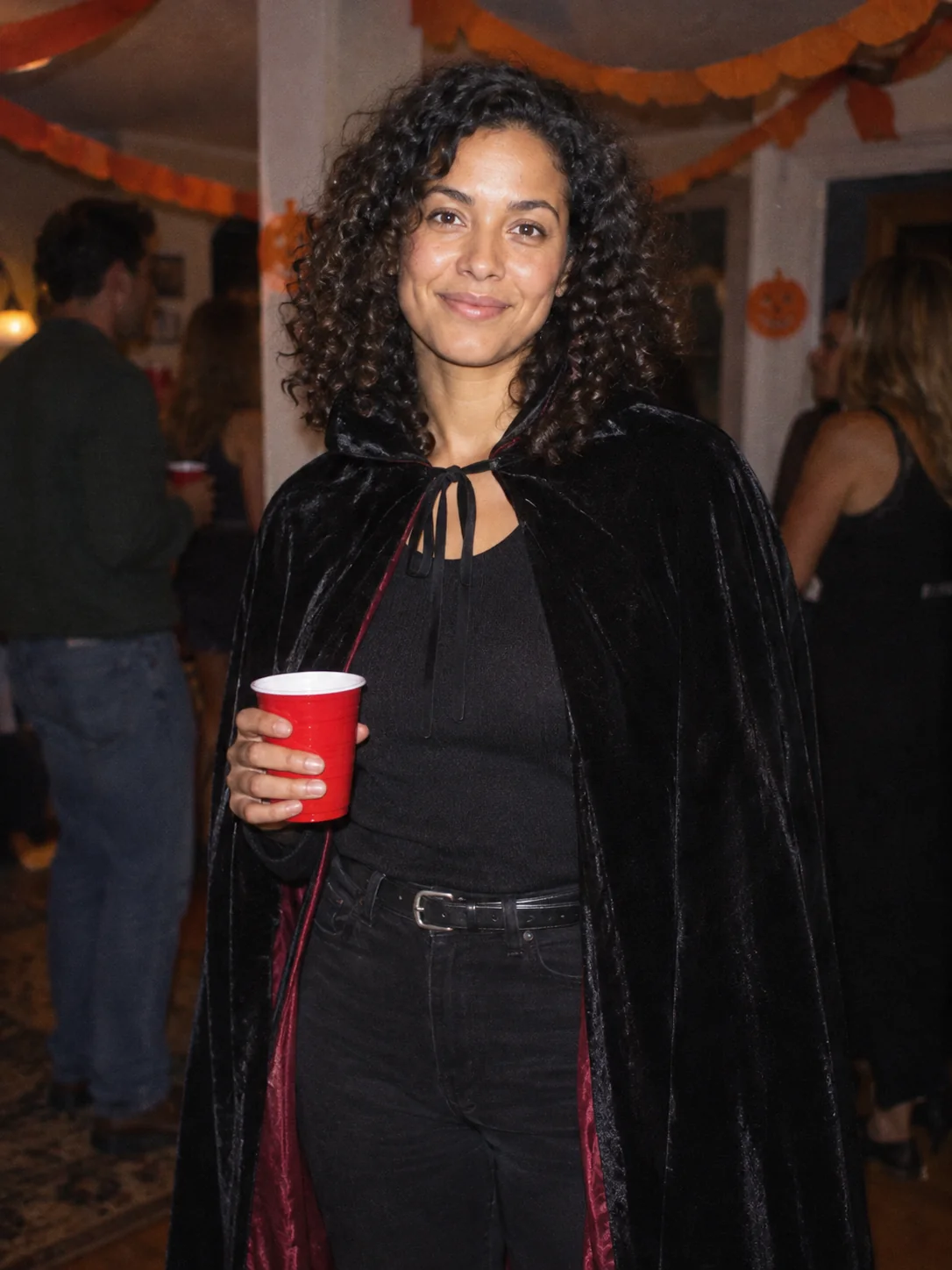
Costume Party
Put yourself in a Halloween costume party photograph.
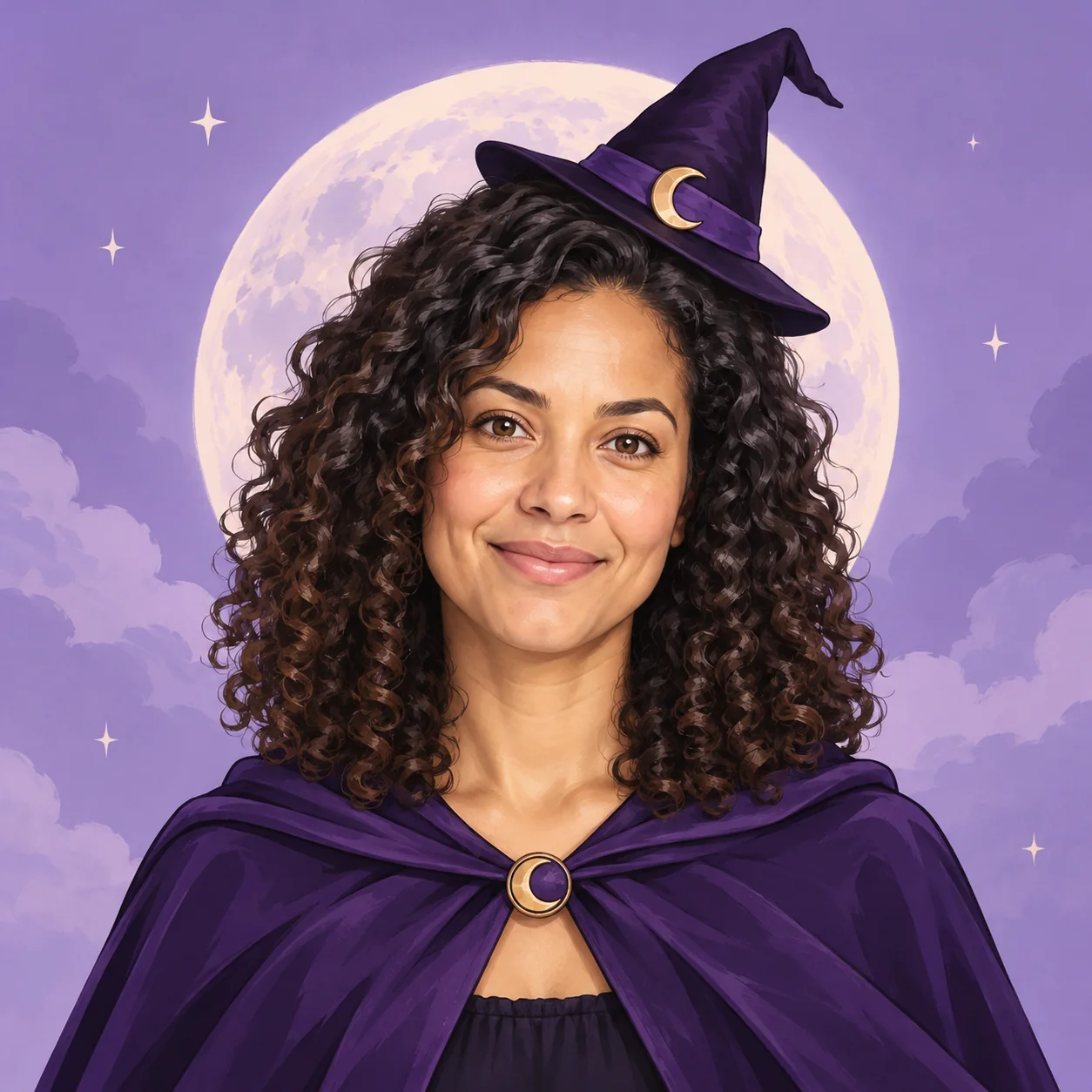
Halloween Avatar
Make a Halloween profile picture that stays readable in a small circle.
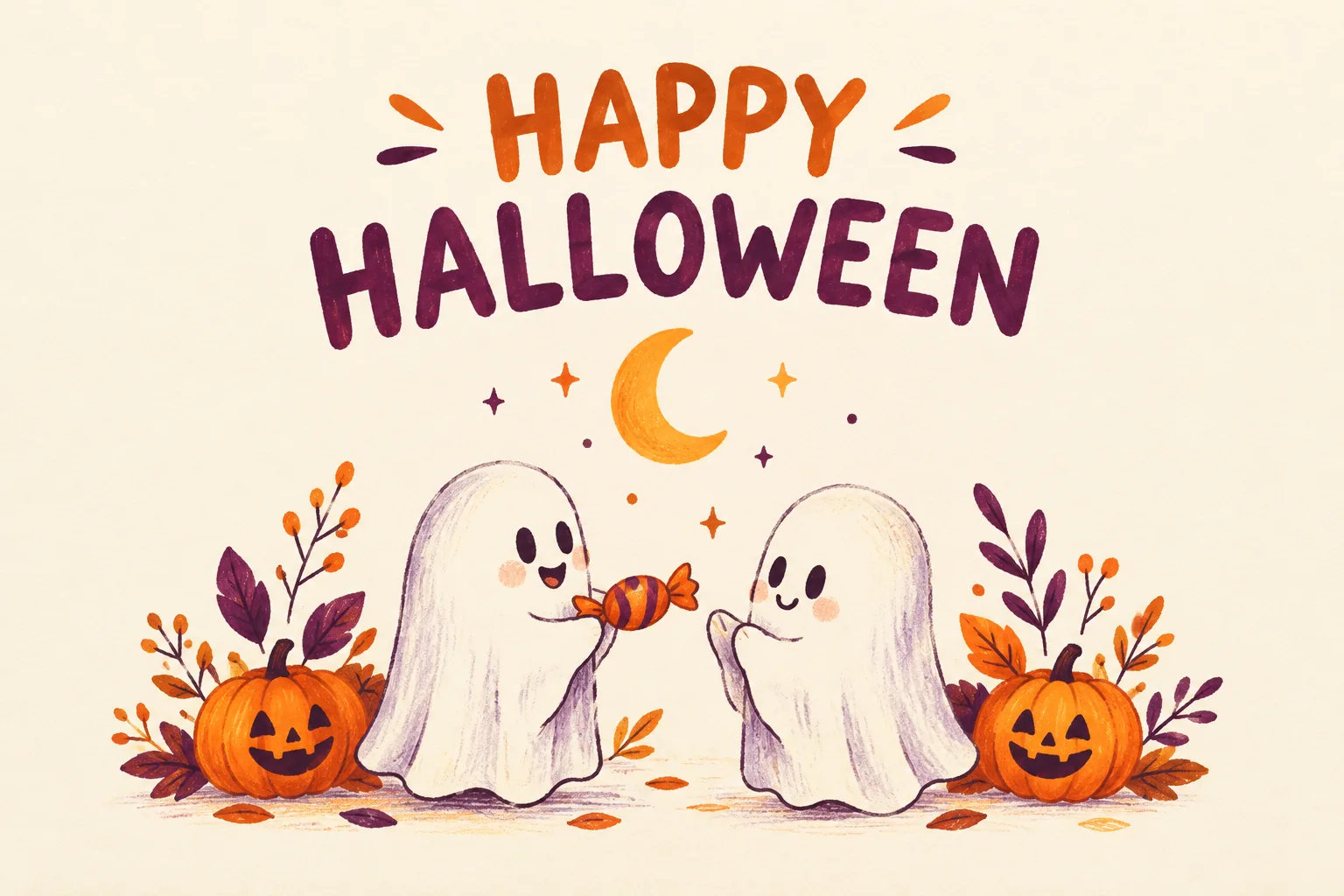
Halloween Card
Create a Halloween greeting card with your own short message.
Halloween Coloring
Make black-and-white Halloween coloring sheets with empty spaces to fill.
Halloween Logo
Explore an original Halloween logo concept with a short brand name.
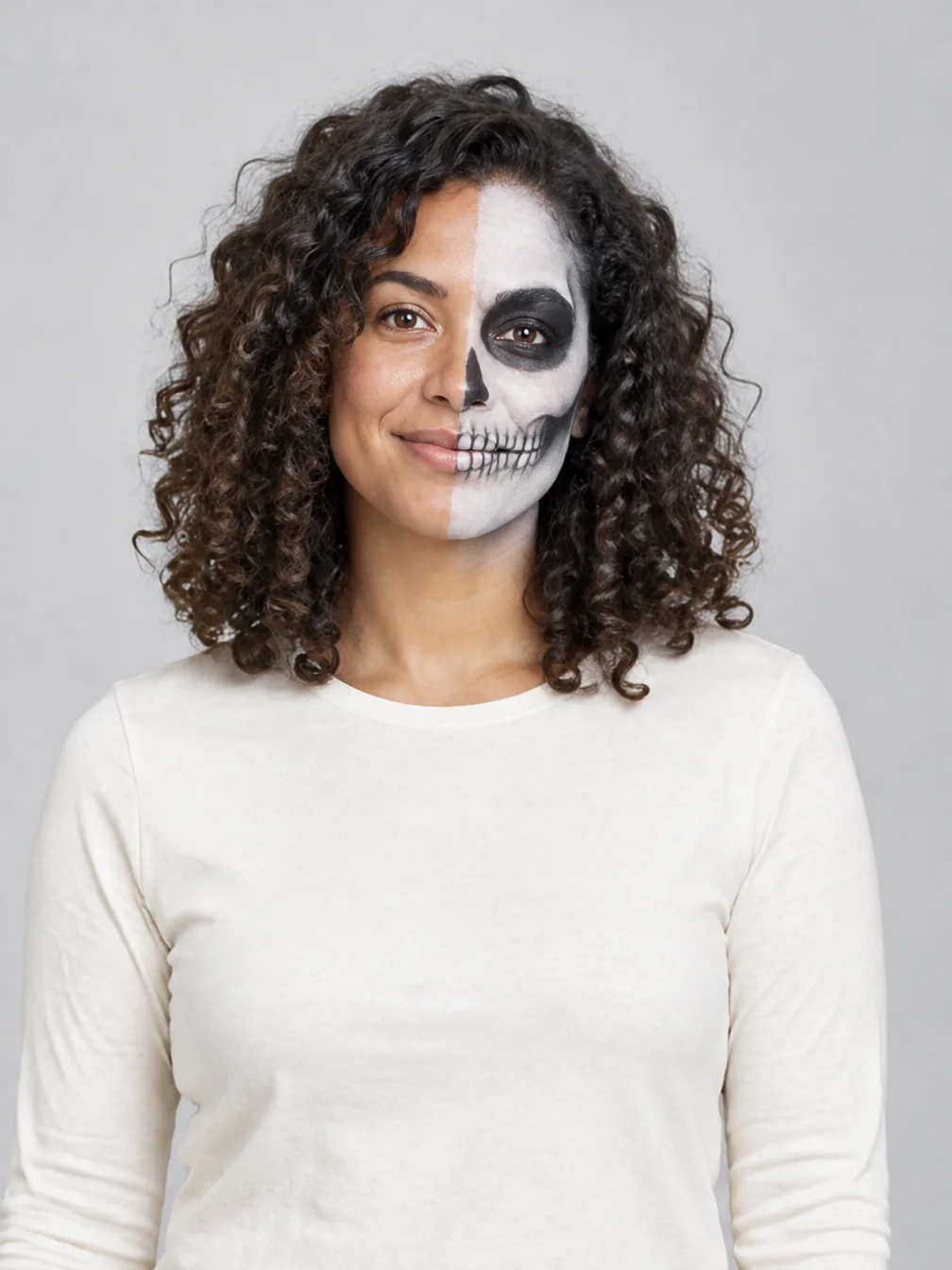
Halloween Makeup
Preview different Halloween makeup looks on your own face.
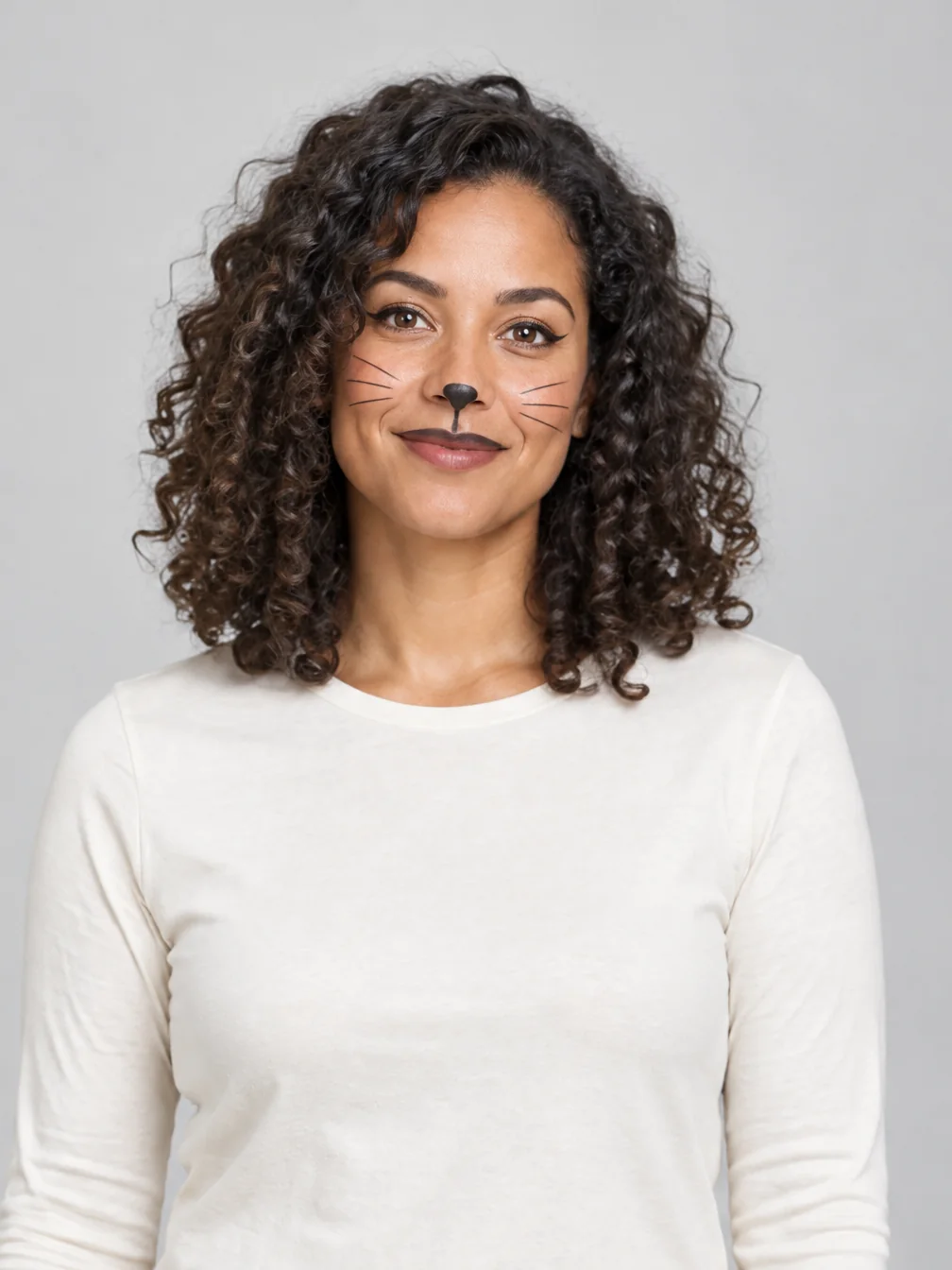
Cat Halloween Makeup
Try cat face paint while keeping your own human face.
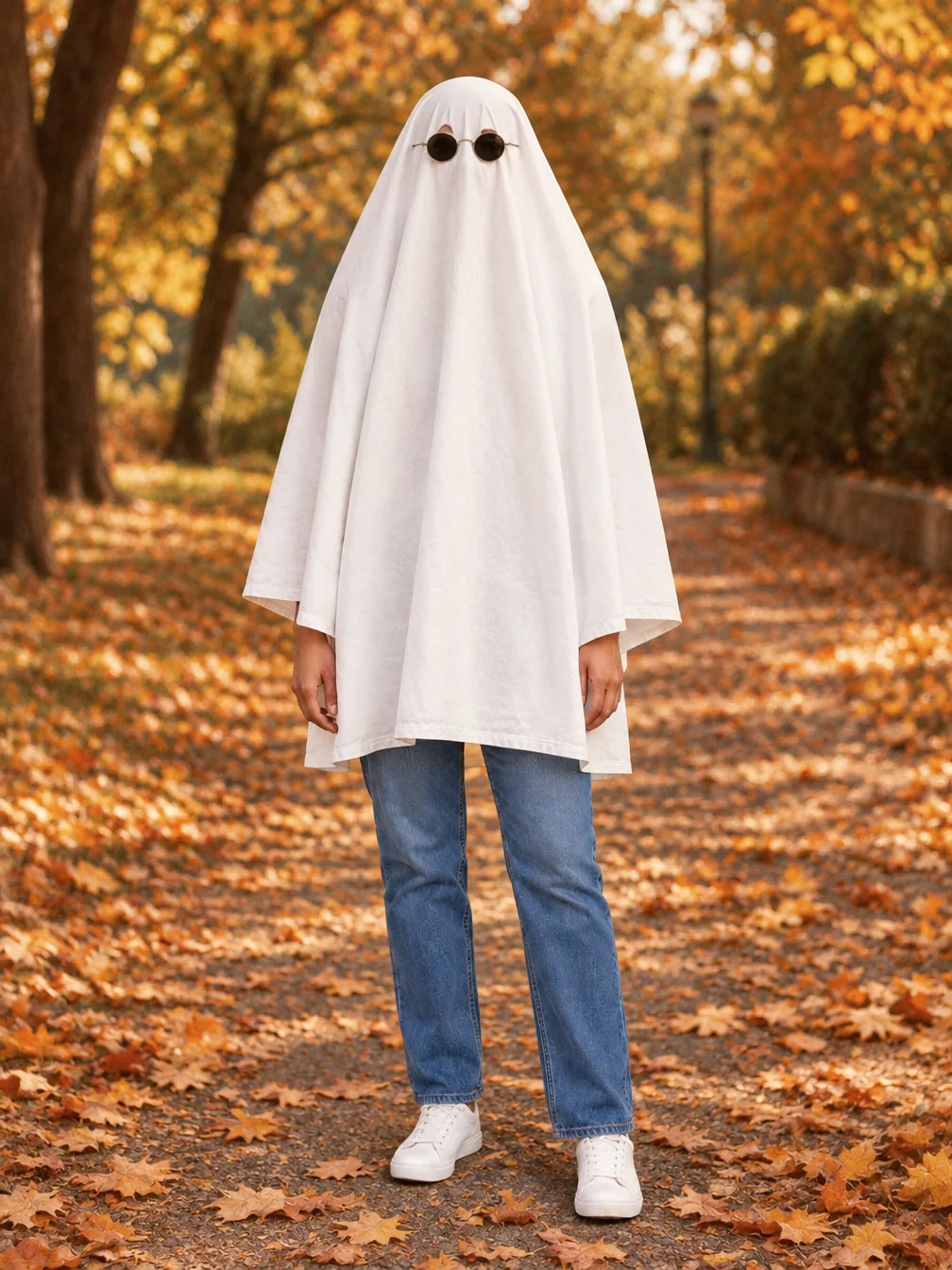
Ghost Photoshoot
Get the white-sheet-and-sunglasses ghost photoshoot look.
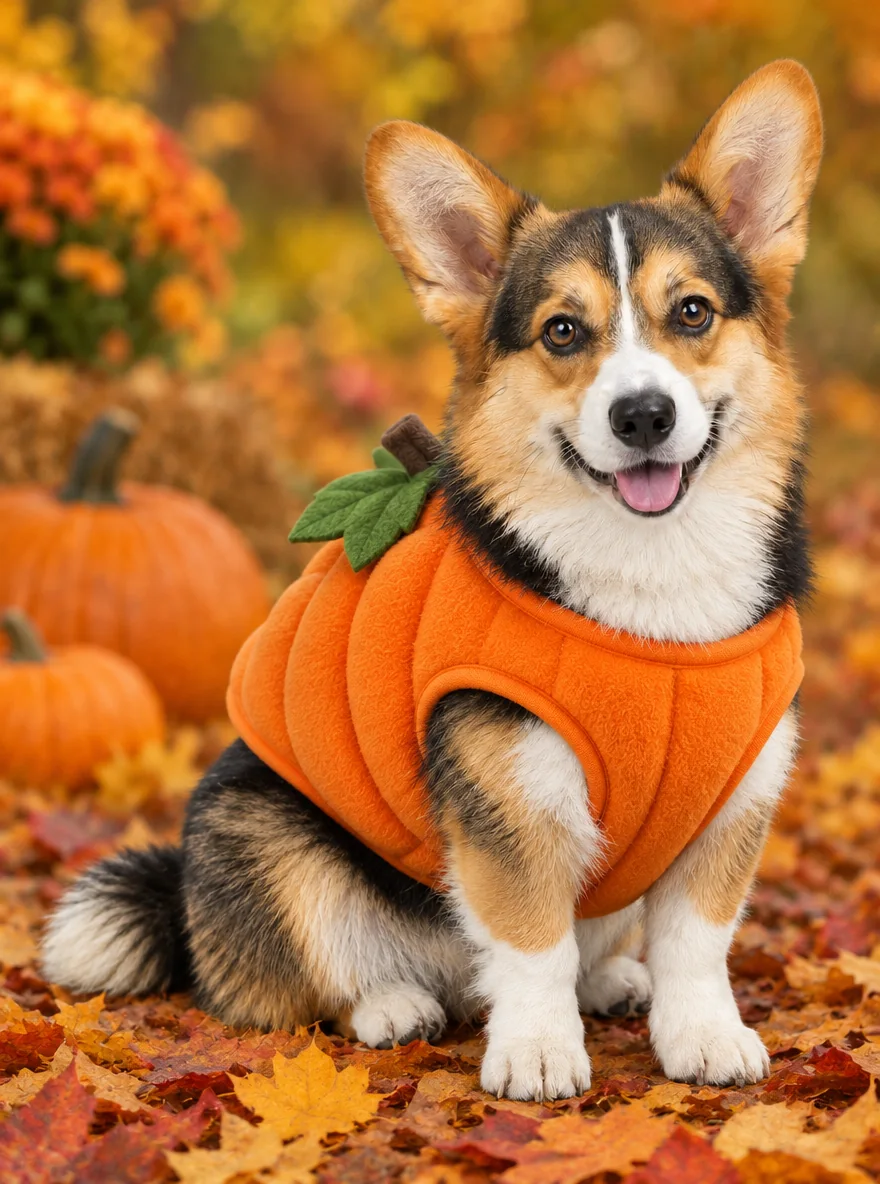
Pet Halloween Costume
Preview a Halloween costume on your own dog or cat.
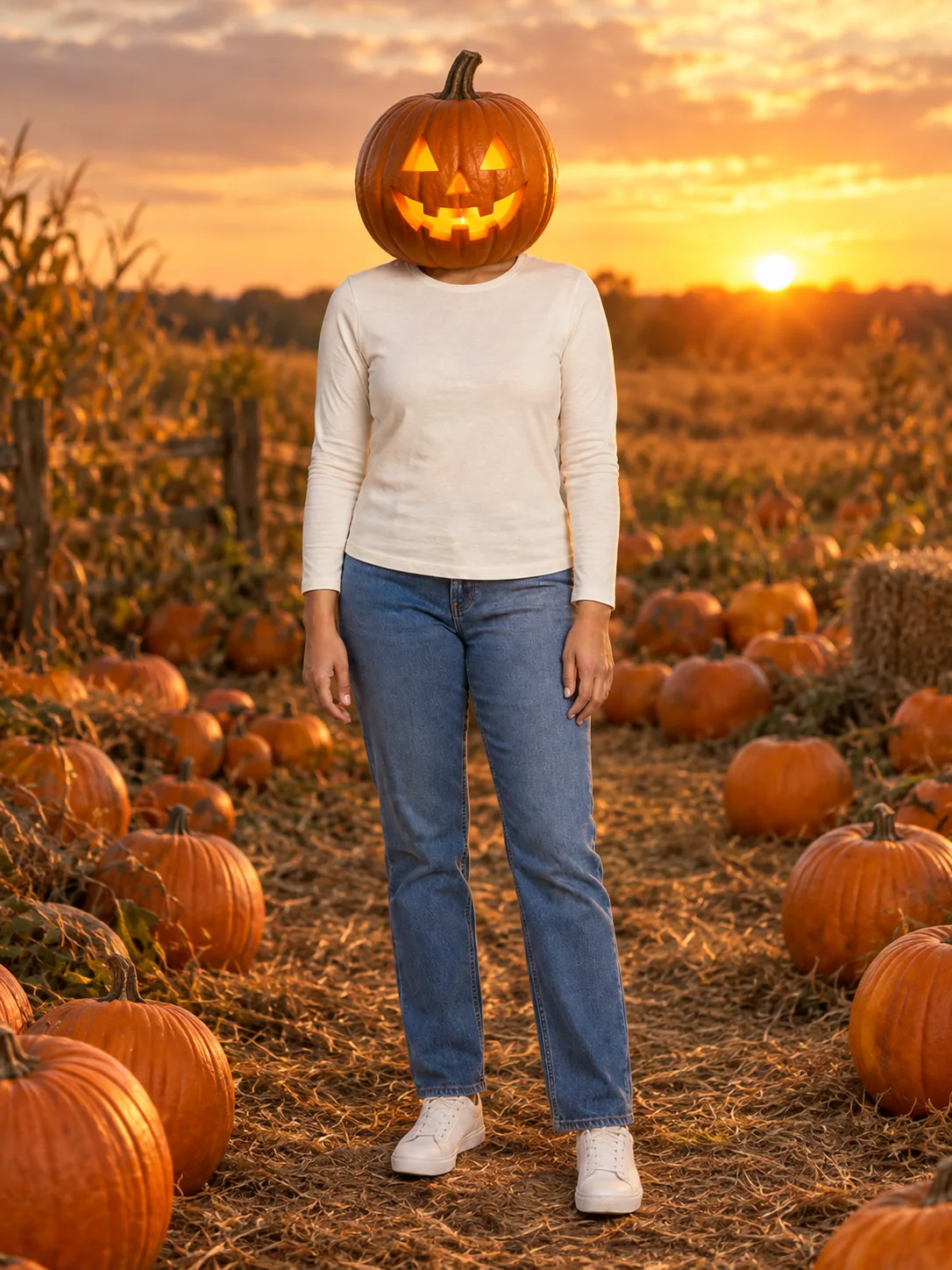
Pumpkin Head Photoshoot
Turn a full-body photo into a jack-o-lantern-head autumn photoshoot.
Frequently asked questions
Which classic Halloween characters can I become?⌄
Twelve on your own: werewolf, witch, vampire, ghost, skeleton, zombie, pirate, mummy, devil, fallen angel, scarecrow and Day of the Dead. With two people there are 12 pairs, such as a witch and warlock or a zombie bride and groom. You can also describe your own character in a few words.
Can I become Michael Myers, Ghostface or another movie character?⌄
No. The tool only makes classic, generic Halloween characters. If you describe a copyrighted character, it designs a generic look inspired by its colors and outline instead, with no names or logos.
Will I still look like myself?⌄
Yes. The makeup, creature details, clothes and scene change, but your face shape, skin tone, hairstyle and expression are kept, and the face is never covered by a mask.
How is this different from the Halloween Costume page?⌄
Both run the same tool. Halloween Costume is set up for trying on outfits before you buy, including a photo of a costume from a shop. This page is a guide to the classic characters, each with its own makeup, details and scene, and links to a full page for each one that has it.
Can I turn my character into a video?⌄
Yes. After the photo is ready, make a 5-second vertical clip: Standard at 480p for 10 credits, or HD at 768p with sound for 50 credits.
How much does it cost?⌄
Each character photo costs 20 credits. New accounts start with free credits, enough for a first character, and downloads have no watermark.
Pick your Halloween character
One selfie, one tap, and you join the classic Halloween characters as the werewolf, the mummy or the fallen angel. Keep the photo or make it move.
Turn my photo into a Halloween character