
How Sheru Bhai AI makes your entrance
Choose a photo for your Sheru Bhai AI video
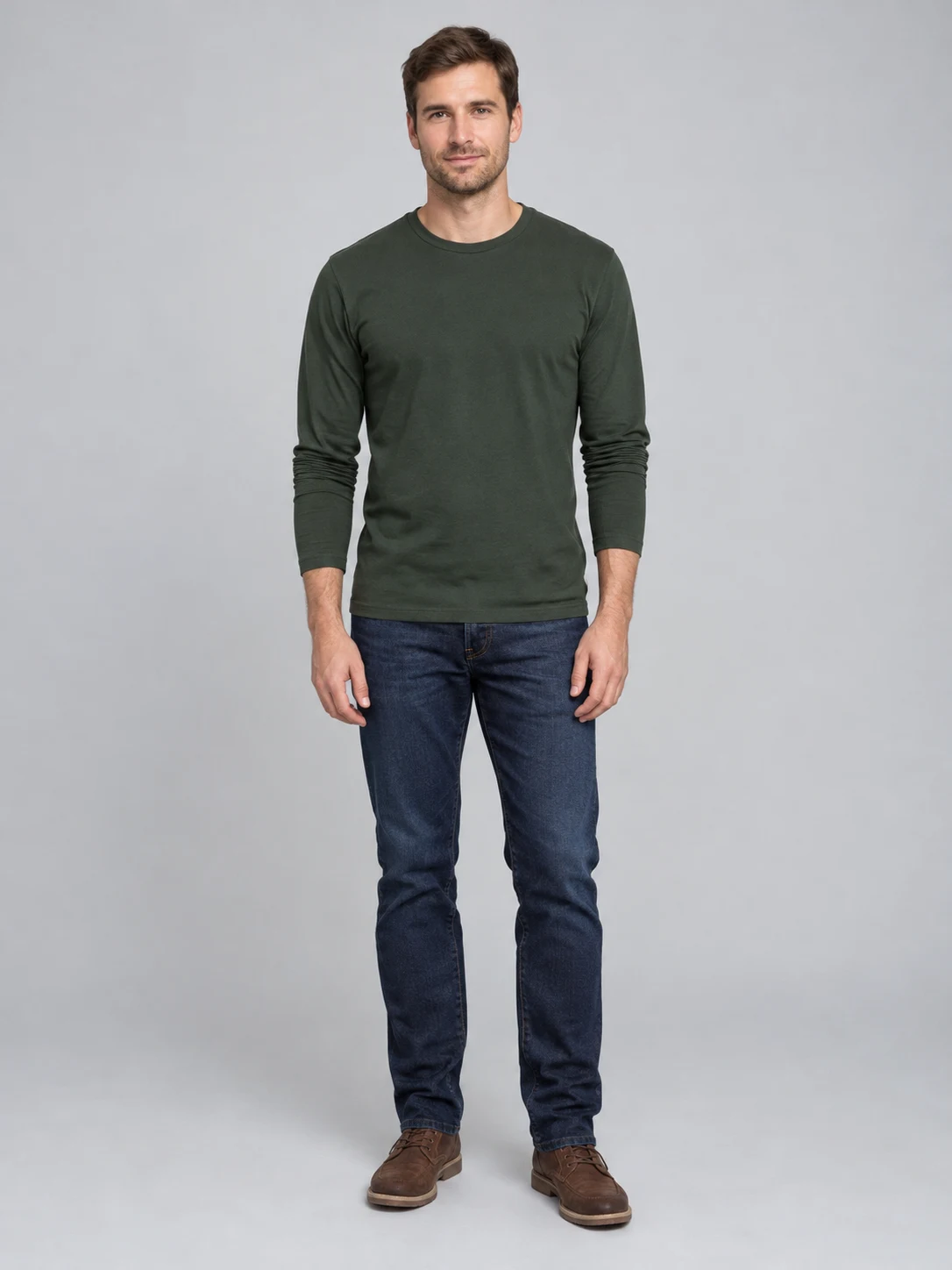
Start your Sheru Bhai AI video with one photo of yourself or an adult who has agreed to the edit. A sharp front-facing image with even light gives the effect a clear view of the person. A standing photo that includes the head and most of the body is useful because the finished scene follows a walking entrance. Avoid a group photo, a covered face or a strong filter that hides defining features. You do not need to write a prompt or cut out the background yourself. The example uses a fictional adult; the result you make is guided by the person in your own image.
Walk beside the Sheru Bhai AI lion boss
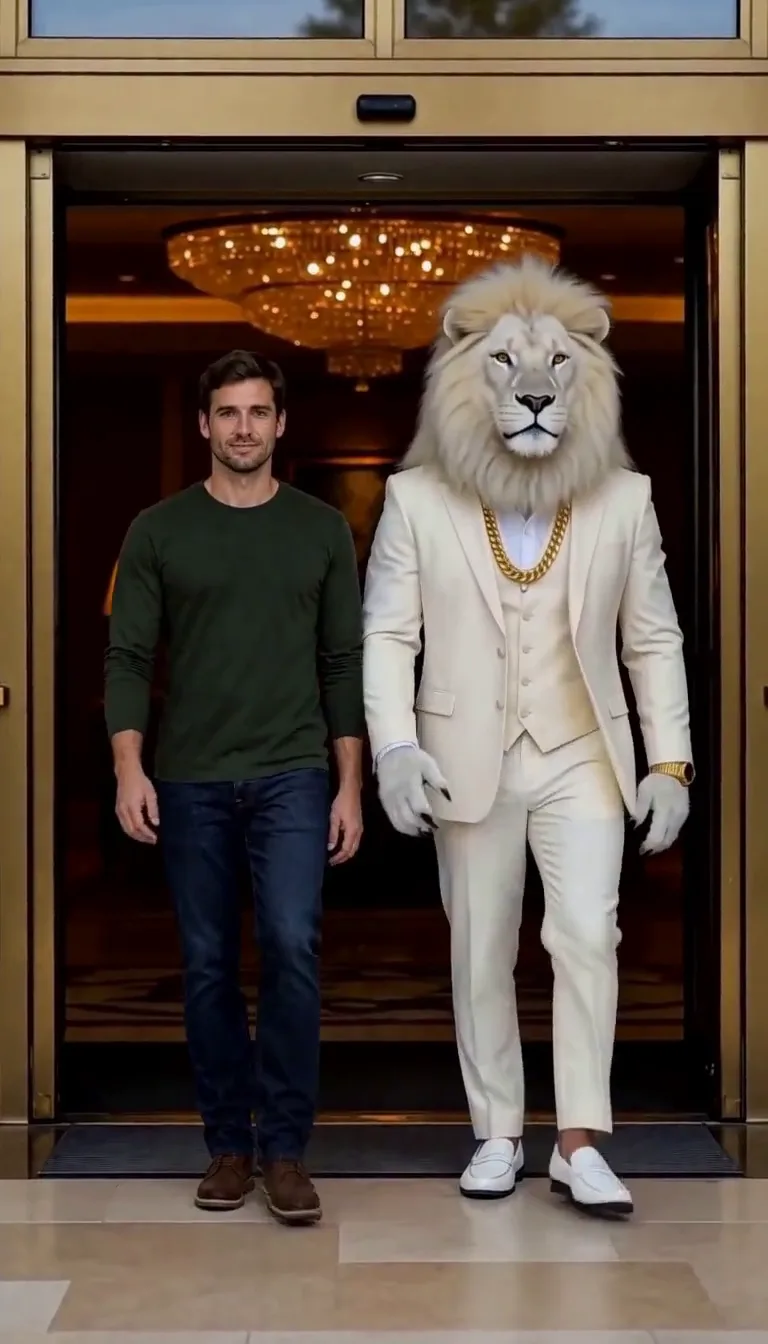
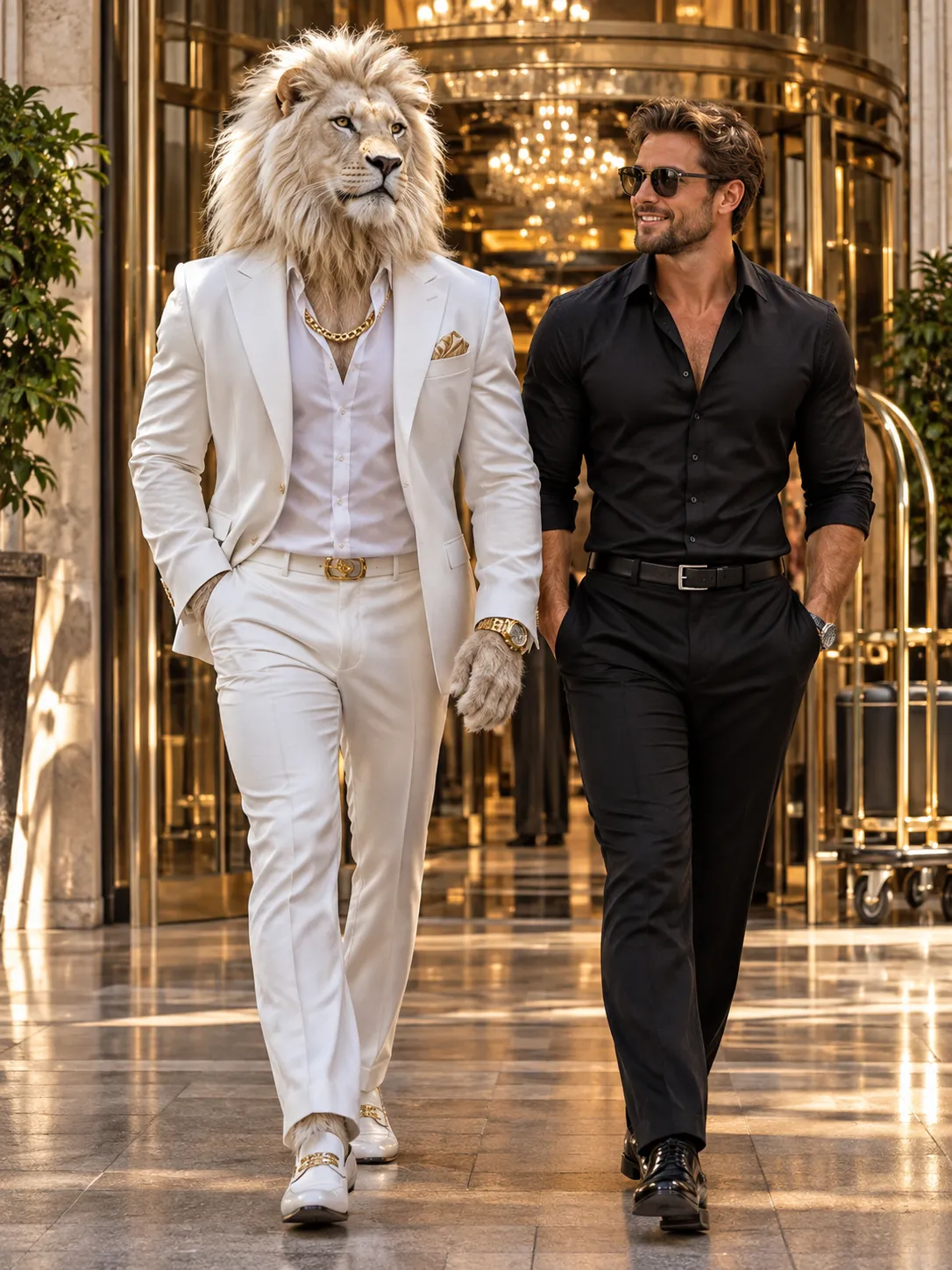
The Sheru Bhai AI preset places your person beside a fictional white-maned lion in a white suit and gold chain. Both walk toward the camera through a hotel entrance, giving the short video the confident arrival associated with the Sheru Bhai style. The reference guides the setting, camera and movement; it does not guarantee an exact copy. The final framing, clothing, pace and facial details can change between generations. This particular preset creates a companion entrance, not an auction scene or a transformation of your face into a lion. Watch the example first to see the kind of shot it is designed to make.
Check the Sheru Bhai video and sound
Your Sheru Bhai AI video is a vertical video of about five seconds. The preset includes a soundtrack reference, although generated audio can vary. When the result is ready, play the whole clip with sound and look closely at the person’s face, the lion’s mane and both sets of hands. AI may introduce unexpected gestures, change clothing or shift the background. If the movement or likeness is not what you expected, review the input photo and the example before deciding whether to try again. The number of credits is shown before you start. A new generation is a separate request.
Save your Sheru Bhai video
Once your Sheru Bhai AI video is ready, download it from its result card or return to My Creations. A short vertical entrance can work as a playful story, a reaction or an opening shot for a longer edit. Add your own captions in an editor if you want to explain the joke, and check the video on a phone before sharing so faces and the entrance remain easy to see. The lion is a fictional character and this is an unofficial fan-made effect. Make clear that your clip is AI-generated where appropriate, and obtain permission before uploading anyone else’s photo.
Pick a photo for your Sheru Bhai AI video
A clear Sheru Bhai AI photo helps identify the person who will appear alongside the lion.
A standing portrait
One consenting adult for Sheru Bhai AI
When to use it
Choose a photo with the face and body in view when you want a recognizable companion entrance.
What it produces
A Sheru Bhai AI video with your person walking alongside the fictional lion boss.
- ✓Face visible
- ✓Even lighting
- ✓Permission to use the photo
A close portrait
A clear face matters
When to use it
A close photo may show facial details clearly, but the effect has to invent more of the body and clothing.
What it produces
A generated walking scene; outfit, pose and proportions may differ from the input.
- ✓Avoid heavy filters
- ✓No face covering
- ✓Review the finished hands
Devil Wears Prada Trend
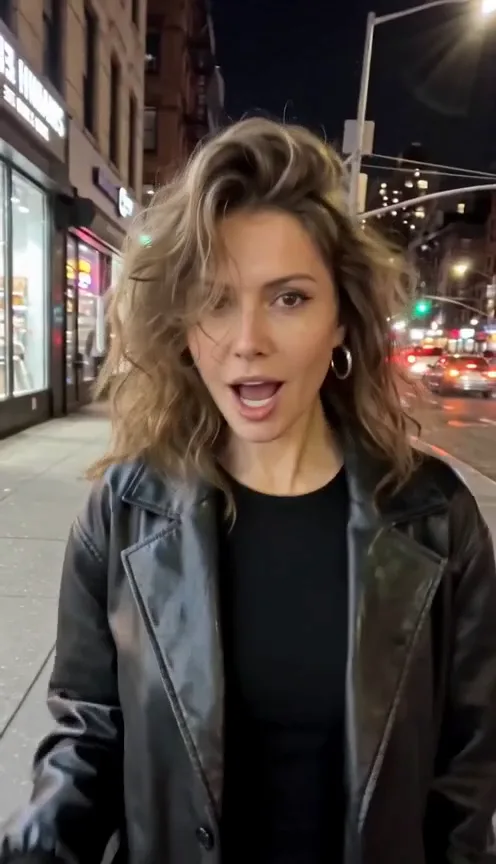
Bedroom selfie, devil horns, doors shut, then a night-street glow-up.
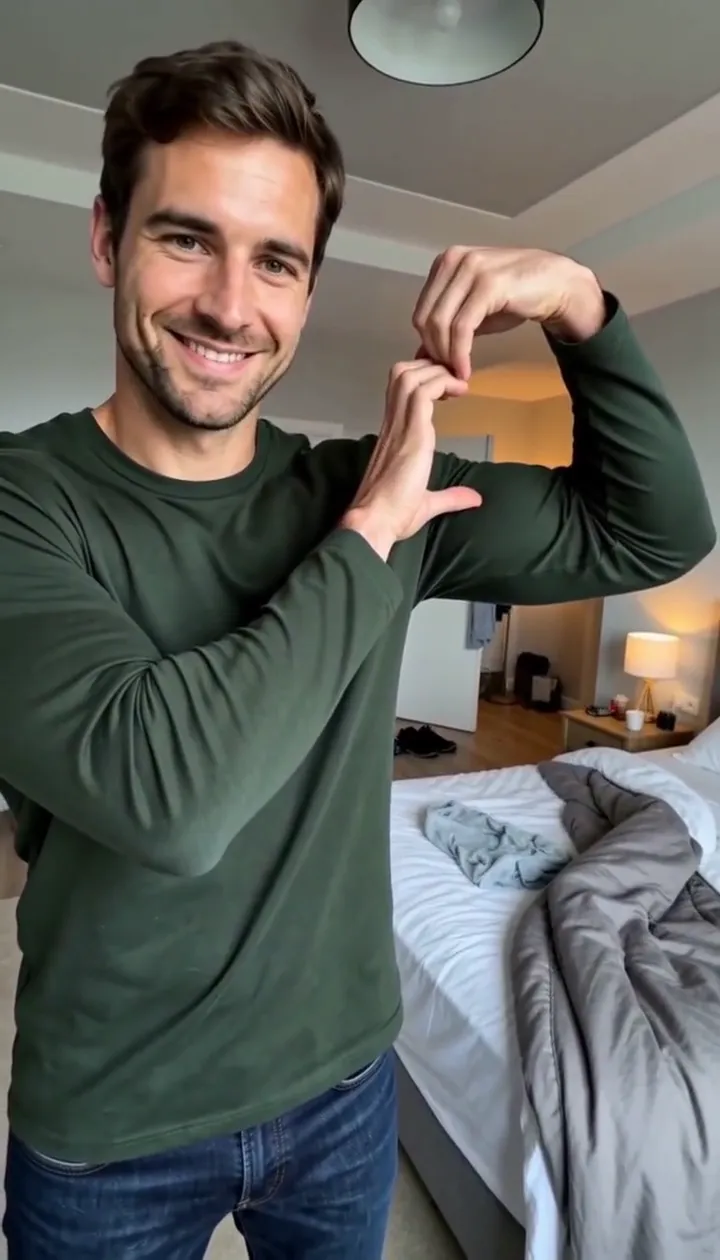
Bicep Heart Trend AI
Make a flex heart video from one adult photo.
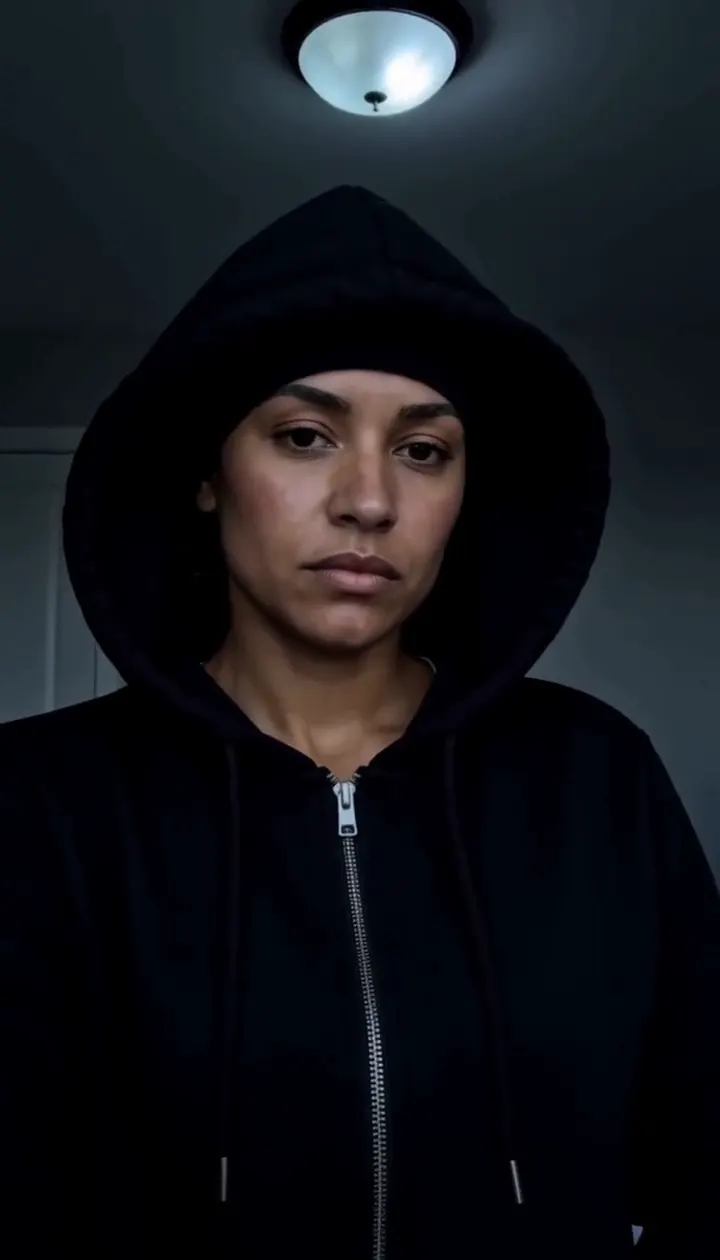
Skull Cap Trend AI
Pull on the cap in a bright room, then hard cut to a cold stare in the dark.
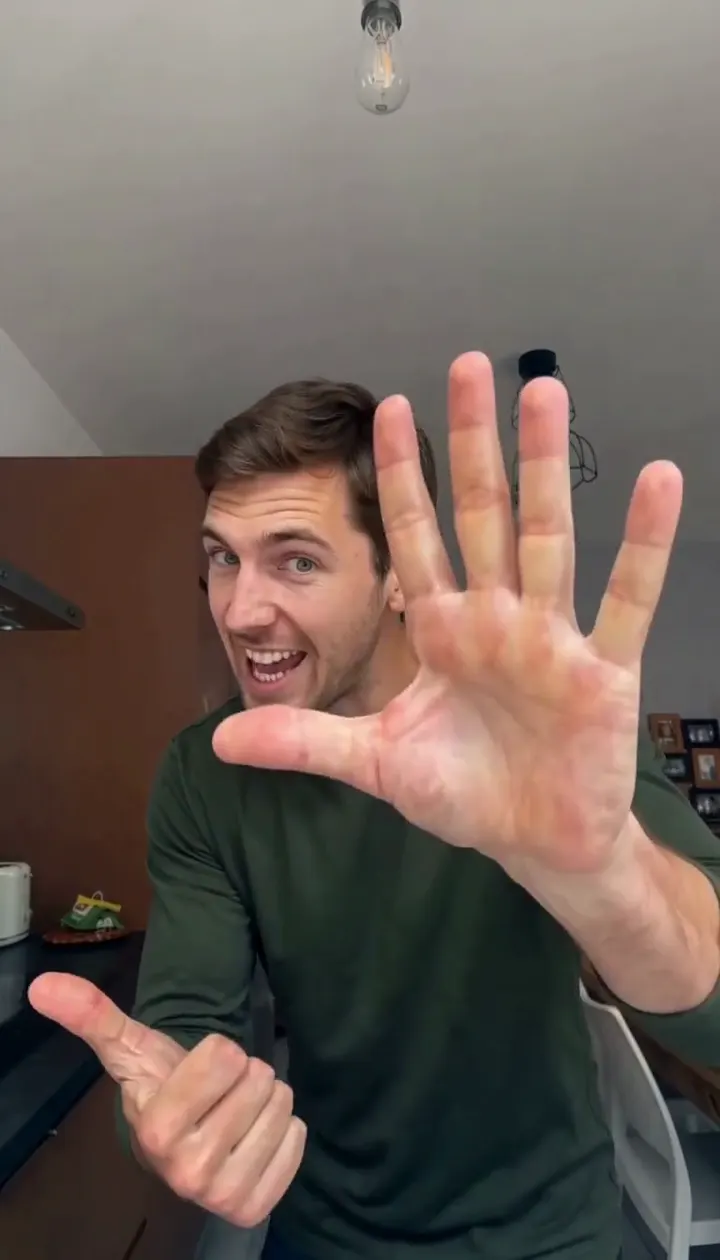
Angry Ginge AI
Turn one adult photo into the fifteen-second angry finger-count dance.
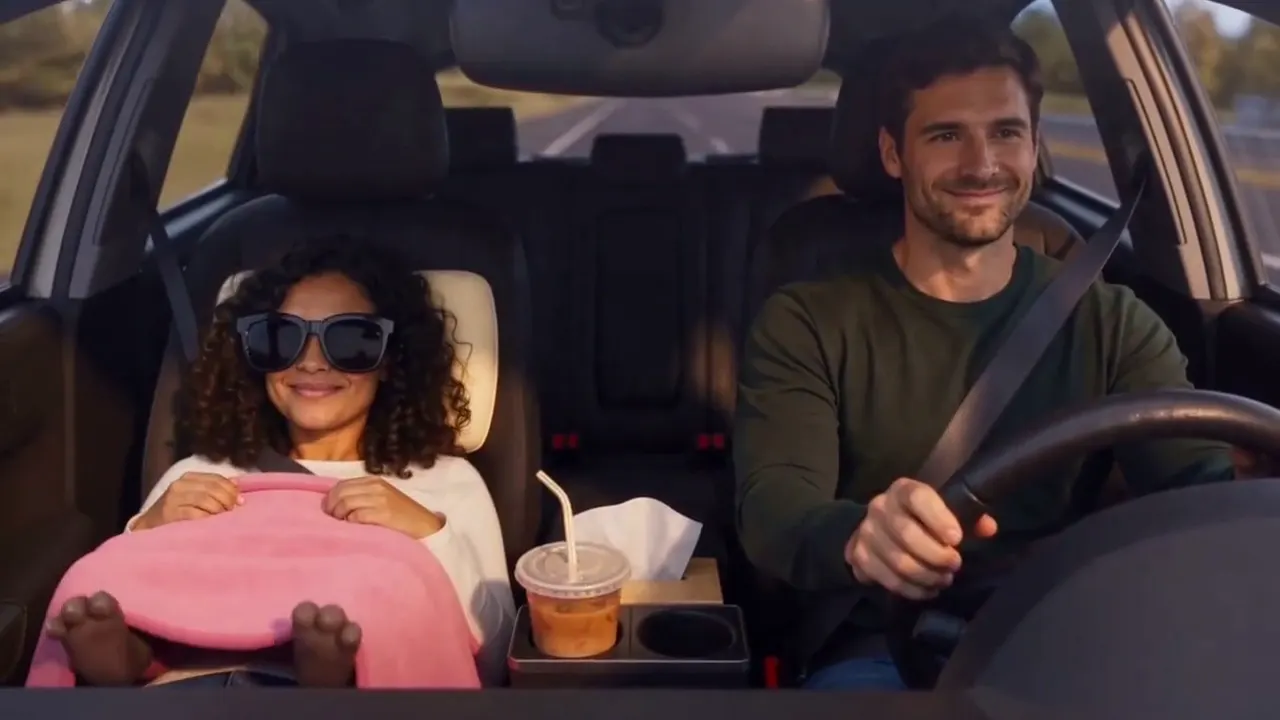
Passenger Princess AI
Two adult photos become the passenger princess off duty car clip.
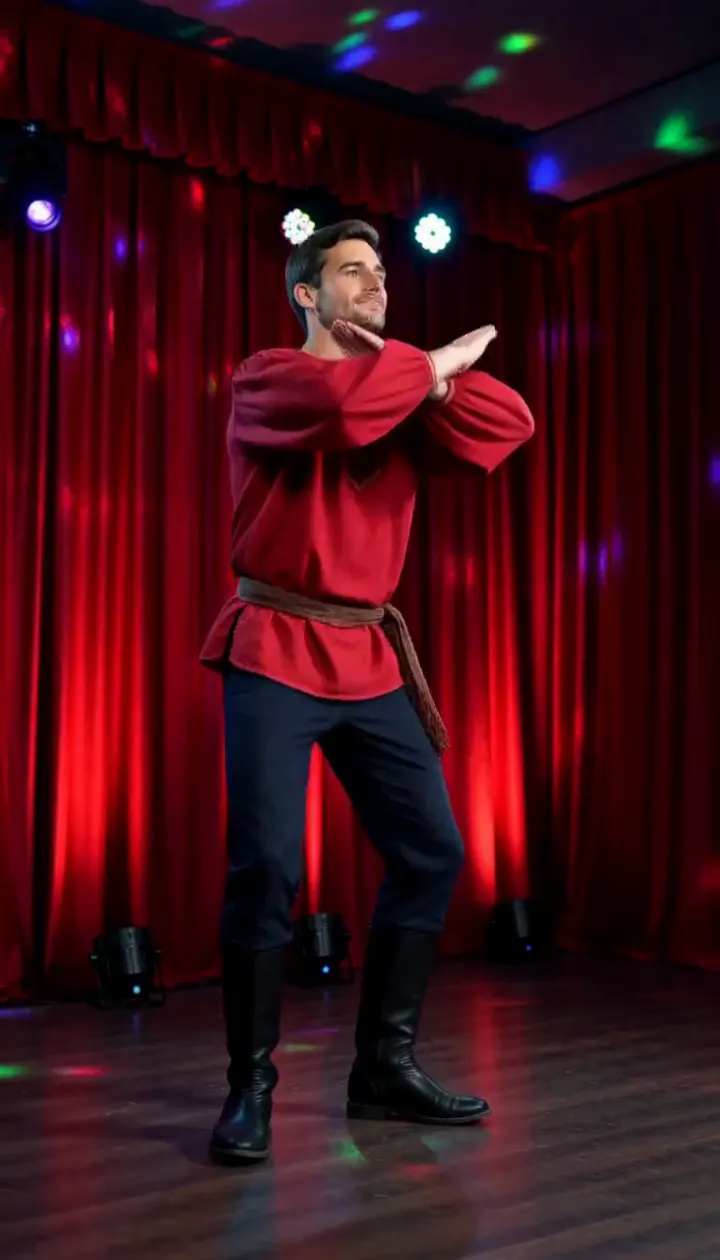
Rasputin Dance AI
Turn one adult photo into a ten-second folk disco dance with squat kicks and a spin.
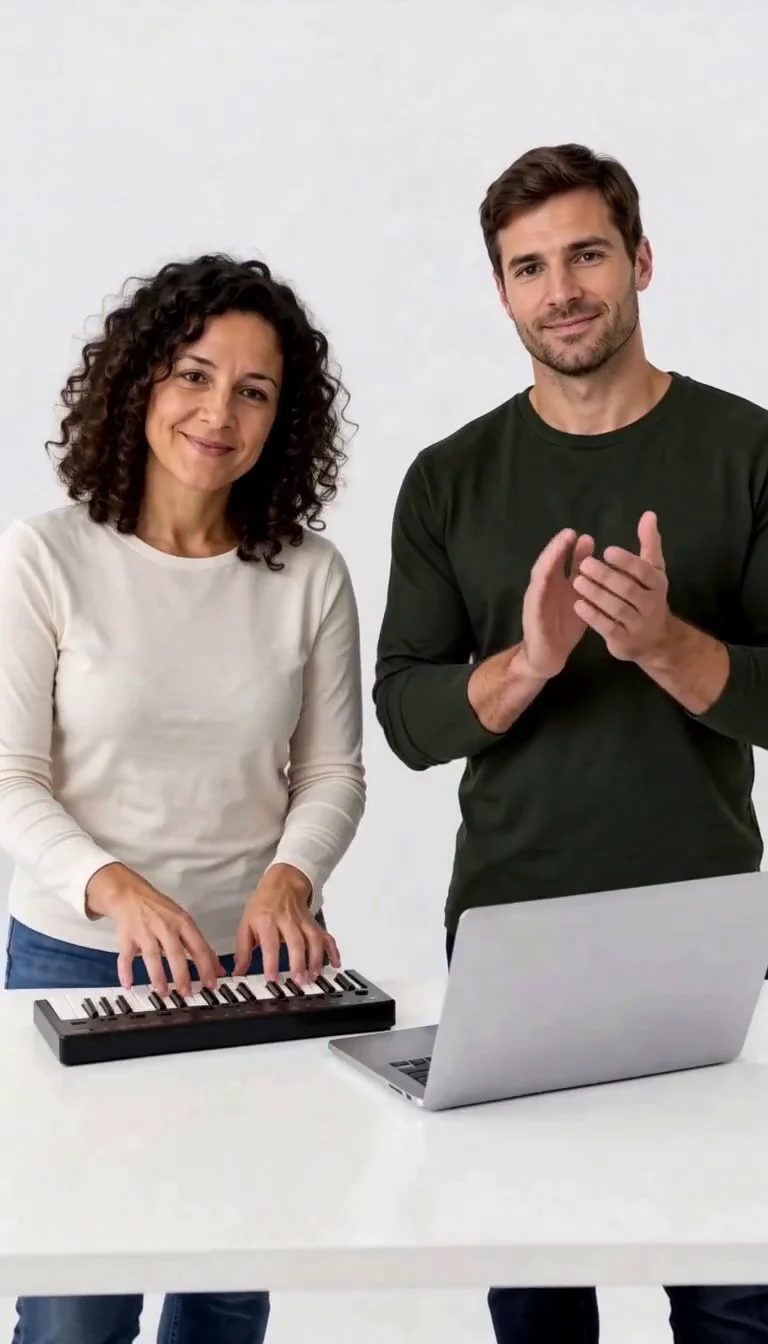
Keyboard Duo
Put two adults in a keyboard-and-clapping studio sketch.
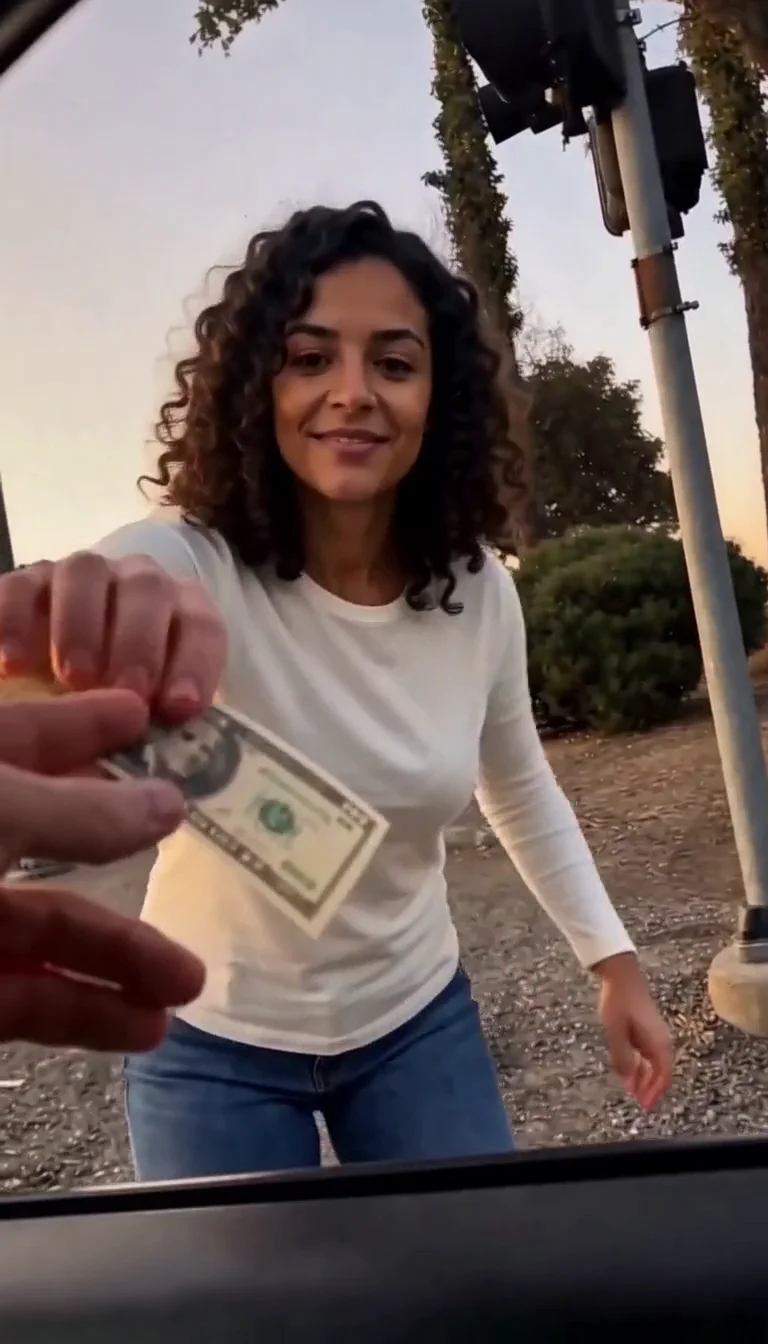
Plug Walk
Follow the car-window cash handoff, then step back into the reference dance.
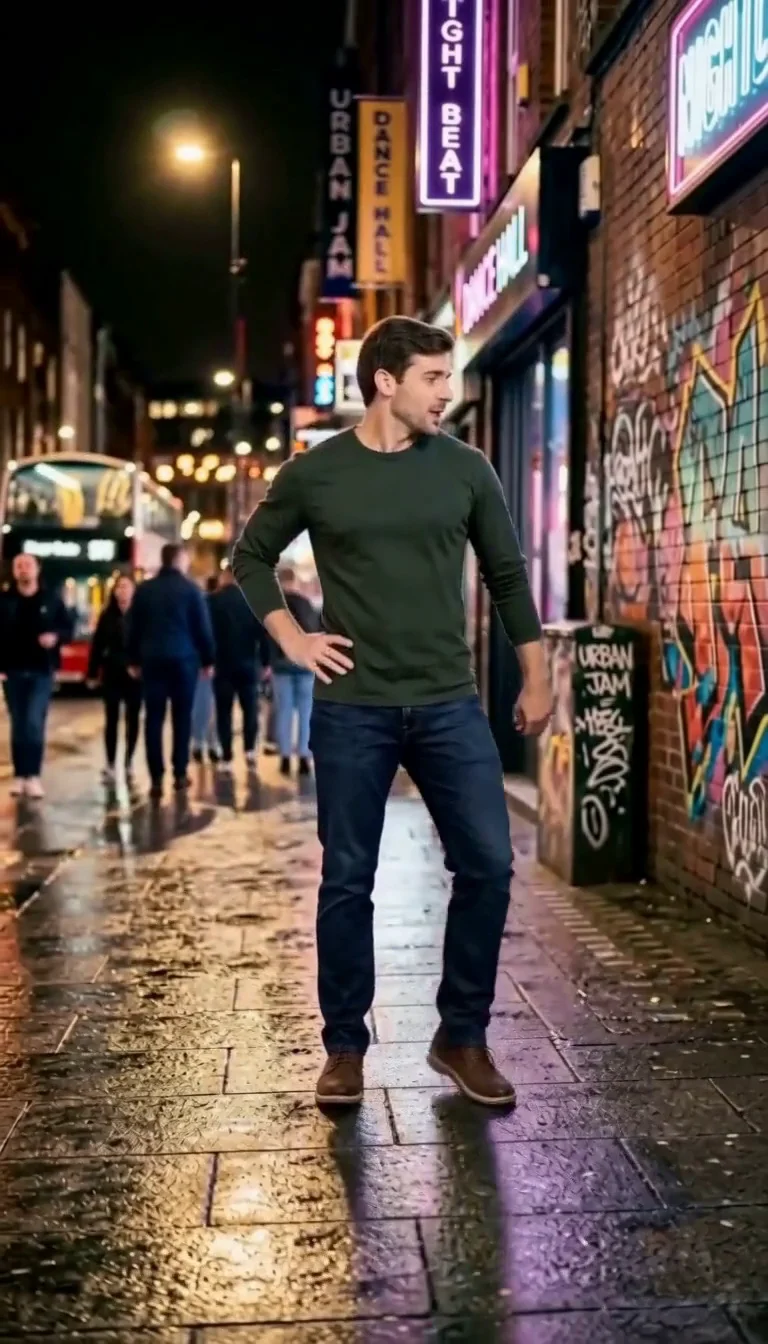
6 7 Dance
Follow a fourteen-second Six Seven street dance with counting gestures, bouncy steps and claps.
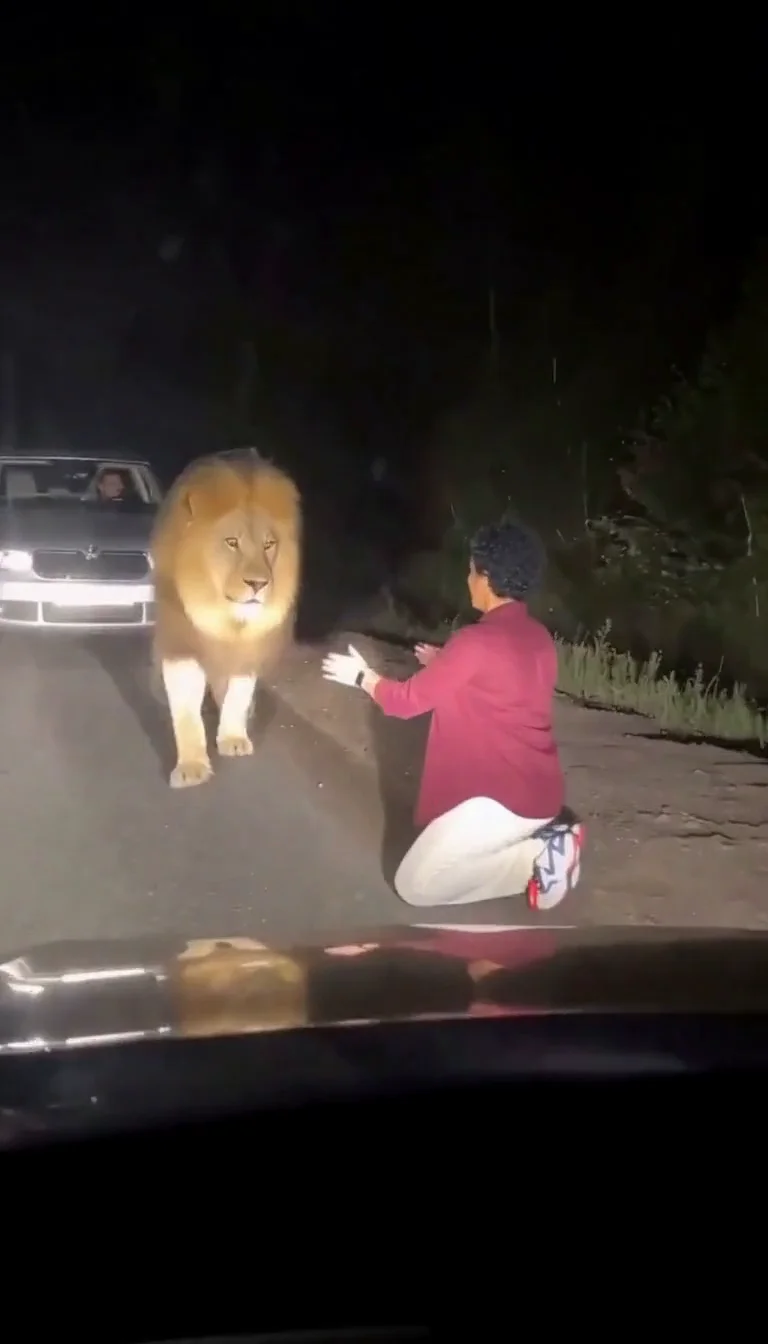
Lion Friend
Meet a calm lion on a nighttime road, stroke its mane and share a fictional embrace.
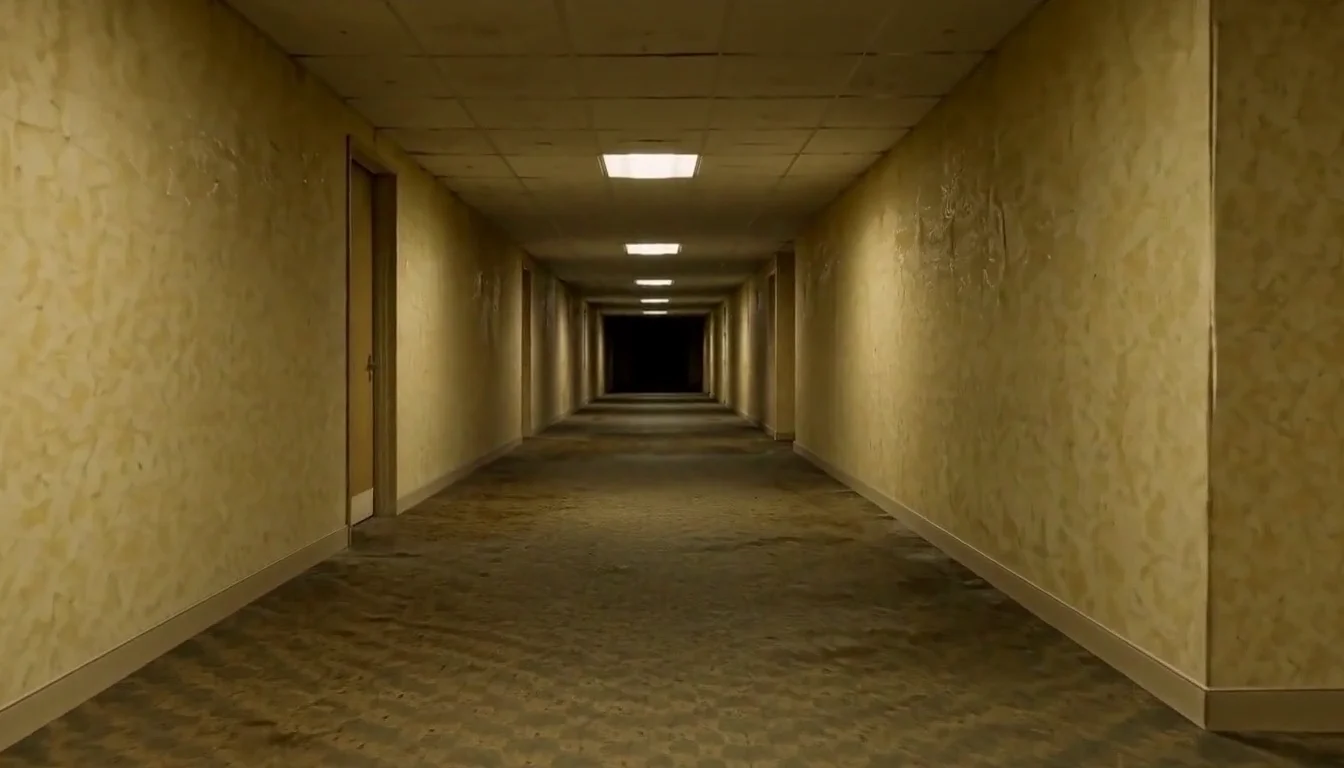
AI Backrooms
Animate your empty corridor with a slow camera push and flickering fluorescent lights.
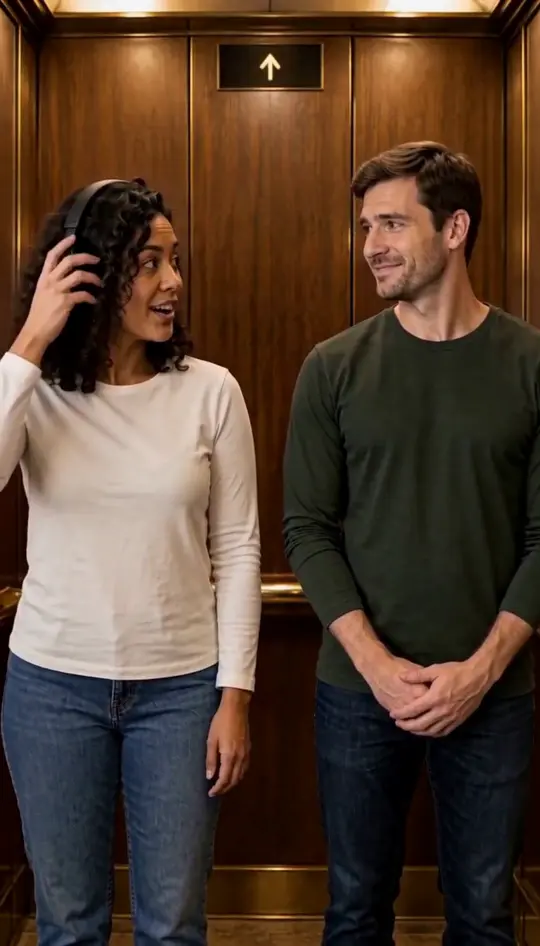
I Love the Smiths
Put two portraits into the elevator scene.
Related models

Related effects
Frequently asked questions
What is Sheru Bhai AI?⌄
Sheru Bhai AI refers to fictional short videos and images featuring a lion-headed boss. This page makes one specific version: a person from your photo walks beside a white-maned lion through a hotel entrance. The character and scene are AI-generated, and this is an unofficial fan-made effect.
How do I make a Sheru Bhai AI video?⌄
To make your Sheru Bhai AI video, upload one clear photo of yourself or an adult who has agreed to the edit. Check the displayed credit cost, then start generation. The preset supplies the entrance setting and motion, so you do not need to write a prompt. When the video is ready, play it and download it from the result card.
Does Sheru Bhai AI turn my face into a lion?⌄
No. This Sheru Bhai AI preset is designed to keep your person recognizable and place them next to the fictional lion. Facial likeness can still vary because the clip is generated. If you want to transform your own face into a lion, that is a different effect from the companion entrance shown here.
What photo works best for Sheru Bhai AI?⌄
For Sheru Bhai AI, choose a sharp, well-lit image of one adult with an unobstructed face. A standing portrait gives useful information for a walking shot. Group pictures, masks, heavy filters and very dark or blurred images make the subject harder to identify. Upload your own photo or one you have permission to edit.
How long is a Sheru Bhai AI video and does it have sound?⌄
The Sheru Bhai AI video preset requests a vertical video of about five seconds and includes the reference soundtrack. Sound and timing can vary in a generated result, so listen before sharing. You can add captions or other audio in your preferred editor afterward if you have the necessary rights.
Can Sheru Bhai AI make an auction or money-rain scene?⌄
This Sheru Bhai AI page offers the hotel entrance shown in the example. It does not provide a choice of auction, money-rain or dialogue scenes. The effect is intended for one adult walking alongside the lion, rather than multiple people or a custom story.
Will my Sheru Bhai AI video match the example?⌄
No. In Sheru Bhai AI, your photo guides the person in the scene and the reference guides the camera and entrance, but each result can differ. Check facial likeness, clothing, hands, the lion and background before downloading or sharing. Motion and audio may also vary.
How much does a Sheru Bhai AI video cost?⌄
One Sheru Bhai AI video costs 48 credits, displayed before generation. The welcome allowance alone does not cover this preset. Starting another generation is a separate request; viewing or downloading a finished result does not create another one.
How long does Sheru Bhai AI take?⌄
Allow several minutes for the complete Sheru Bhai AI request, from uploading the photo to the result being available. Busy periods can take longer. Your active request remains in My Creations, so you can return to it. This is a general expectation rather than a guaranteed completion time.
Where could I use a Sheru Bhai AI entrance?⌄
A Sheru Bhai AI entrance can introduce a birthday message, a lighthearted group chat update or a short story about an imaginary arrival. The five-second clip is a single companion walk, so plan any longer story around it rather than expecting the preset to create additional scenes. For a social post, preview the vertical frame on your phone and keep added captions away from both faces. If you add music or a voiceover, check that you have permission to use it on your chosen platform.
What can I do if my Sheru Bhai AI video looks different?⌄
First compare the whole Sheru Bhai AI video with the example and look for the specific detail you want to improve. If your face is difficult to recognize, a sharp front-facing photo with even light may give the model a clearer reference. A standing portrait can also help establish the walking pose. The model still creates new frames, so a different photo cannot guarantee an exact likeness, perfect hands or an identical outfit. Check the displayed price before starting another generation; each new attempt is a separate request.
Can I use a friend’s picture in Sheru Bhai AI?⌄
For Sheru Bhai AI, only use a photo of yourself or an adult who has agreed to this edit. The resulting scene is fictional. Before sharing, make sure the person is comfortable with the result and follow the disclosure and music rules of the platform where you post it.
Make your Sheru Bhai AI entrance
Choose one adult photo for your Sheru Bhai AI video and walk alongside the fictional lion boss.
Make my Sheru Bhai AI video