
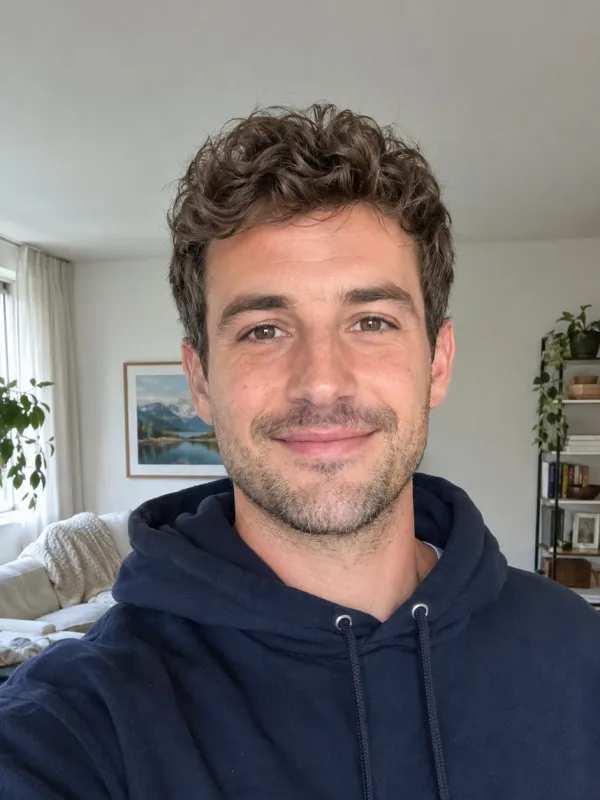
Your photo, the Burning Bridges party clip
Upload one selfie, take the Burning Bridges lead
Burning Bridges AI puts the person in your photo where the lead of the viral Drake party clip stands. The crystal chandeliers, the warm gold light and the crowd around you stay, so it reads like the clip everyone is remaking, just with you in it.
- ✓Nothing to film — a single selfie is the only input
- ✓Same party scene — chandeliers, crowd and handheld close-ups are kept
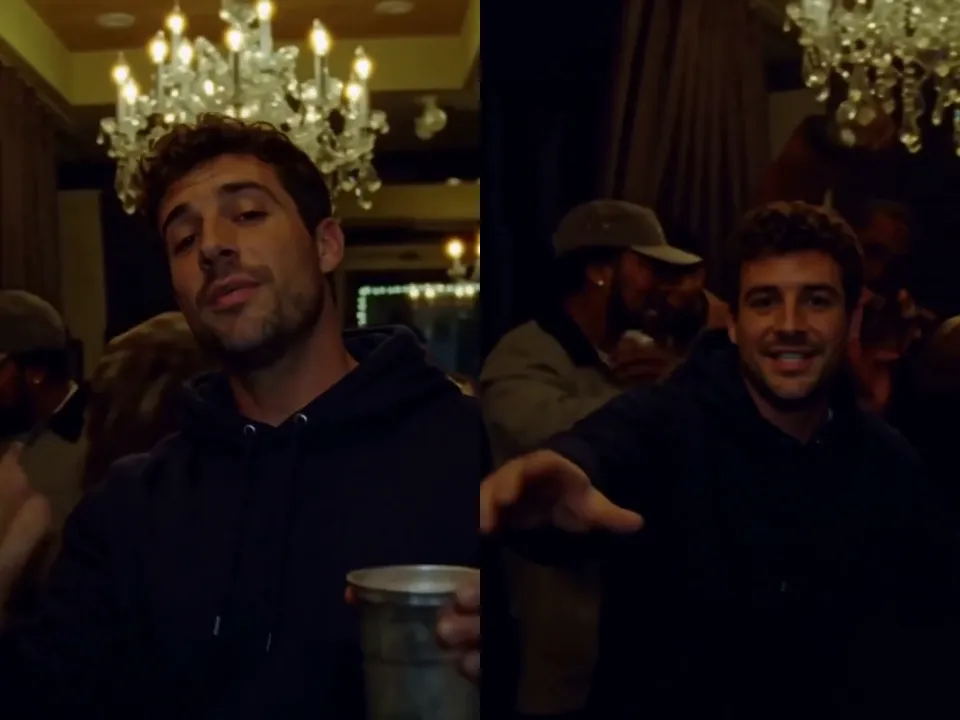
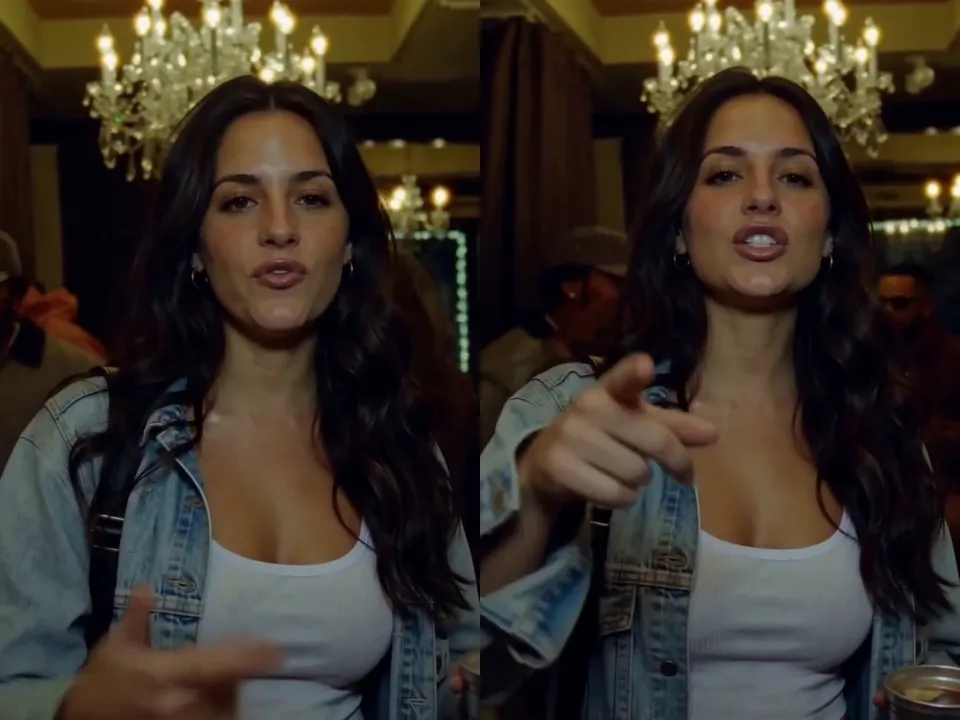
The Burning Bridges song, built in
Every Burning Bridges AI video comes out with the song already playing, so it is ready to post the moment it finishes. The nod to the beat, the raised cup and the point at the lens land on the same moments as the trend.
- ✓With sound — no need to add the Burning Bridges track yourself
- ✓720P, 15 seconds — vertical 9:16, made for Reels and TikTok
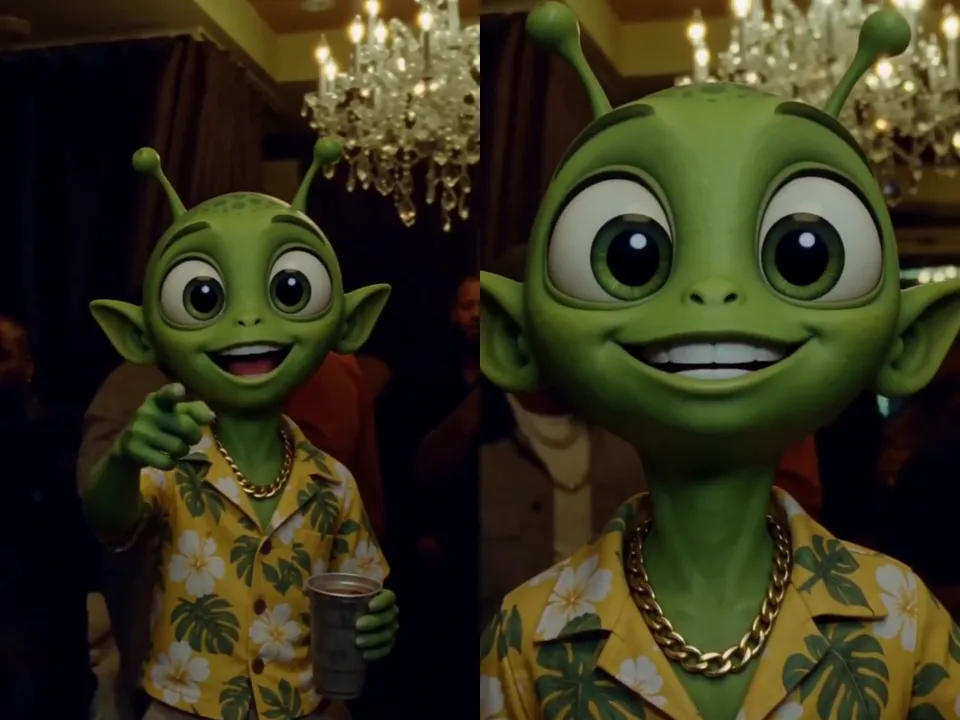
Burning Bridges AI with cartoons and characters
Swap in a cartoon, a mascot or an original character instead of a selfie. Burning Bridges AI keeps the face, colors and outfit from your image for all 15 seconds, which is how the meme versions of the trend are made.
- ✓Characters stay on model — colors and outfit hold from start to finish
- ✓Great for memes — the Burning Bridges versions people share most
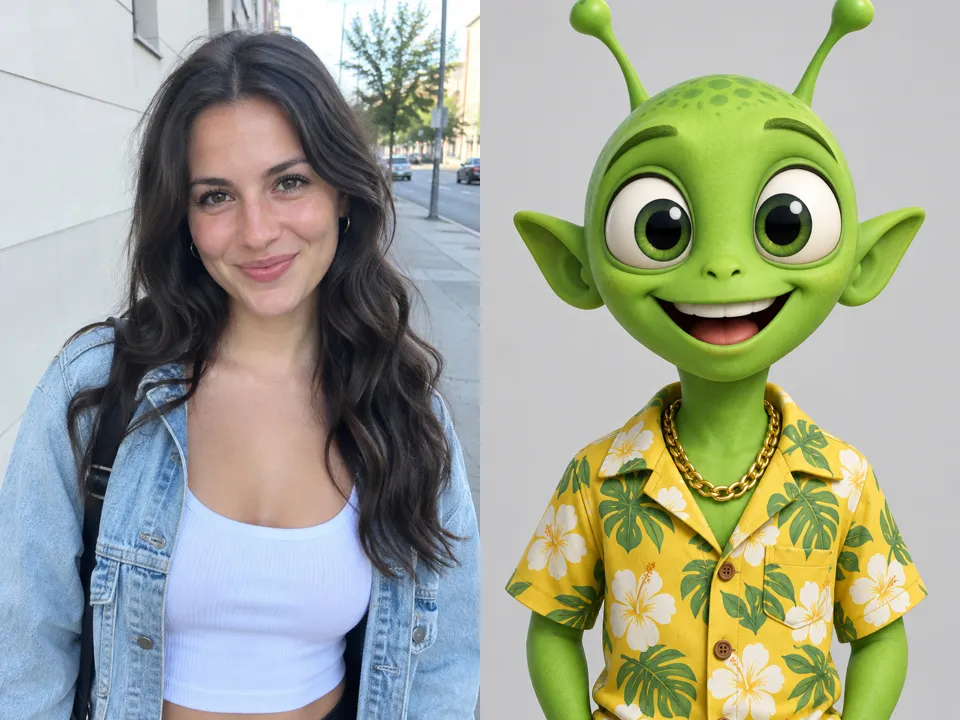
Which picture makes the best Burning Bridges AI video
Use one clear, front-facing picture with the face, hair and upper body in frame and good light. Skip sunglasses, heavy filters and group shots. A render takes about 10–20 minutes; you can close the page and find the video in My Creations.
- ✓One subject — a single person or character per picture
- ✓Face visible — front-facing, no sunglasses or masks
Burning Bridges AI: real photo or character?
The Burning Bridges AI video generator works from one image. Pick the kind that fits the video you want.
A real photo
You, or a friend who said yes.
When to use it
When you want to be the one at the party yourself and send it to friends or post it.
What it produces
You take the lead in the Burning Bridges party scene, with your face, hair and outfit from the photo.
- ✓Front-facing selfie or half-body shot
- ✓Good light, no sunglasses
- ✓Only people who agreed to it
- ✓Original song included
A cartoon or character
Mascots, drawings and original characters.
When to use it
When you want the meme versions of the trend: cartoons, mascots or your own character at the party.
What it produces
Your character takes the lead in the same party clip and keeps its colors and outfit throughout.
- ✓Clear, front-facing character image
- ✓Simple background works best
- ✓Your own or original characters
- ✓Original song included
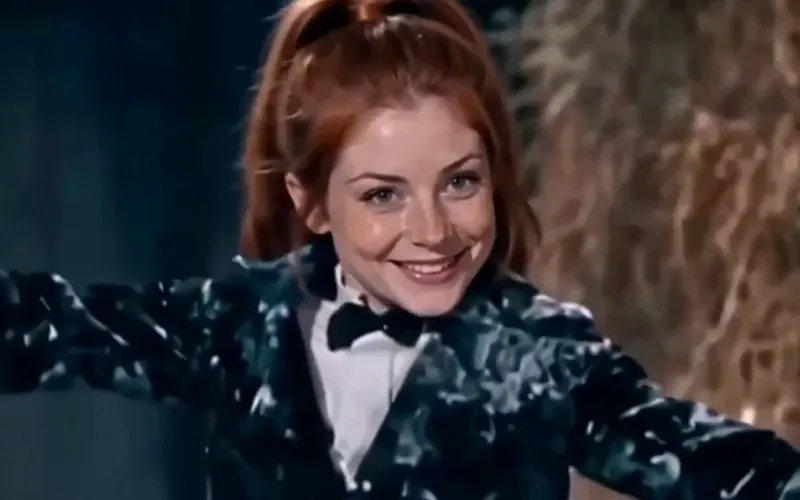
Tip Toeing AI
Become the tip toeing barn dancer from one photo, with the song.
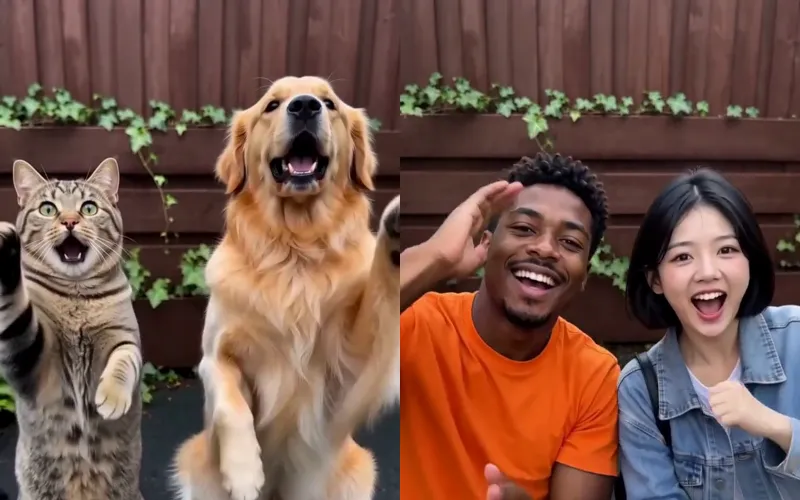
Smalltown Boy AI
Two photos of pets or people do the Smalltown Boy scream duo.
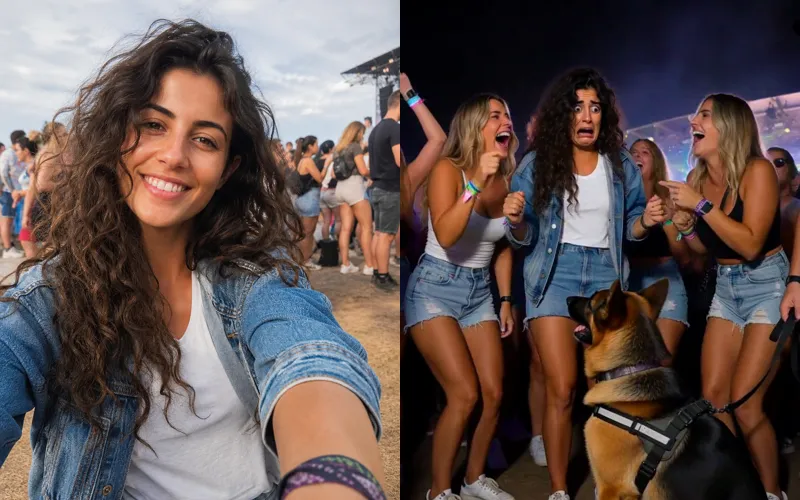
Sniffer Dog AI
A sniffer dog sits at your feet in a festival crowd. You fake-cry.
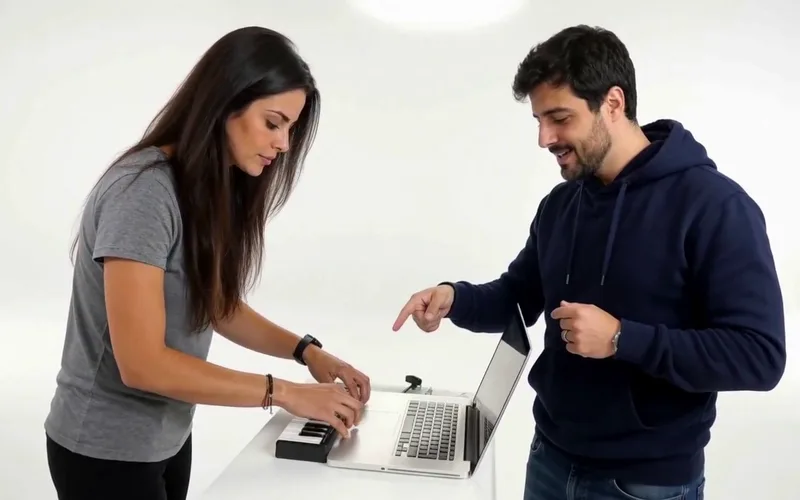
Alors on Danse AI
Recast the viral Alors on Danse studio duo from two photos.
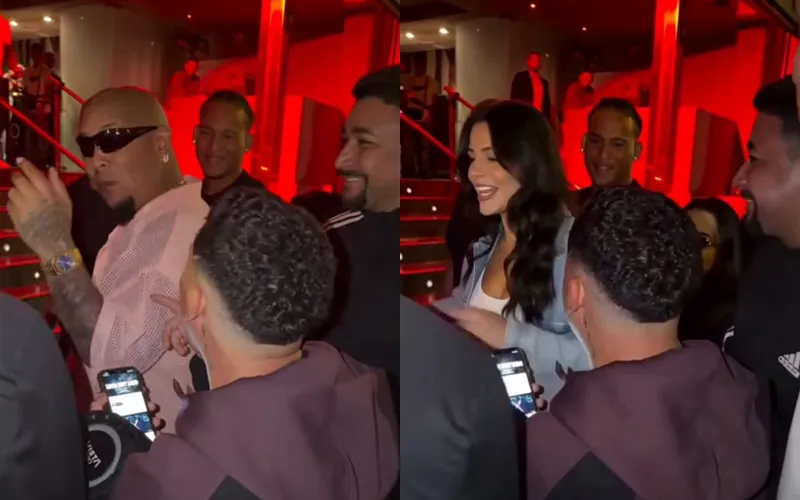
Bulin 47 AI
Put yourself in the viral Bulin 47 freestyle from one photo.
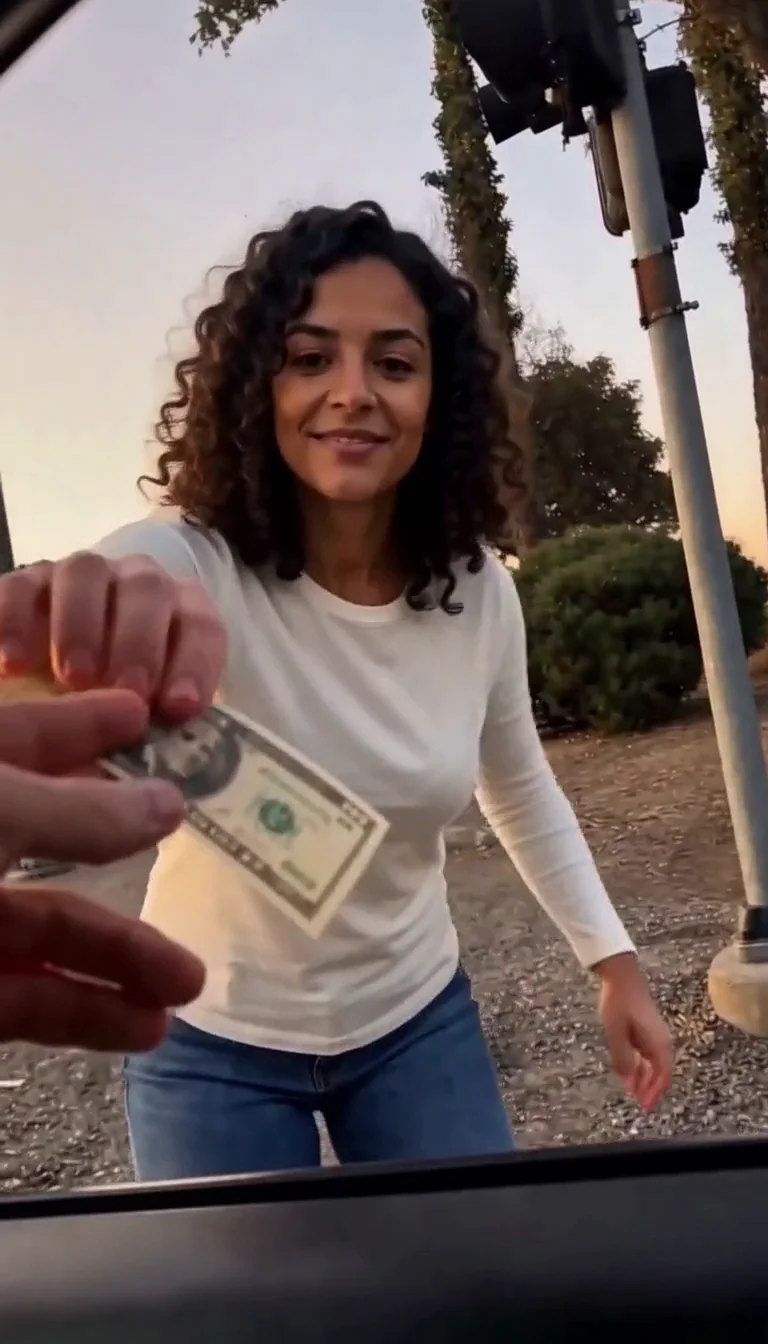
Plug Walk
Follow the car-window cash handoff, then step back into the reference dance.
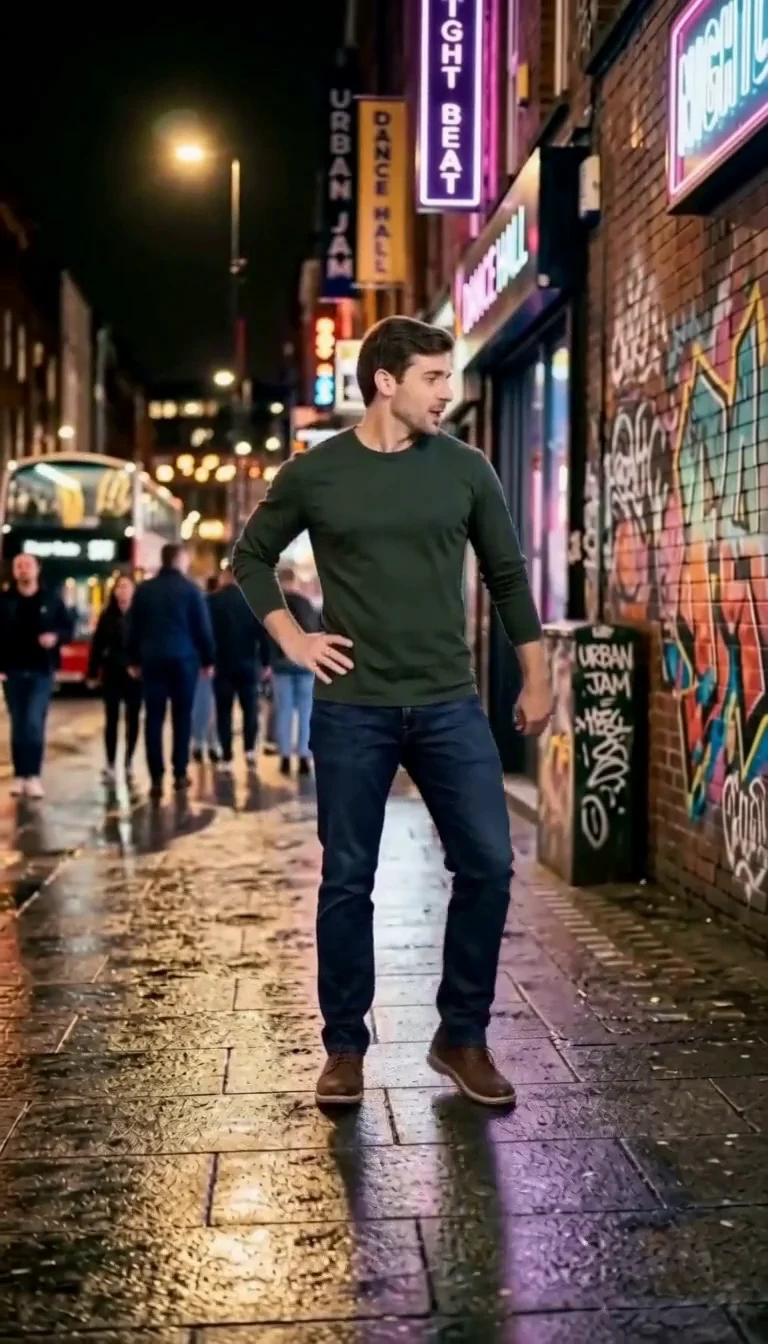
6 7 Dance
Follow a fourteen-second Six Seven street dance with counting gestures, bouncy steps and claps.
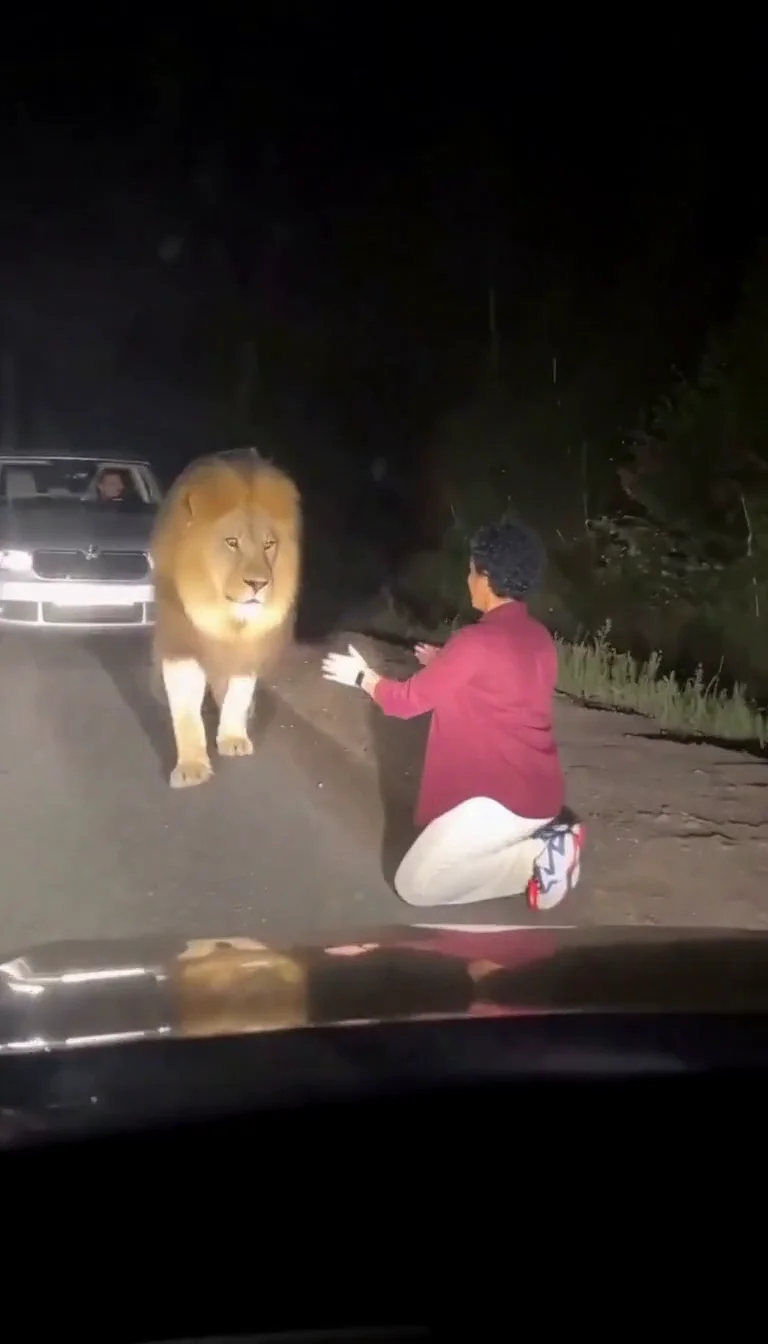
Lion Friend
Meet a calm lion on a nighttime road, stroke its mane and share a fictional embrace.
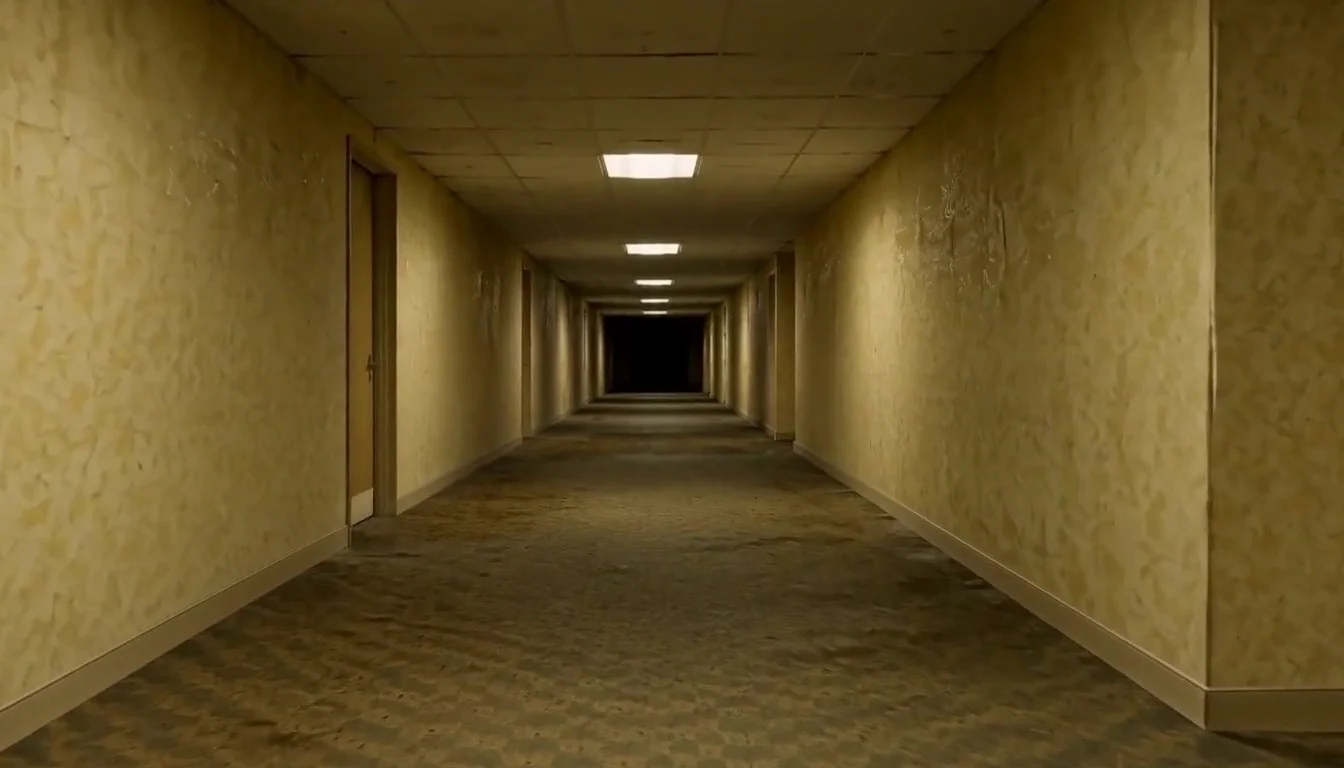
AI Backrooms
Animate your empty corridor with a slow camera push and flickering fluorescent lights.
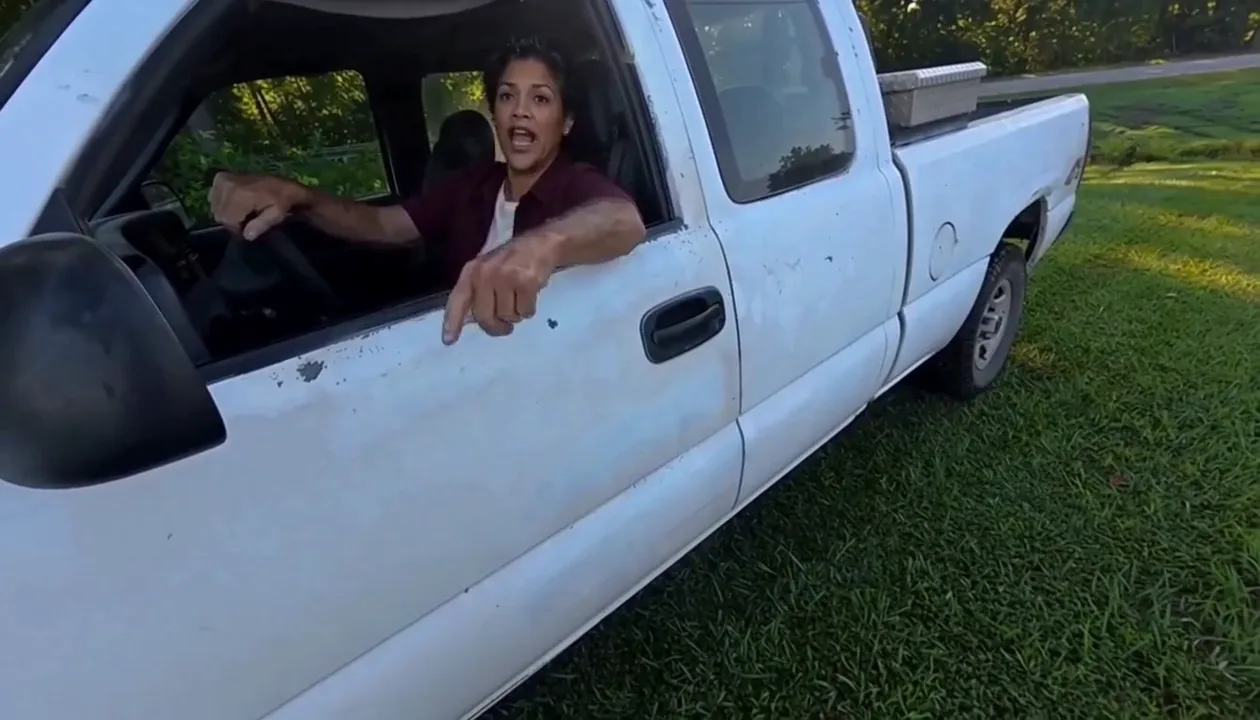
Hit Road Dude
Make a reference-guided pickup-truck meme from one adult portrait.
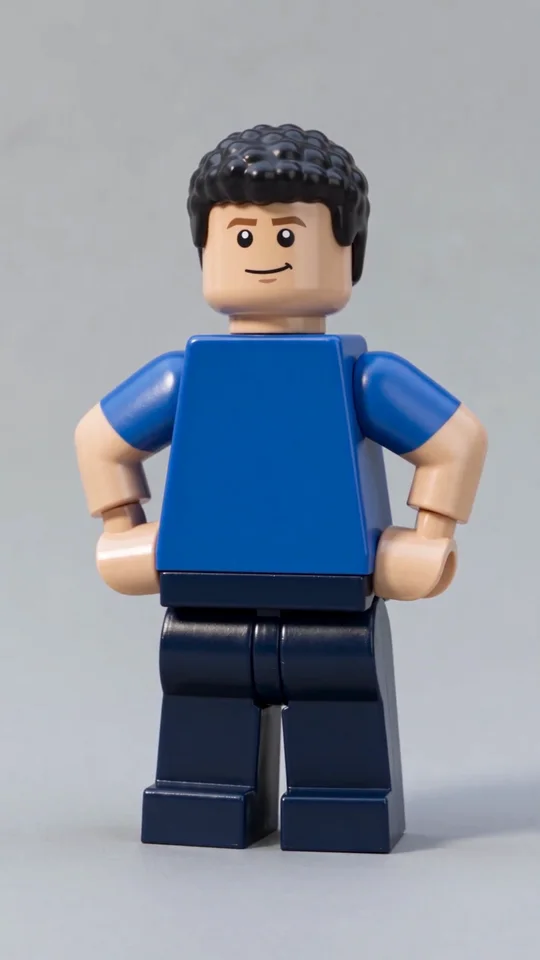
AI Lego Man
Transform one adult photo into a molded brick toy video.
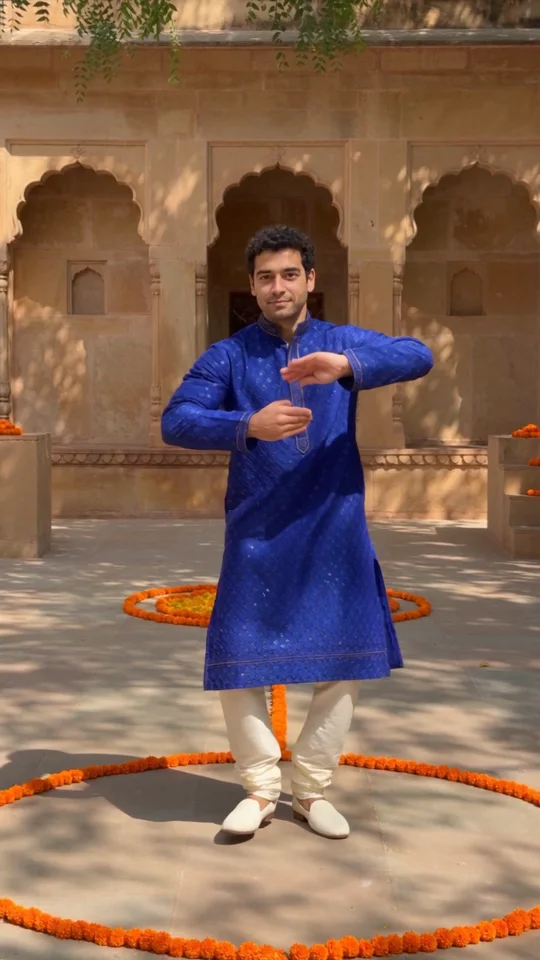
Bollywood Dance
Make a ten-second courtyard dance from one adult photo.
Frequently asked questions
What is the Burning Bridges AI trend?⌄
Burning Bridges is a 2026 Drake song from the album Iceman. A party scene from its video — chandeliers, a crowd, a raised cup and a point at the camera — became a TikTok and Reels trend in which people use AI to put themselves, friends or cartoon characters in the lead spot. Those remakes are the Burning Bridges AI trend.
How do I make a Burning Bridges AI video?⌄
Upload one clear image in the generator above and press Generate. Burning Bridges AI places the person or character from your image in the lead spot of the party clip and returns a 15-second vertical video with the song.
How long does it take?⌄
Usually 10–20 minutes. You don’t need to keep the page open: the video is saved in My Creations, and if you come back to this page it picks the same run back up.
Does the video include the song?⌄
Yes. Burning Bridges AI videos come with the song already playing, so you can post them straight away.
Can I use a cartoon or a friend’s picture?⌄
Cartoons, mascots and original characters work well. Only upload a real person’s picture if it is you or someone who agreed to it, and never upload images of minors.
What resolution and length do I get?⌄
Each Burning Bridges AI video is 720P, 15 seconds long and vertical 9:16, ready for TikTok, Reels and Shorts.
How many credits does it use?⌄
The exact number of credits is shown beside the Generate button before you start. If a render fails, the credits go back to your account.
Is this an official Drake app?⌄
No. Burning Bridges AI on ClipTrend is an independent fan-made tool. It is not affiliated with or endorsed by Drake, his label or his team.
Get into the Burning Bridges party
One selfie, 15 seconds, the song already in. Make your Burning Bridges AI video and post it while the trend is hot.
Make my Burning Bridges AI video