
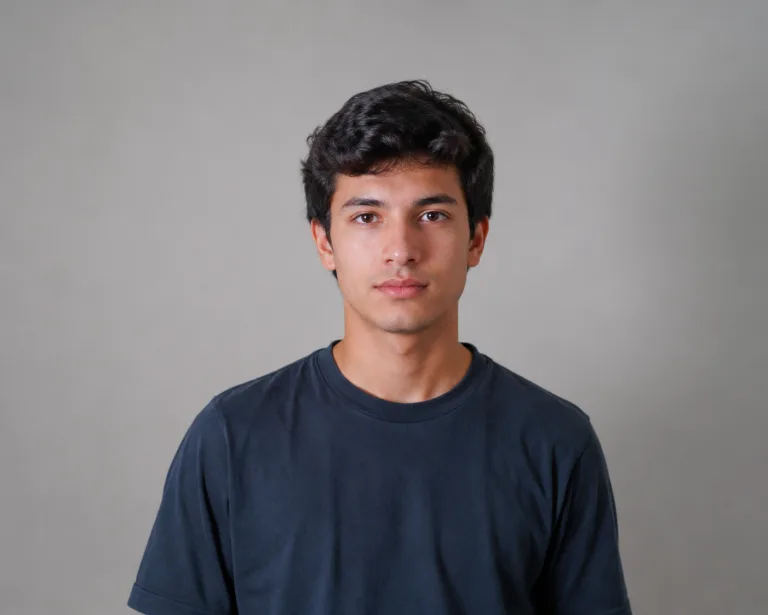
Why the AI melt effect turns one photo into a clip people rewatch
One photo, and it starts to drip
The AI melt effect takes one ordinary photo and lets it go soft. Skin, hair, and clothes begin to sag and run downward like warm candle wax, pooling at the bottom of the frame. There's no editing app, no keyframes, no mograph timeline. You upload a single picture and the whole melt is animated for you, start to finish, in one short clip.
- ✓Zero editing — no After Effects, no liquify brush, no frame-by-frame work
- ✓One upload — a single clear photo is all the melt needs to start
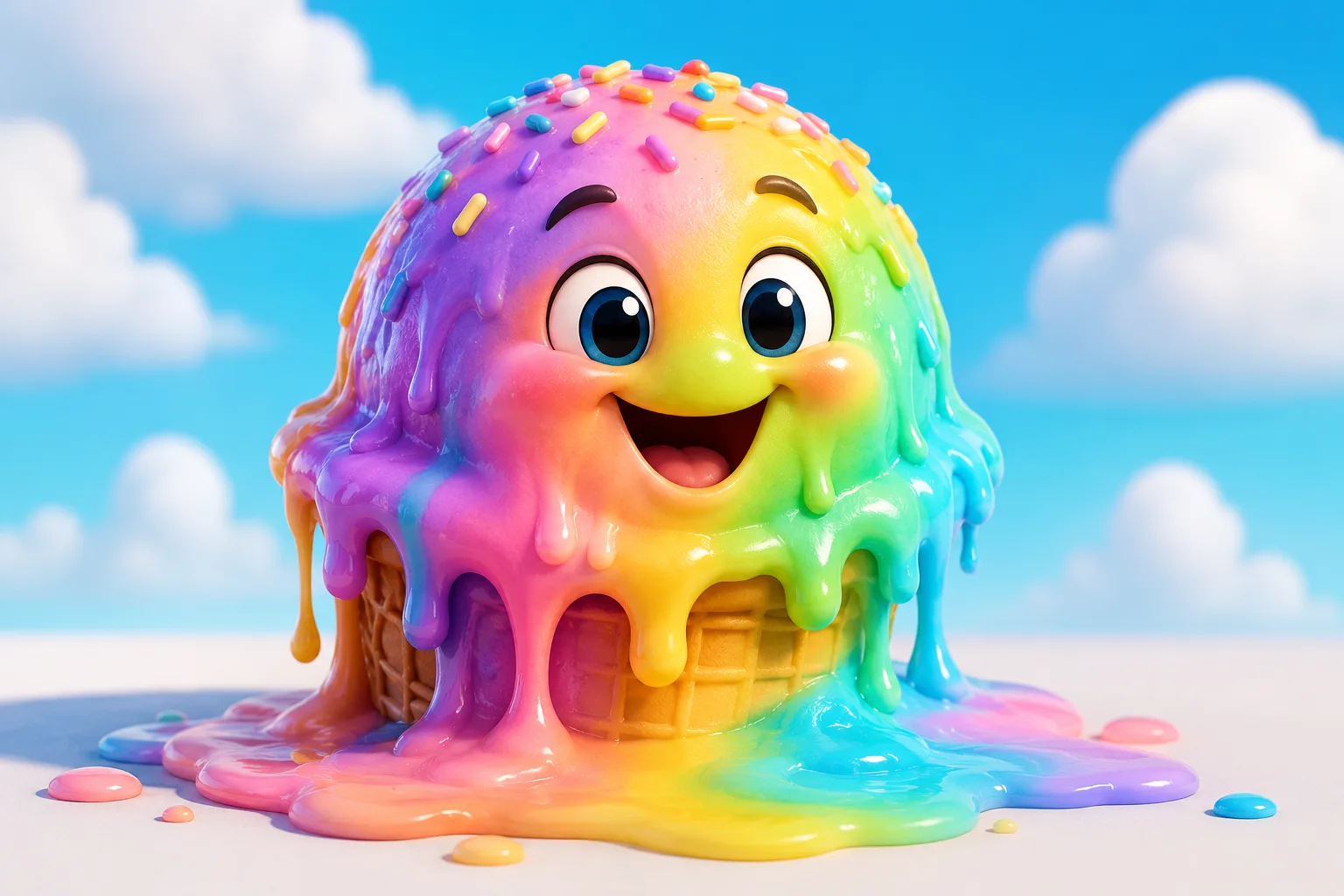
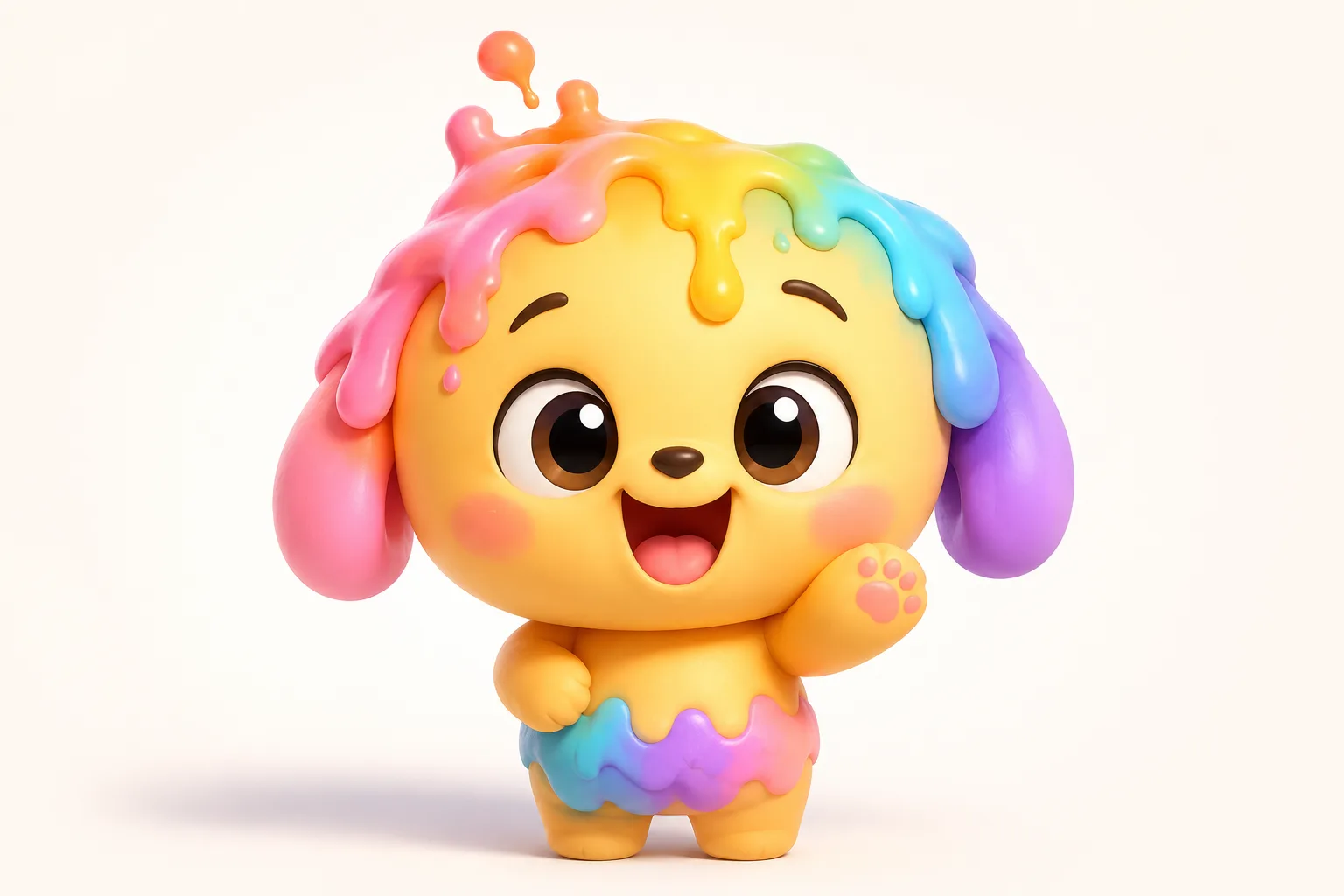
It melts, but people still know it's you
Here's the trick that makes it land: the melt holds off just long enough. Your face reads as you for the first beat, so friends recognize who's dissolving before features start to droop and slide. That recognizable-then-gooey arc is what makes the AI melt effect funny instead of just abstract goo. Keep your real outfit, your real background, your real face — then watch it lose its shape.
- ✓Recognizable first — your features stay readable before the drip takes over
- ✓Real details kept — same clothes, same setting, just slowly going liquid
Built around the slump, not a generic loop
Most filters wobble in place. The melt effect commits to gravity: the top of your head softens first, the slump rolls down the face and shoulders, and strings of color stretch and snap toward the floor. It builds over the full six seconds instead of looping the same jiggle. That slow drop is the whole joke, and it's the one motion no other ClipTrend effect gives you.
- ✓Top-down slump — the melt starts up high and runs down with real weight
- ✓Stretchy drips — colors pull into thin strands before they let go
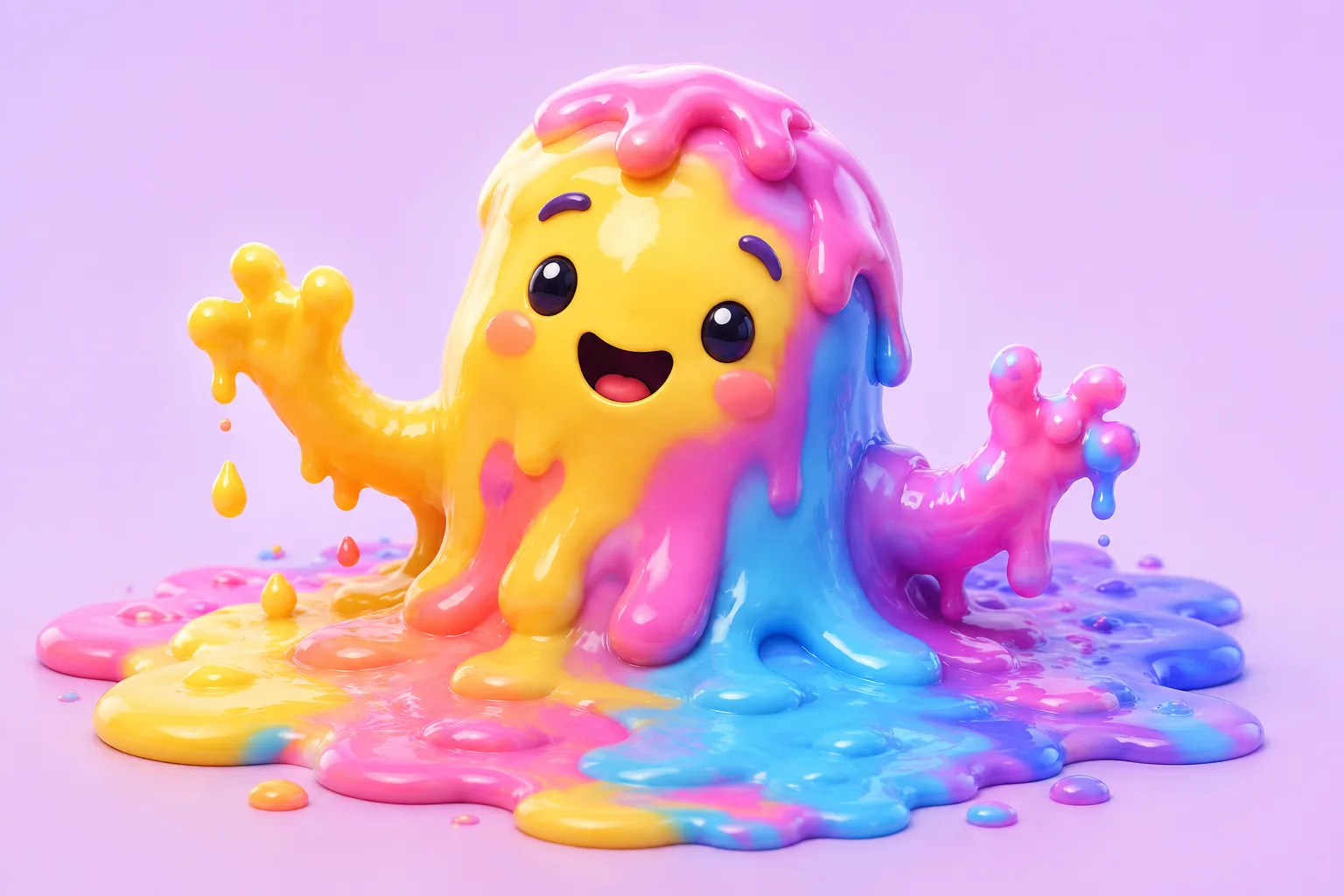
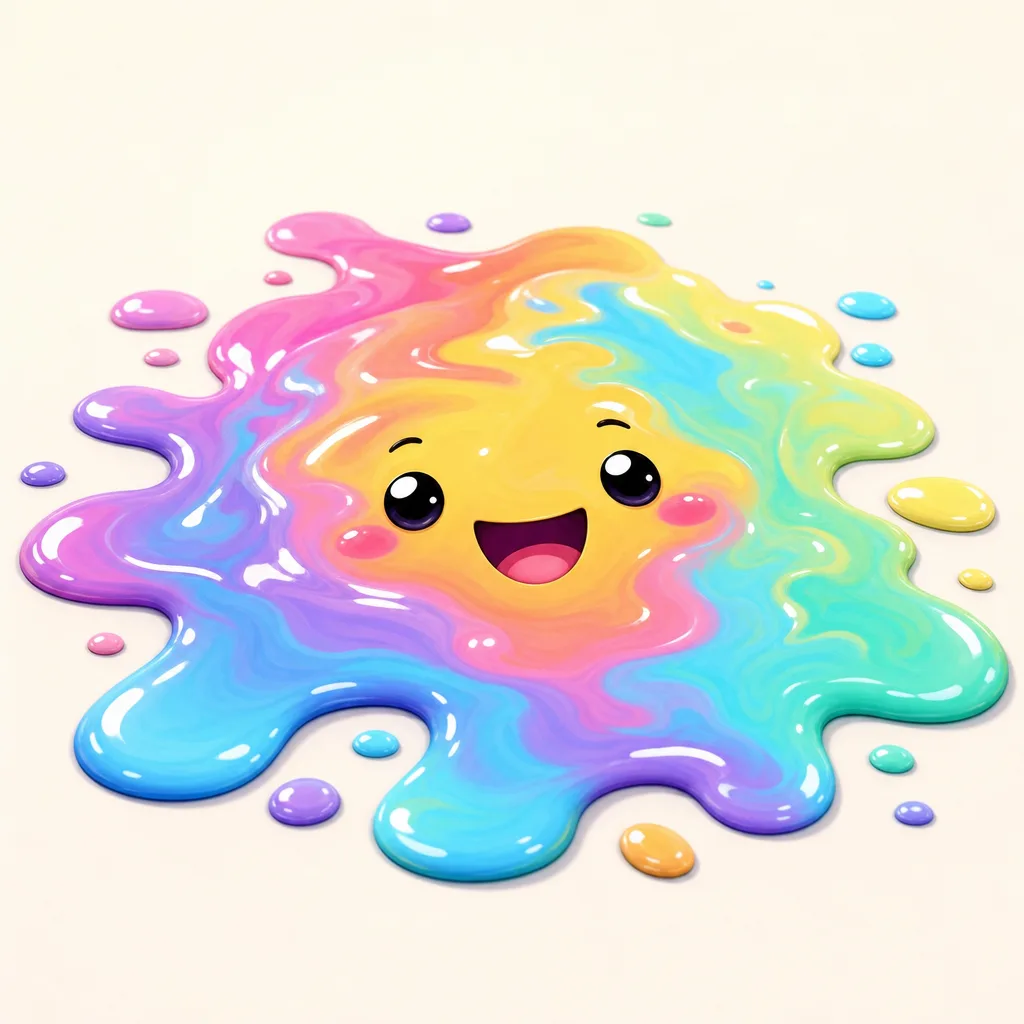
A 6-second vertical clip, no watermark
You get a 6-second 9:16 MP4 sized for TikTok, Reels, and Stories — no logo stamped across the corner. New accounts start with free credits and it's pay-as-you-go after that, so you can melt a few photos before you commit to anything. Every upload runs a quick automated safety check, then the clip is yours to download and post.
- ✓Clean export — vertical MP4 with no watermark, ready to drop in your feed
- ✓Free to start — free credits on signup, then pay only for what you make
One photo is all the melt effect needs
The AI melt effect runs from a single upload. Pick the kind of shot that melts best, drop it in, and the dripping motion is animated for you. Here's how to choose your source photo.
Close-up portrait
Best for a clear, funny melt
When to use it
Use a head-and-shoulders selfie or portrait when you want people to clock your face before it droops. The tighter the framing, the more obvious the melt reads.
What it produces
A 6-second clip where your face holds, then sags and drips downward out of frame.
- ✓Face fills most of the frame
- ✓Even lighting, no harsh shadows
- ✓Eyes open and looking at camera
- ✓Plain or simple background
- ✓One person, sharp focus
Full-body or group shot
Best for a bigger, weirder melt
When to use it
Use a standing or full-body photo when you want the whole figure to slump from head to floor, or a group shot so everyone melts together for a bigger laugh.
What it produces
A 6-second clip where bodies, clothes, and the scene all run down into a pool.
- ✓Whole subject visible in frame
- ✓Room for the melt to drip downward
- ✓Good separation from the background
- ✓Bright, clear photo
- ✓Faces still readable at a glance
AI Dance Generator
Turn one photo into an energetic dance video.
AI Action Figure Generator
The AI action figure generator turns one photo into a boxed collect…

AI Pregnant Generator
The AI pregnant generator adds a believable, fully clothed baby bum…
AI Superhero Generator
One ordinary photo is all it takes to suit you up in full cinematic superhero armor.
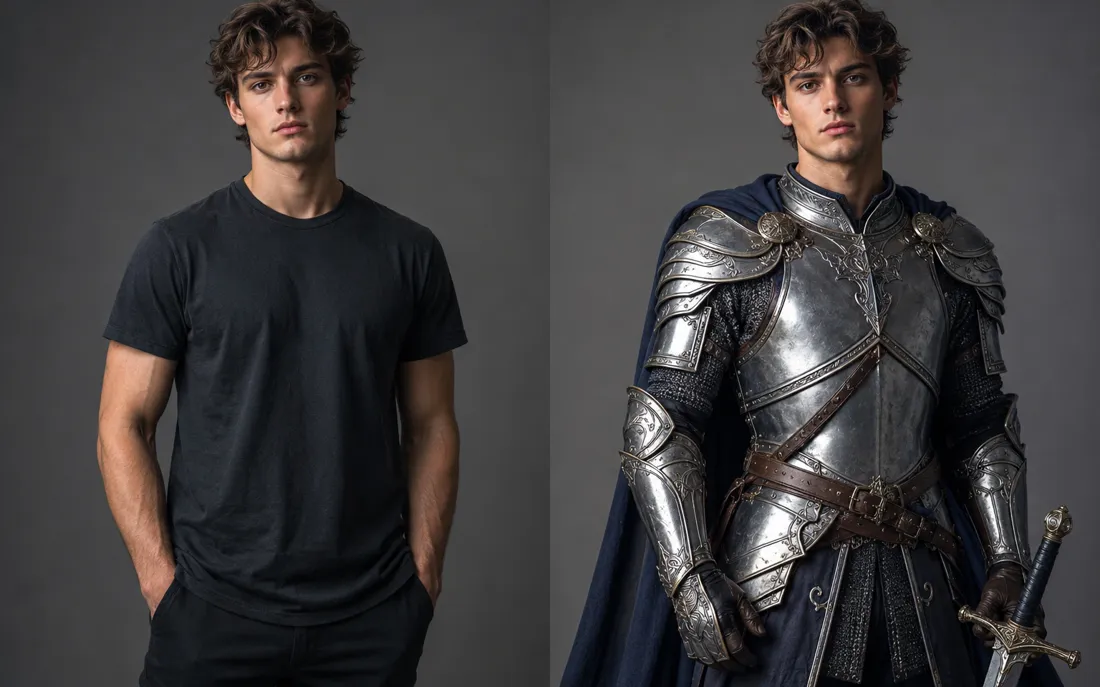
AI Costume Generator
The AI costume generator dresses you up from a single photo
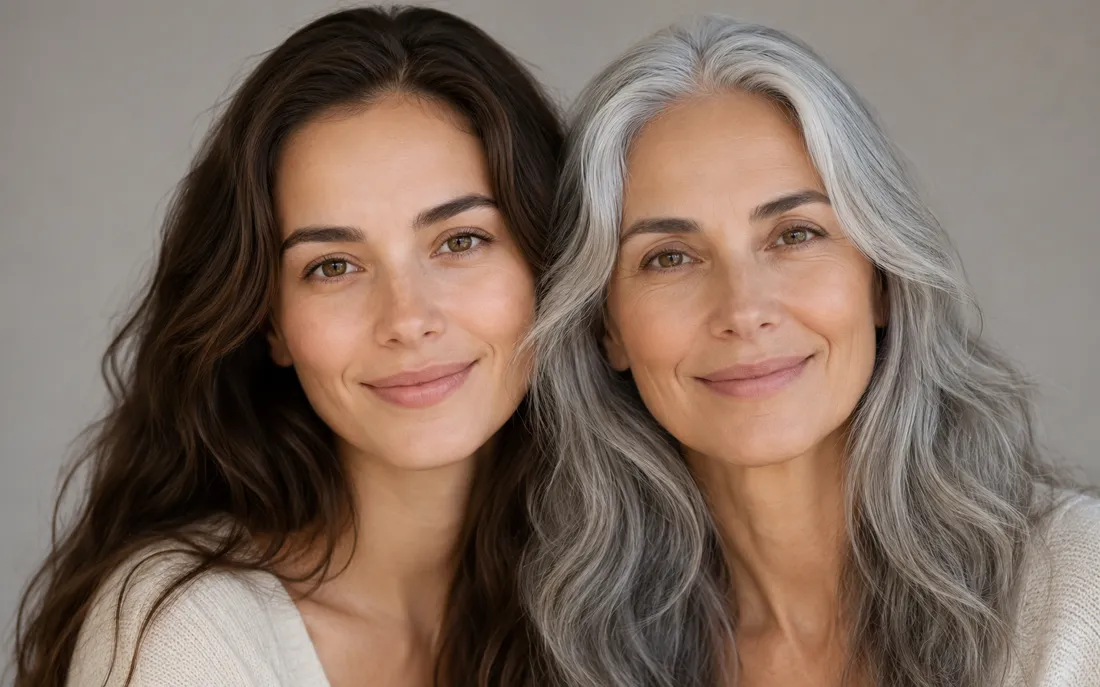
AI Aging Generator
Feed a single photo to the AI aging generator and see yourself decades older, or years younger.
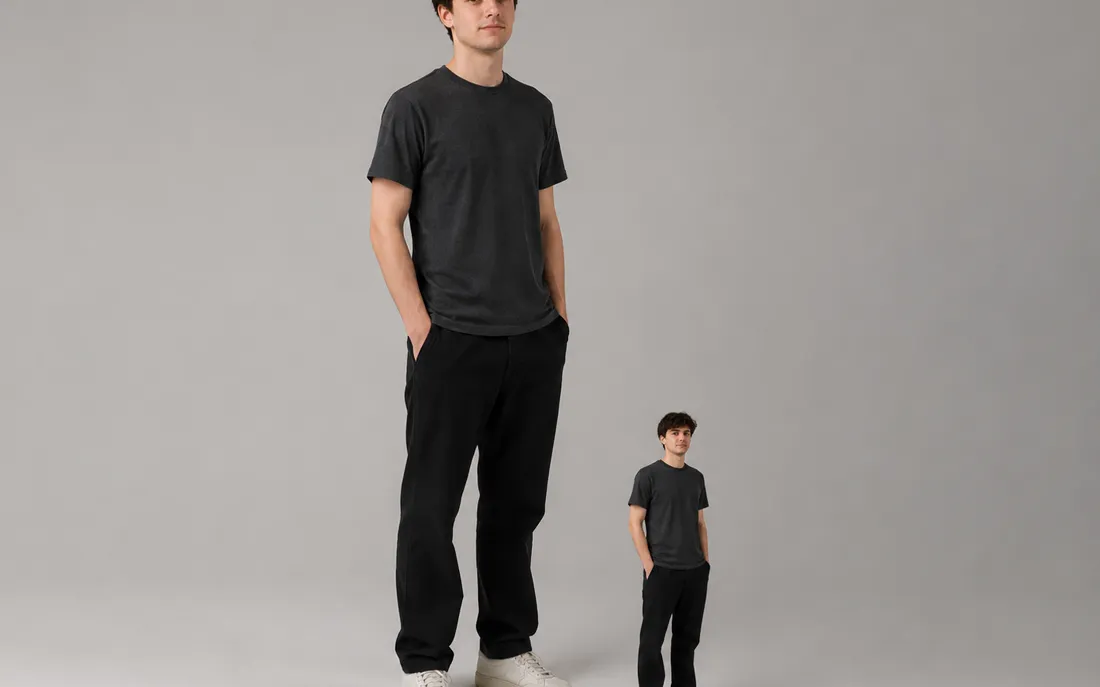
AI Mini Me Generator
Give the AI mini me generator a photo and it stands a pint-sized clone right beside you.
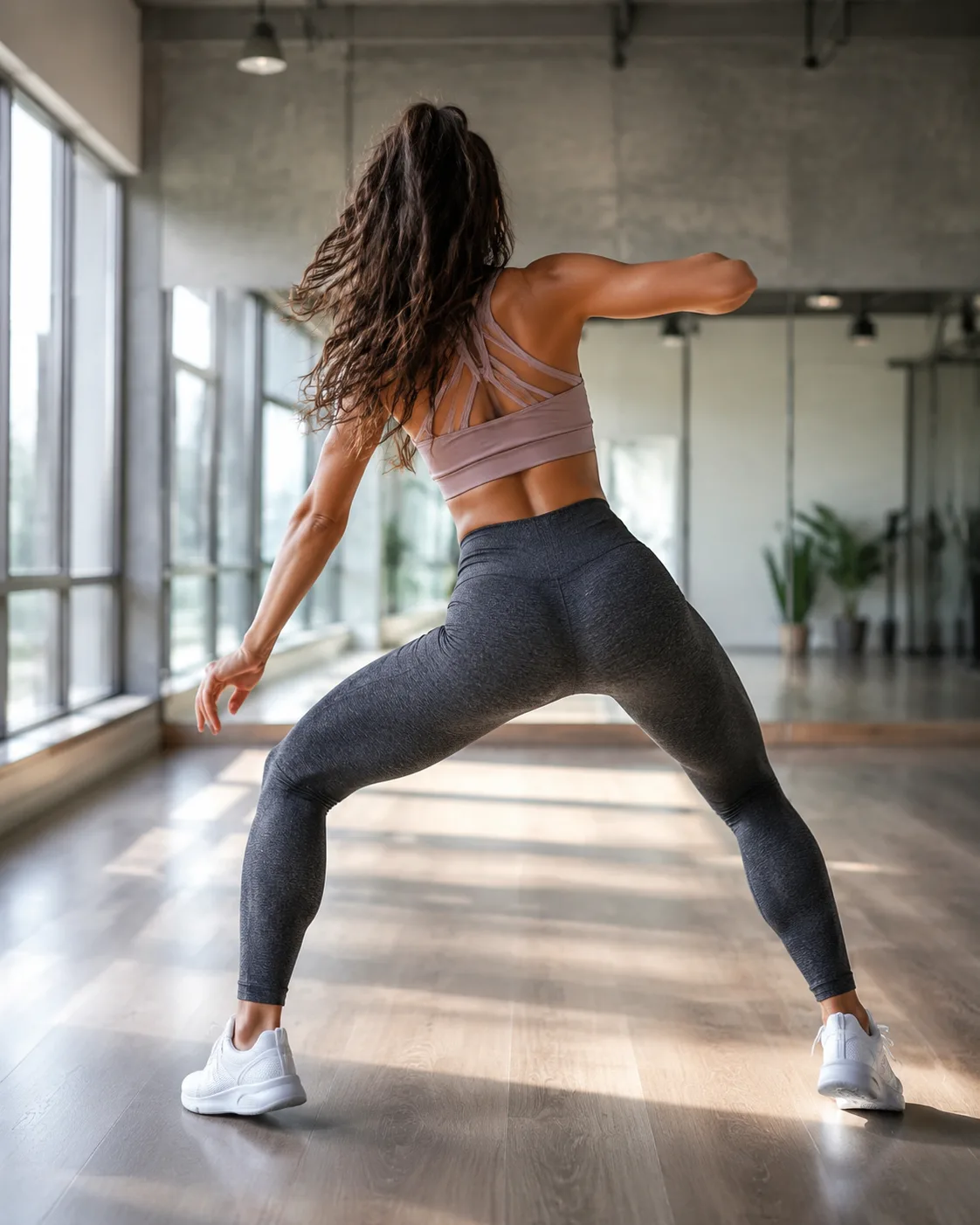
AI Twerk Generator
Upload a still and the AI twerk generator sets it dancing in a short, looping clip.
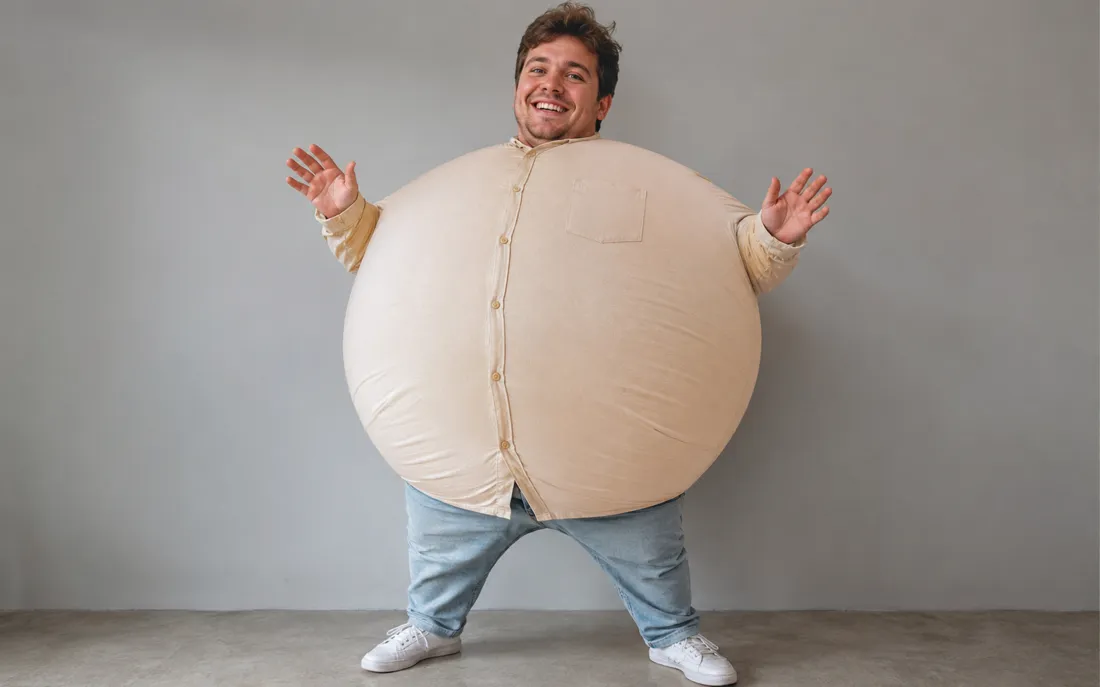
AI Inflate Effect
Pick one shot and the AI inflate effect puffs your subject up like a balloon.
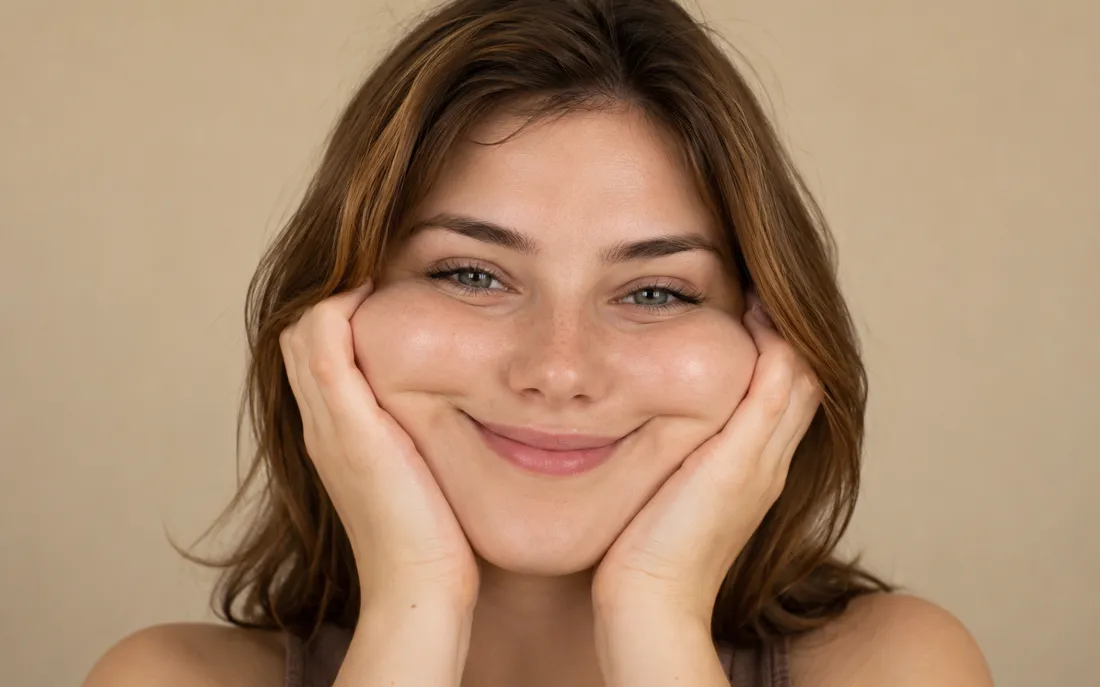
AI Squish Effect
Hand the AI squish effect a photo and it gives the frame that oddly satisfying squish.
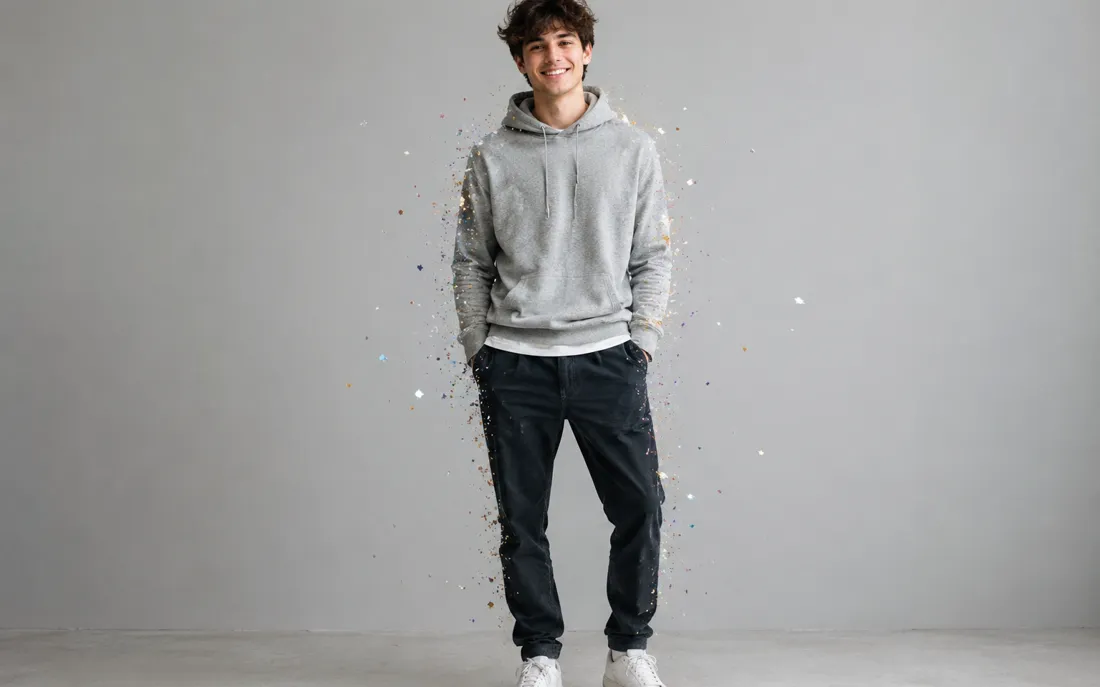
AI Explode Effect
Pop a single photo into a funny, scattering burst with the AI explode effect.
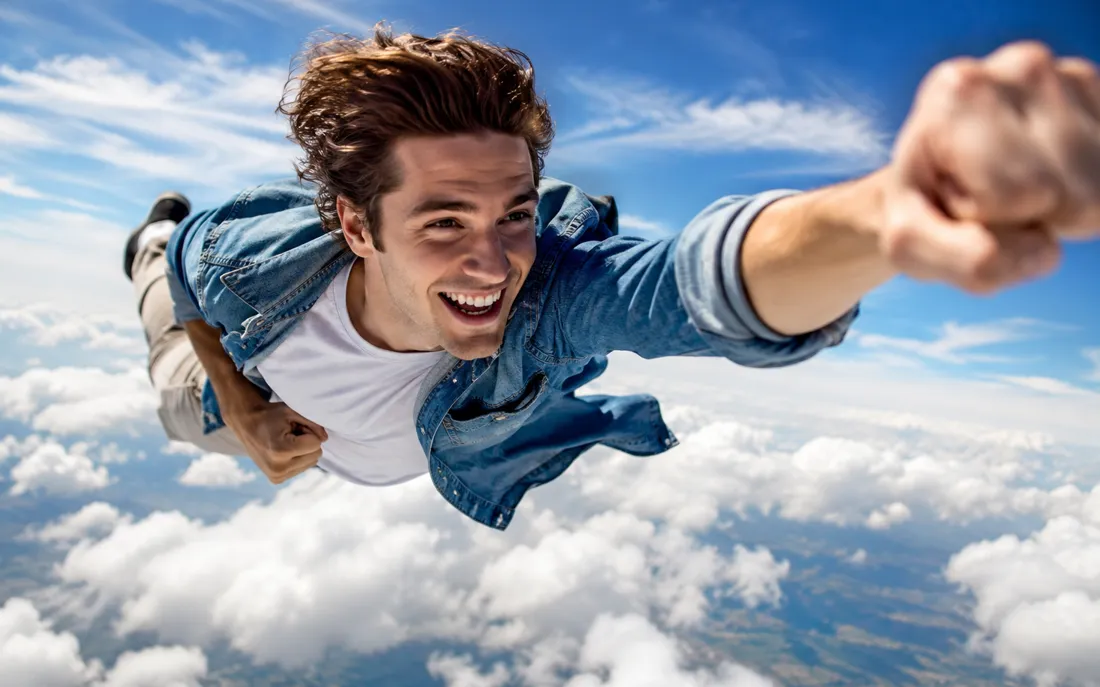
AI Flying Generator
The AI flying generator lifts one still photo off the ground and se…
Frequently asked questions
What does the AI melt effect actually do?⌄
Upload one clear photo and the AI melt effect animates it into a short video where the subject slumps and drips like warm wax. Your face stays recognizable at first, then features soften and run downward over six seconds. It's all from a single upload, no editing app needed.
Will my face still be recognizable?⌄
Yes, and that's the point. The melt holds your real features for the first beat so people know who they're looking at, then the drip takes over. Identity stays true at the start, which is what makes the clip land as funny rather than just abstract.
What do I get at the end?⌄
You get a 6-second vertical MP4 in 9:16, sized for TikTok, Reels, and Stories, with no watermark. Download it and post it straight to your feed. The clip is clean, so nothing covers your video.
Is the AI melt effect free?⌄
New accounts get free credits, so you can melt a few photos to try it out. After that it's pay-as-you-go, meaning you only pay for the clips you actually generate. There's no subscription you have to sign up for first.
What kind of photo works best?⌄
A clear, well-lit photo with the subject in sharp focus works best. Close-up portraits make the face-then-droop arc obvious, while full-body and group shots give the melt more room to run downward. A simple background helps the effect stand out.
Is it safe to upload my photo?⌄
Every upload runs through an automated safety check before anything is generated. Keep your photos mainstream and tasteful and you're good to go. Your clip exports watermark-free and is yours to download and share.
How long does it take to make a melt clip?⌄
Most clips are ready in a short wait after you upload. You pick your photo, the dripping motion is animated for you, and a 6-second video comes back ready to download. No rendering software or editing skills required.
Drop in a photo and watch it melt
Upload one picture and the AI melt effect does the rest — your face holds for a beat, then the whole frame slumps and drips into a 6-second vertical clip. Watermark-free and ready to post. New accounts start with free credits.
Open the AI melt effect generator