
See Photo to Talking in action
Use one clear adult portrait
Photo to Talking uses your portrait as the visual reference for a short speaking scene. Choose a sharp front-facing or gently angled image with both eyes and the mouth visible. Leave room above the hair and below the chin. A simple background and even light make it easier to judge facial movement in the result. Use your own photo or an adult portrait you have permission to animate. The example uses a fictional adult, not a customer photograph. The tool aims to retain the face, hair and clothing while adding movement, although small features and framing can change during generation.
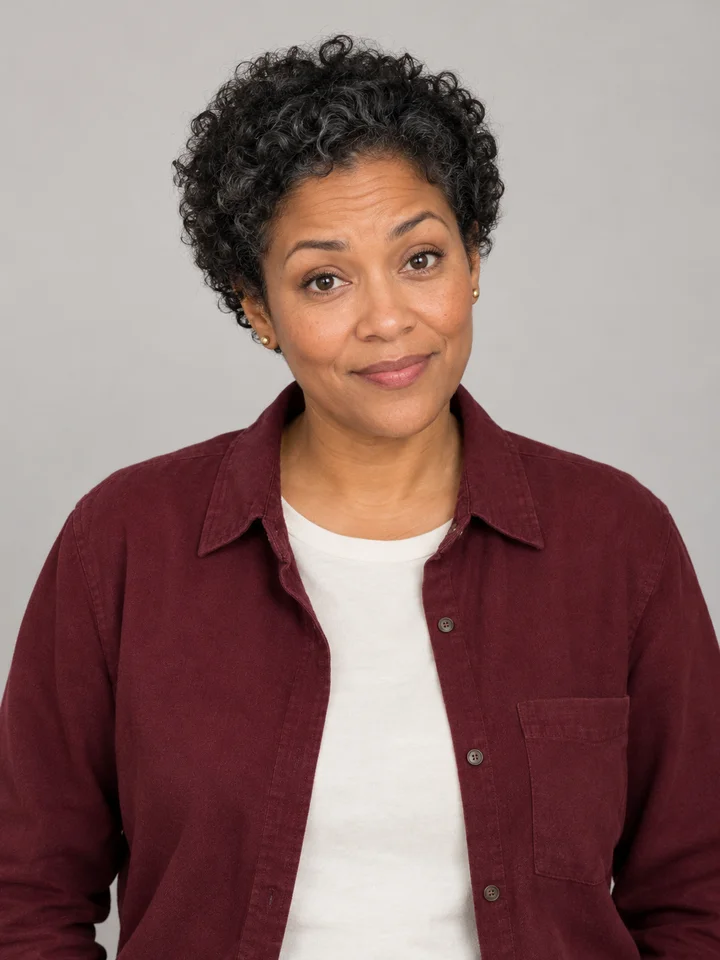
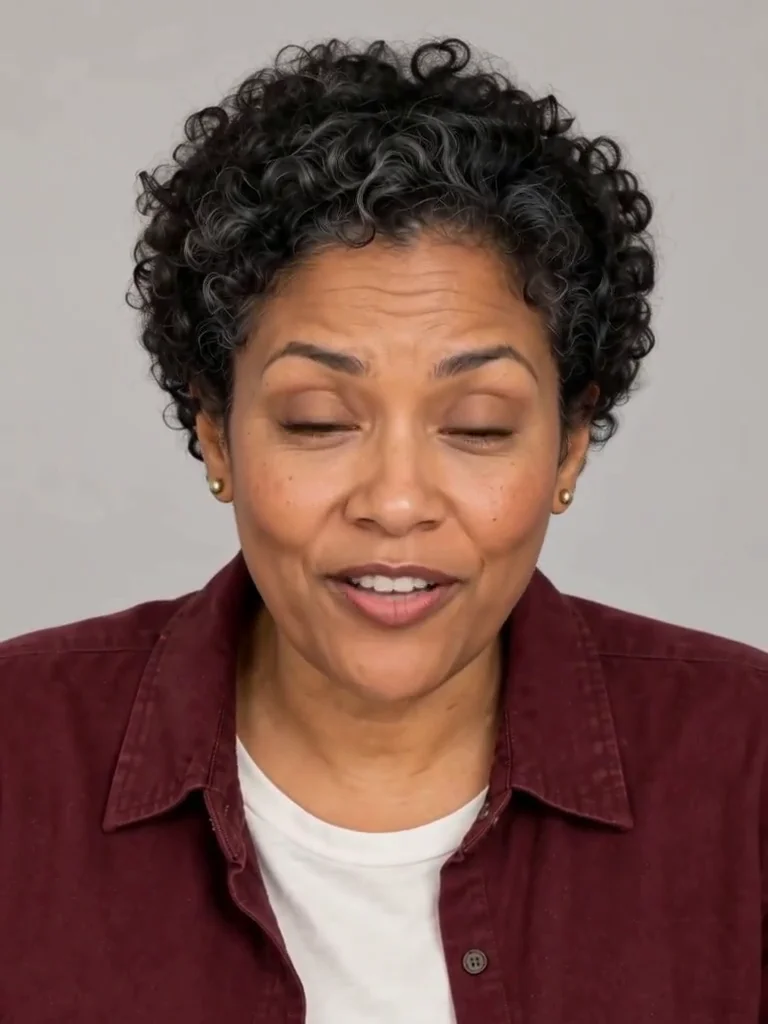
Keep the message easy to say
Write one short English sentence in the line box. Aim for about eight to twelve words so the message has room in a five-second clip. The example says, “Hello! This is my talking photo. Thanks for watching.” A greeting, brief introduction or simple thank-you is a useful starting point. The generated speaker looks toward the camera, with blinking, expression and mouth movement guided by the line. This is generated speech rather than a recording of the person’s voice. Listen to the finished video before sharing: wording, pronunciation and the timing of the lips can vary, especially if the line is too long.
Review the face, words and sound together
Play the completed Photo to Talking video with sound. Check that the face remains recognizable, the mouth movement looks natural and the spoken words suit your message. The example is a vertical 768 by 1024 MP4 with an audio track and a duration of about five seconds. It shows the scope of this short-portrait preset rather than a promise that every result will be identical. Download the completed file from the result area, or return to your creation history to save the same video again. Downloading an existing result does not create another video or spend another set of generation credits.
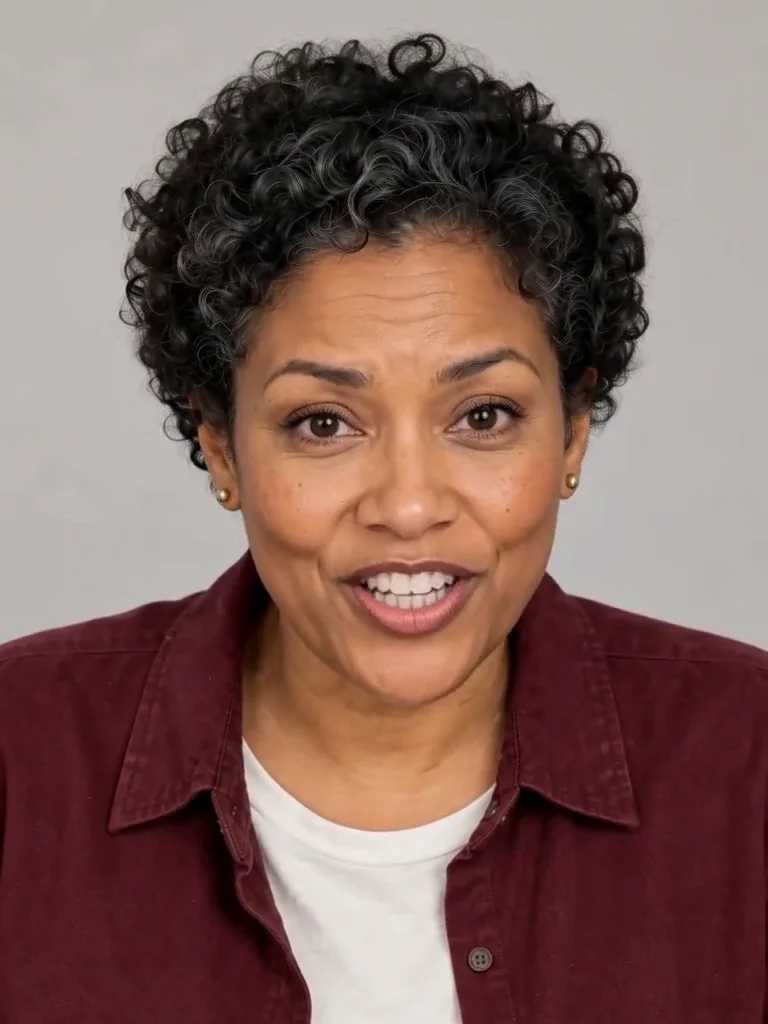
What to provide for Photo to Talking
One adult portrait and a short written message are enough for this version.
A readable portrait
Keep the eyes and mouth visible
When to use it
You want a short camera-facing speaking portrait.
What it produces
One five-second vertical video with generated sound.
- ✓One consenting adult
- ✓Whole head visible
- ✓Clear face and simple lighting
A short English message
One sentence works best
When to use it
You need a greeting or brief introduction.
What it produces
A generated voice speaking the supplied line.
- ✓About eight to twelve words
- ✓Review pronunciation and lip movement
- ✓No uploaded audio or voice cloning
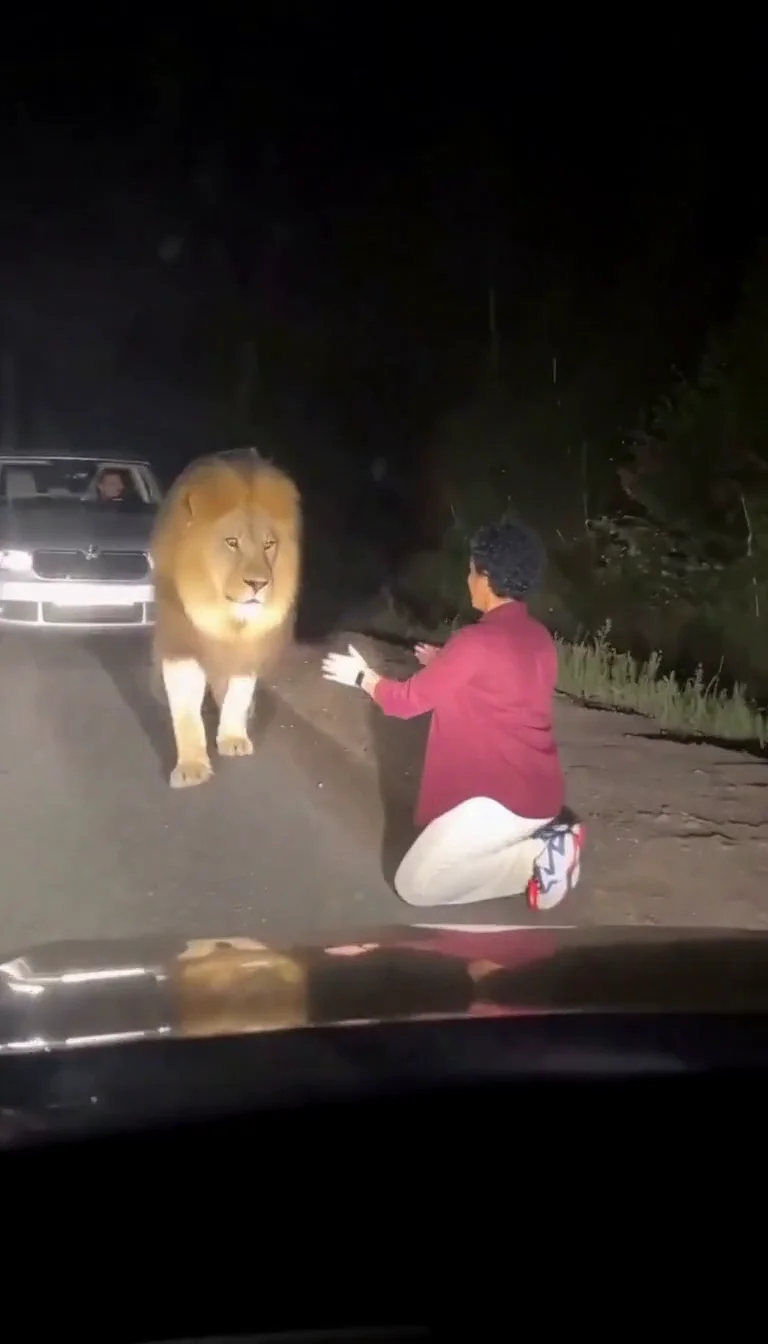
Lion Friend
Meet a calm lion on a nighttime road, stroke its mane and share a fictional embrace.
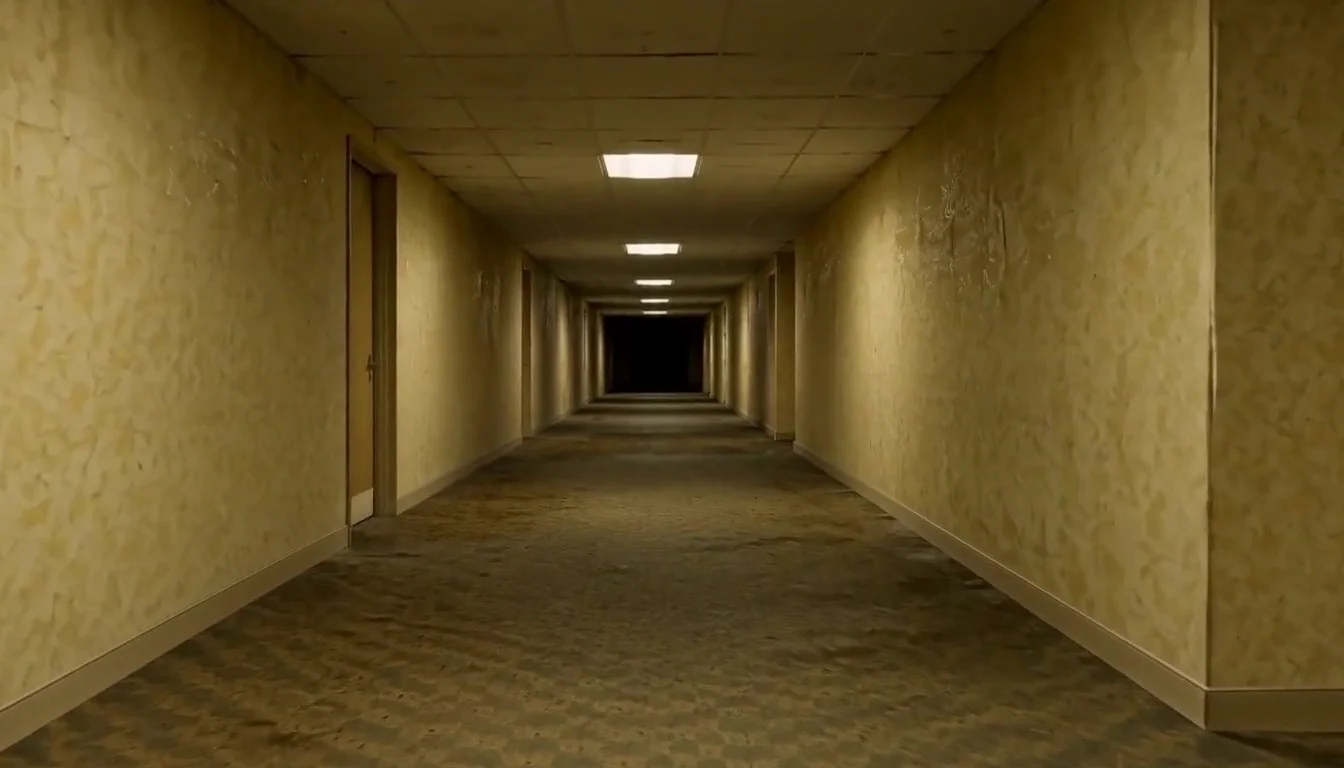
AI Backrooms
Animate your empty corridor with a slow camera push and flickering fluorescent lights.
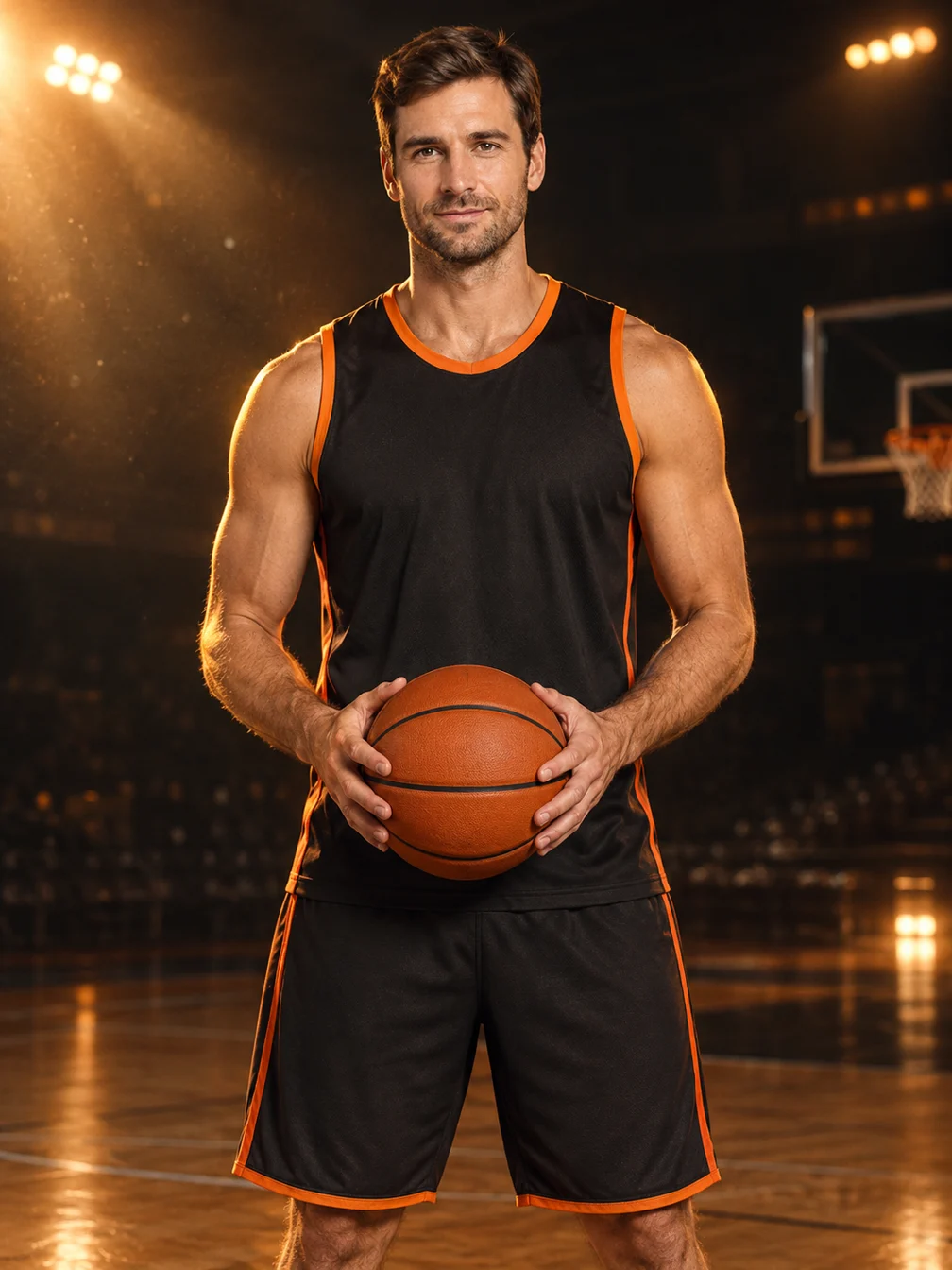
Basketball Poster
Turn your portrait into a basketball poster in arena, retro-card or neon-court style.
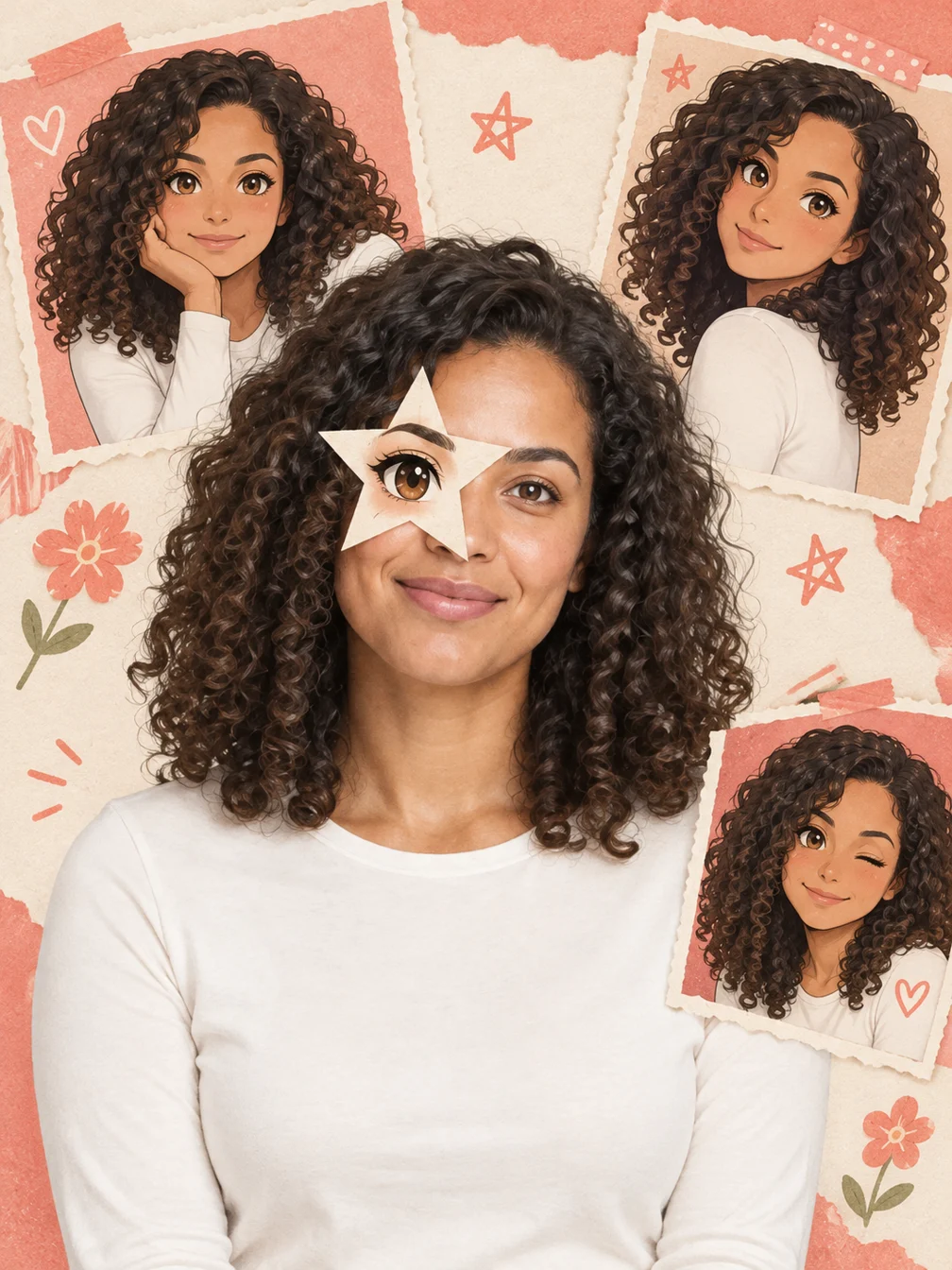
Anime Eye
Add one illustrated eye cutout and matching original anime-twin panels to your selfie.
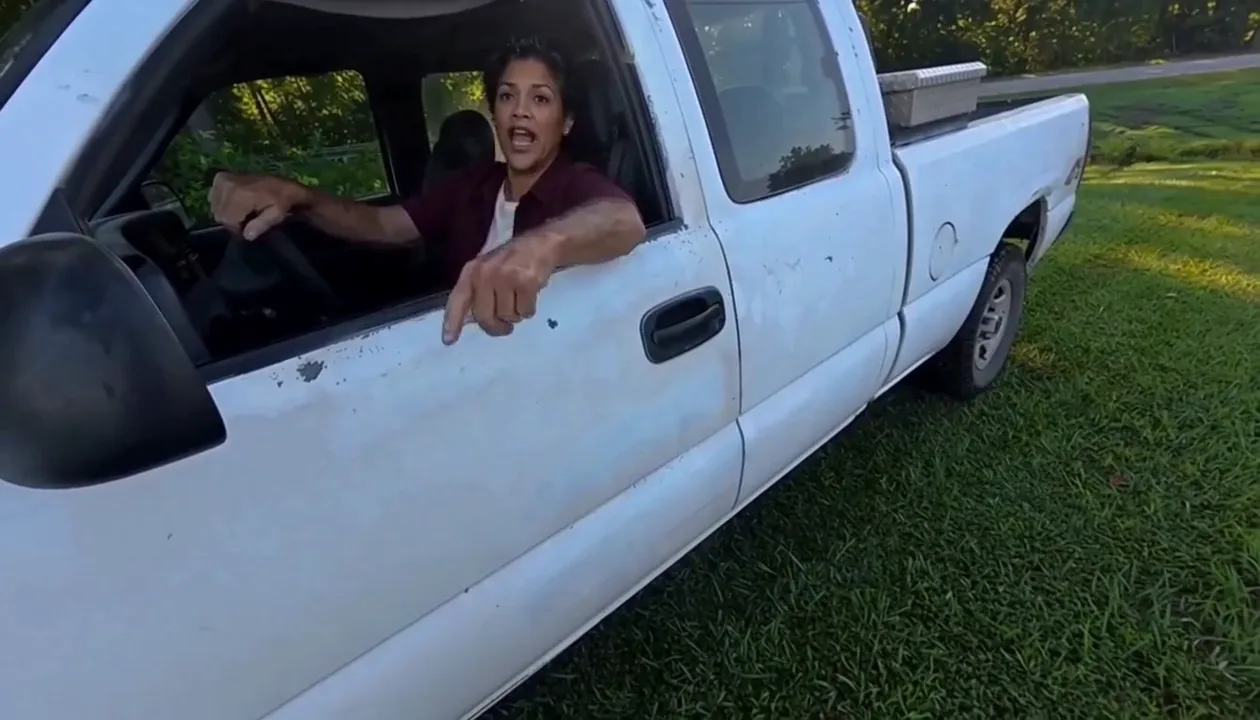
Hit Road Dude
Make a reference-guided pickup-truck meme from one adult portrait.
Warrior Cats OC
Design an original cat character from your description.
AI Lego Man
Transform one adult photo into a molded brick toy video.

GTA Style
Illustrate your portrait with bold outlines and a coastal sunset.
Fire Breathe
Add a fantasy flame plume and warm light to a portrait.
AI Bob Haircut
Preview a chin-length bob on one adult portrait.
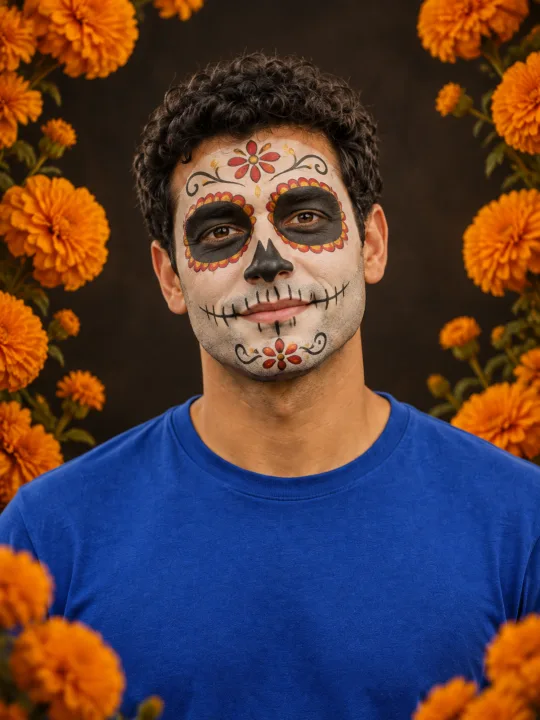
Filtro Catrina IA
Add floral Day of the Dead makeup and marigolds to your portrait.
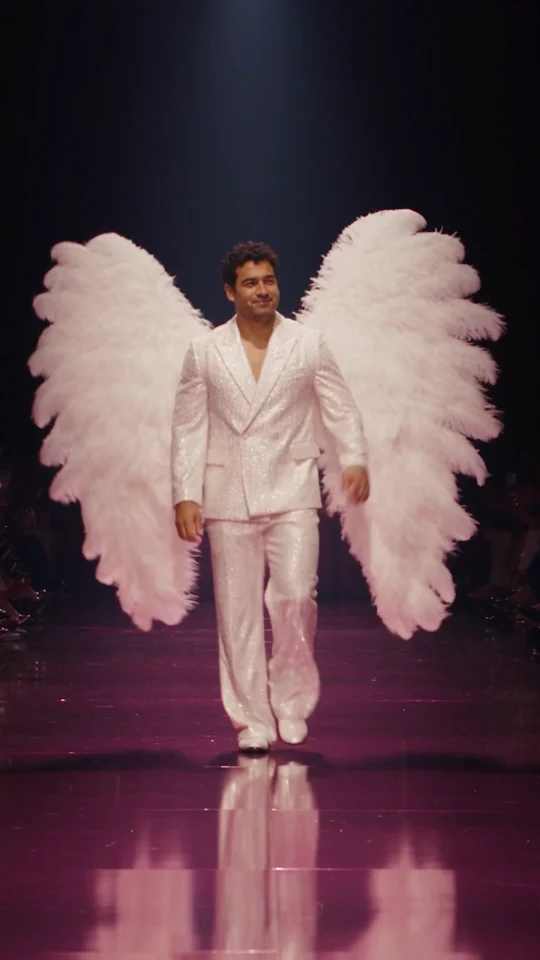
Runway Walk
Walk the runway in a white suit and feather wings, from one adult photo.
Frequently asked questions
How does Photo to Talking work?⌄
Upload a clear adult portrait, write one short English line and press Generate after signing in. The preset creates a five-second talking portrait with generated speech and facial movement. Keep your message short and review the result with sound. It is a generated scene, not evidence that the real person said those words.
Can I upload my own audio or clone a voice?⌄
This version takes a portrait and a written line. It generates an original voice; it does not accept an audio upload, clone the person’s real voice or promise an exact accent. If you need precise synchronization to a recorded voiceover, this short-script preset is not that workflow.
How much does it cost, and can I try it free?⌄
One video costs 24 credits, shown before generation. Eligible new users who sign in with Google using a Gmail address can receive 30 welcome credits, enough for one video. Trial eligibility restrictions apply. Later generations use your balance. Viewing the examples or downloading a completed result does not start a paid request.
Will it repeat my line exactly?⌄
The line guides the generated speech, but words, pronunciation and lip timing may vary. Use a short, simple English sentence and listen to the full result before sharing. Do not rely on this preset for a verbatim legal statement, a real person’s endorsement or a perfectly synchronized voiceover.
Can I animate a pet, group photo or illustration?⌄
This preset was checked with one clear adult portrait. A group photo makes the intended speaker unclear, and pet or illustrated mouths behave differently. Choose one adult face for this version. Keep hair, hands and accessories from covering the mouth, and use a photo you have permission to animate.
What file will I receive?⌄
The preset requests a five-second vertical video at 768p-class resolution. The inspected sample is a 768 by 1024 MP4 with generated audio. Exact duration and dimensions can vary slightly. Wait for the current request to finish, play the result and use Download. Your completed video is also available in your creation history.
Try Photo to Talking
Give your adult portrait one short message and create a talking video.
Make my portrait talk