
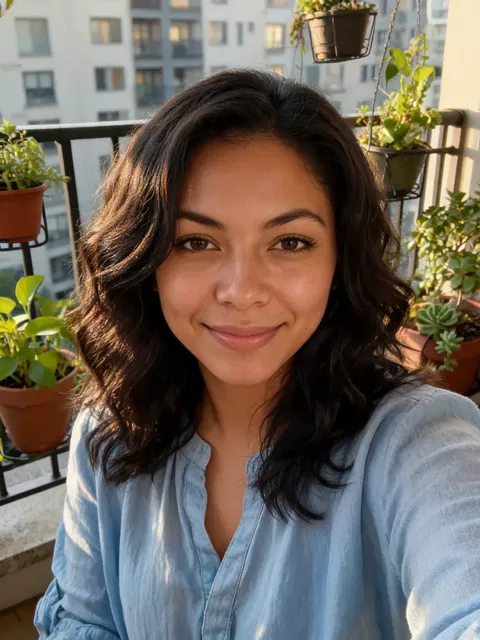
Browse every Halloween costume you can try on
Tap a costume and it is picked in the tool above. Couple looks switch the tool to 2 People. Want something else? Use Upload a costume or Describe it.
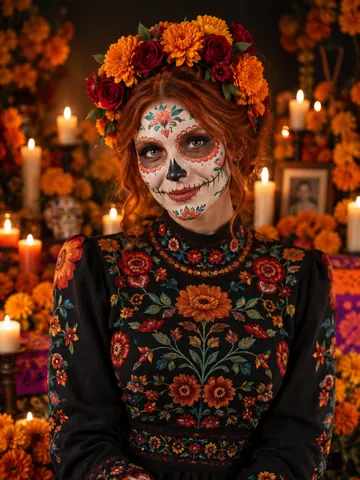
Day of the Dead
Sugar-skull paint, marigold crown, candlelit altar.
Pick ↑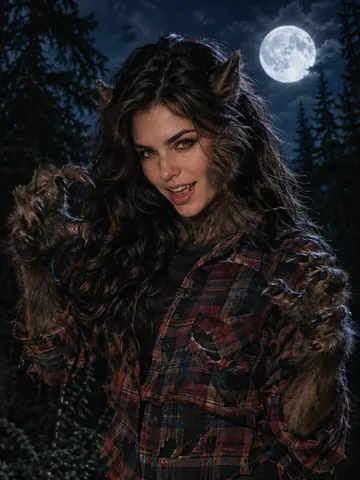
Werewolf
Fur, pointed ears and amber eyes under a full moon.
Pick ↑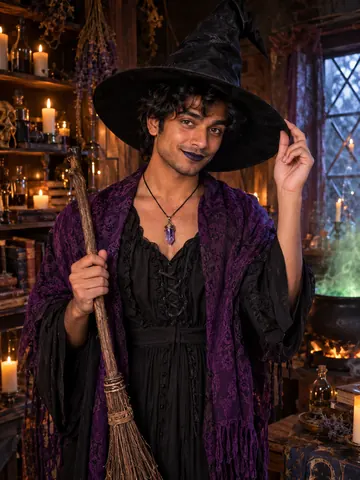
Witch
Tall hat, purple shawl, broom and cauldron.
Pick ↑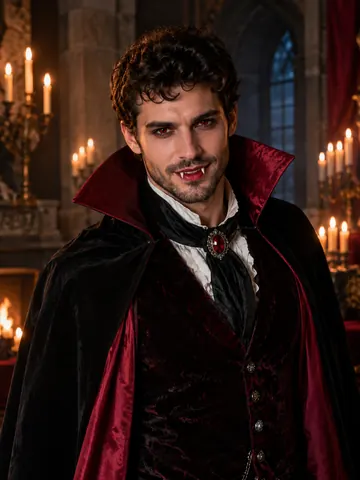
Vampire
High-collared cape and a candlelit castle hall.
Pick ↑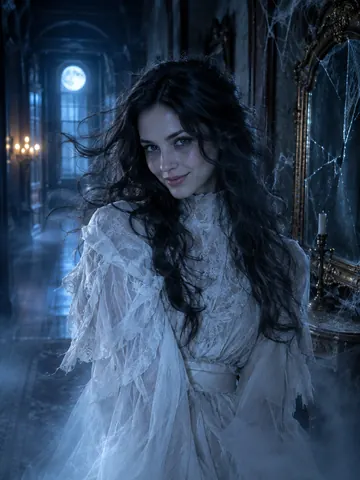
Ghost
Tattered Victorian clothes and a cold blue glow.
Pick ↑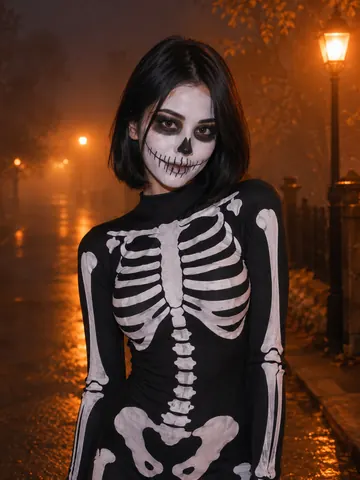
Skeleton
Skull face paint and a bone-print bodysuit.
Pick ↑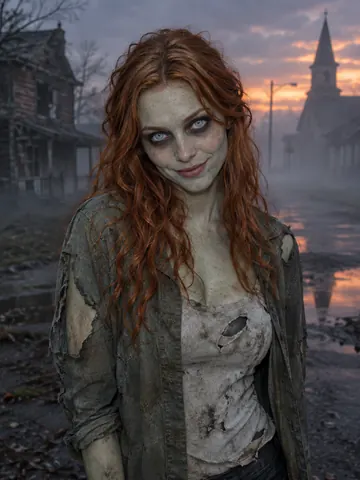
Zombie
Grey-green movie makeup, no blood.
Pick ↑
Pirate
Captain coat and tricorn on a ghost ship.
Pick ↑
Mummy
Linen bandages and gold jewelry, face uncovered.
Pick ↑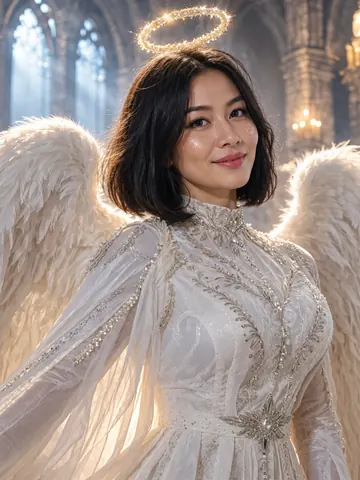
Fallen angel
White feathered wings and a faint halo.
Pick ↑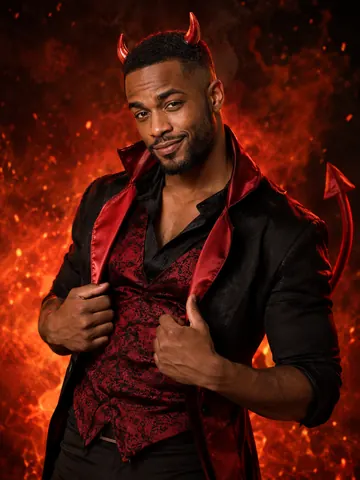
Devil
Small red horns, a tail and ember light.
Pick ↑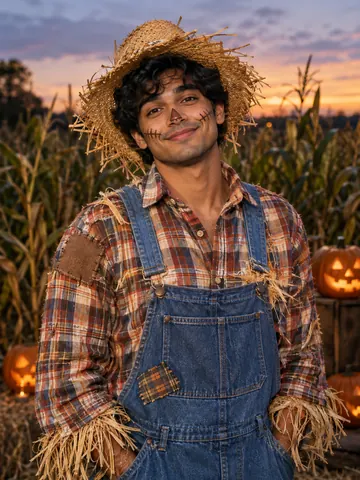
Scarecrow
Straw hat, plaid shirt and overalls.
Pick ↑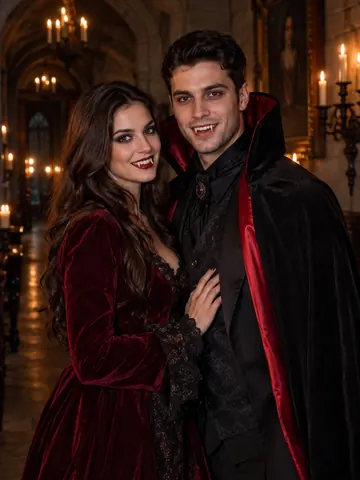
Vampire couple
Cape and velvet gown for two.
Pick ↑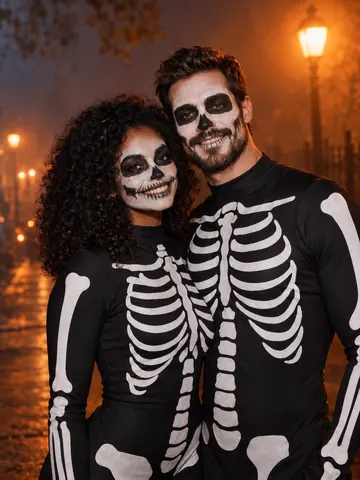
Skeleton couple
Matching skull paint for both.
Pick ↑
Ghost pirates
Two ghost pirates on a foggy deck.
Pick ↑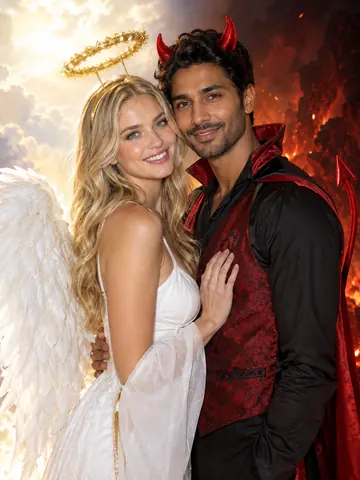
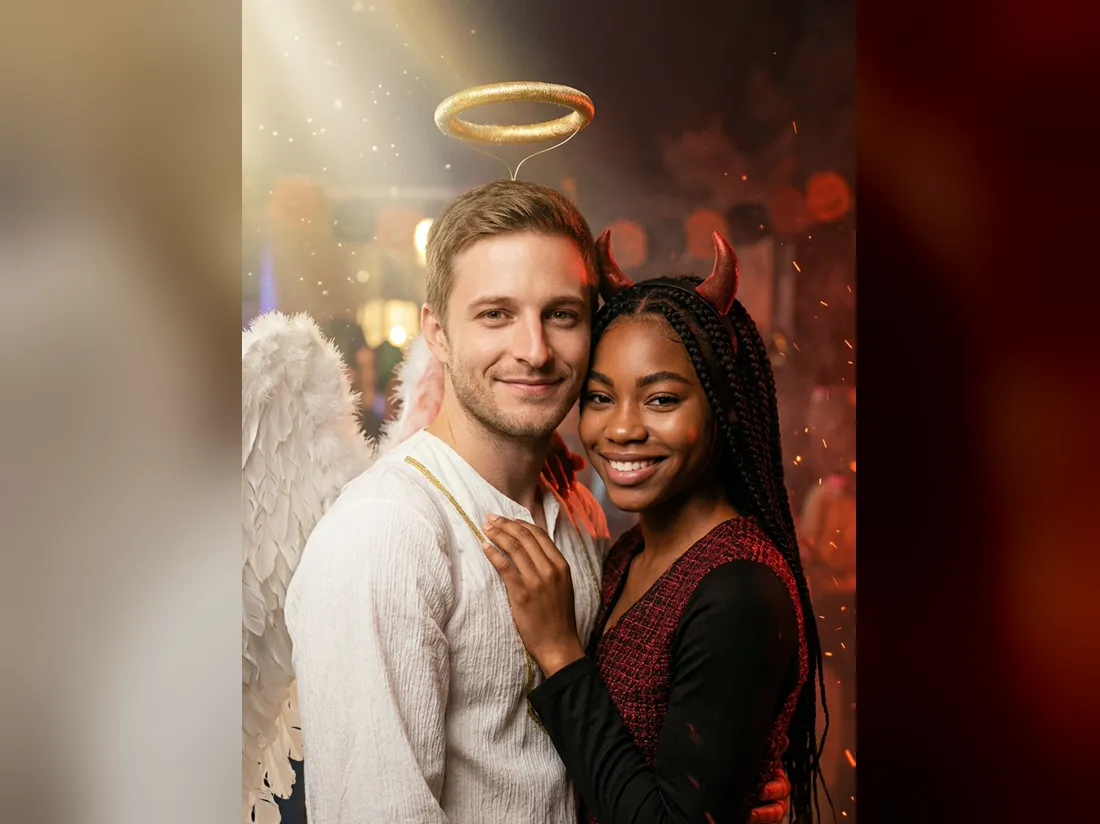
Angel and devil
One halo, one pair of horns.
Pick ↑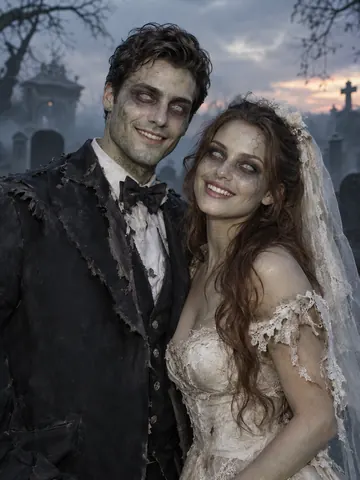
Zombie bride and groom
A zombie bride and groom.
Pick ↑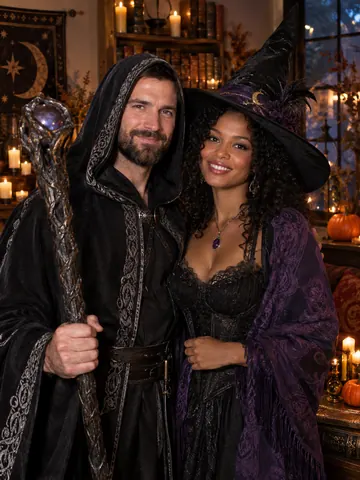
Witch and warlock
Witch hat and a hooded warlock robe.
Pick ↑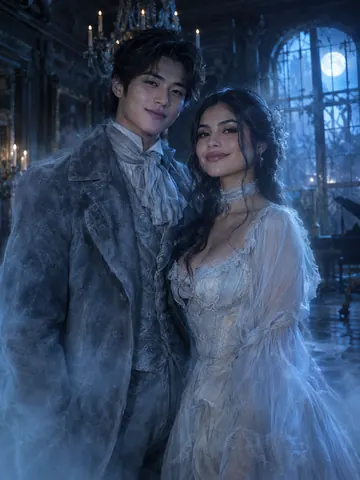
Victorian ghosts
Frock coat and a pale gown that fade into mist.
Pick ↑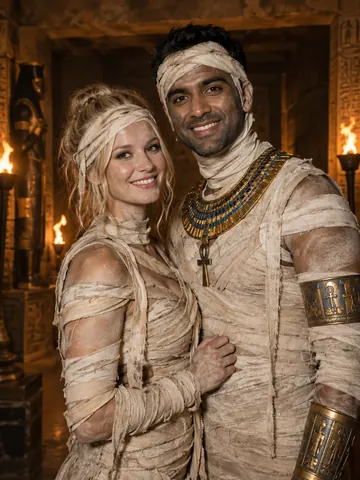
Mummy couple
Two mummies in a torch-lit tomb.
Pick ↑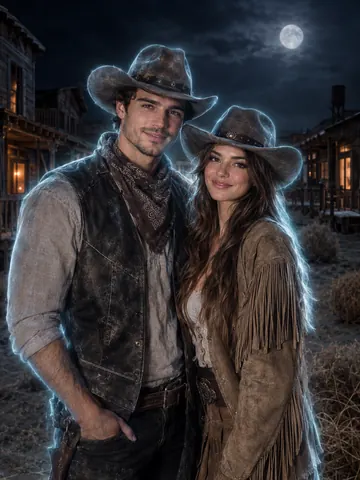
Ghost cowboys
Ghost-town cowboy and cowgirl.
Pick ↑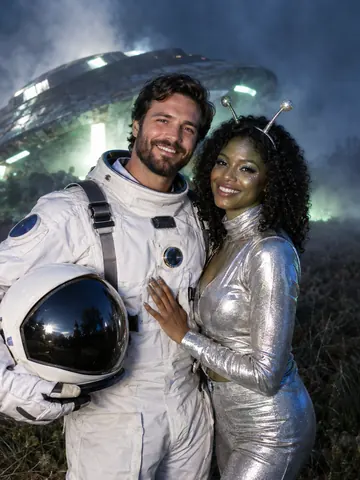
Astronaut and alien
A spacesuit and a silver alien outfit.
Pick ↑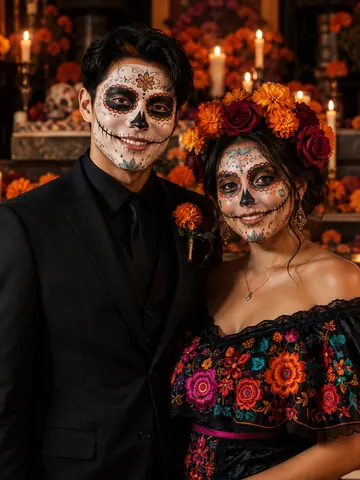
Day of the Dead couple
Sugar skulls, a suit and a flower crown.
Pick ↑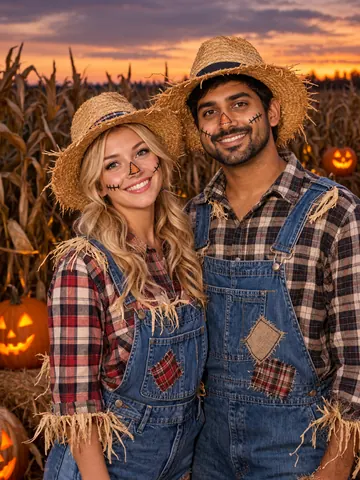
Scarecrow couple
Two scarecrows in a cornfield.
Pick ↑
Try a Halloween costume before you spend a cent
Halloween costume try-on: see it on you, not on a model
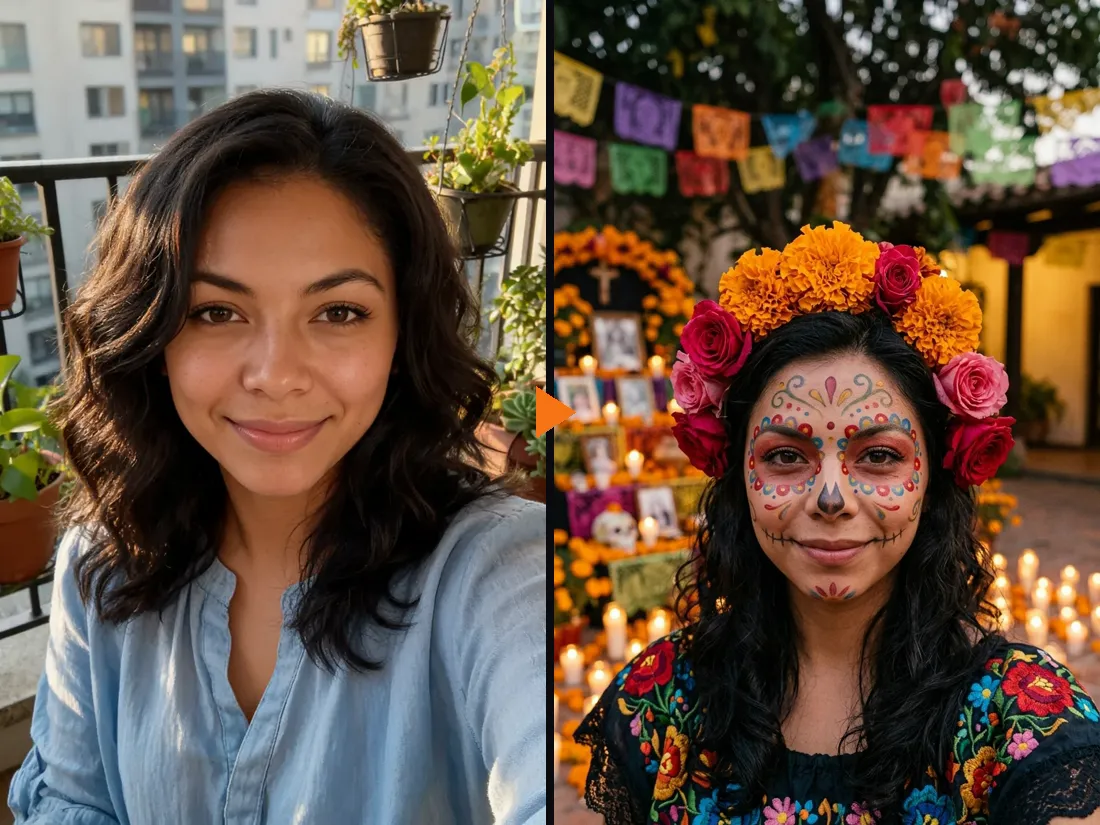
A costume can look great on the shop model and then arrive looking nothing like the photo. Here you see it on your own face first. Upload one selfie, pick a costume, and the AI redraws the outfit, the makeup and a matching background. Your face, hair color and smile stay the same. In the example, a plain selfie becomes a Day of the Dead look with sugar-skull paint, a marigold crown and an embroidered dress.
- ✓Outfit, makeup and setting — the whole look, not a sticker on top
- ✓Your face stays yours — no mask, no face swap
Found a costume online? Upload a photo of it
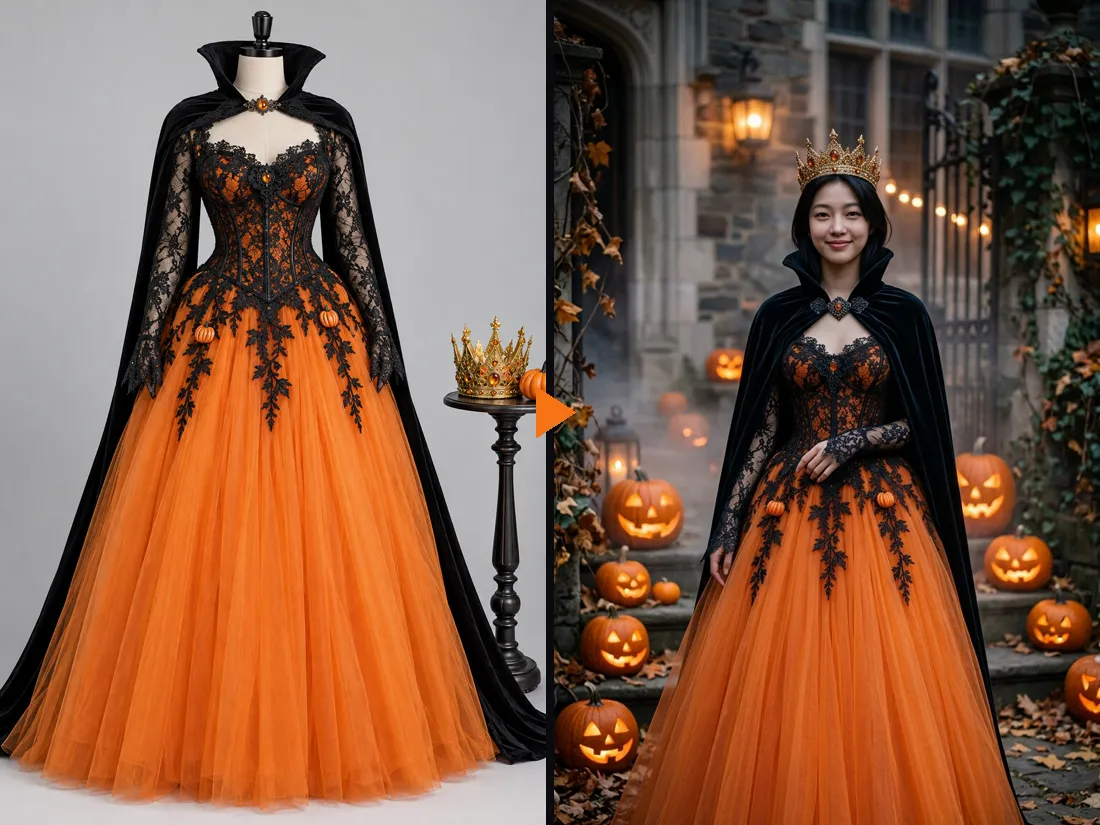
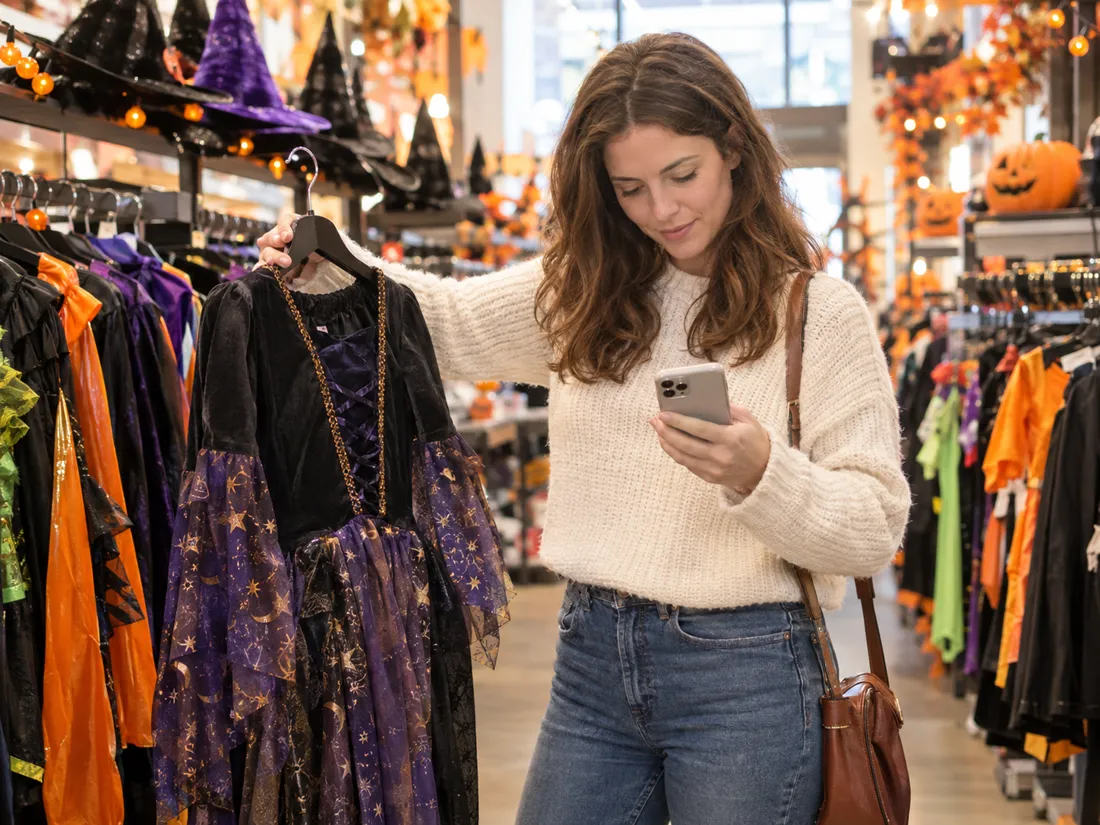
Switch to Upload a costume and add a product photo or a screenshot from the shop. The AI copies the pieces, colors and fabrics onto you and adds a Halloween setting. Here, a pumpkin queen gown shown on a dress form ends up on a real person about a minute later: orange tulle skirt, black lace bodice, cape and crown.
- ✓Product shots and screenshots work — you do not need to own it yet
- ✓Compare before you order — try two or three options on the same selfie
Narrow down your Halloween costume ideas in minutes
Stuck between ten open tabs or a crowded store aisle? Try your top picks on one selfie and compare them side by side. No idea yet? Tap through the 12 single costumes, or type a few words like “a steampunk witch with copper goggles” and the AI designs the full costume for you.
- ✓Describe it in a few words — the AI writes out the full costume
- ✓12 single costumes — ghost, vampire, mummy, scarecrow and more
Couples costume first, then a 5-second video
Going as a pair? Switch to 2 People, add a selfie of each person and pick one of 12 couple looks, such as angel and devil or a zombie bride and groom. You do not need a photo of the two of you together. Happy with the picture? Turn it into a 5-second vertical clip: Standard at 480p for 10 credits, or HD at 768p with sound for 50 credits.
- ✓A selfie each — no photo of you together needed
- ✓No watermark — download the photo and the video
One person or two?
The same Halloween costume try-on works for one person or a pair. Pick the mode at the top of the tool.
1 Person — try a costume
Just your selfie.
When to use it
To pick your own Halloween costume, check a costume before you order it, or make a profile picture.
What it produces
A picture of you in the costume with a matching setting, then an optional 5-second video.
- ✓12 single costumes
- ✓Or upload a photo of any costume
- ✓Or describe one in a few words
- ✓Head-and-shoulders or full-body photos
- ✓Optional video
2 People — matching costumes
A selfie each.
When to use it
For couples, best friends or siblings deciding on a matching Halloween costume.
What it produces
One picture of you both in a coordinated costume, then an optional 5-second video.
- ✓12 couple looks
- ✓Both faces kept
- ✓Person 1 stands on the left
- ✓Upload one costume set or one per person
- ✓Same price as one person
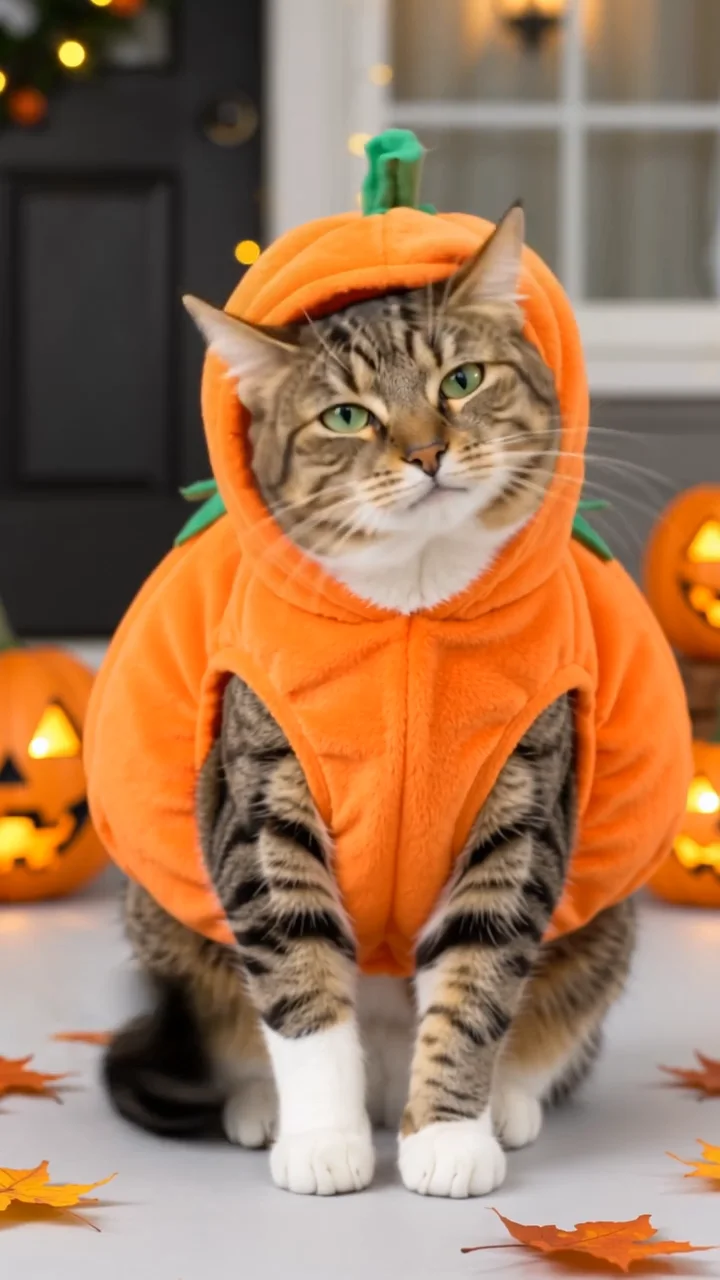
Pumpkin Pet
Turn your cat photo into a five-second pumpkin costume video.
Angel Costume
Preview white wings, an angel outfit and a halo on your photo.
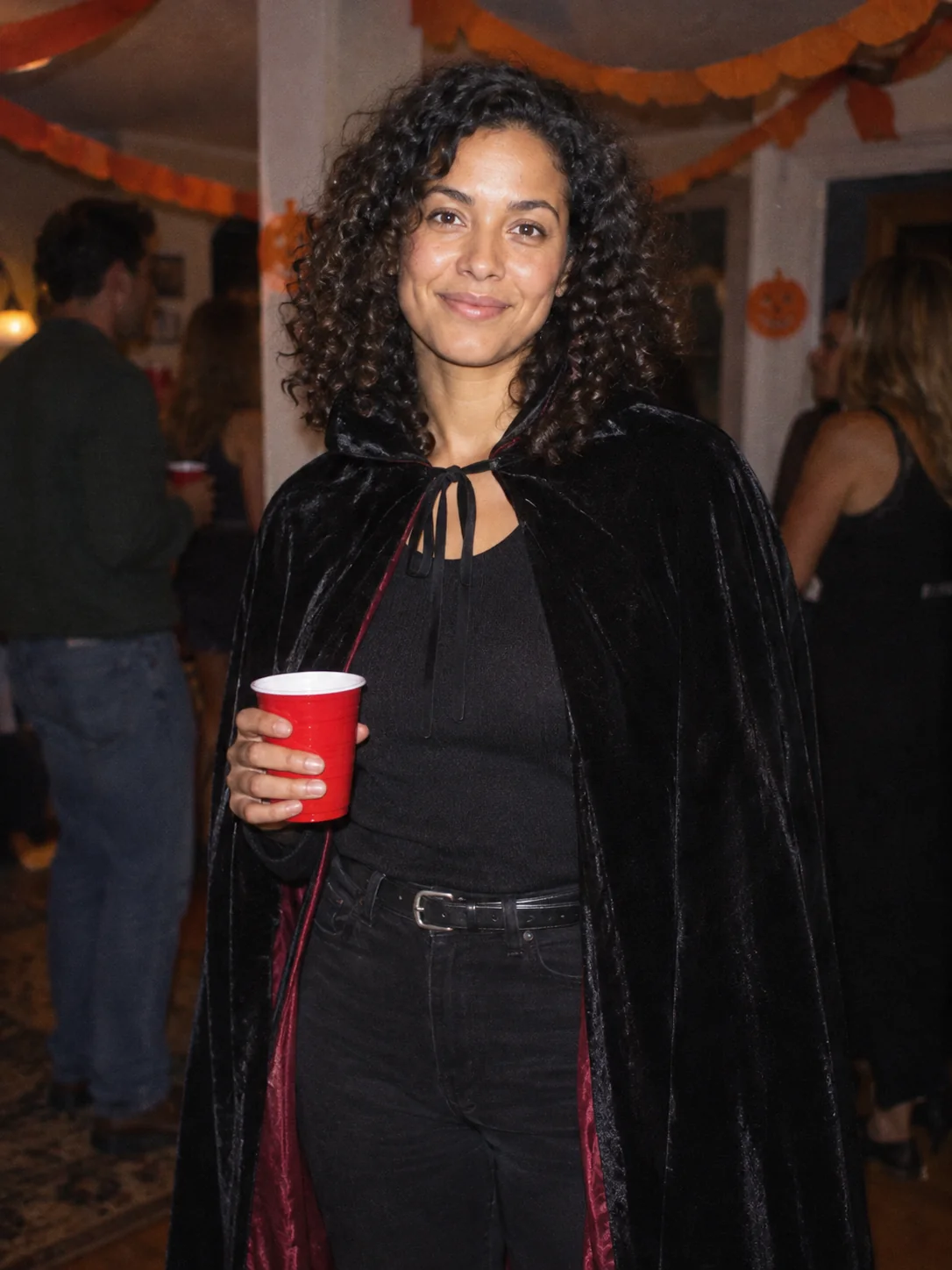
Costume Party
Put yourself in a Halloween costume party photograph.
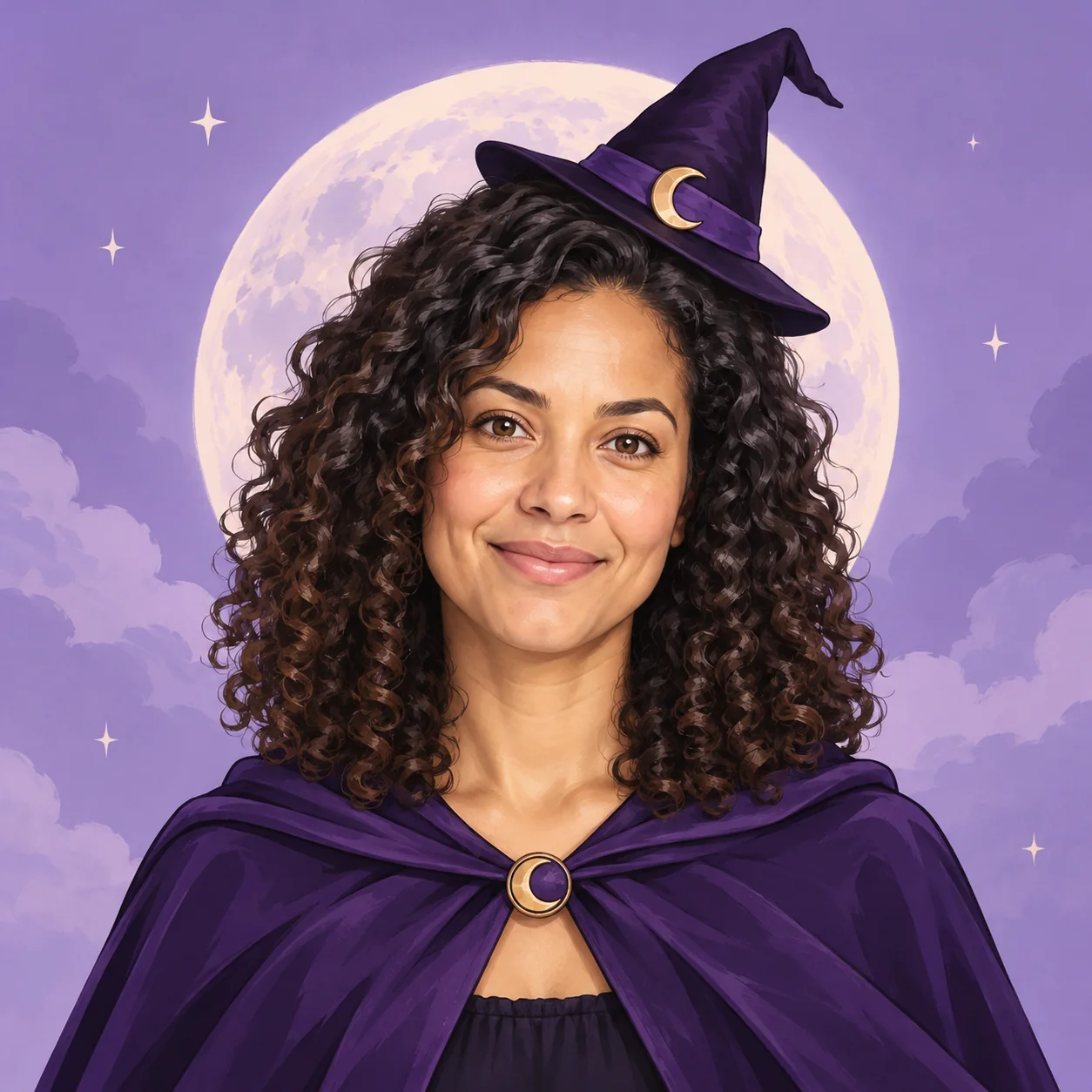
Halloween Avatar
Make a Halloween profile picture that stays readable in a small circle.
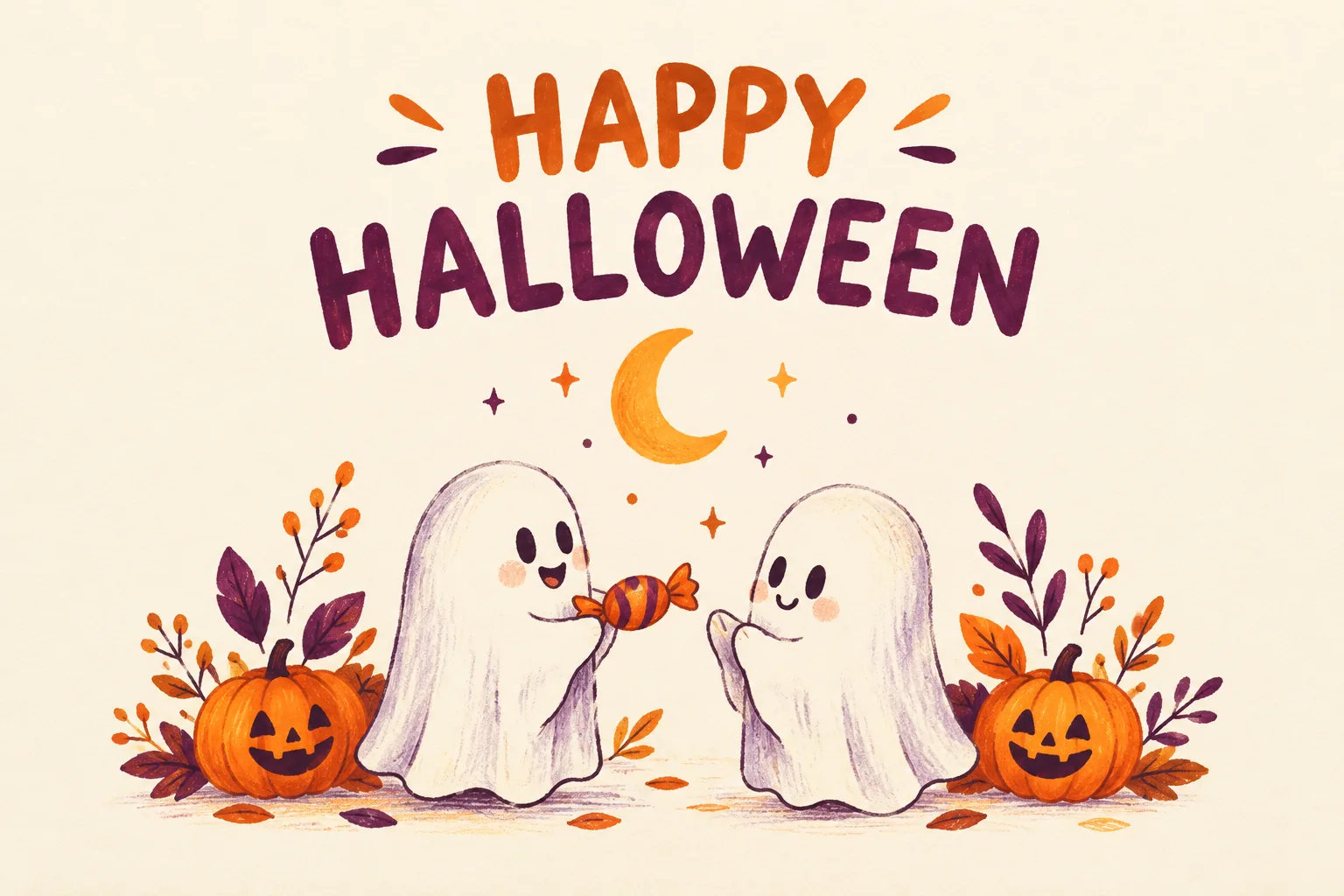
Halloween Card
Create a Halloween greeting card with your own short message.
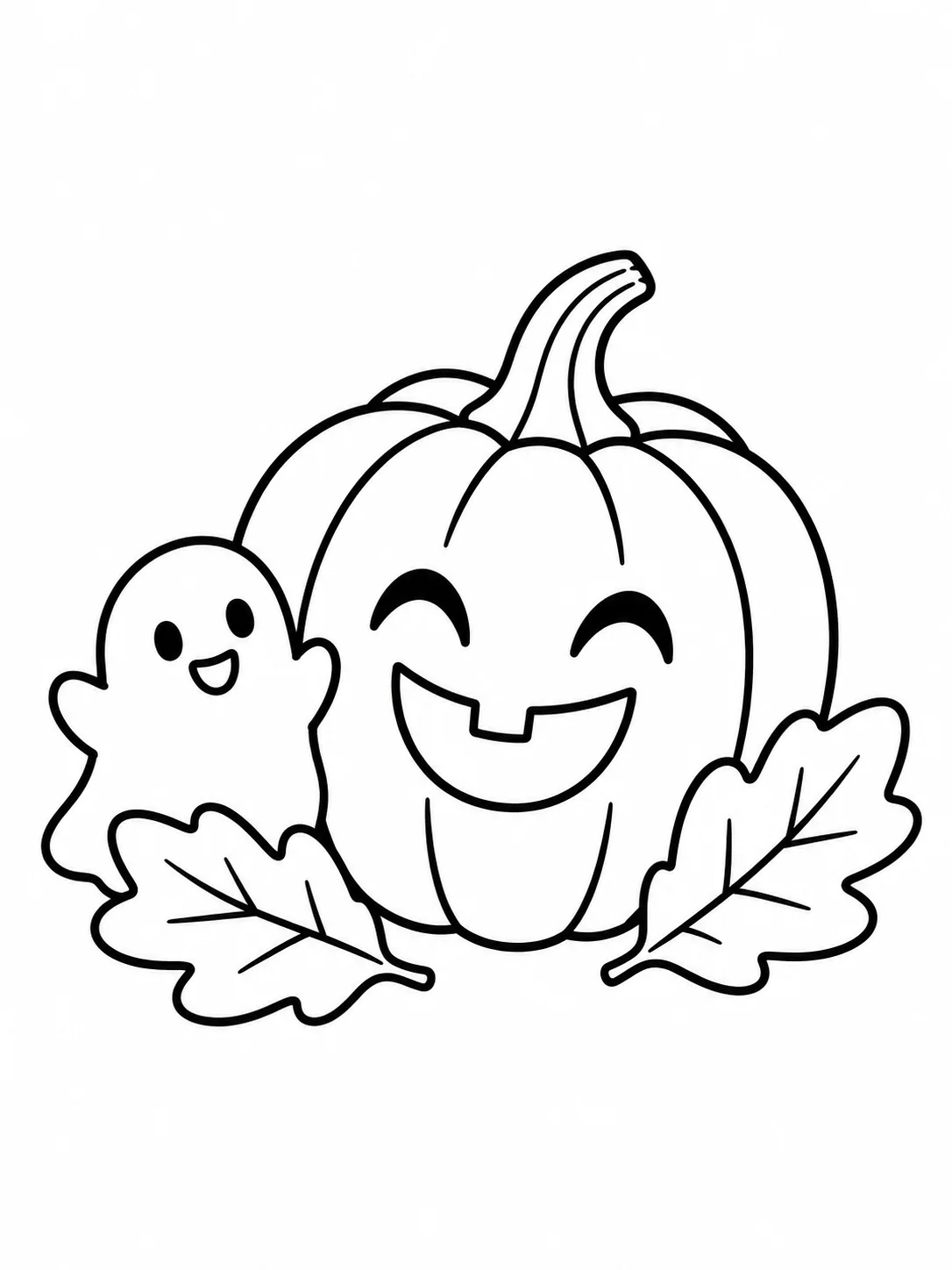
Halloween Coloring
Make black-and-white Halloween coloring sheets with empty spaces to fill.
Halloween Logo
Explore an original Halloween logo concept with a short brand name.
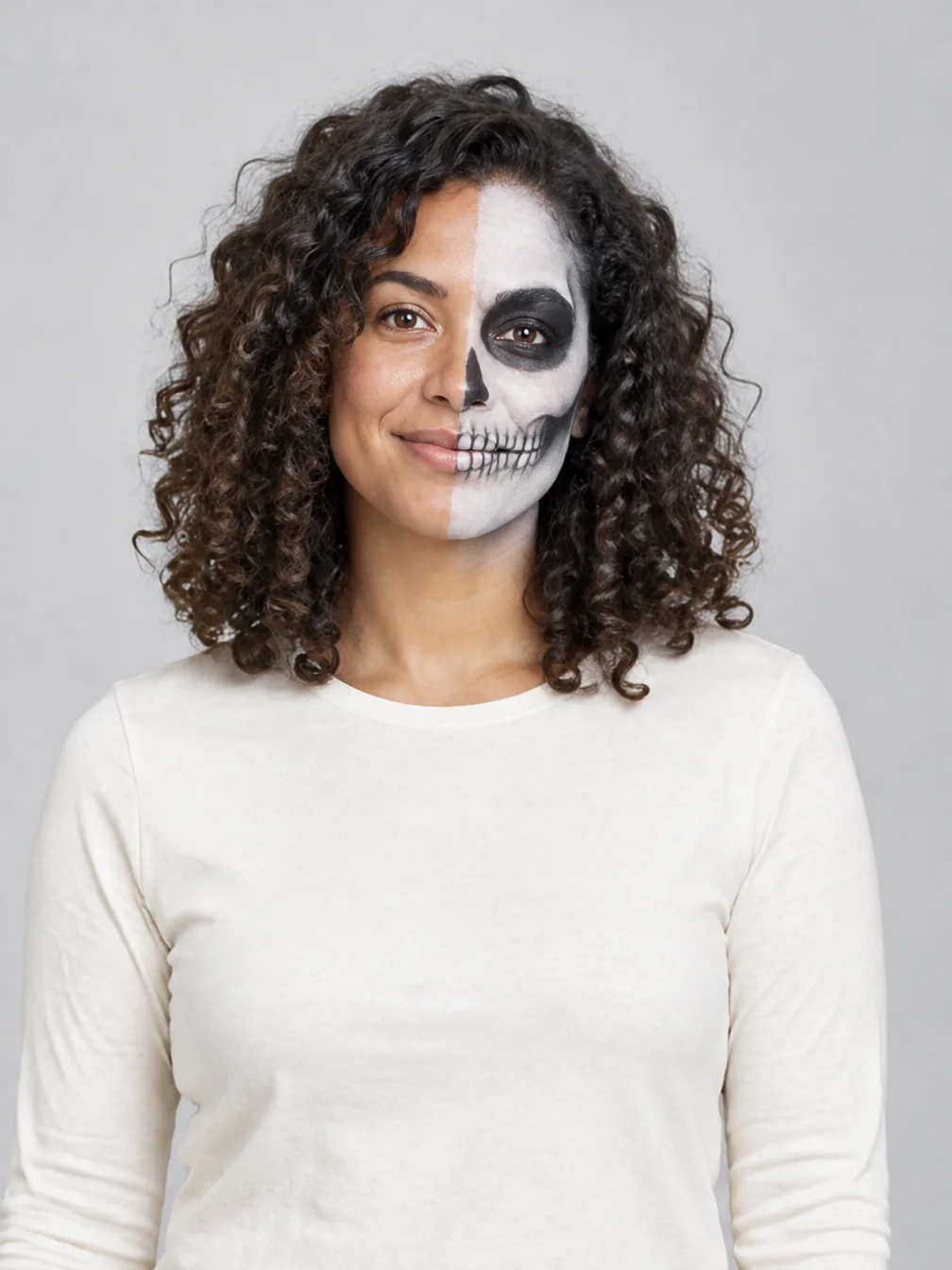
Halloween Makeup
Preview different Halloween makeup looks on your own face.
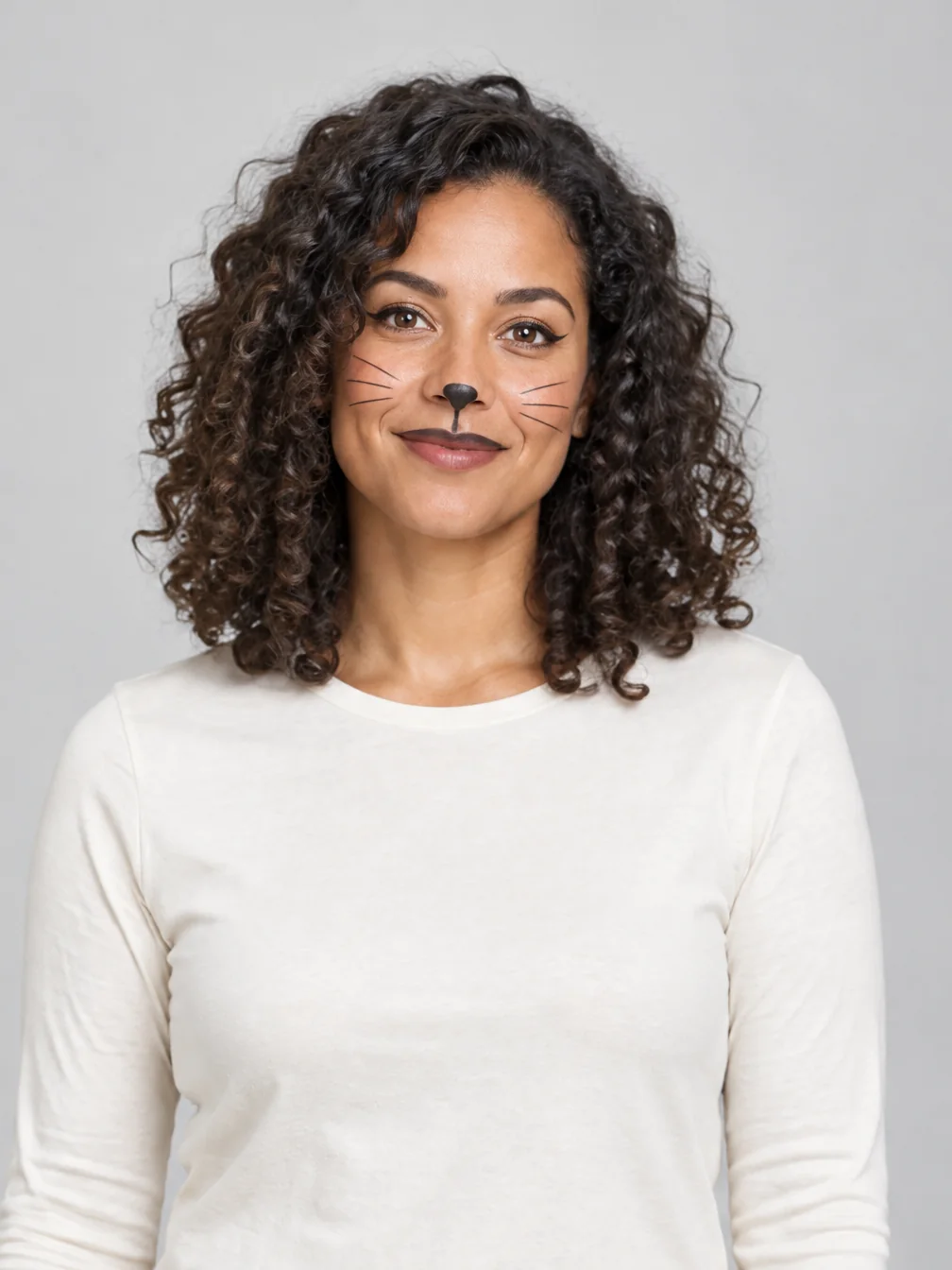
Cat Halloween Makeup
Try cat face paint while keeping your own human face.
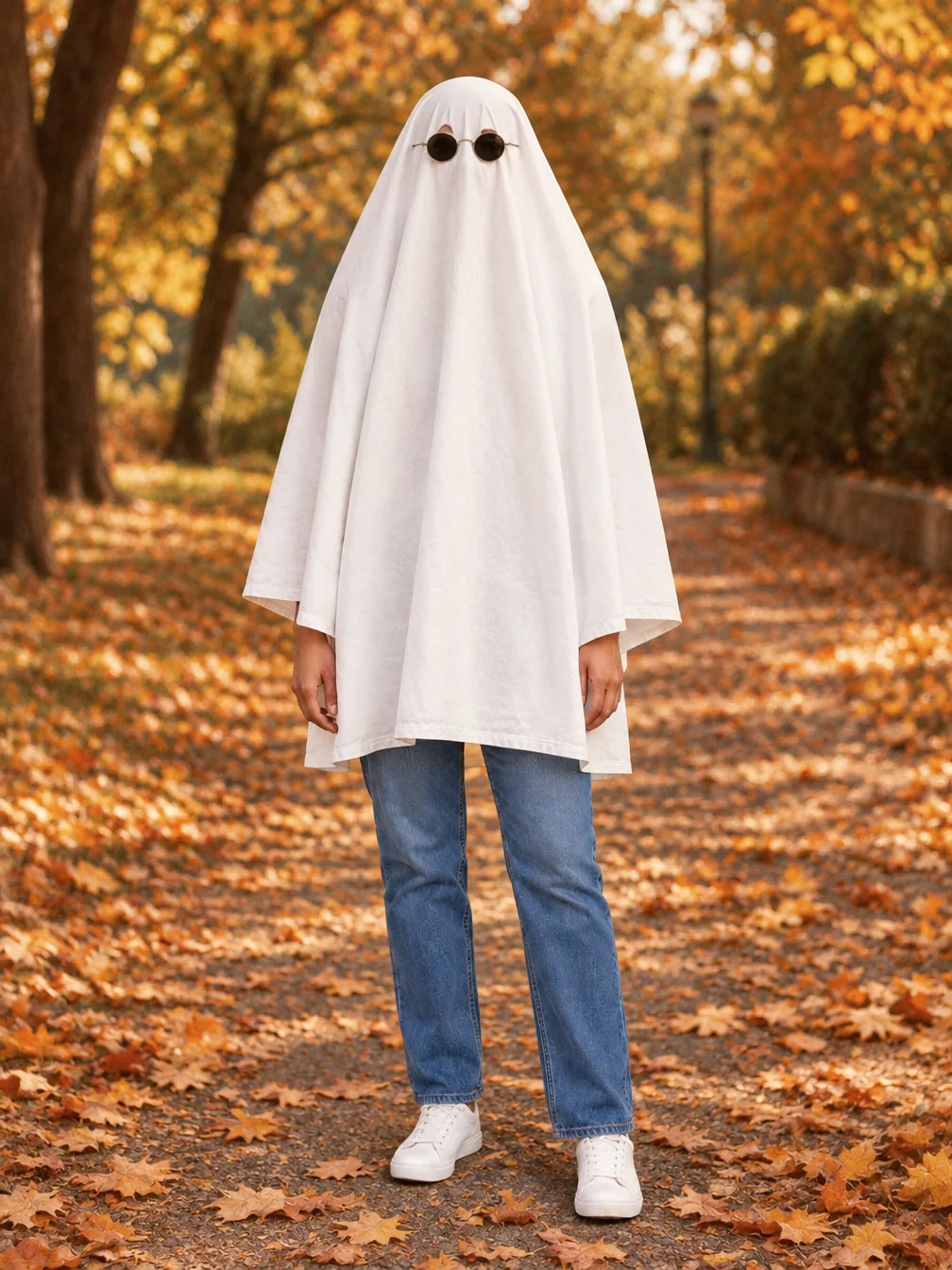
Ghost Photoshoot
Get the white-sheet-and-sunglasses ghost photoshoot look.
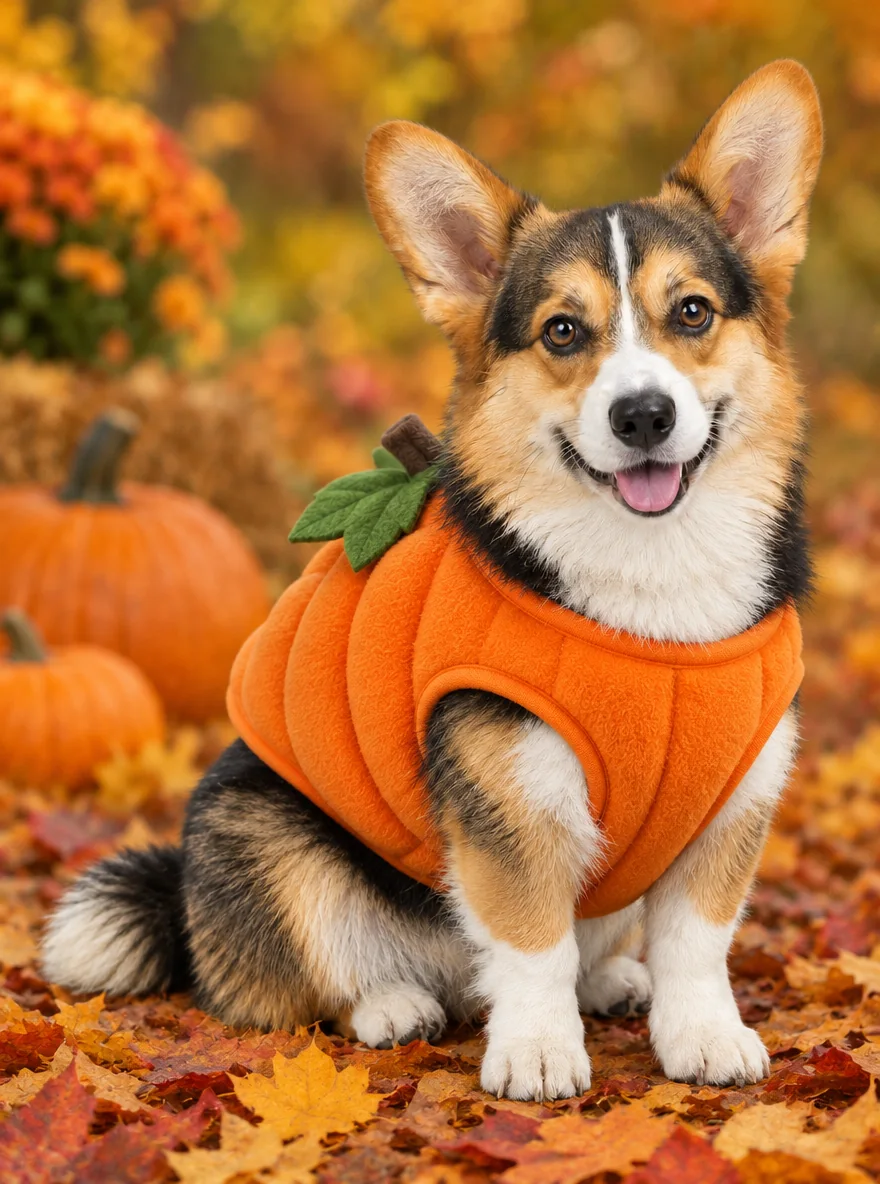
Pet Halloween Costume
Preview a Halloween costume on your own dog or cat.
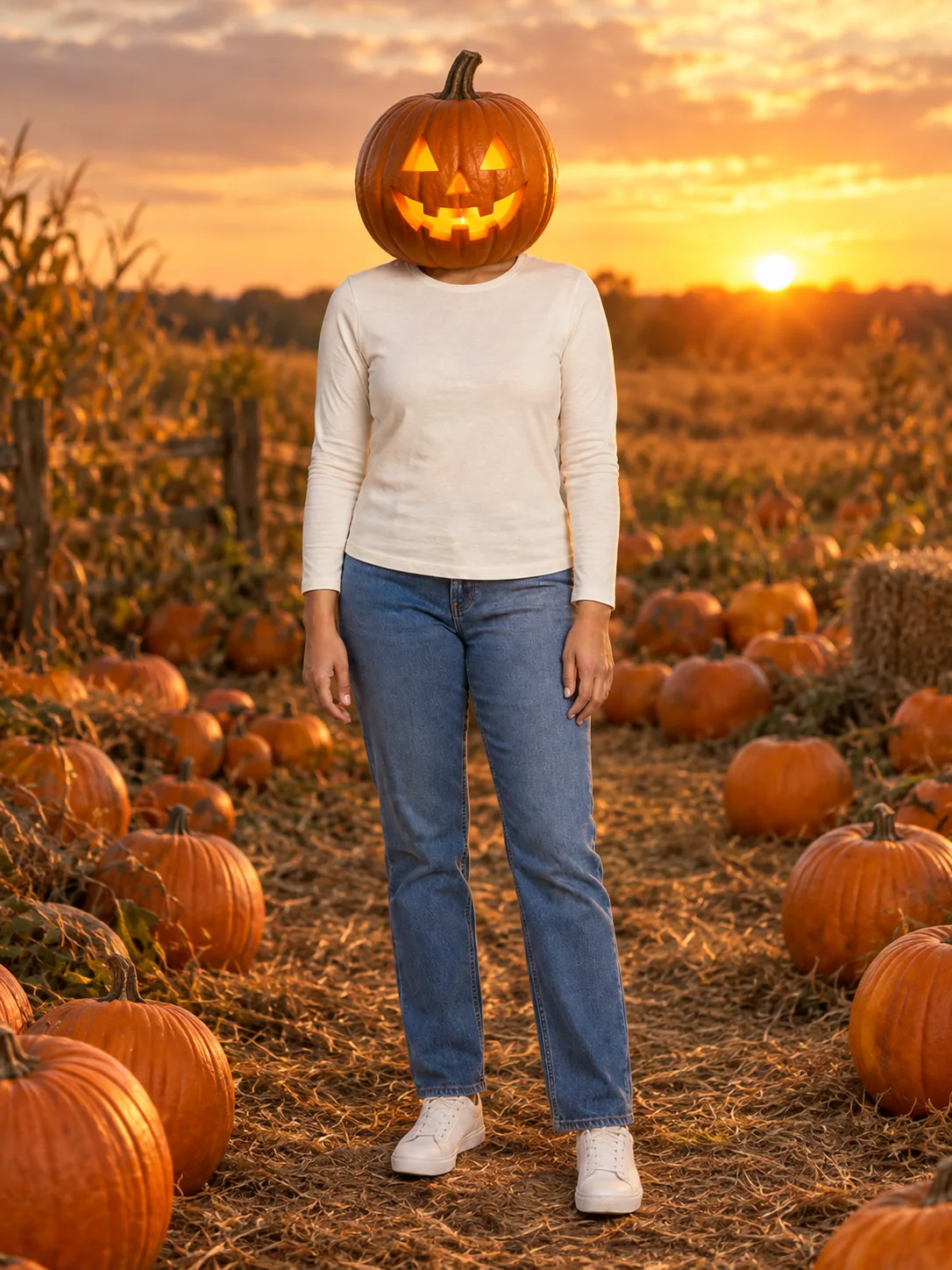
Pumpkin Head Photoshoot
Turn a full-body photo into a jack-o-lantern-head autumn photoshoot.
Frequently asked questions
How does the Halloween costume try-on work?⌄
Upload a clear selfie, pick a costume (or upload a photo of one, or describe it), and tap Generate Image. In about a minute you get a picture of yourself in that Halloween costume with a matching background. Your face, hair and expression stay the same.
Can I try a Halloween costume I found in a store or online?⌄
Yes. Choose Upload a costume and add a product photo or a screenshot of the listing. The AI copies the costume pieces, colors and fabrics onto you. It never copies the face of a model in that photo.
Will it look like me?⌄
Yes. The costume, the makeup, the props and the background change; your face, skin tone, hairstyle and body shape are kept, and the face stays fully visible with no mask over it.
Can two people do a Halloween costume try-on together?⌄
Yes. Pick 2 People and upload one selfie per person. Choose one of 12 couple costumes, or upload a photo of a costume set. You do not need a photo of you together.
Can I turn my costume photo into a video?⌄
Yes. Once the photo is ready, make a 5-second vertical clip: Standard at 480p for 10 credits, or HD at 768p with sound for 50 credits.
How much does a Halloween costume try-on cost?⌄
Each costume photo costs 20 credits. New accounts start with free credits, enough for a first try-on, and downloads have no watermark.
Start your Halloween costume try-on
One selfie, one tap. See the costume on you before you buy it or start sewing, then make a short clip if you love it.
Try a Halloween costume on my photo