
Preview your AI Bob Haircut
See a chin-length shape around your face
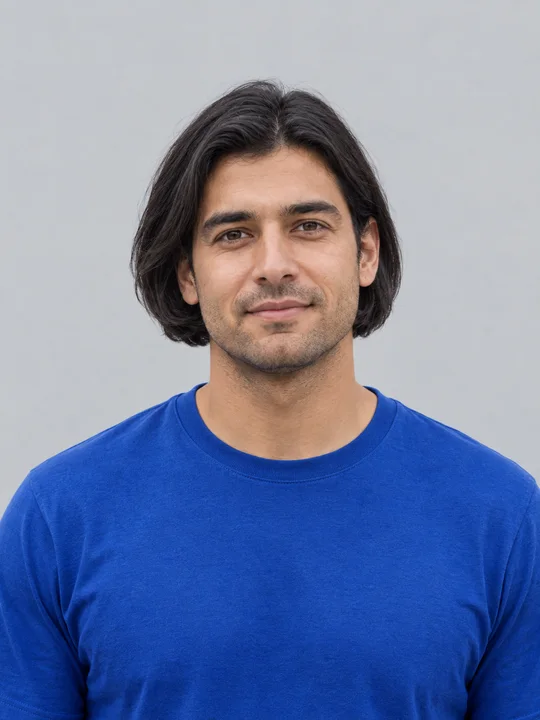
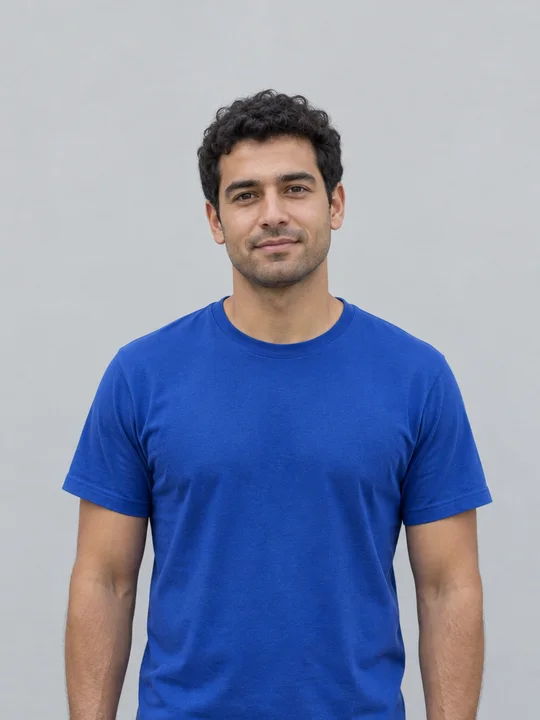
AI Bob Haircut creates one head-and-shoulders portrait with a bob that ends near the jaw. The preset asks for a gentle center part, a softly curved bottom edge and the natural hair color from your photo. It aims to keep the adult recognizable while changing the hairstyle. This example started with the fictional adult portrait shown beside the generator. The original short curls become a longer, styled bob; the blue shirt and neutral background remain useful points of comparison. The result is a generated preview, rather than a measurement of how a real haircut will fall.
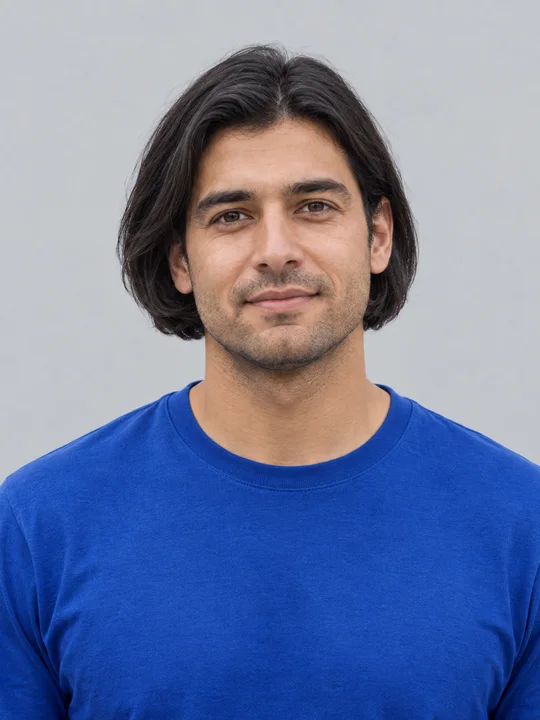
Inspect the part, sides and hairline
This close-up comes from the same generated image. Look at the center part, the hair beside each ear and the ends near the jaw. A sharp photo gives the model more detail to use around the temples and face. Keep both eyes visible and avoid hair accessories that hide the area you want to preview. AI can change fine facial features, the crop or the expression, so compare your result with the original before sharing it. The preset produces this one bob direction; it does not select a set of different haircuts for your face shape.
Use a simple adult portrait
Choose a front-facing or gently angled portrait with enough room around the head. The image here is a cropped view of the original source used for our example. Keep the face in even light and use a photo you own or have permission to edit. You do not need to write a haircut prompt or choose a model. Upload the portrait, check the four-credit price beside Generate and inspect the finished image. Save it from the result card, or return to your creation history to download the same completed preview later.
Choose a readable portrait
One clear adult face gives the haircut a useful starting point.
Face and hairline
Keep the sides of the head visible
When to use it
You want to see a bob around your own face.
What it produces
One head-and-shoulders haircut preview.
- ✓One adult
- ✓Both eyes visible
- ✓Room around the hair
Natural light
Avoid details hidden in shadow
When to use it
You want to compare the hair edges with your original.
What it produces
A bob preview guided by your hair color and portrait.
- ✓A sharp source image
- ✓No face-covering accessories
- ✓Review the generated details
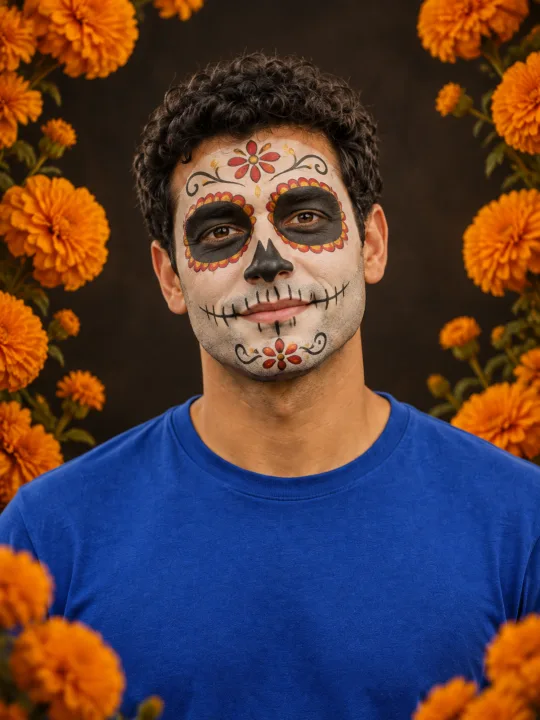
Filtro Catrina IA
Add floral Day of the Dead makeup and marigolds to your portrait.
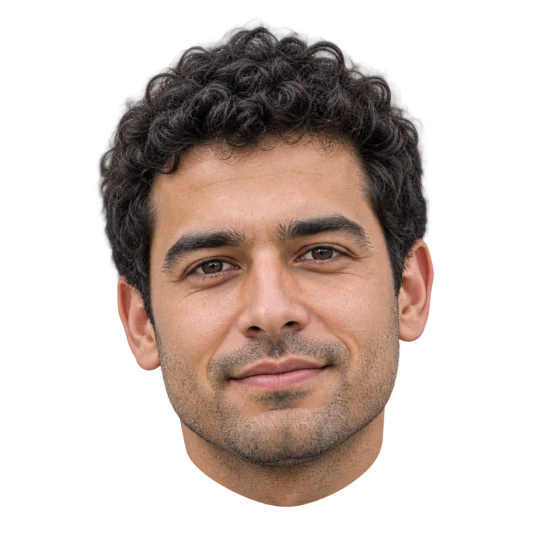
Head Cutout
Create a head-only transparent PNG from one adult portrait.

Basketball Poster
Turn your portrait into a basketball poster in arena, retro-card or neon-court style.
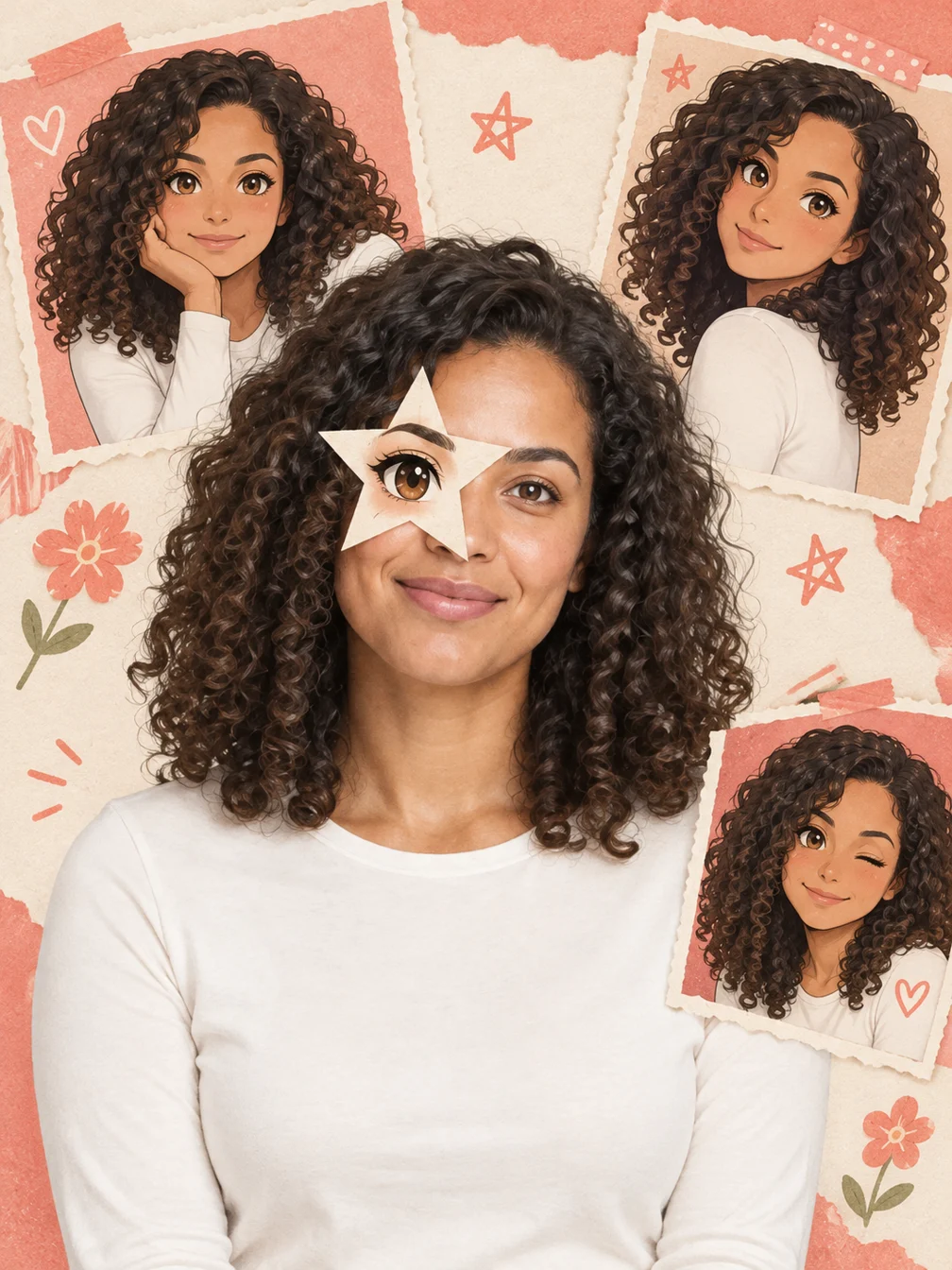
Anime Eye
Add one illustrated eye cutout and matching original anime-twin panels to your selfie.

GTA Style
Illustrate your portrait with bold outlines and a coastal sunset.
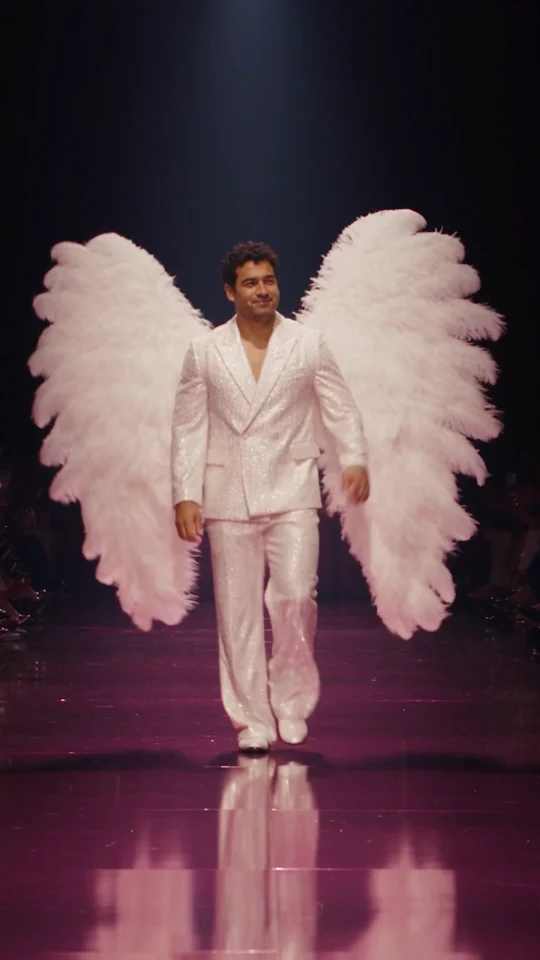
Runway Walk
Walk the runway in a white suit and feather wings, from one adult photo.
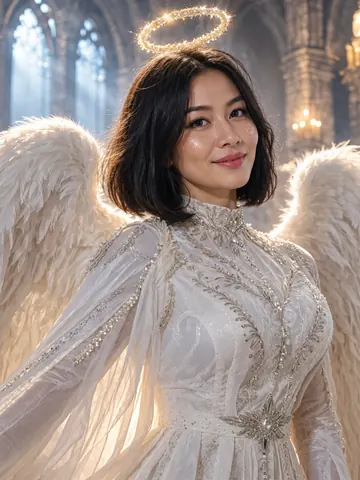
Angel Costume
Preview white wings, an angel outfit and a halo on your photo.
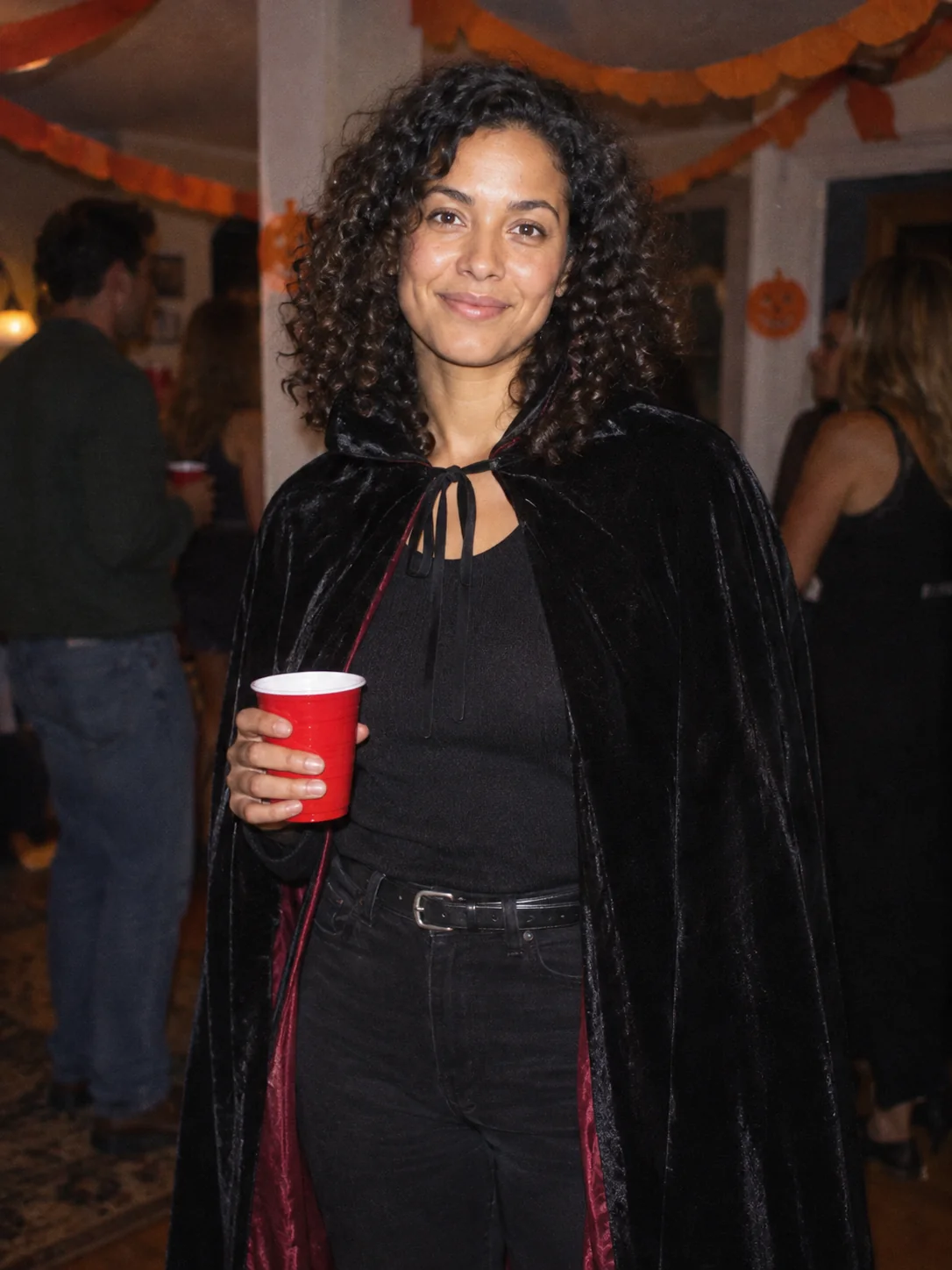
Costume Party
Put yourself in a Halloween costume party photograph.
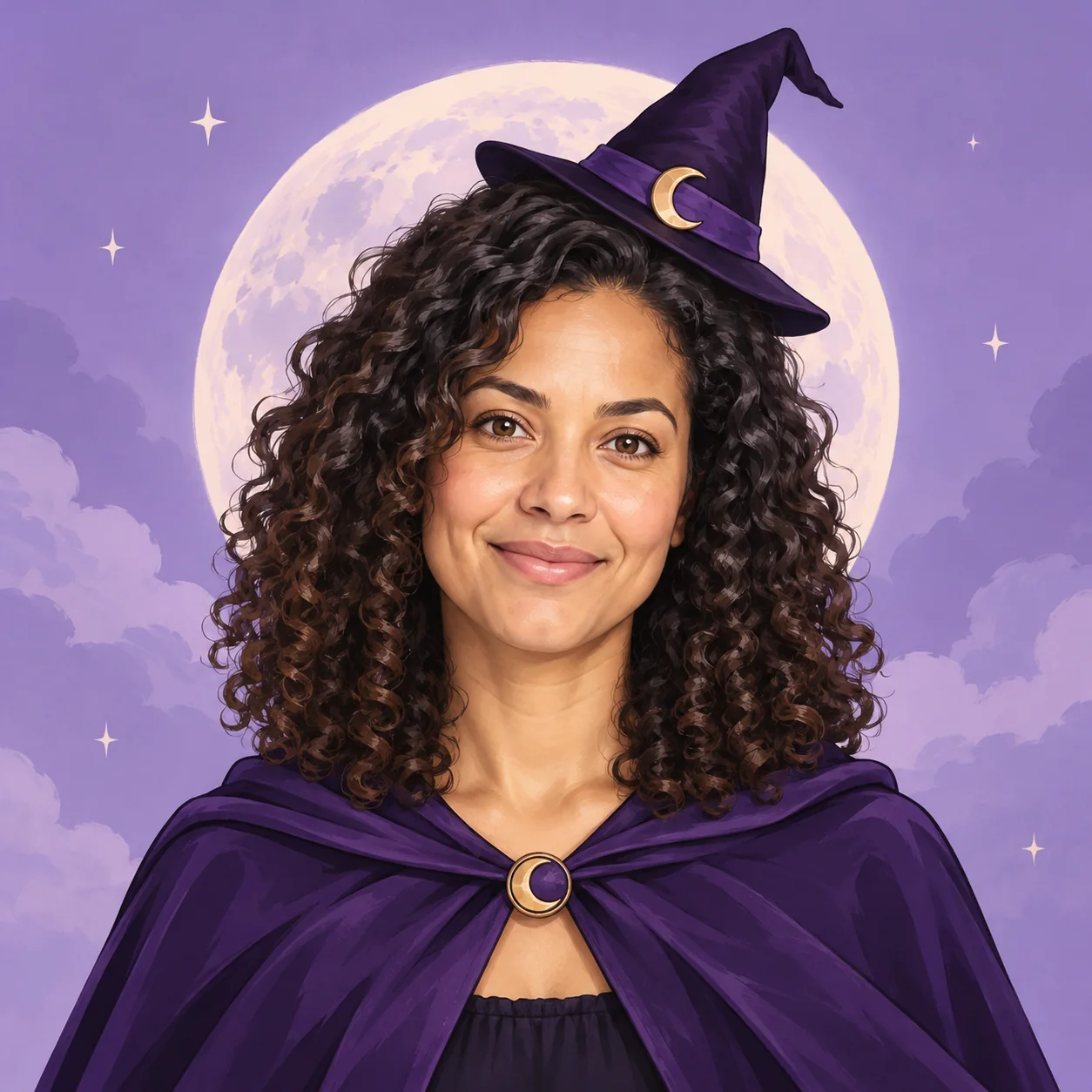
Halloween Avatar
Make a Halloween profile picture that stays readable in a small circle.
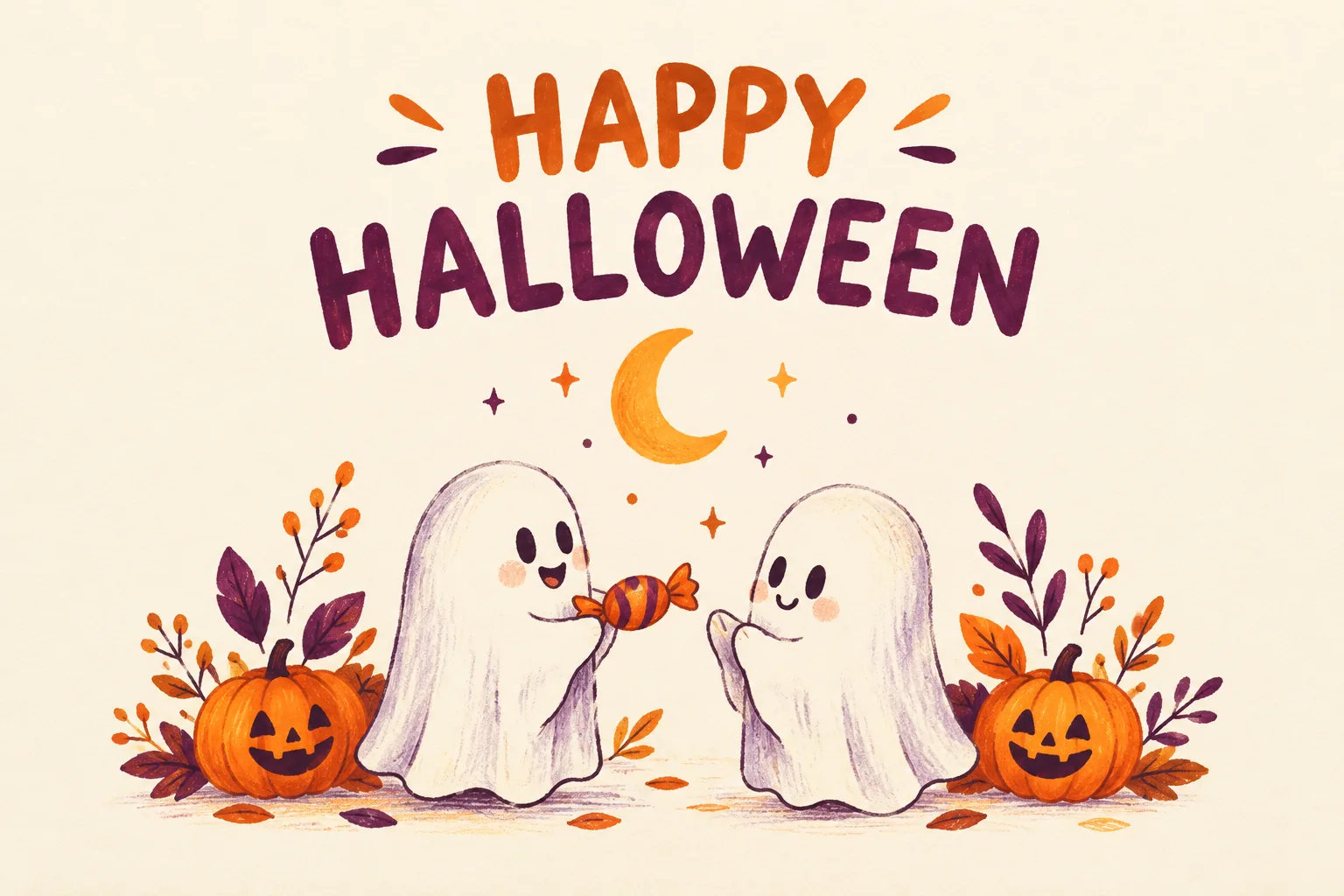
Halloween Card
Create a Halloween greeting card with your own short message.
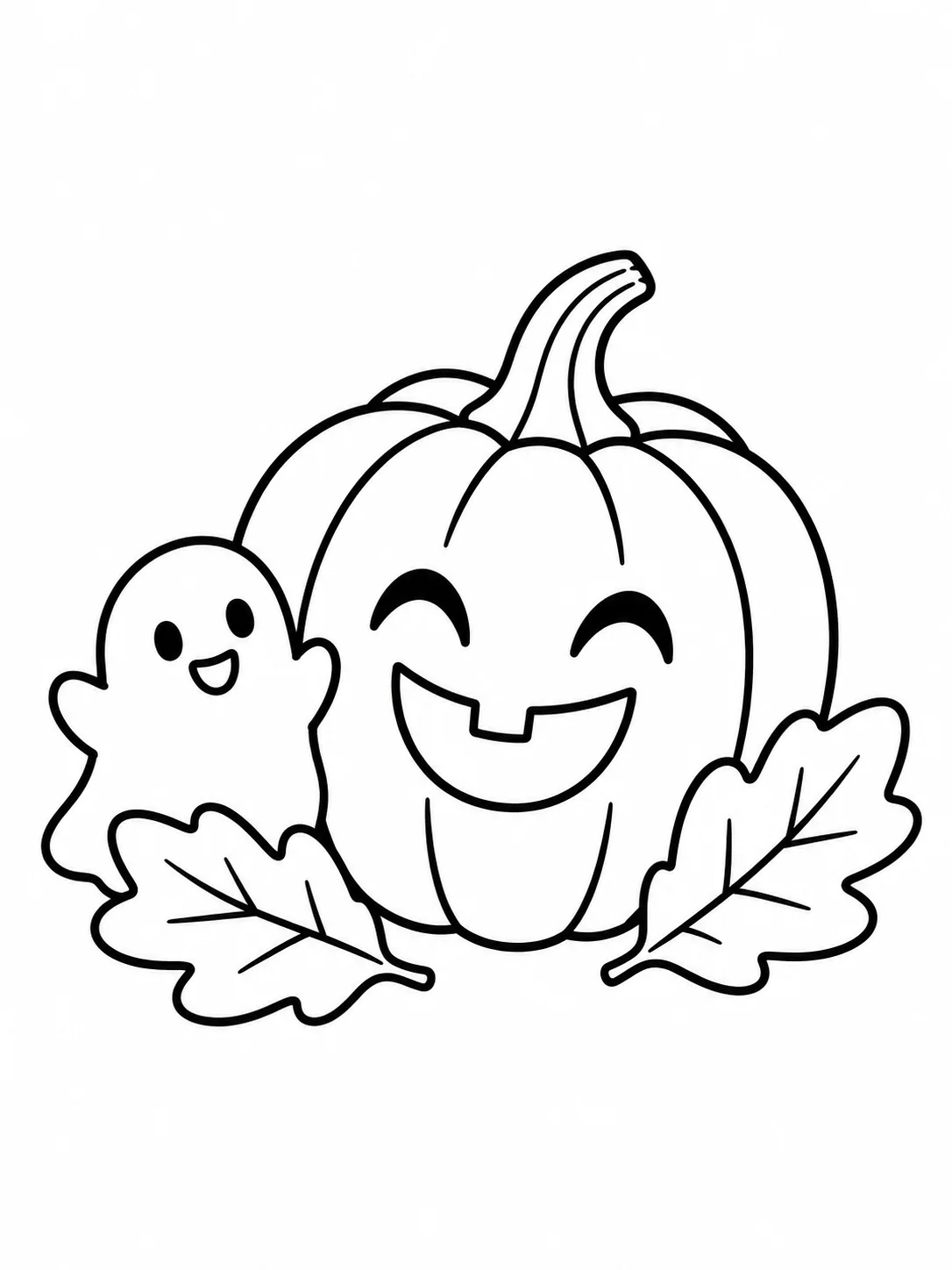
Halloween Coloring
Make black-and-white Halloween coloring sheets with empty spaces to fill.
Halloween Logo
Explore an original Halloween logo concept with a short brand name.
Frequently asked questions
What does AI Bob Haircut create?⌄
It creates one portrait with a styled chin-length bob and a gentle center part, guided by your adult photo. It is a still image, not a haircut video.
How much does the preview cost?⌄
One generated image costs 4 credits. Check your balance and the price beside Generate before starting.
Is this the same as the four-haircut match sheet?⌄
No. This preset previews one bob style. What Hairstyle Suits Me is a separate feature that recommends four styles in a labeled grid.
Will every part of my face stay identical?⌄
The photo guides the person and original clothing, but AI may reinterpret facial details, expression or framing. Compare the generated result with your original.
Can I download it later?⌄
Yes. A completed preview appears in your creation history, where its download button saves the same image again.
Try your AI Bob Haircut preview
Upload one adult portrait and create one chin-length bob image.
Preview my bob