
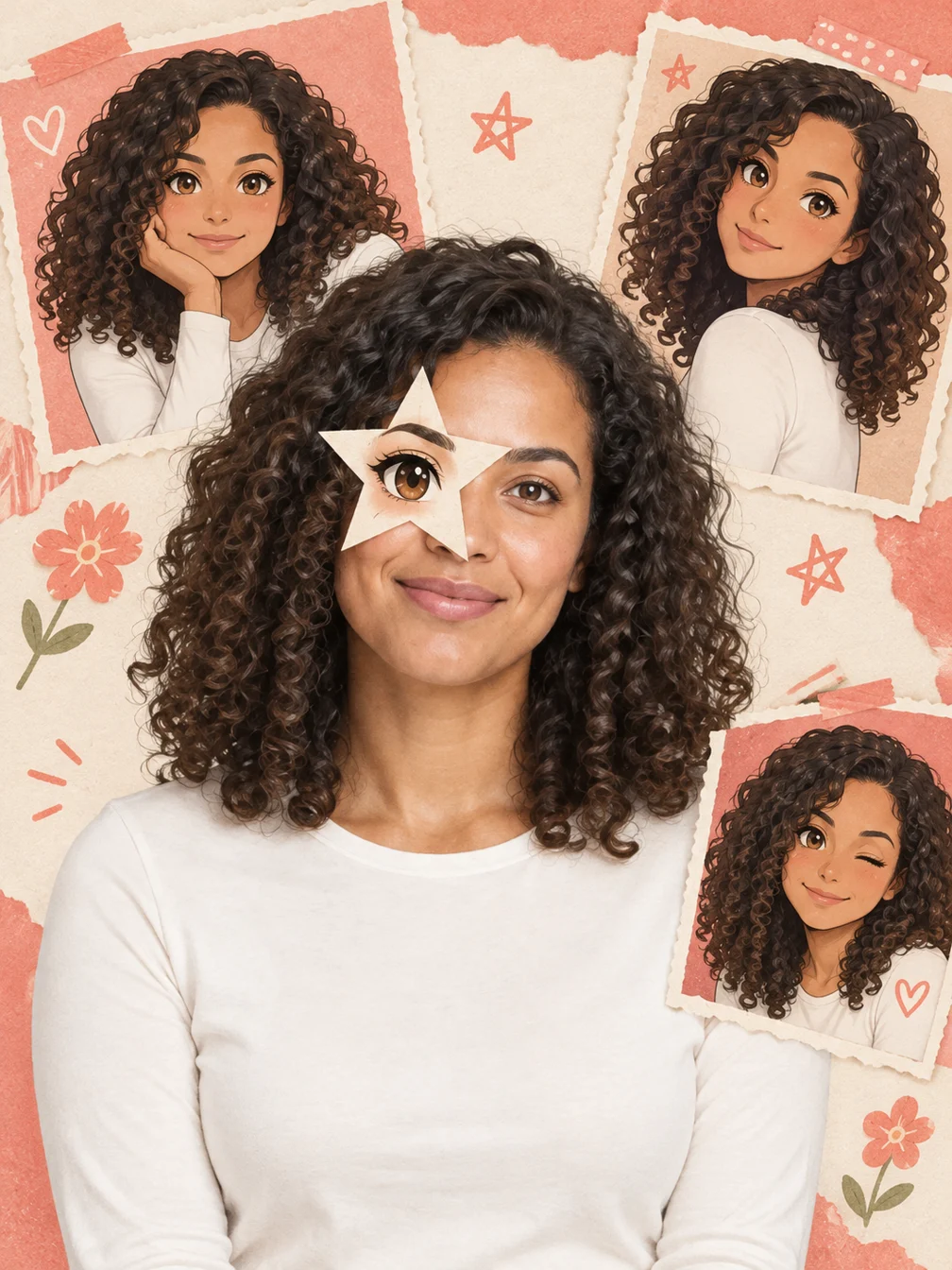
Create your Anime Eye result
Start with one clear adult photo
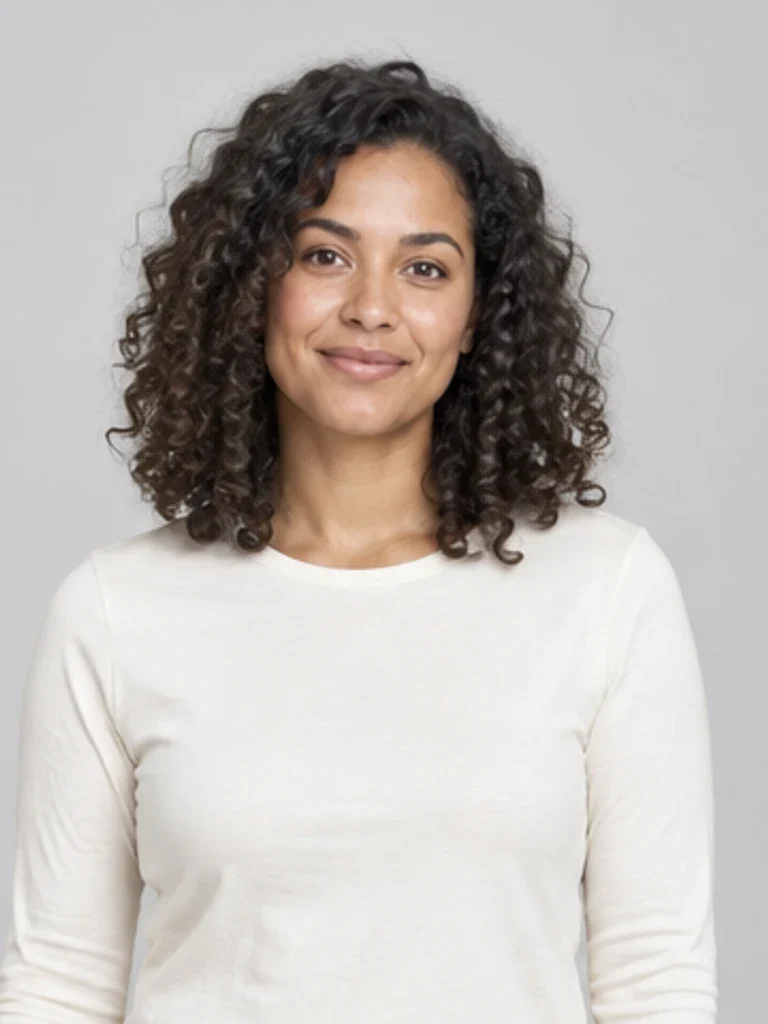
Choose a clear photo of one adult with the face, hair and shoulders visible. Use a photo you own or have permission to edit. The input beside the generator is the fictional adult used for the actual Anime Eye example. Even light and a little space above the head help preserve a recognizable identity. Avoid group photos, heavy blur, sunglasses or a face hidden behind a hand. Small details of hair, clothing and expression can change when the new scene is generated.
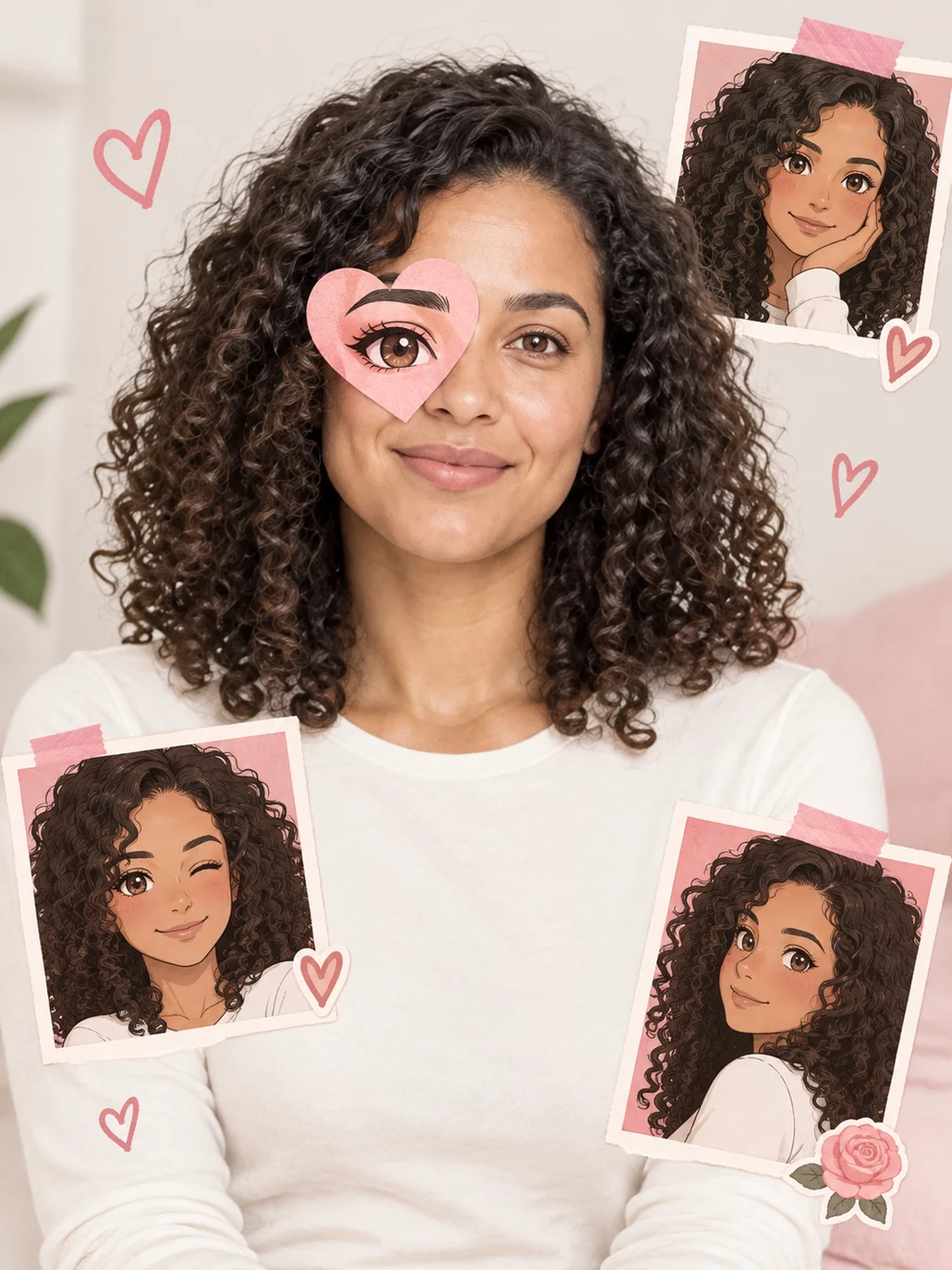
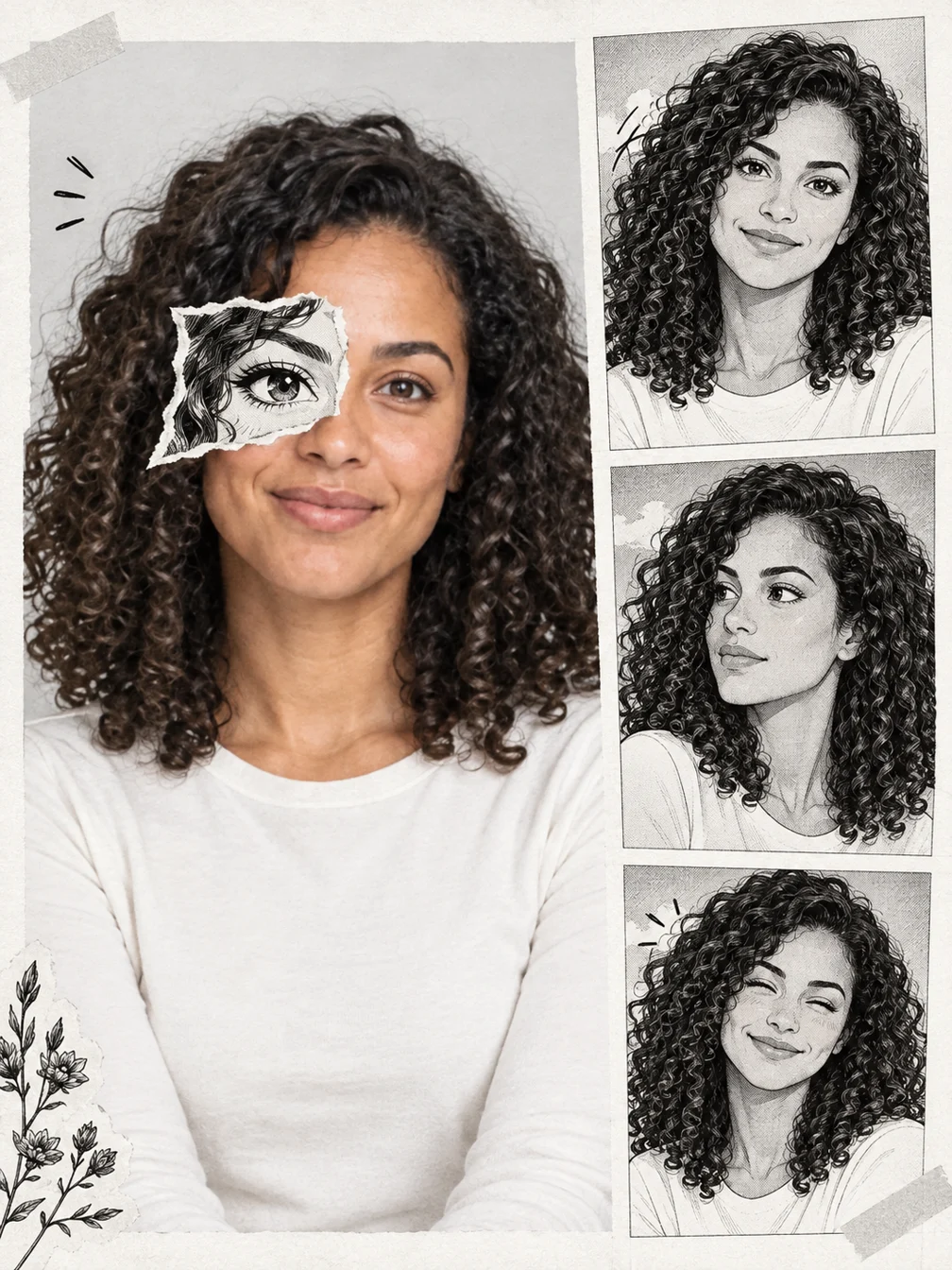
Compare three real generated styles
Star eye, Heart eye and Manga eye each combine a real selfie with one illustrated eye cutout and matching original anime-twin panels. The other eye and main face remain photographic. The examples show the same fictional adult in three different compositions. This is a generated collage, not a live camera filter or a named anime character. The number and position of decorative panels can vary. Check the eyes, face and hair before saving your favorite style.
Download your completed image
The price shown before generation is 4 credits for one 1K still image. The welcome allowance can cover this preset if your account has enough credits remaining. After generation finishes, inspect the full result and use Download on the result card, or return to it in your creation history. Downloading an already completed result does not start a second generation. Each style is a separate generation. Switching tabs lets you compare the displayed examples before spending credits. Generated details can vary, so review the result before posting it publicly.
Choose a readable portrait
The displayed input and output are actual samples from this preset.
One adult
Whole face and hair visible
When to use it
Add one illustrated eye cutout and matching original anime-twin panels to your selfie.
What it produces
One generated 1K image.
- ✓One adult
- ✓Photo you may use
- ✓Space above the head
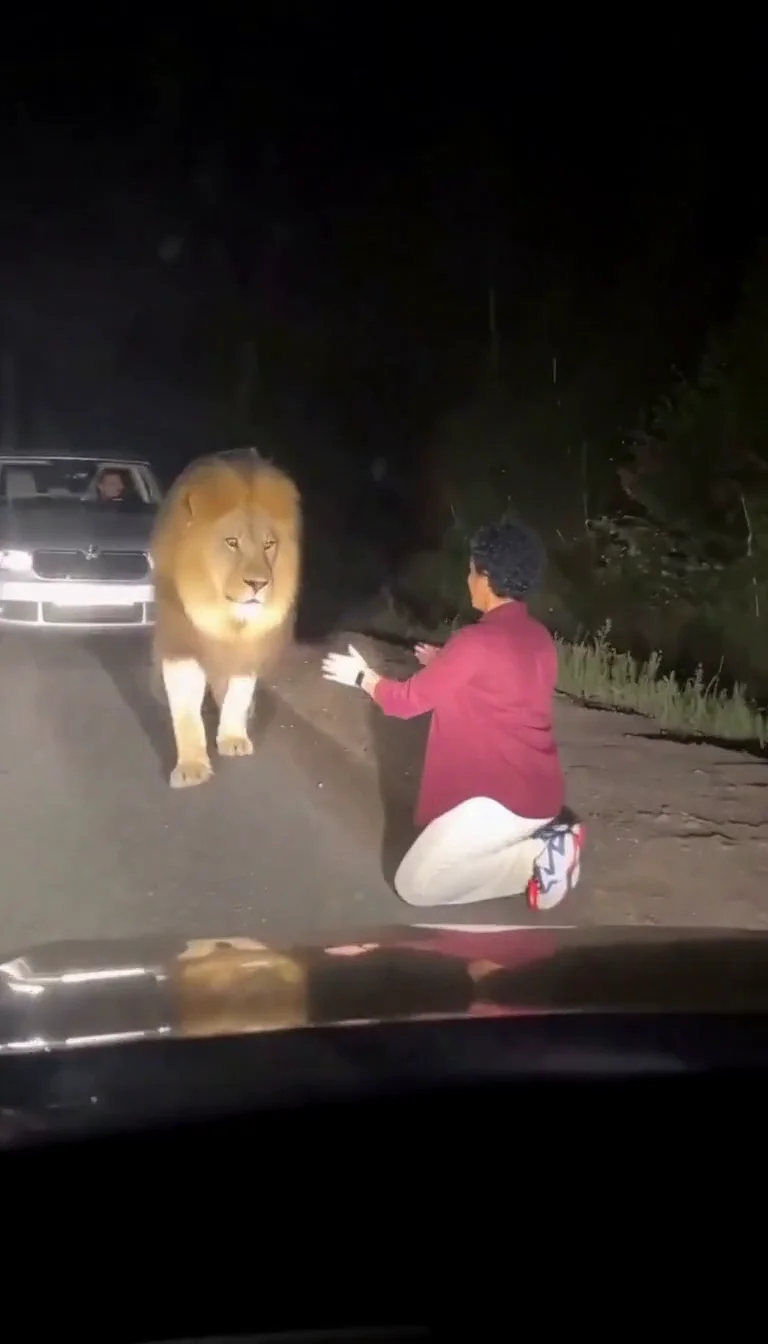
Lion Friend
Meet a calm lion on a nighttime road, stroke its mane and share a fictional embrace.
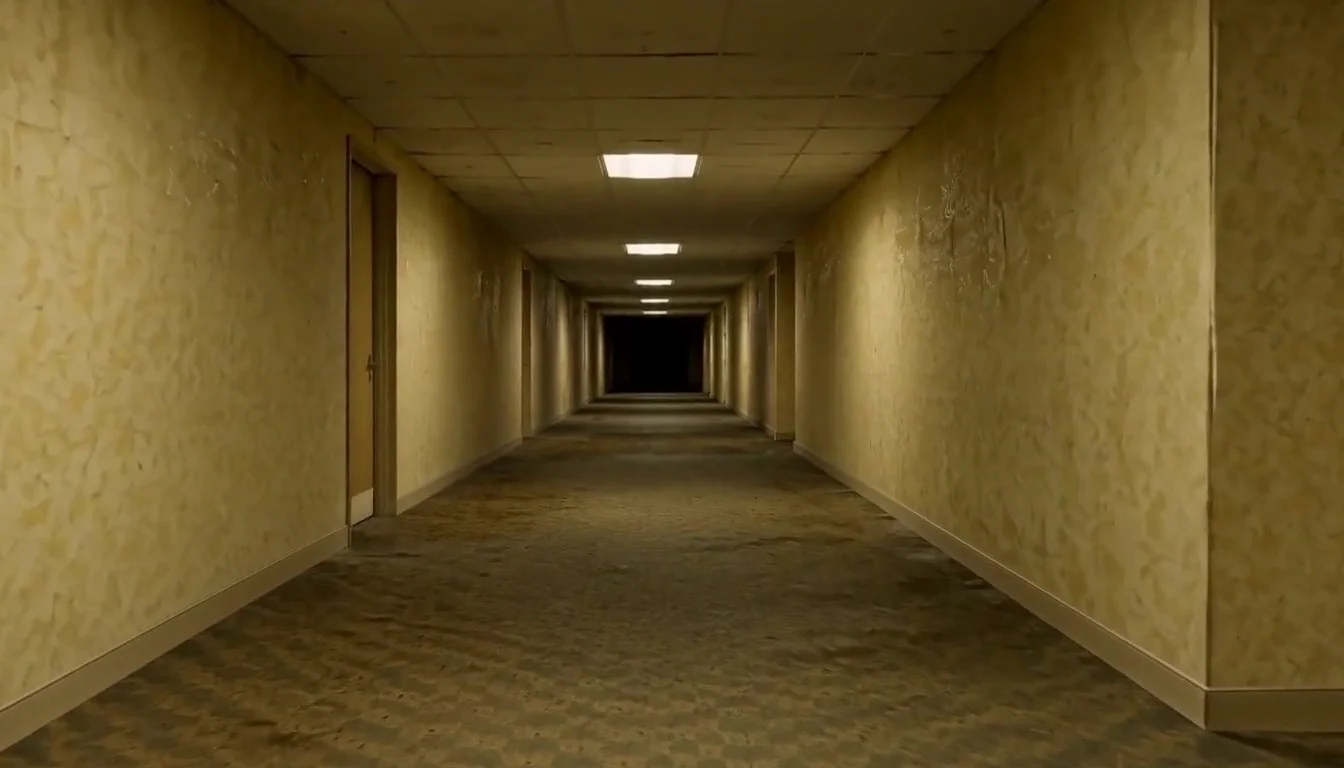
AI Backrooms
Animate your empty corridor with a slow camera push and flickering fluorescent lights.
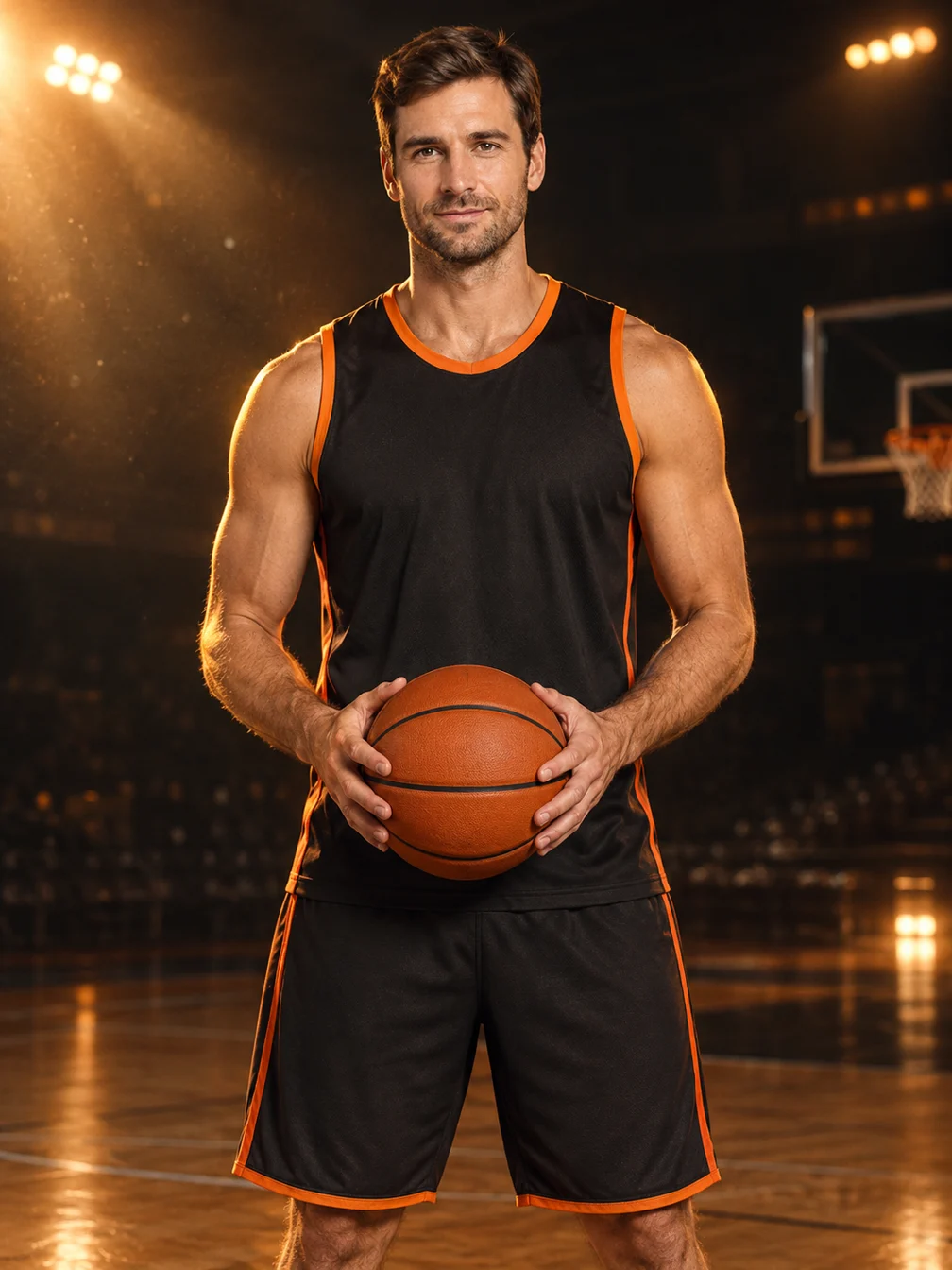
Basketball Poster
Turn your portrait into a basketball poster in arena, retro-card or neon-court style.
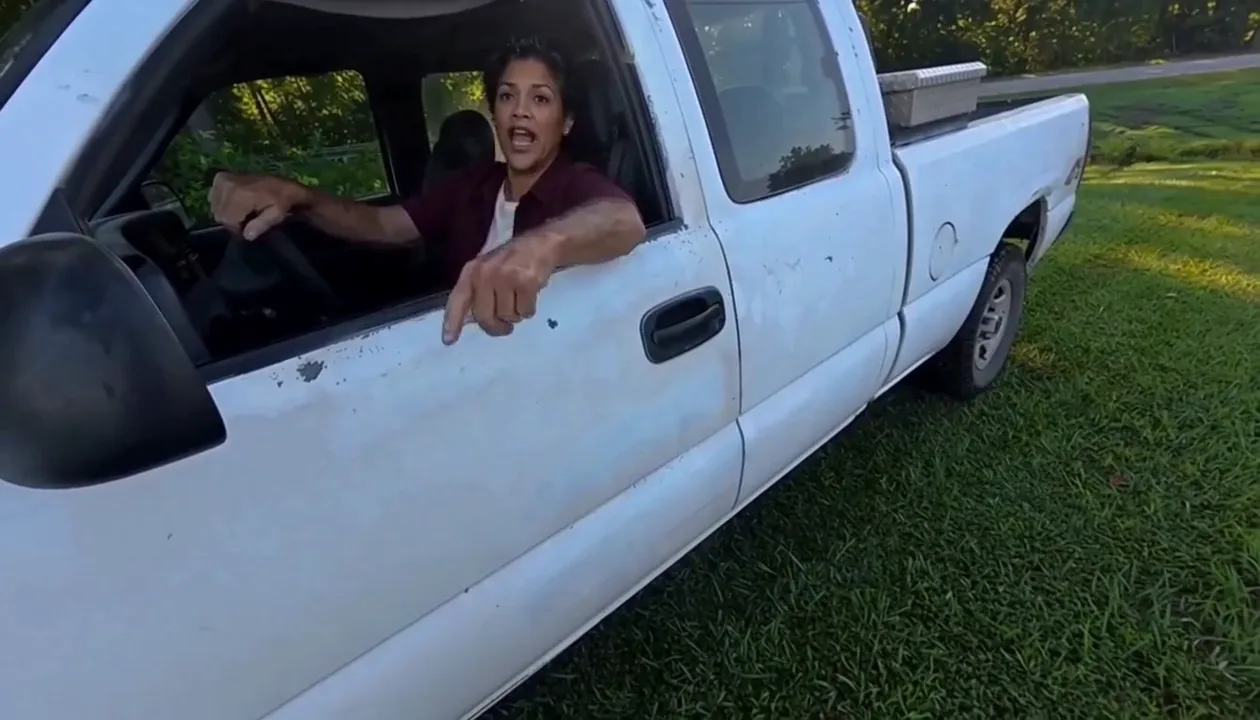
Hit Road Dude
Make a reference-guided pickup-truck meme from one adult portrait.
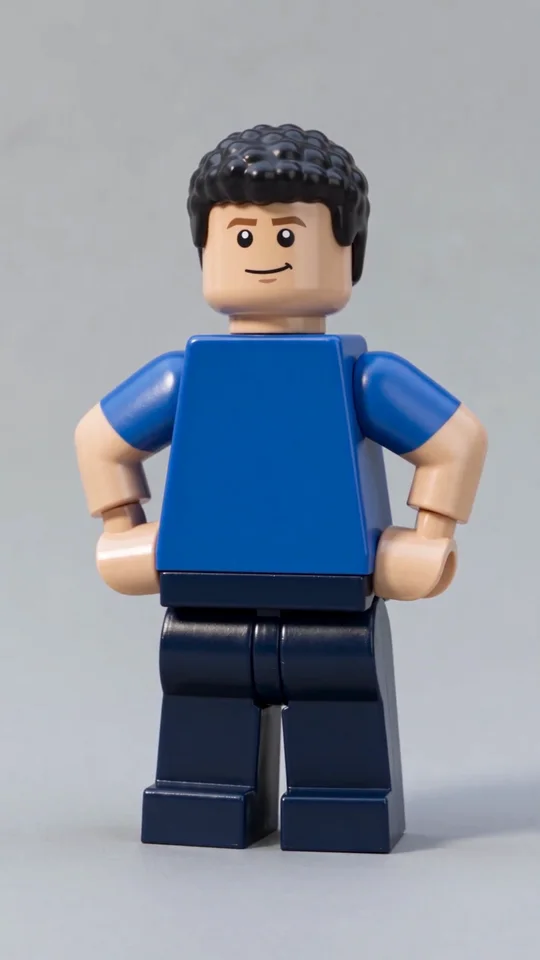
AI Lego Man
Transform one adult photo into a molded brick toy video.
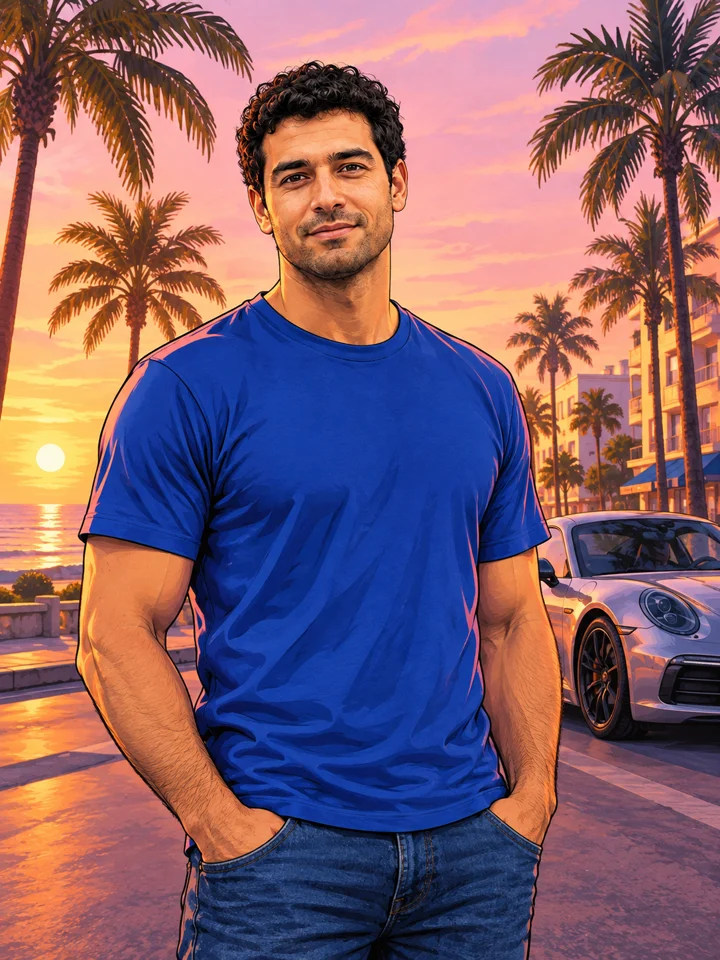
GTA Style
Illustrate your portrait with bold outlines and a coastal sunset.
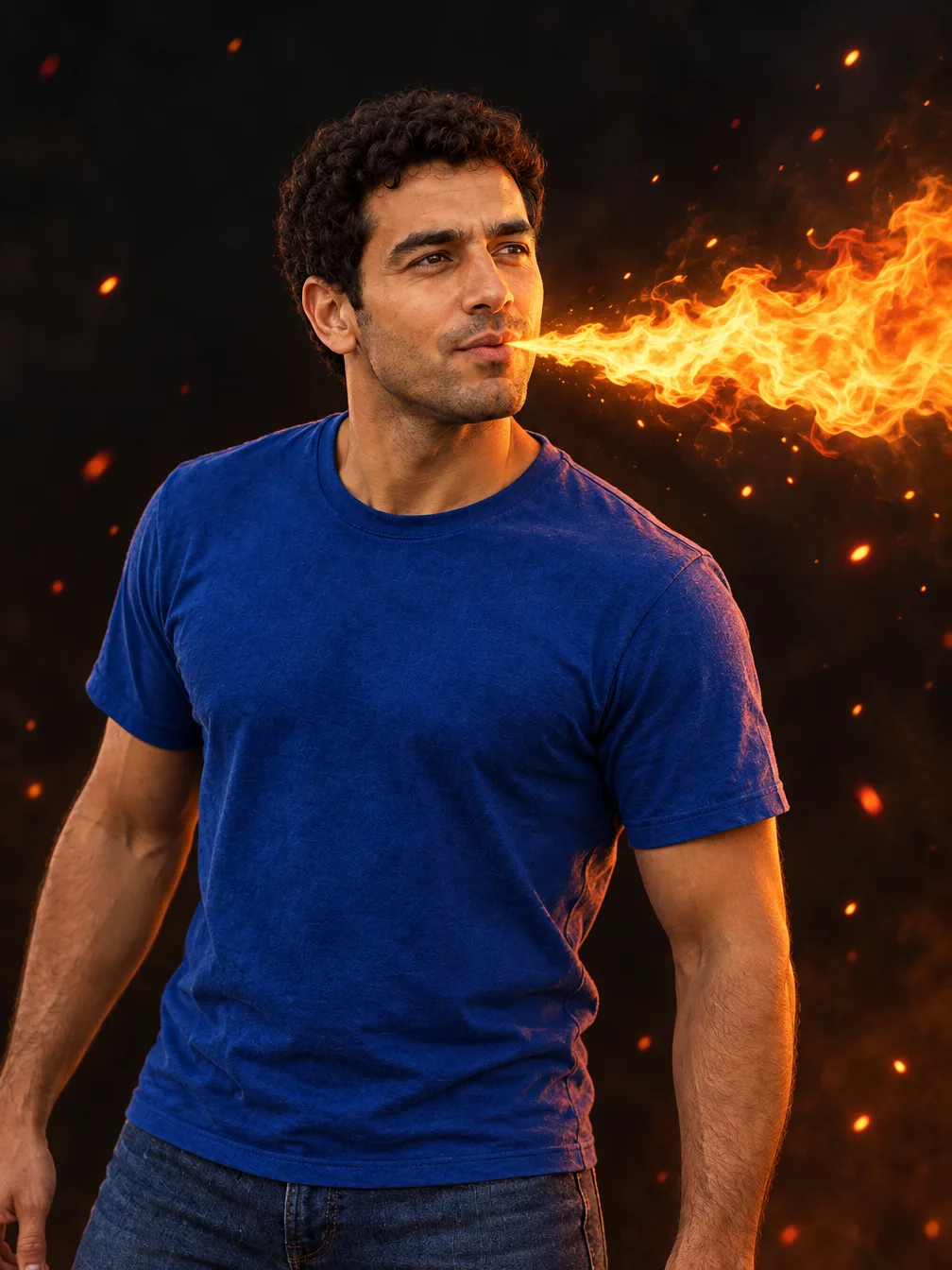
Fire Breathe
Add a fantasy flame plume and warm light to a portrait.
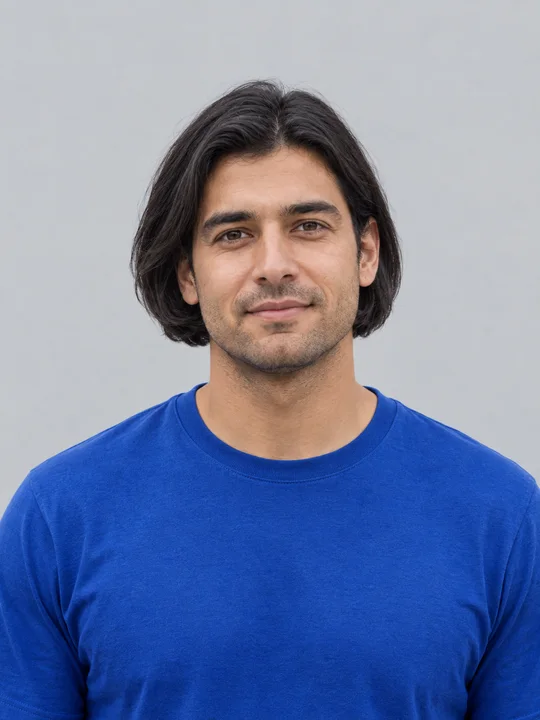
AI Bob Haircut
Preview a chin-length bob on one adult portrait.
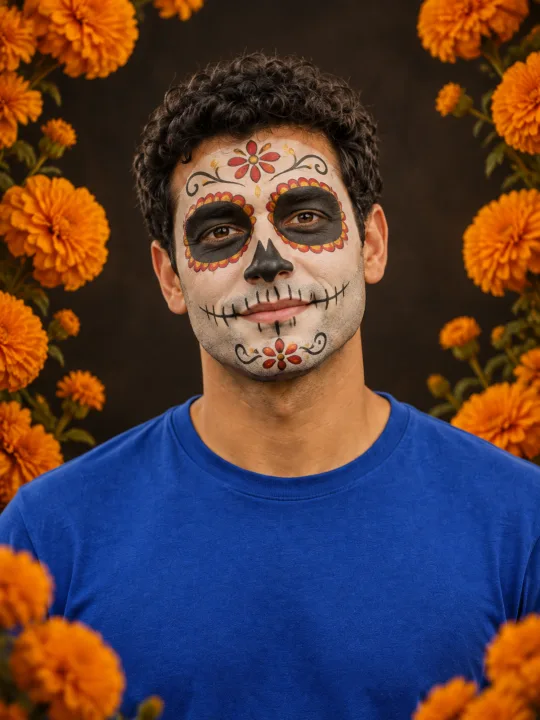
Filtro Catrina IA
Add floral Day of the Dead makeup and marigolds to your portrait.
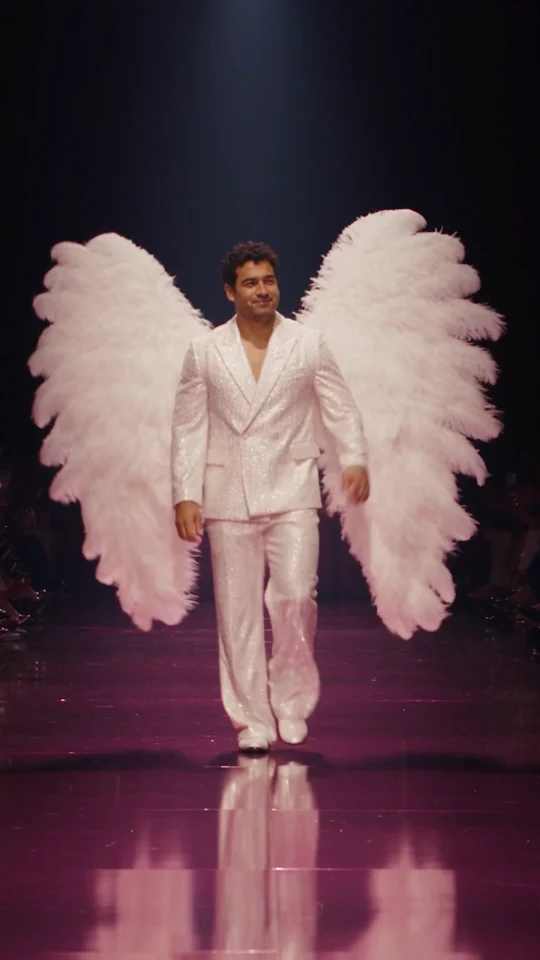
Runway Walk
Walk the runway in a white suit and feather wings, from one adult photo.
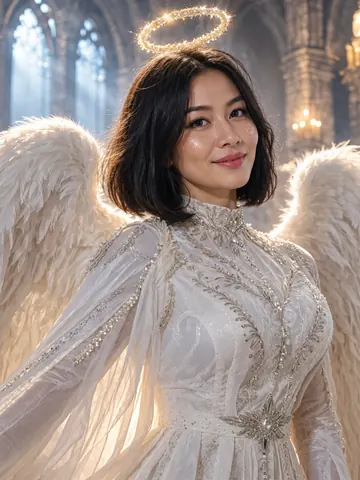
Angel Costume
Preview white wings, an angel outfit and a halo on your photo.
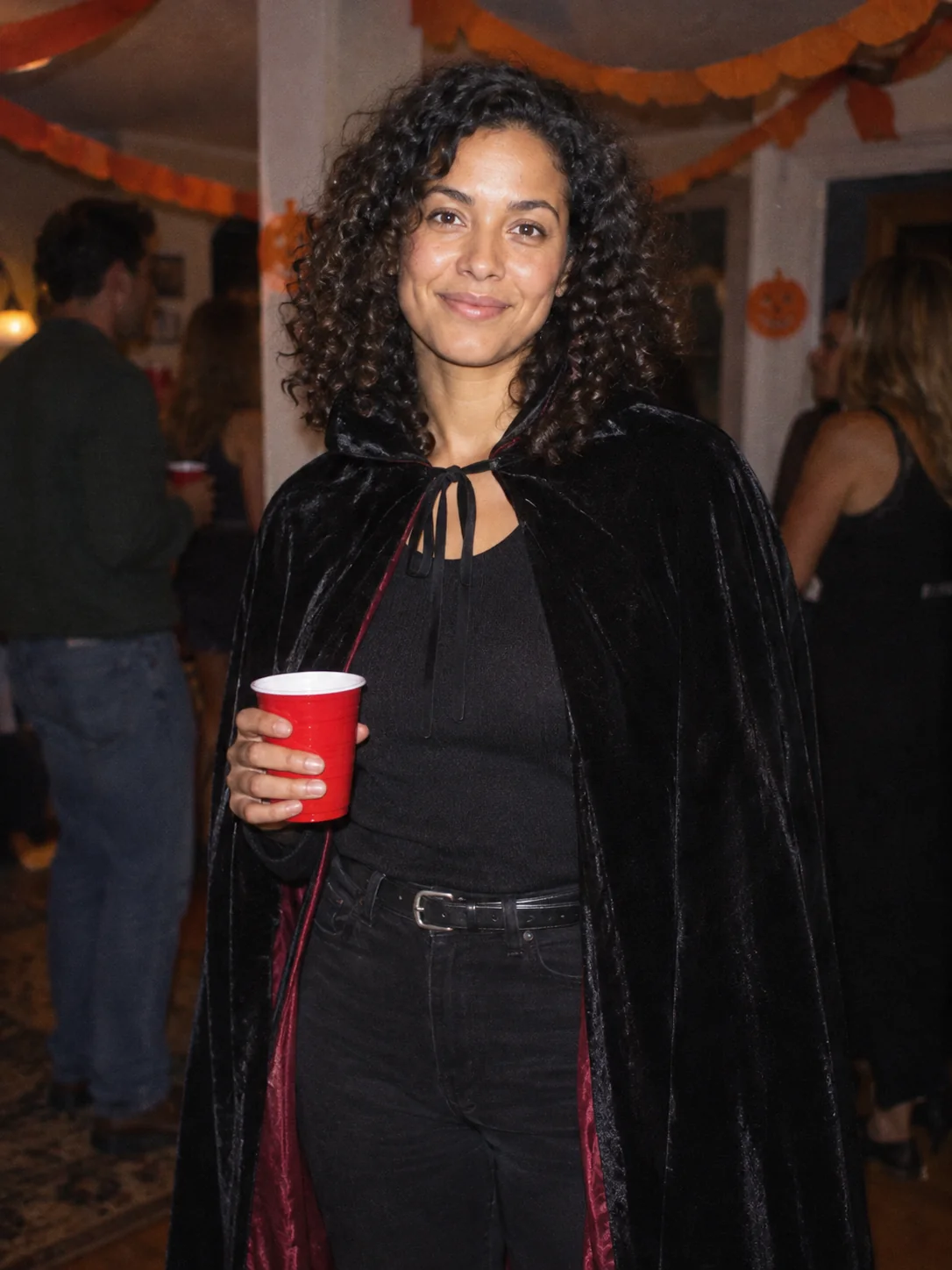
Costume Party
Put yourself in a Halloween costume party photograph.
Frequently asked questions
How does Anime Eye work?⌄
Add one illustrated eye cutout and matching original anime-twin panels to your selfie. Choose one of three fixed styles and upload a photo.
What should I upload?⌄
A clear photo of one adult who agreed to the edit, with the whole face and hair visible.
How much does it cost?⌄
One result costs 4 credits, shown before generation. Downloading an existing completed result costs no additional generation credits.
What does each style produce?⌄
One 1K still image. Each style is a separate generation, not three outputs for one charge.
Will every result look exactly like the example?⌄
No. Faces, hands, scene details and composition can vary. Inspect the complete result before sharing.
Is this a live camera filter?⌄
No. It generates a new still image from an uploaded photo.
Where do I download the result?⌄
Use Download on the completed result card, or find the same result in your creation history.
Make your Anime Eye result
Add one illustrated eye cutout and matching original anime-twin panels to your selfie.
Make my image