
See the Dime Dime Baby AI sequence
Start with a clear photo of one adult
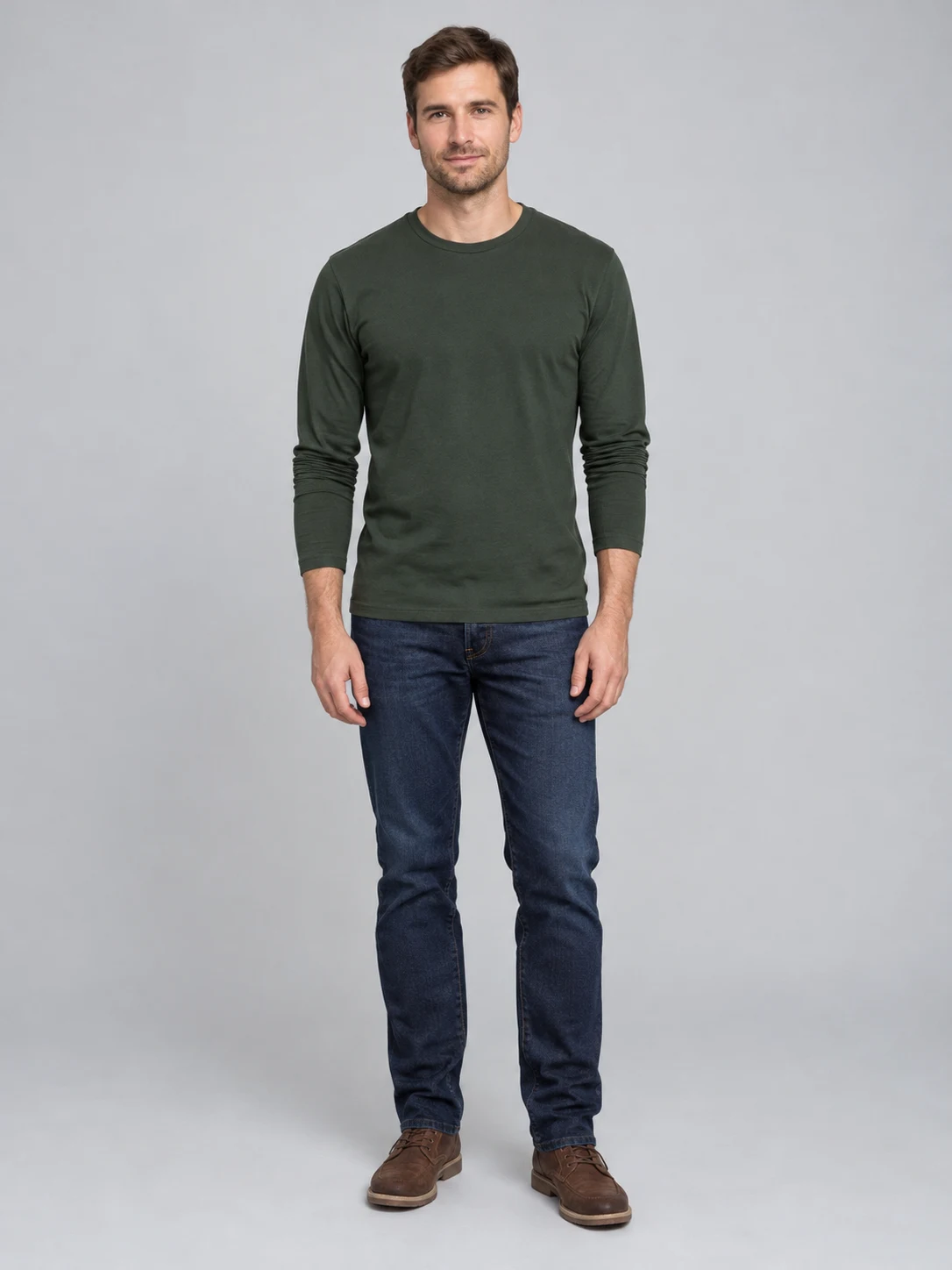
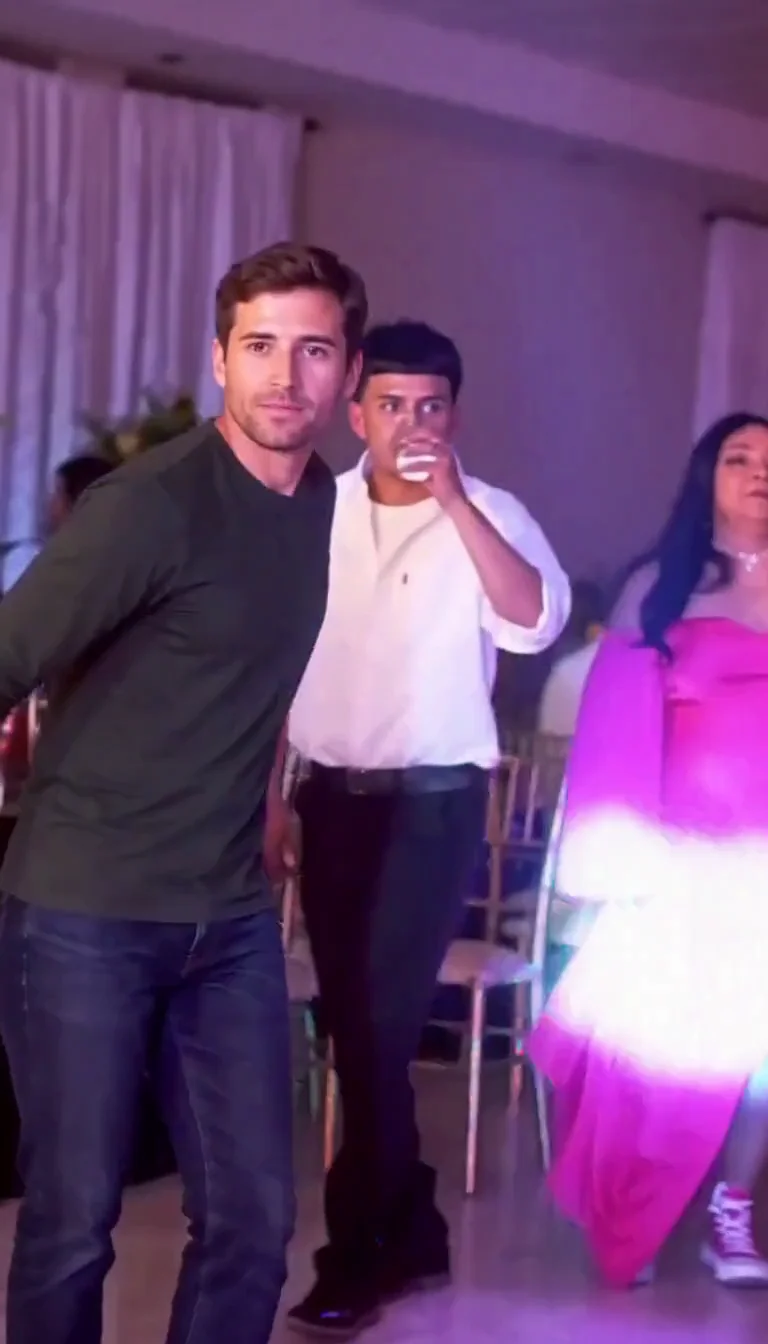
Dime Dime Baby AI uses your photograph to personalize the foreground performer in a fixed party scene. The video opens with the adult moving forward through a busy hall, with guests behind them and warm changing lights. Choose a photograph with a readable face, visible shoulders and recognizable clothing. A front-facing or gently angled view gives the preset a useful identity reference. Avoid sunglasses, hands across the face, extreme shadows and several people in the same image. You do not need to record the dance yourself or upload a second video. This version supplies the same performance reference for every request. The displayed example begins with a fictional adult in a green sweater and jeans. The result carries that appearance into the party while following the approach toward the lens. Review the opening frames to check the face and outfit rather than judging the result from its poster alone.
Keep the bread-bite moment in the sequence
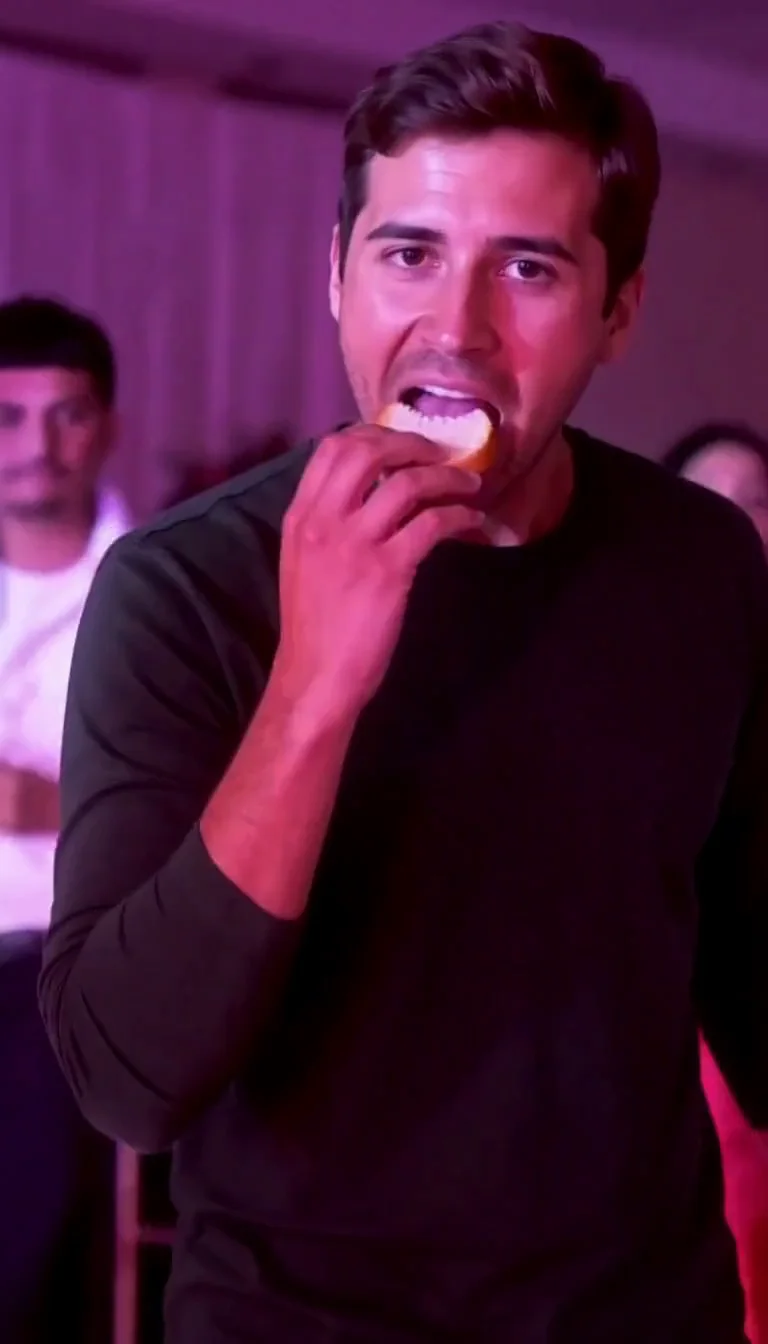
The central moment in Dime Dime Baby AI is a small interaction, not simply a person dancing in a room. The performer raises bread to the mouth, takes a bite, lowers it and holds a deadpan look close to the camera. The preset asks for that gesture order and the same continuous camera viewpoint. In the inspected example, the adult approaches with the bread, brings it to the lips and remains close to the lens before turning. Hands, food contact and chewing are difficult details for generated video, so watch this part carefully when your own result finishes. Check that the bread remains separate from the hand, that the face stays recognizable and that the motion fits the scene. The fixed prompt guides the performance but does not guarantee identical timing, perfect anatomy or a frame-for-frame recreation. A sharper input photo can improve the reference without making these details certain.
Watch the whole clip before you download
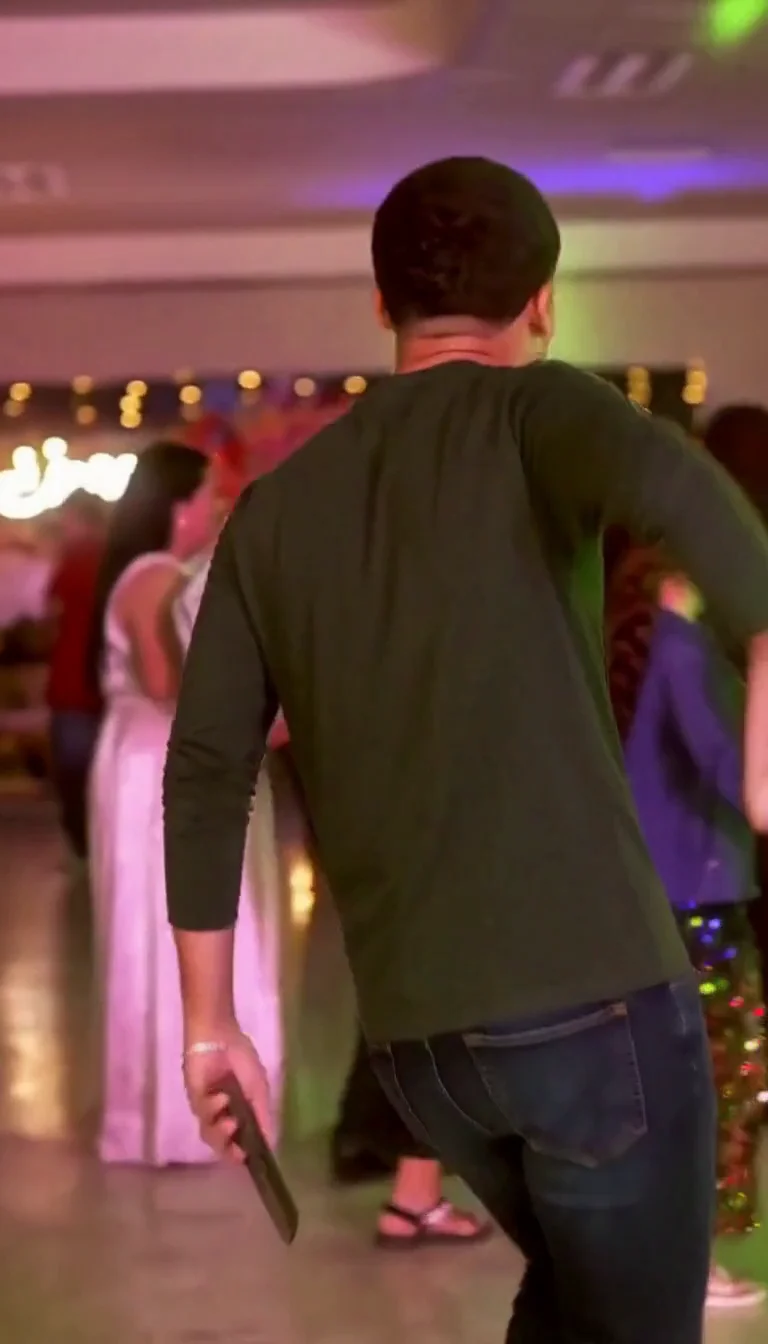
After the close-up pause, the adult turns away and moves back toward the party. This ending matters because it completes the little performance instead of stopping at a face close to the camera. Dime Dime Baby AI requests one continuous vertical clip of about ten seconds, with generated sound following the scene. The actual example is a 768 by 1344 MP4 with an audio track. Dimensions and duration may vary slightly between outputs. Listen as well as watch: the preset does not promise a particular licensed song, exact original recording or a specific spoken line. Once the request has completed, use Download in the result area to save the video. Your completed creation also remains in your account history. Opening or downloading that same completed result does not start another generation. A new request uses another 92 credits, even if you reuse the same photograph.
Prepare your Dime Dime Baby AI photo
One clear adult photograph is enough. The fixed reference supplies the performance and party setting.
Your appearance
Make the person easy to identify
When to use it
You want your permitted adult photo in the party scene.
What it produces
One personalized foreground performer in a vertical video.
- ✓One consenting adult
- ✓Clear face, shoulders and clothing
- ✓No group photo or covered face
The supplied performance
Approach, bite, pause and turn
When to use it
You want the bread-bite scene rather than a custom dance.
What it produces
An approximately ten-second clip with generated sound.
- ✓Fixed choreography and setting
- ✓Review hands and face throughout
- ✓92 credits per new video
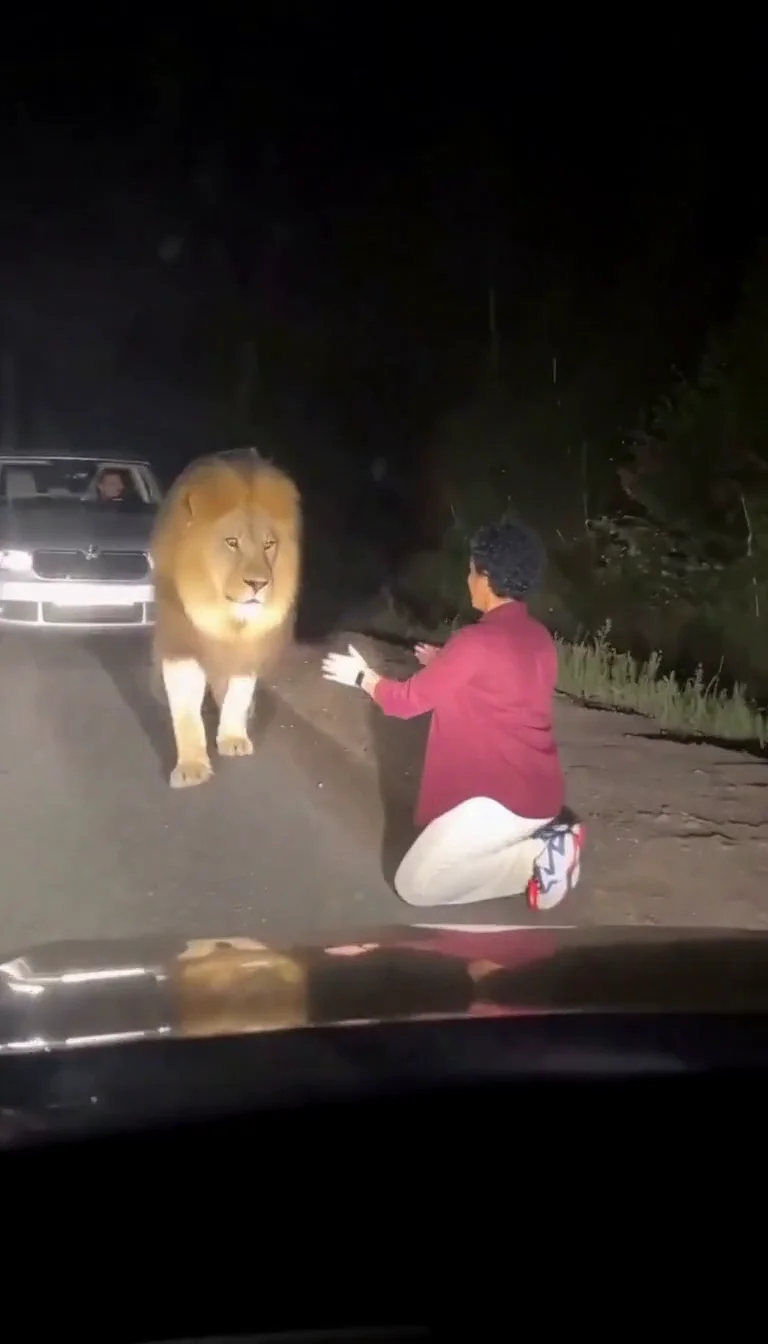
Lion Friend
Meet a calm lion on a nighttime road, stroke its mane and share a fictional embrace.
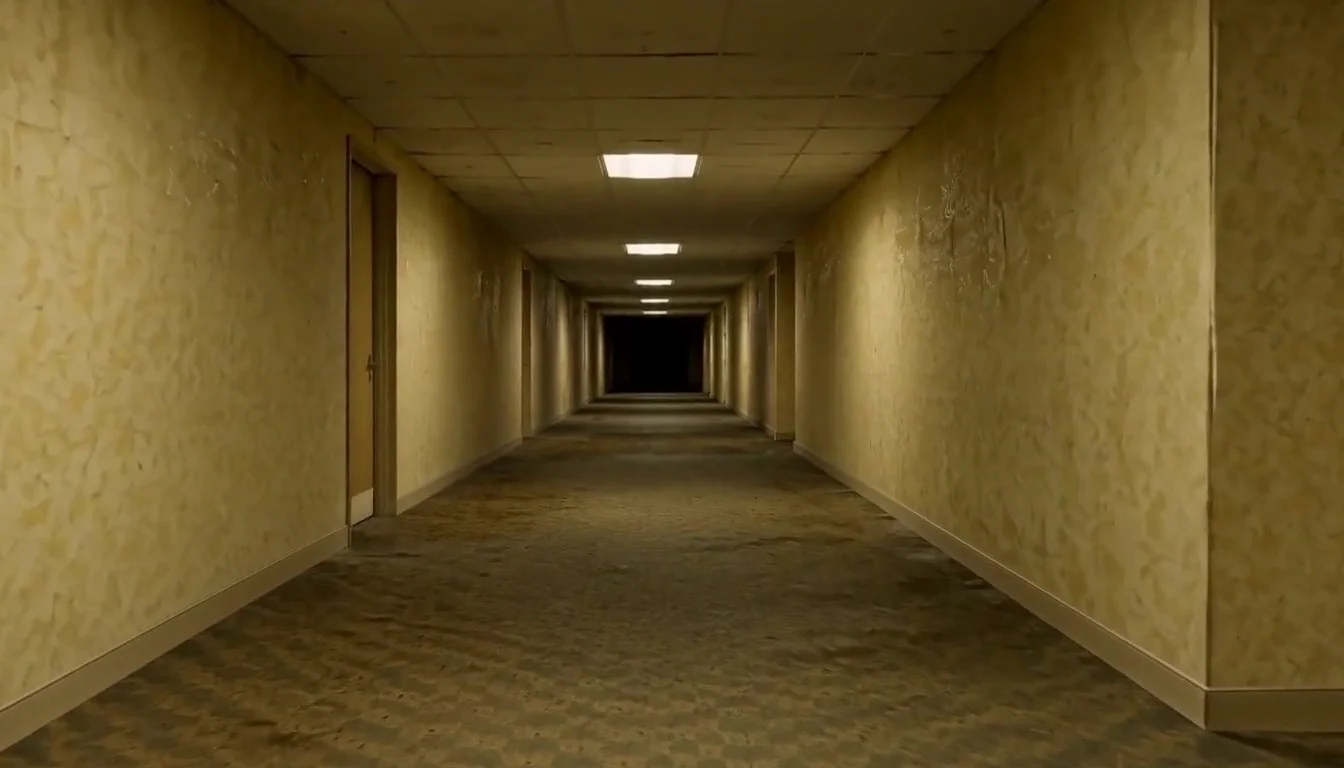
AI Backrooms
Animate your empty corridor with a slow camera push and flickering fluorescent lights.
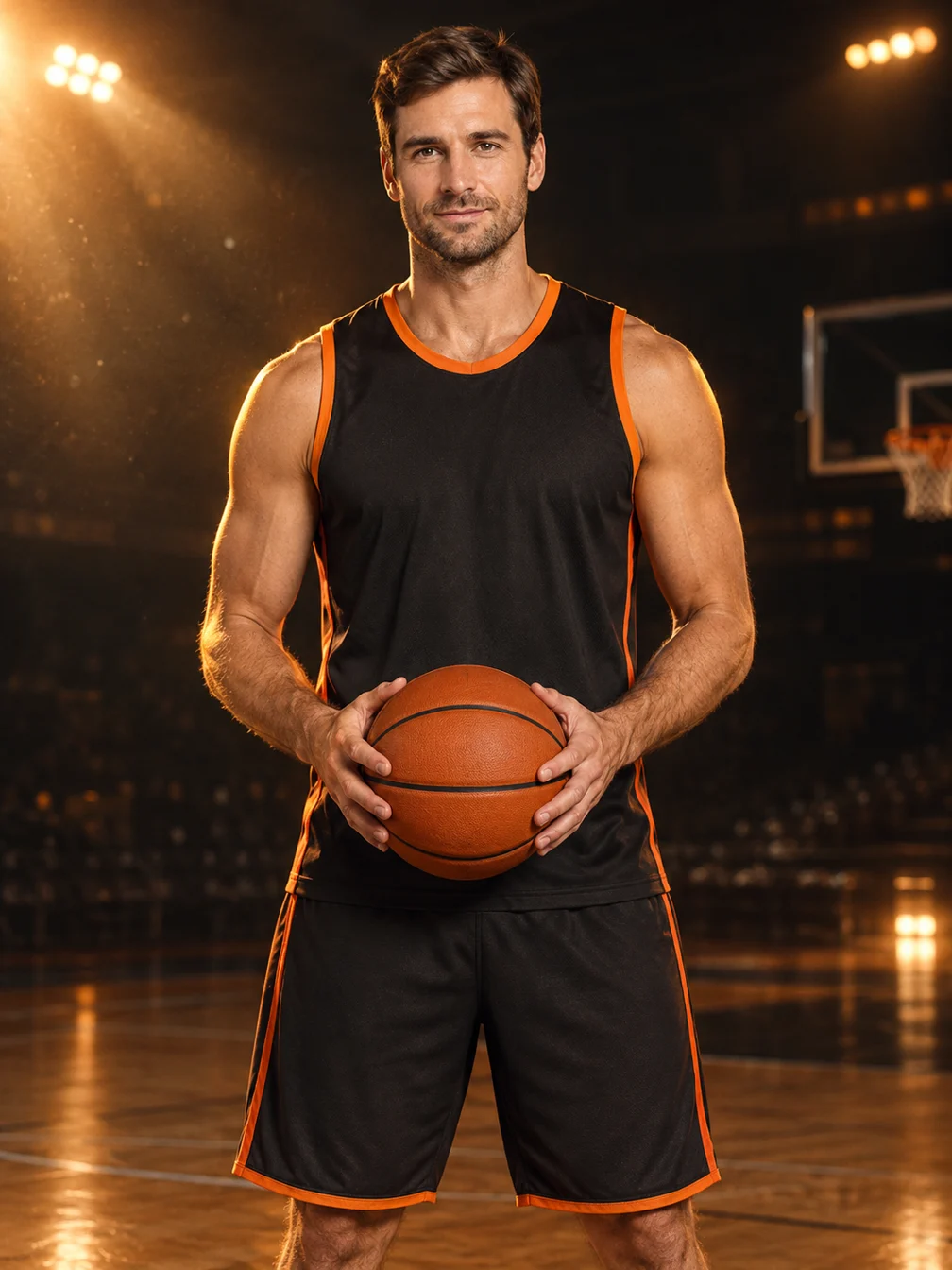
Basketball Poster
Turn your portrait into a basketball poster in arena, retro-card or neon-court style.
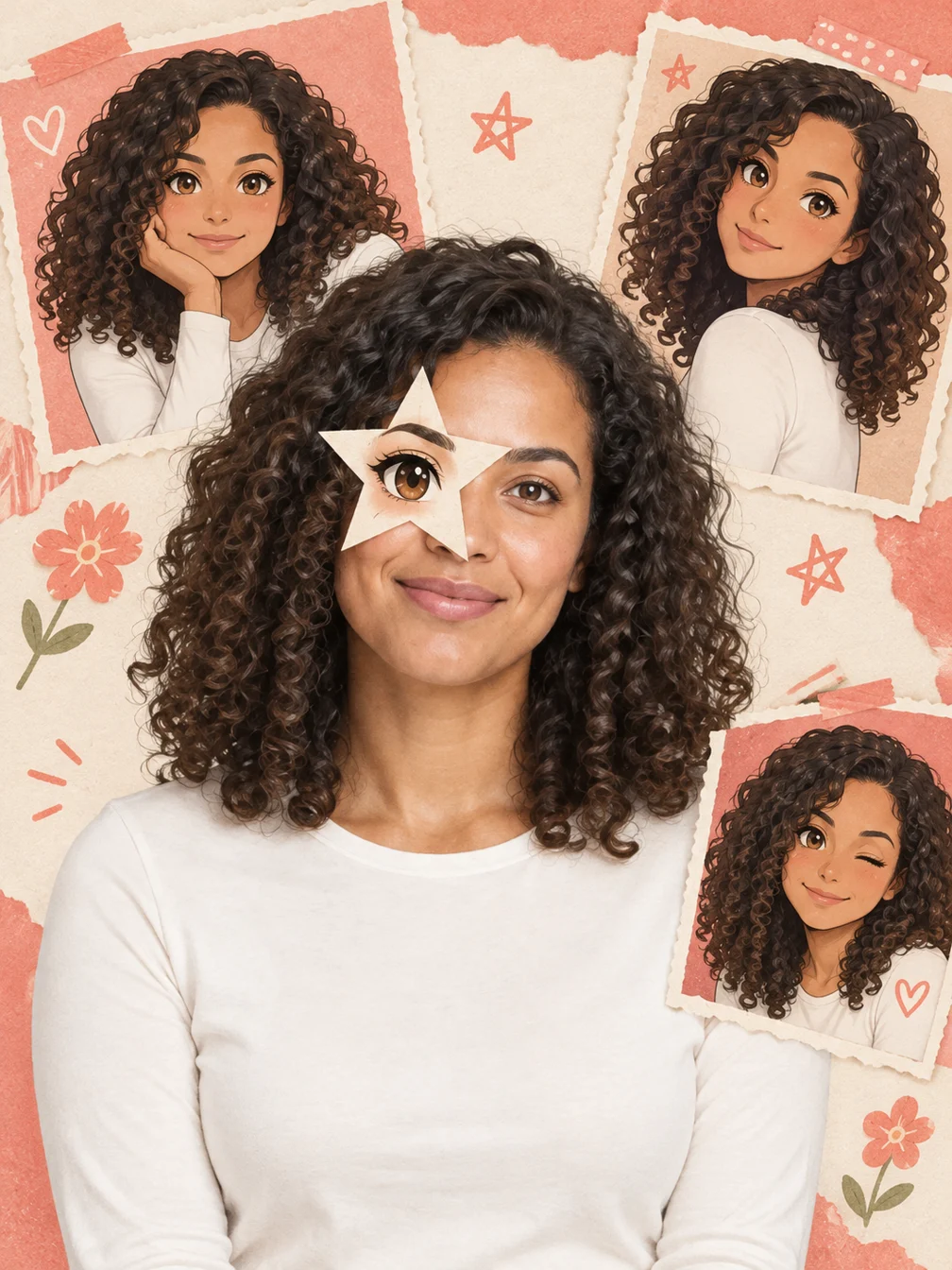
Anime Eye
Add one illustrated eye cutout and matching original anime-twin panels to your selfie.
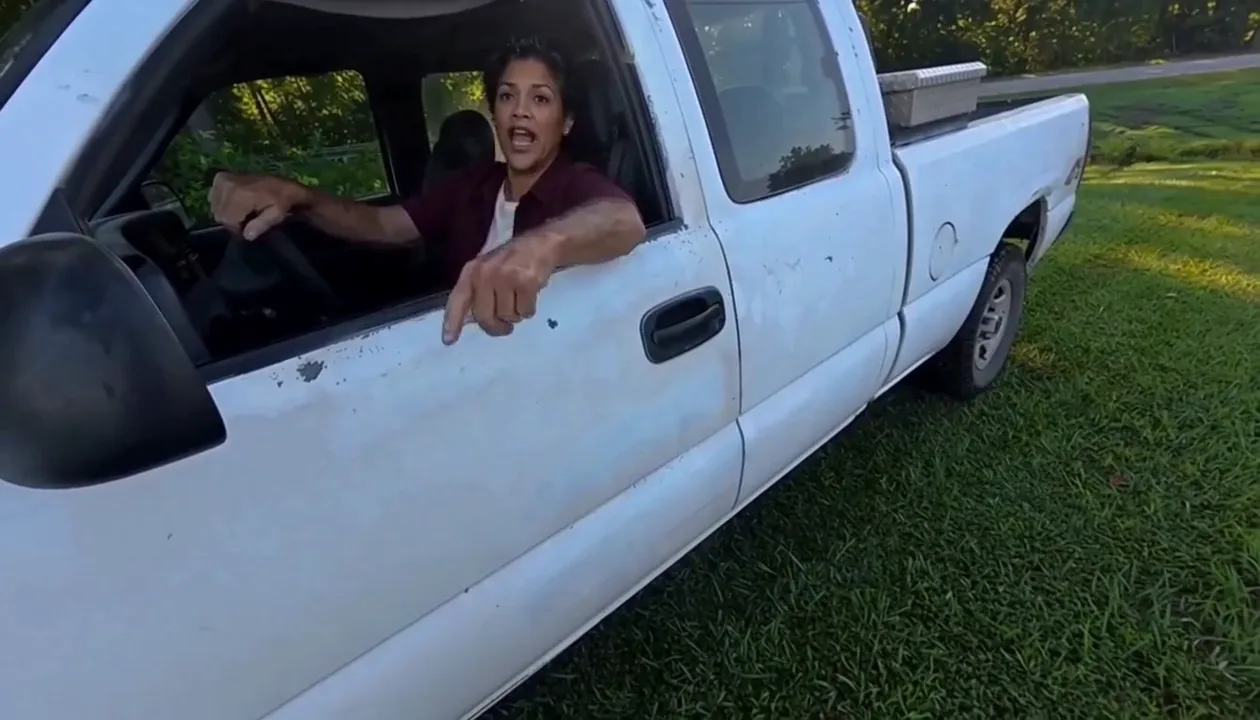
Hit Road Dude
Make a reference-guided pickup-truck meme from one adult portrait.
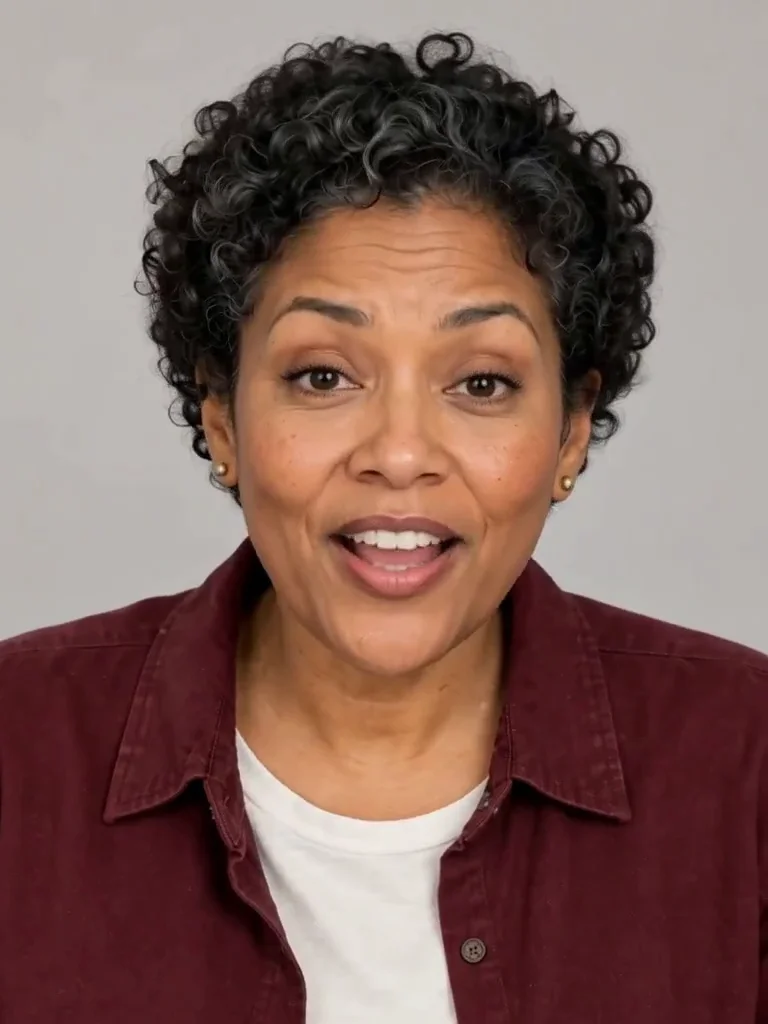
Photo to Talking
Give an adult portrait a short spoken line.
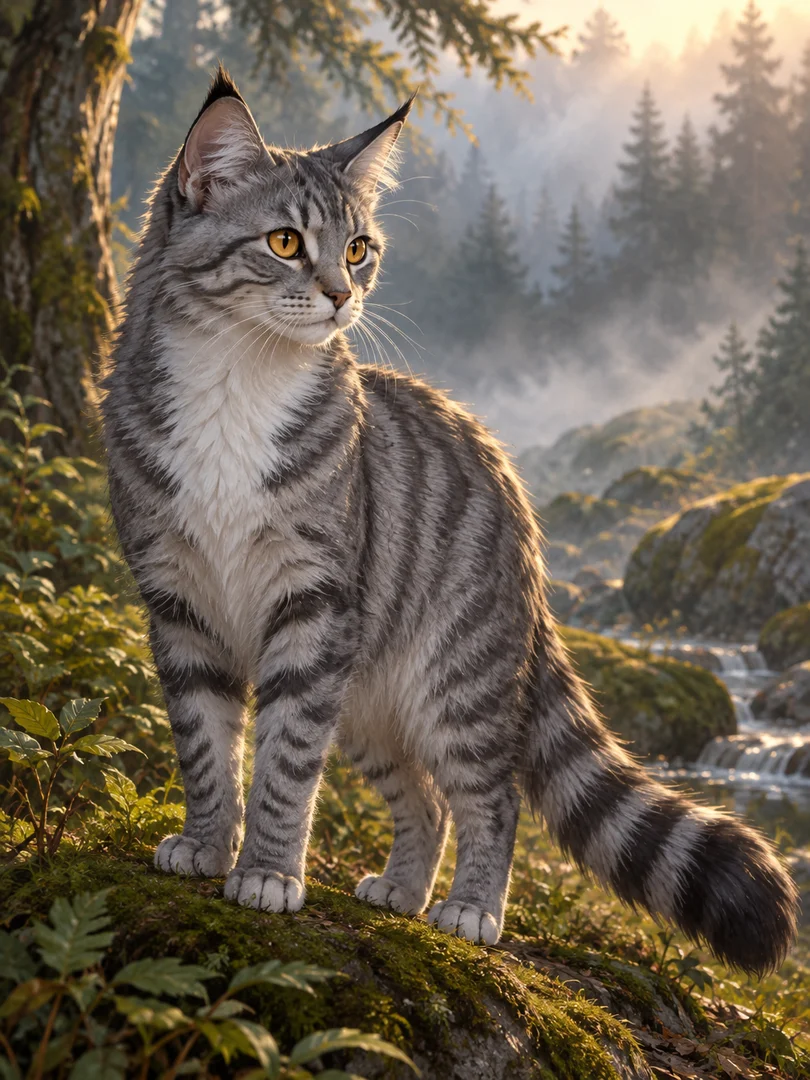
Warrior Cats OC
Design an original cat character from your description.
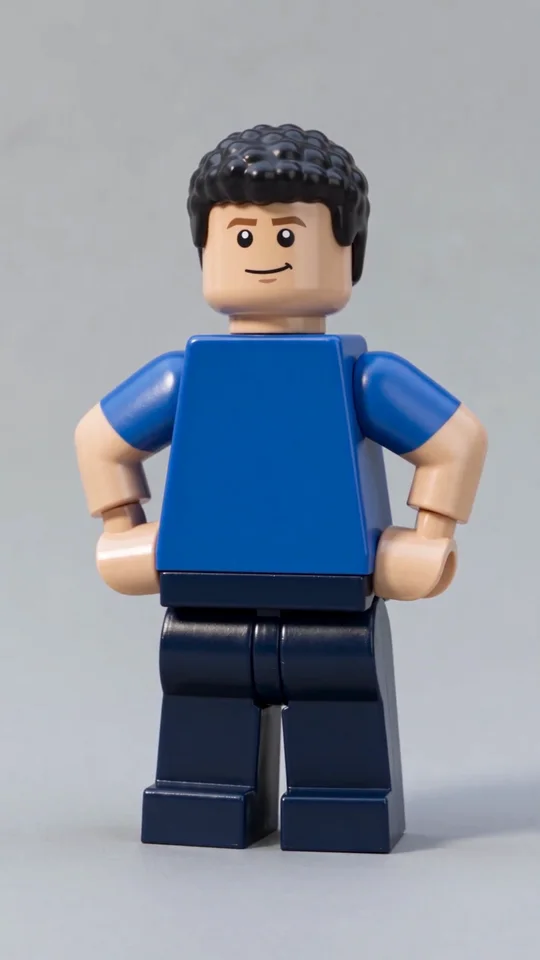
AI Lego Man
Transform one adult photo into a molded brick toy video.

GTA Style
Illustrate your portrait with bold outlines and a coastal sunset.
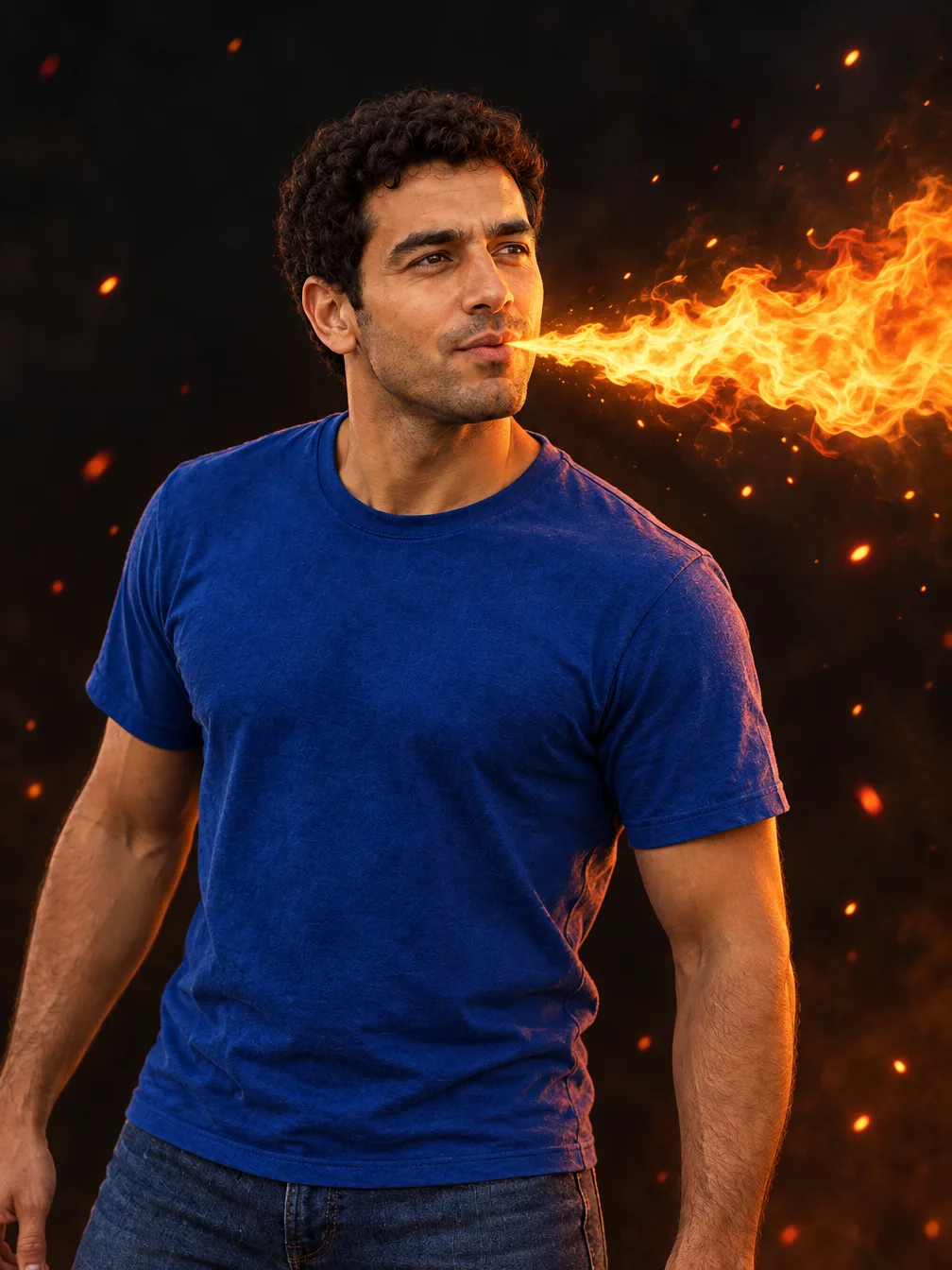
Fire Breathe
Add a fantasy flame plume and warm light to a portrait.
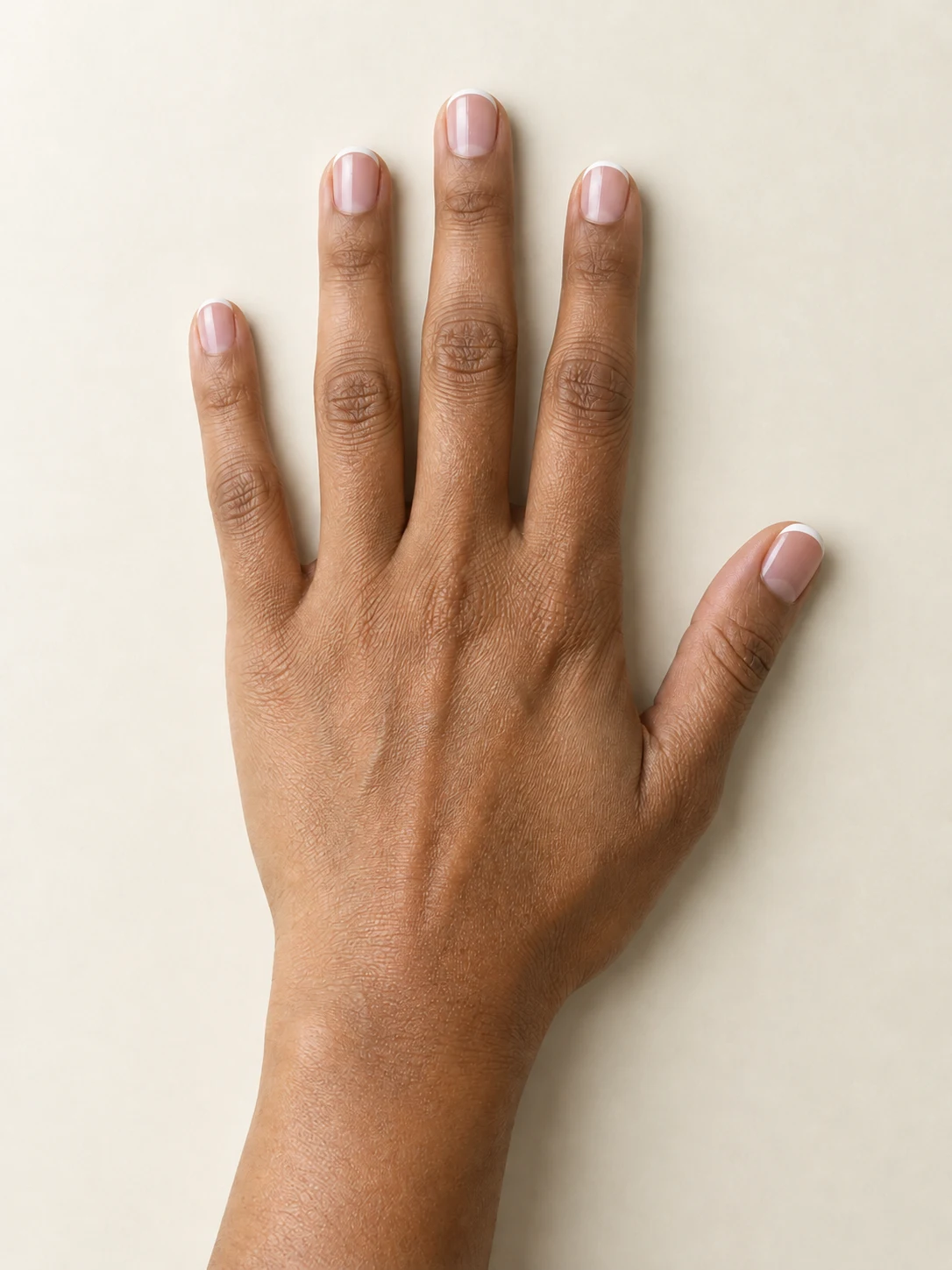
AI Nail
Preview French tips, Burgundy gloss or Pearl shimmer on your hand.

AI Bob Haircut
Preview a chin-length bob on one adult portrait.
Frequently asked questions
What is Dime Dime Baby AI on ClipTrend?⌄
It is a photo-to-video preset for a specific party performance. Upload one adult photo and the preset asks to replace the foreground performer while keeping the approach toward the camera, bread bite, close-up pause and turn back into the party. The output is an obvious generated remake, not a recording of the person at that event.
Is Dime Dime Baby AI free?⌄
The displayed example is free to watch. Creating your own video costs 92 credits, shown before generation. Eligible new Google sign-ins using a Gmail address can receive welcome credits, subject to trial restrictions, but the welcome grant alone is not enough for this preset. Check your balance before starting. Watching the example or downloading an existing result does not spend generation credits.
Do I need to upload a dance video or a bread photo?⌄
No. This version takes one adult photograph. The supplied video reference guides the party setting, camera viewpoint and performance. There is no custom dance-reference upload, separate bread-image field or custom prompt box. Choose a photo with the intended adult clearly visible and use a picture you own or have permission to animate.
Will the result preserve my face and clothes exactly?⌄
The preset asks to retain the supplied adult’s face, hair, skin tone and clothing across the full clip. The inspected example keeps the fictional adult’s recognizable appearance and green sweater. Generated identity, hands, food interaction and background details can still change. Review the complete video rather than assuming the preview guarantees every detail.
Does it include the original Dime Dime Baby song?⌄
The preset generates sound following the party scene and performance. It does not promise an exact licensed song, the original sound recording or a particular vocal performance. Listen to your finished output before sharing. If you add music elsewhere, choose audio you are permitted to use for that destination.
How long is the video and how do I save it?⌄
The preset requests a ten-second vertical video at 768p-class resolution. The inspected example is a 768 by 1344 MP4 with generated audio and runs for about ten seconds. Wait for completion, play the result and select Download. You can return to the same completed creation through your account history without paying to generate it again.
Make your Dime Dime Baby AI video
Upload one clear adult photo and preview the fixed party performance. Each new video costs 92 credits.
Create my party video