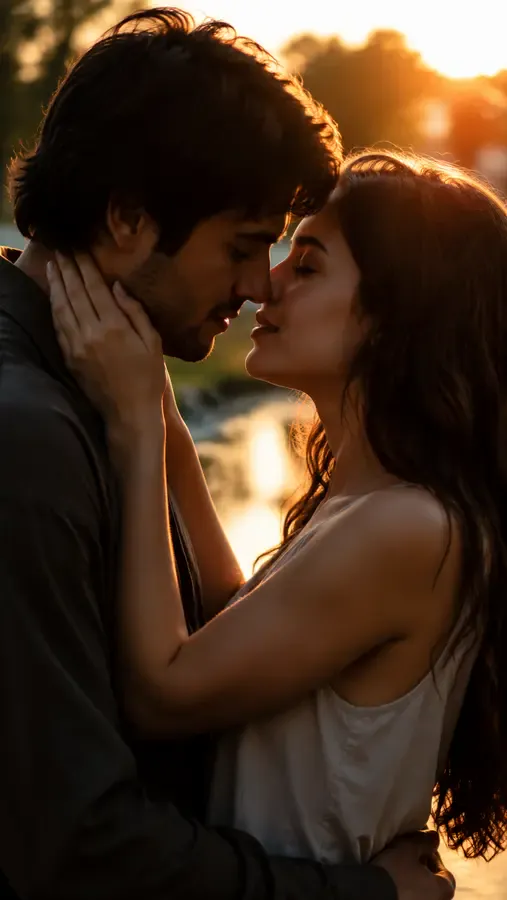
A romantic kiss, brought to life from a photo
Make two people kiss, from two separate photos
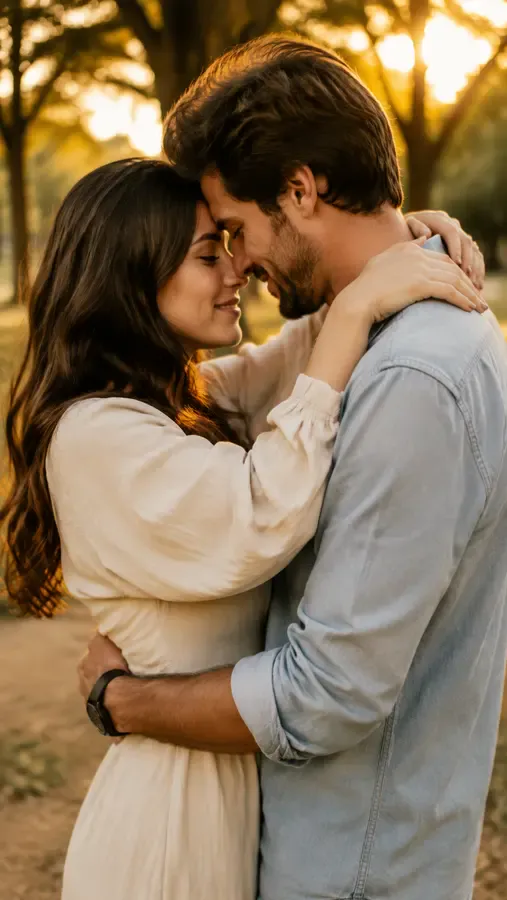
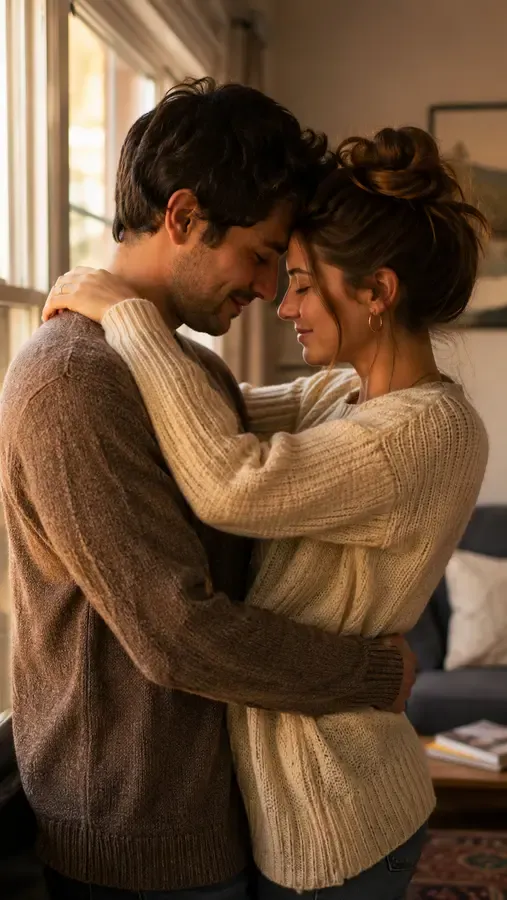
The AI kiss generator merges two people who were never in the same room into one romantic kissing frame — long-distance partners, a crush you never got the moment with, or two old photos you wish were one. Upload a clear photo of each person and it composes them sharing a single, believable kiss.
- ✓Never in the same room — bridge distance, time zones or years apart in one kiss
- ✓Both photos as exact references — each person is placed from their own shot, not invented
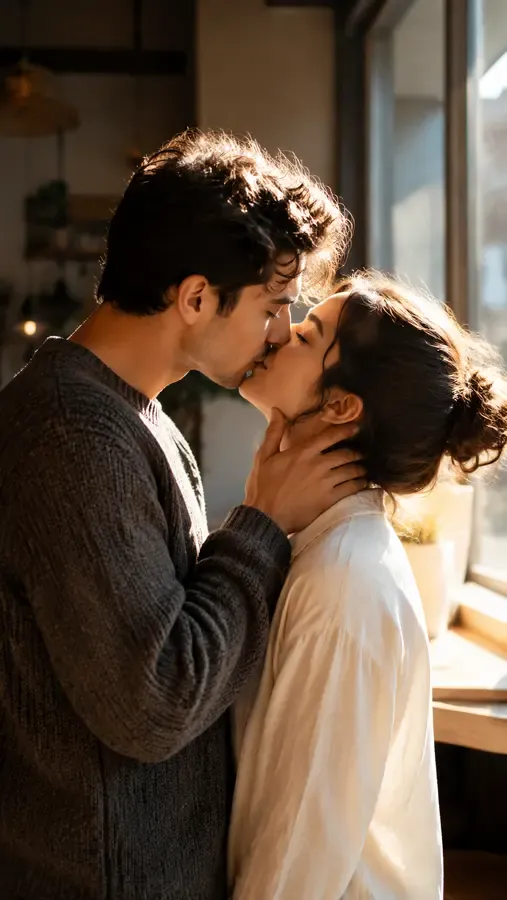
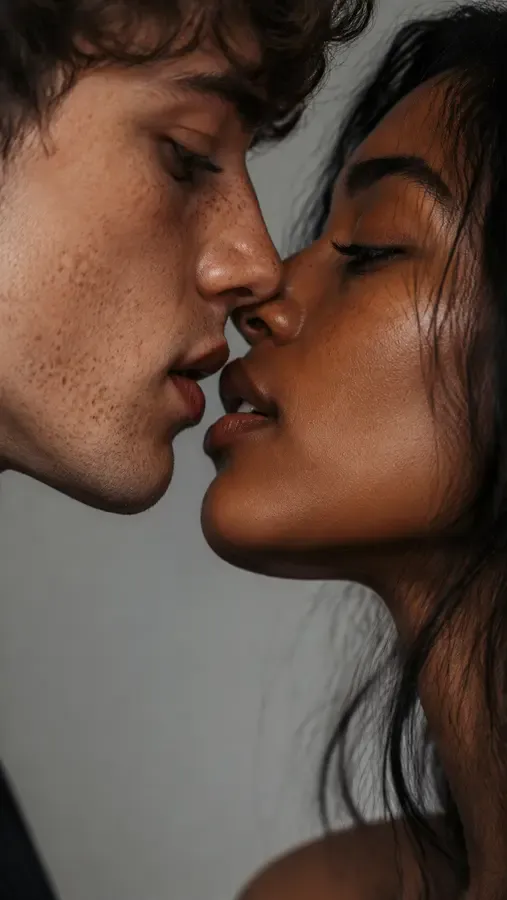
Your faces, kept exactly
This is a kiss between the real people — not a face swap and not a blend. Each face, hairstyle, skin tone and outfit is referenced from its own photo, so everyone still looks like themselves. The AI kiss generator composes natural, tender contact and soft, romantic lighting instead of morphing one face into another.
- ✓No swapping, no averaging — per-person fidelity from each uploaded photo
- ✓Tender, believable contact — natural proportions, perspective and soft romantic lighting
Set the kiss anywhere
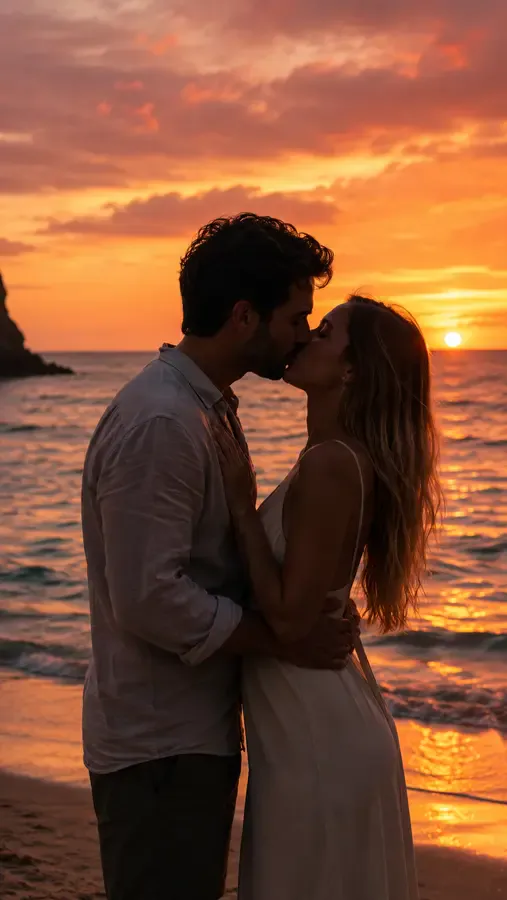
Keep the setting from either photo, or describe a scene of your own — “a sunset beach,” “a cozy living room,” “falling snow.” The kiss is composed into the background you choose, so the moment feels like it really happened somewhere together.
- ✓Keep a photo’s setting — use Photo 1’s or Photo 2’s background as-is
- ✓Or describe your own — type any scene and the kiss is placed inside it
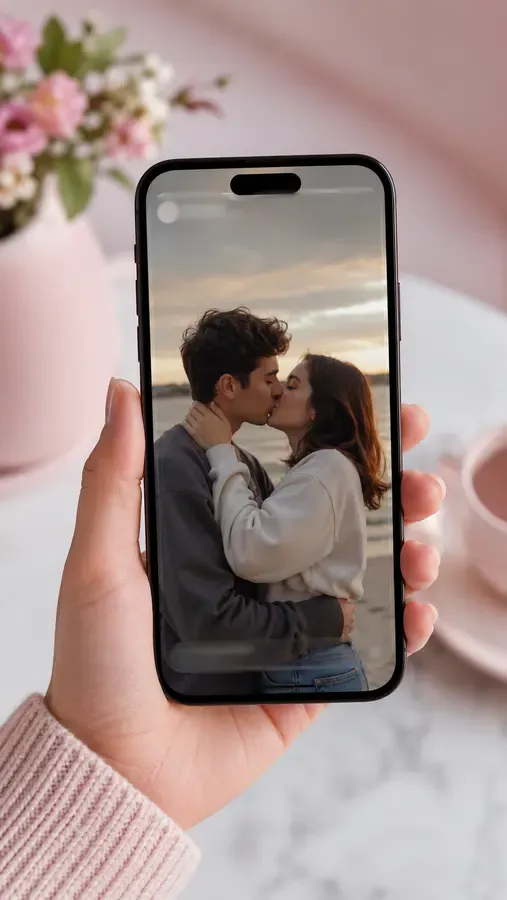
One click, ready for Reels & TikTok
Out comes a short 6-second, 9:16 vertical MP4 of a soft, romantic kiss — exported with no ClipTrend watermark. It’s sized for Reels, Shorts, TikTok and stories, or a private message to the person you miss. Try it free to start, no card required.
- ✓Vertical 9:16 MP4 — a 6-second clip sized for Reels, Shorts and stories
- ✓No watermark — a clean file you can post or send to your partner
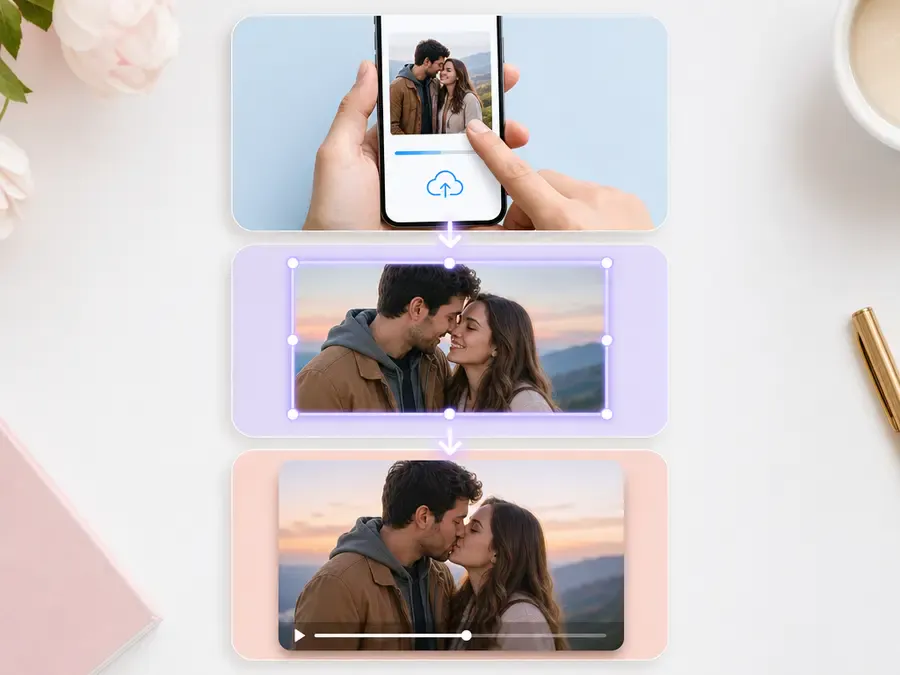
From photo to kiss video in three steps
No editing skills and no timeline. The AI kiss generator does the compositing and animation — you just pick photos and press one button.
- ✓1 · Upload your photo(s) — one couple photo to animate a kiss, or two people to merge into one kissing frame.
- ✓2 · Pick a mode & background — the number of photos chooses the mode; with two photos you also pick the scene.
- ✓3 · Generate & download — get a watermark-free kiss video in seconds, ready to save and share.
Kiss styles people love to make
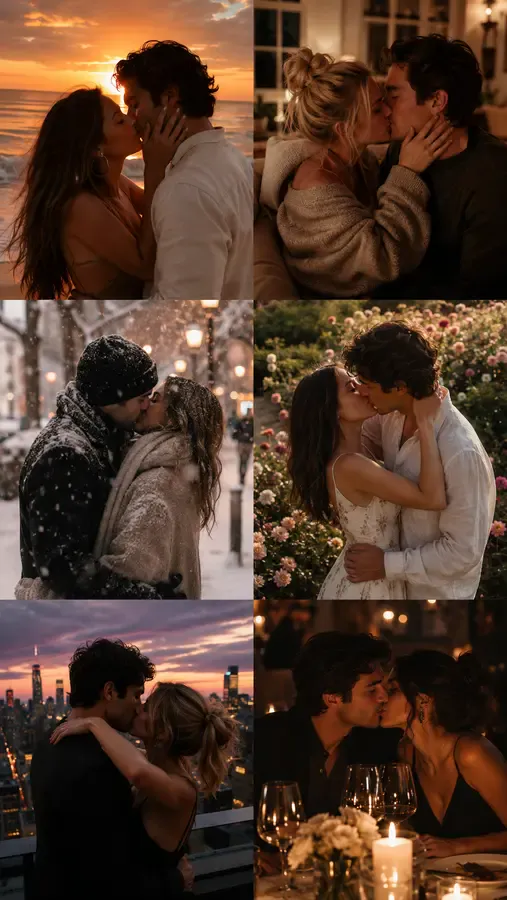
One AI kiss video, many moments. Here are the kiss styles people reach for most — each one starts from the same simple upload.
- ✓Couple kiss — bring two partners into one tender kiss, even from separate photos.
- ✓French kiss — a slower, deeper romantic kiss for a more intimate feel.
- ✓First kiss — recreate the moment you never caught on camera.
- ✓Long-distance kiss — close the gap for partners in different cities or time zones.
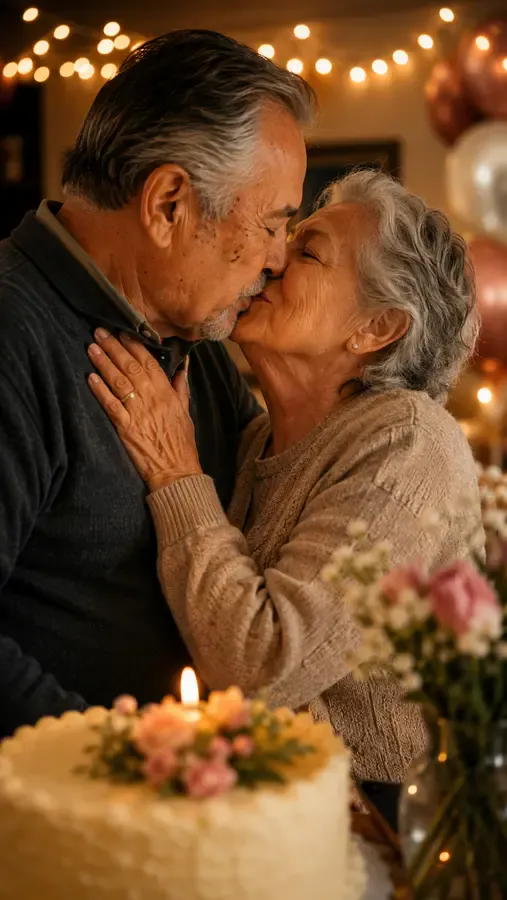
- ✓Anniversary kiss — mark a milestone with a soft, loving kiss from your photos.
- ✓Cinematic kiss — a slow, movie-style kiss set in a scene you describe.
A free way to turn feelings into a clip
Some kisses are hard to capture in real life — distance, timing, or a moment that passed too fast. This free AI kiss generator turns a still photo into a short, heartfelt kiss video you can keep and share.
- ✓Anniversaries & reunions — send a kiss to the partner you can’t be with in person today.
- ✓The moment you missed — animate a first kiss you never managed to film.
- ✓Just because — a quick AI kiss video is a sweeter “thinking of you” than a text.
1 photo vs 2 photos: which kiss mode should you use?
Two modes — the only thing that picks which one is how many photos you upload.
1 photo — animate a kiss
Bring a couple photo you already have to life.
When to use it
When the two of you are already together in one photo and you just want that moment to move into a soft, romantic kiss.
What it produces
Skips the merge step and animates your single couple photo straight into a tender kissing motion — nobody new is added, your background stays.
- ✓Only Photo 1 needed — leave Photo 2 empty
- ✓Fastest: one photo straight to an animated kiss
- ✓Keeps your photo’s own background
- ✓Great when you already have a photo together
- ✓Best for an existing couple shot you want to animate
2 photos — merge two people
Bring two separate people into one shared kissing frame.
When to use it
When two people were never photographed together — long-distance partners, friends apart, or two old photos — and you want one kiss in a single frame.
What it produces
Composes both people into one kissing photo (each face kept true), then animates the kiss. Pick the background from Photo 1, Photo 2, or describe your own.
- ✓Both photos used as exact references
- ✓Each person keeps their own face, hair, skin tone & outfit
- ✓Background: Photo 1, Photo 2, or your own description
- ✓The way to make two separate photos kiss in one frame
- ✓Best for long-distance couples and reunions
Frequently asked questions
Do I need one photo or two for the AI kiss generator?⌄
Either works. Upload one photo where the couple is already together to animate that moment into a kiss. Upload two photos to merge two different people into one kissing frame, with each person’s face kept true to their own photo. The number of photos you add is what selects the mode.
Can the AI kiss generator make two separate photos kiss?⌄
Yes — that’s the main reason to use two photos. The AI kiss generator composes both people into a single frame sharing one romantic kiss, even if you were never photographed together. Each person is placed from their own reference photo, so nobody is invented and both faces stay true.
Will the AI kiss generator change or swap our faces?⌄
No. It references each face from its own uploaded photo and is instructed to preserve every person’s face, hairstyle, skin tone and outfit — it composes a kiss between the real people rather than swapping or blending faces. An automated safety check runs on uploads before anything is generated.
Can I control the background of the kiss video?⌄
Yes. When you use two photos you can keep the background from Photo 1, keep the background from Photo 2, or choose “Describe my own background” and type a scene like “a sunset beach” or “a cozy living room.” With a single photo, the kiss keeps that photo’s own setting.
What do I get out of the AI kiss generator, and is it watermarked?⌄
You get a short 6-second vertical (9:16) MP4 of a soft, romantic kiss, exported with no ClipTrend watermark so it’s ready for Reels, Shorts, stories or a private message. Generation runs on credits, with a free allowance to start and pay-as-you-go after.
How long is the kiss video?⌄
Each clip is a fixed 6-second loop, tuned to keep the kiss smooth and natural. There’s no length slider, so you don’t have to set anything — just upload and generate. The short format is sized for Reels, Shorts and stories.
What photos work best for an AI kiss video?⌄
Clear, front-facing photos with both faces visible give the cleanest kiss. JPG and PNG both work, and good lighting helps the faces stay true. Blurry, tiny, or heavily filtered shots can lower the result quality.
Can I use the AI kiss generator on my phone?⌄
Yes. It runs in your mobile browser — no app to install. Pick a photo from your camera roll, tap generate, and save the kiss video straight to your phone.
Is the AI kiss generator free, and how do credits work?⌄
New accounts start with free credits, so you can try the AI kiss generator at no cost. Each kiss video uses a small, fixed number of credits — the exact cost is shown beside the Generate button. After your free credits, it’s simple pay-as-you-go with no subscription required.
Bring a kiss to life from a photo
Upload one couple photo to animate a kiss, or two people to merge into one frame — watermark-free, no subscription, faces kept true.
Open the AI kiss generator